
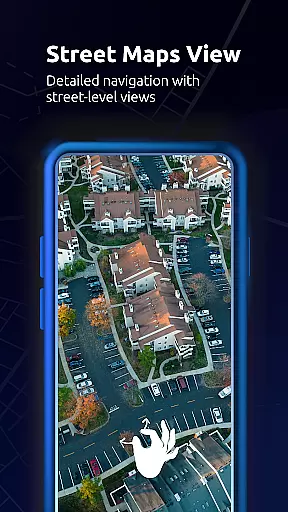
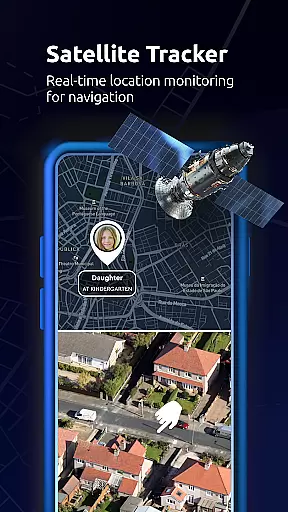
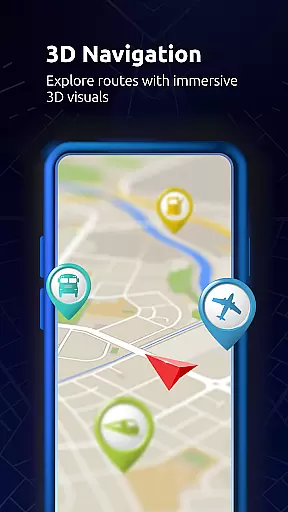
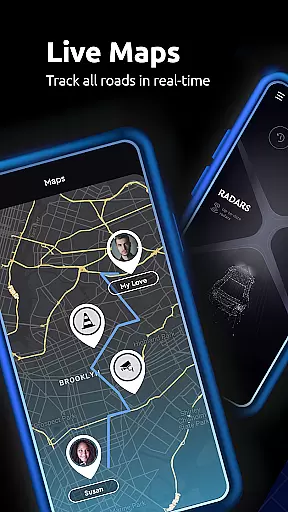

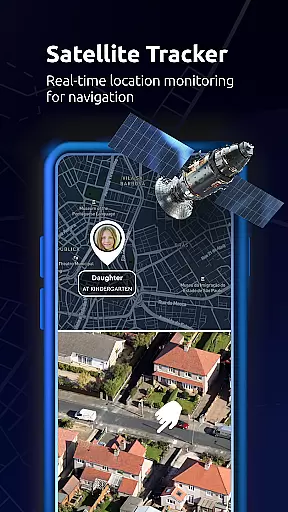
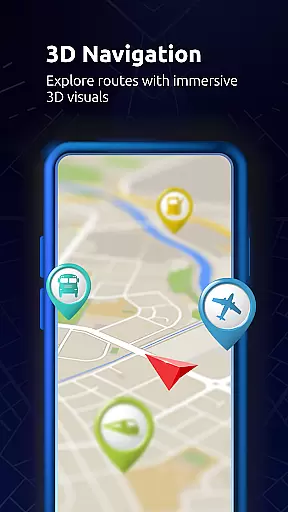
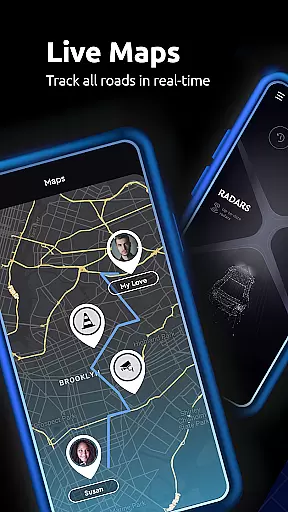

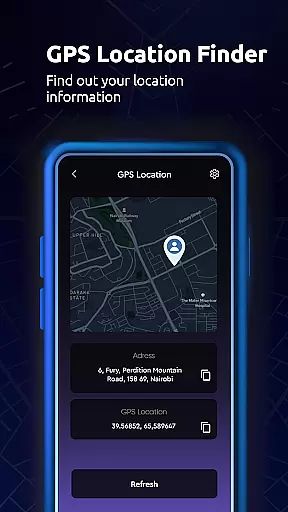
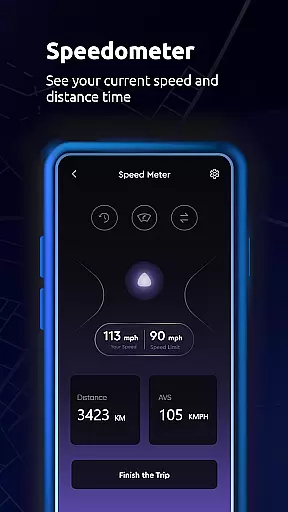
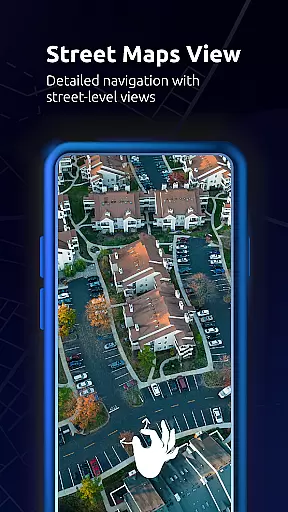
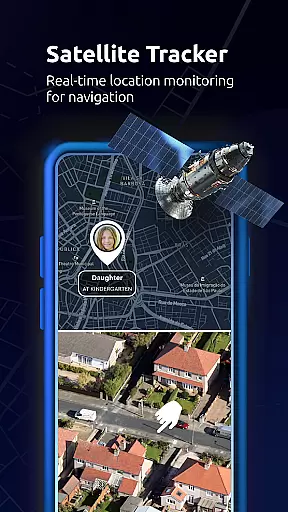
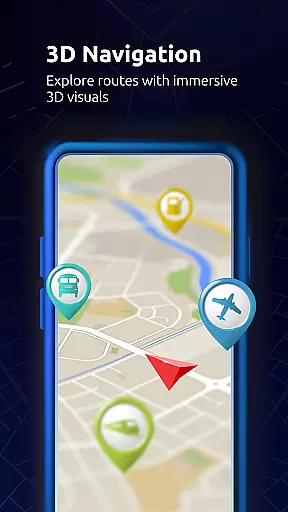
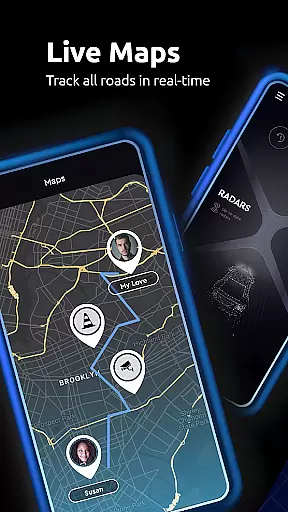
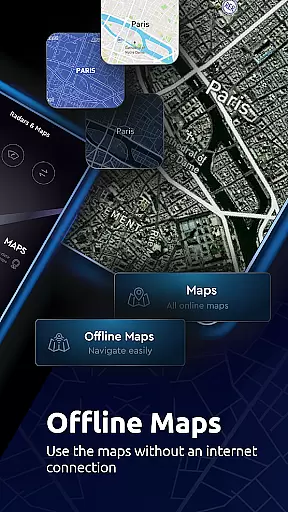

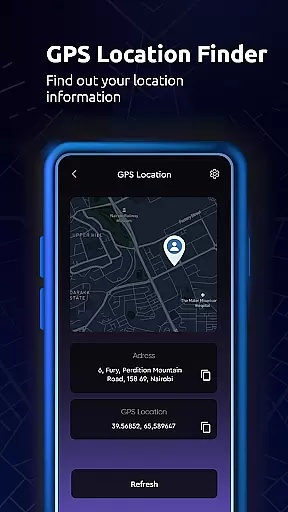
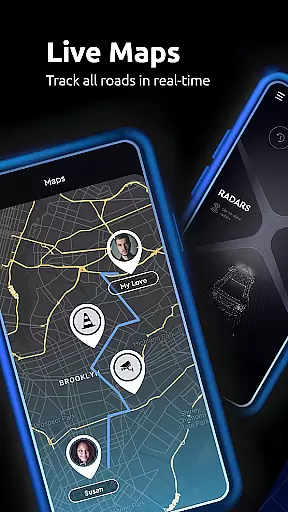

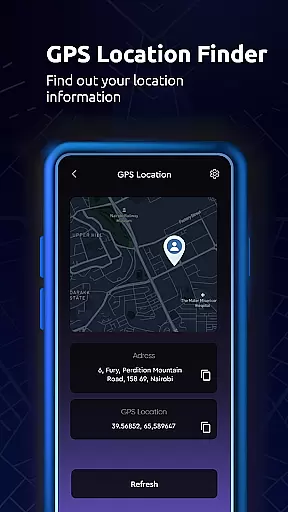
Maps All in One, Speedometer is a comprehensive navigation app designed to enhance your travel experience. The app provides detailed maps and real-time traffic updates, ensuring you always take the most efficient route. With features like offline maps, GPS navigation, and speedometer tools, it offers both convenience and reliability for all types of journeys.
In addition to basic navigation, the app allows users to save favorite locations, record GPS tracks, and create custom routes that sync across devices. Whether you're planning a road trip or commuting daily, Maps All in One, Speedometer helps you navigate with confidence while offering valuable insights into your travel patterns.
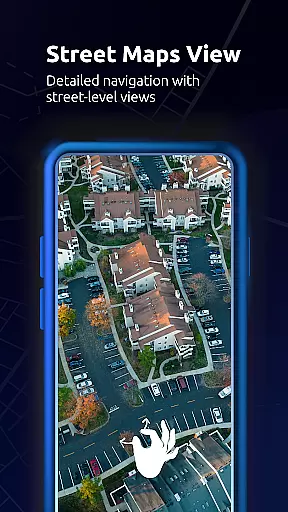
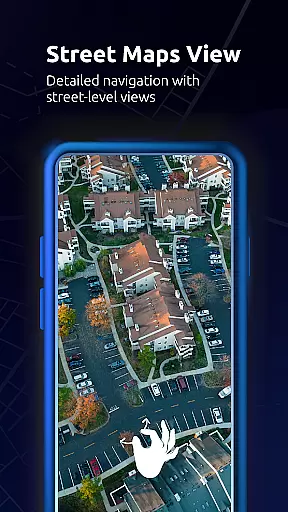
One of the standout features of Maps All in One, Speedometer is its robust set of navigation tools. The app supports various map types including road maps, satellite views, and topographic maps, catering to different user preferences. Real-time traffic alerts ensure that users are always aware of potential delays and can adjust their routes accordingly.
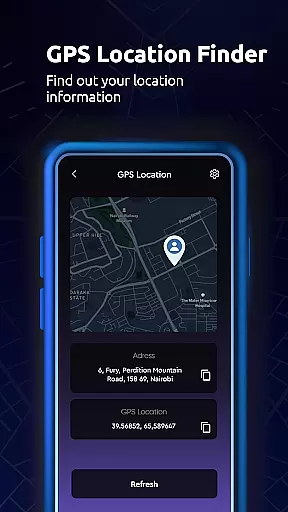
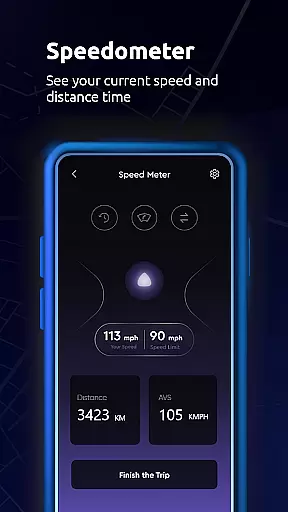
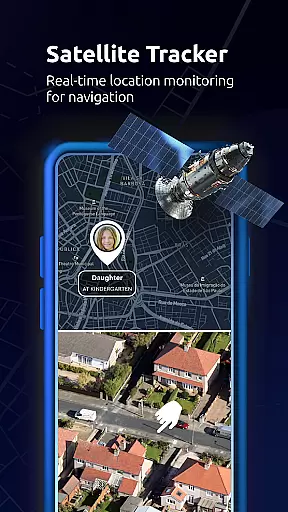
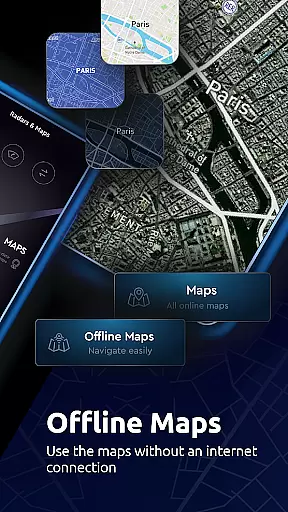
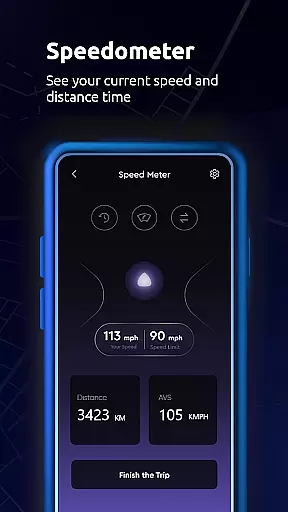
Beyond navigation, the app includes practical utilities such as a speedometer and an altitude tool, providing additional information during your travels. Users can also share their location with friends and family easily, making it ideal for group trips or safety purposes. The inclusion of offline functionality ensures that you remain on course even without an internet connection.
Map accuracy serves as the backbone of any reliable navigation application, and Maps All in One, Speedometer excels in this domain. The app provides users with a variety of map types including road maps, topographic maps, satellite imagery, and live traffic updates. This diversity ensures that users can select the most appropriate map type for their specific needs.
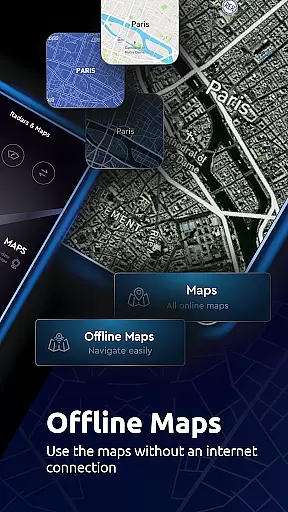
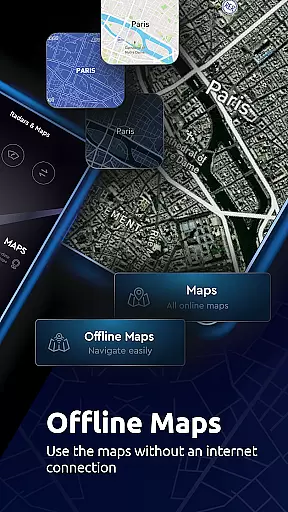
The inclusion of offline maps is particularly noteworthy. Users can download maps for areas of interest, allowing them to navigate without an internet connection while still maintaining high accuracy levels. This feature is especially useful when traveling through areas with poor network coverage or when trying to conserve data usage.
Furthermore, the app's ability to sync saved locations and routes across all devices enhances the user experience by providing consistent and accurate information regardless of the device being used. Whether planning a trip on a desktop or navigating via a mobile device, users can trust that their data will be up-to-date and precise.
With real-time traffic alerts and alternative route suggestions, Maps All in One, Speedometer ensures that users are always aware of the current road conditions. This proactive approach to navigation helps drivers avoid delays and reach their destinations efficiently, making every journey smoother and more predictable.
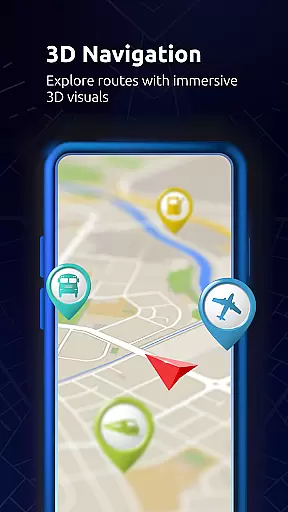
Route planning is a critical component of the Maps All in One, Speedometer app, offering users advanced tools to optimize their travel experiences. By leveraging detailed maps and GPS technology, the app allows users to create customized routes tailored to their preferences, whether they're driving, biking, or walking.
One standout feature is the ability to export planned routes directly to GPS devices, streamlining the transition from digital planning to physical navigation. This seamless integration empowers users to rely on their devices for turn-by-turn guidance, ensuring they stay on course throughout their journeys.
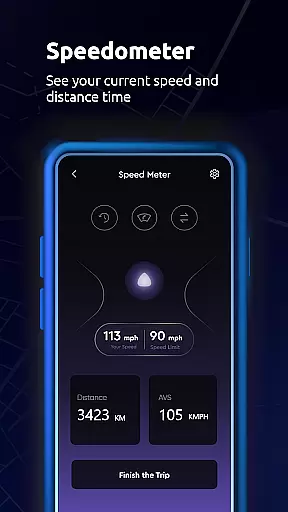
In addition to basic routing, the app offers sophisticated options like altitude tracking and speed monitoring, which are invaluable for outdoor enthusiasts and professionals alike. These tools provide insights into elevation changes and travel speeds, helping users better understand the terrain they'll encounter along their routes.
Moreover, the app's capability to store and sync trip data across multiple devices adds another layer of convenience. Users can plan trips on one device and access the same information on another, ensuring flexibility and continuity in their travel preparations. With these comprehensive route planning features, Maps All in One, Speedometer stands out as a versatile tool for both everyday commuters and adventurous explorers.
User-friendly interface
Offline map support
Real-time traffic updates
Speedometer functionality
Sync across devices
Occasional inaccuracies
Heavy on storage
Ads in free version
Complex settings
Limited customization

Start your next adventure confidently using our Accurate Compass App
 3.70
3.70
Offline maps & GPS for hiking, travel, fieldwork & outdoor adventures
4.70
Find trails, organize your locations and navigate with offline maps.
4.60
OpenCPN is a full featured ChartPlotter and Navigator for Android.
3.60
Find EV & Tesla charging stations with PlugShare
4.70
Phone Tracker and GPS Location Sharing
4.20
GPS Navigation: Get map directions and find the shortest routes to avoid delays!
4.00
Explore Earth with live GPS, satellite view & street navigation
3.60
Ride or drive at YOUR price
4.70
LIRR and Metro-North tickets and trips
4.80
Order a cab online. An affordable taxi ride and driver in no time. What a bolt!
4.80
GPS Speedometer & Odometer: Track car, bike, truck speed & distance in real-time
4.70
Track accurate speed & distance with GPS Speedometer. Check speed limit & time.
4.50
Route tracker, Speedometer, Odometer, Fuel, HUD mode, save route as .GPX
4.40
Route schedules, maps, and real-time tracking of MTA buses in New York City.
4.20
Route Planner is travel map to get turn by turn navigation & driving directions
3.90
Drive safe with real-time speed camera radar, police, and traffic alerts
3.80
Live Satellite view app for find GPS navigation Direction and live location map
3.70
Your guide to the recreational opportunities of the Bureau of Land Management!
3.40


User Reviews