
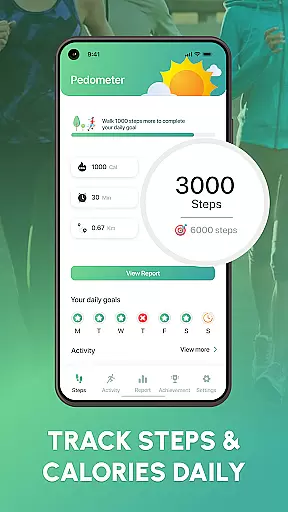
Walk Log - Daily Pedometer is a comprehensive fitness tracking application designed to help users monitor and improve their physical activity. The app's core functionality revolves around accurate step counting, utilizing advanced pedometer technology to track walking distance, pace, and calories burned.
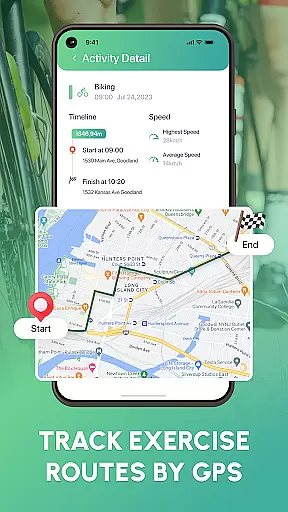
Beyond basic step tracking, the app offers goal-setting features that allow users to customize daily targets, view detailed activity reports through charts and graphs, and log various activities like running or cycling using built-in GPS. Its multi-faceted approach to fitness tracking makes it suitable for individuals looking to lose weight, stay active, or simply improve their overall health.
The app's value lies in its ability to provide users with precise fitness insights while offering motivational features such as challenges and social sharing options. This combination of accurate tracking and community engagement creates an optimal environment for building healthy habits and achieving personal fitness goals.
Walk Log distinguishes itself through a robust set of features designed to enhance user experience in fitness tracking. The app's advanced pedometer technology ensures precise step counting, while its multi-activity tracking capabilities allow users to log different types of exercises including running and cycling using integrated GPS functionality.
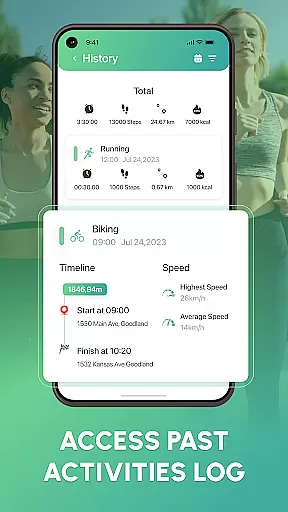
A key differentiator is the app's comprehensive reporting system, which presents users with detailed activity reports through intuitive charts and graphs. The pause and resume feature provides flexibility in tracking, while the reset counter function enables users to start fresh on their terms. These features work together to create a personalized fitness tracking experience.
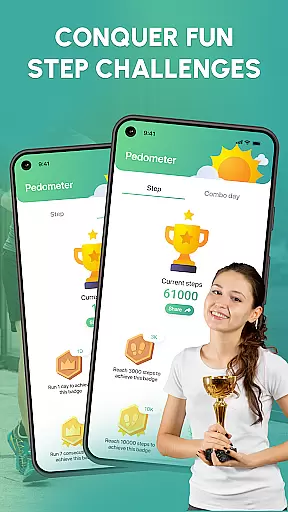
The app's innovative approach extends to its motivational features, including fitness challenges and social sharing capabilities. By allowing users to share achievements with friends, Walk Log creates a supportive community atmosphere that encourages continued progress toward health goals. This combination of precise tracking and social motivation sets the app apart from other fitness trackers.
Personalized planning in fitness applications like Walk Log refers to the ability to tailor fitness goals and routines according to individual user needs. This feature is crucial as it enhances motivation and adherence to fitness regimes by providing customized targets that align with personal health objectives.
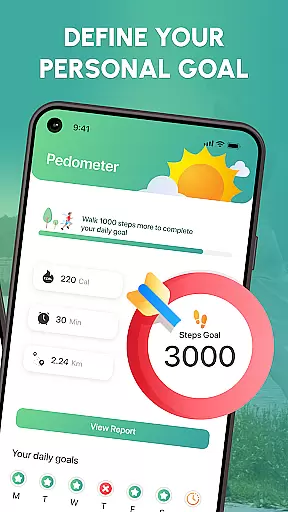
Walk Log offers personalized planning through its accurate step counter, customizable daily targets, and detailed activity reports. Users can set specific goals for steps, walking distance, and calories burned, which are then tracked and visualized through charts and graphs. The app's multi-activity tracking further allows users to log different types of exercises, ensuring a comprehensive approach to personal fitness management.
The benefits of personalized planning in Walk Log include increased user engagement and improved health outcomes. By allowing users to define their fitness milestones and monitor progress, the app fosters a sense of accomplishment and encourages continued use. Additionally, the ability to pause, resume, and reset counters ensures that users maintain control over their fitness journey.
This feature adds significant value by transforming generic fitness tracking into a tailored experience that adapts to each user's unique lifestyle and goals. Whether aiming for weight loss, increased activity, or overall health improvement, Walk Log's personalized planning empowers users to achieve their aspirations effectively.
Progress visualization in fitness apps involves presenting user data in an easily digestible graphical format, enabling users to understand their achievements and areas for improvement. This aspect is vital as it provides clear feedback on performance, motivating users to continue their fitness endeavors.
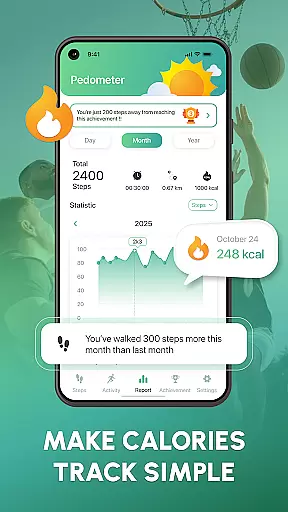
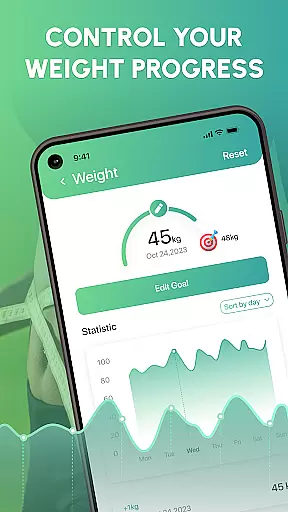
Walk Log excels in progress visualization by offering detailed activity reports, charts, and graphs. These tools display metrics such as steps taken, distance covered, pace maintained, and calories burned. The visual representation of data helps users quickly grasp their progress over time and make informed decisions about their fitness routines.
Users benefit from progress visualization by gaining insights into their fitness trends and patterns. Seeing tangible results boosts motivation and accountability, encouraging consistent use of the app. Moreover, the ability to share achievements with friends adds a social dimension, enhancing the overall user experience.
By integrating robust progress visualization features, Walk Log not only tracks but also celebrates user milestones, making the journey toward better health more engaging and rewarding. This focus on visual feedback underscores the app's commitment to helping users build healthy habits and reach their fitness goals.
User-friendly interface
Accurate step tracking
Customizable goals
Detailed activity reports
Social sharing features
Limited advanced metrics
No wearable integration
Premium features locked
Occasional accuracy issues
Basic UI design

Your Health Has Met Its App (℠)
 3.90
3.90
Chair Workout: Women's Edition for safe, flexible, and personalized fitness.
4.40
Relax to calm sounds, white noise, music, guided meditation and bedtime stories
4.40
Power-lifting, weightlifting and Wendler 531 app to track your workout program.
4.90
Enjoy the Gluten Free living with the best app. SCAN the barcodes & SEARCH.
3.60
Using Recognise™ has been shown to reduce pain and improve performance
4.3
The Crunch Mobile app - Find a gym, manage favorites, reserve & cancel classes.
4.60
Your AI pet BFF. Talk, play, and beat anxiety in this calming game.
4.60
Monitor blood sugar, gain insights, and manage diabetes with ease.
3.20
Show your support for the development of FitNotes - Gym Workout Log
4.90
You deserve easy access to important insurance information. Download for FREE.
4.70
FODMAP, Gluten, Allergy, Vegan
4.50
See what's really going on inside your head! Real time EEG graphs from your Muse
4.40
Blood Pressure Log, HRV & Heartbeat Tracker. Pulse Checker.
4.40
Fast Body building & Weight Loss. Home Workouts with Daily Coach, No Equipment.
4.30
Interval timer for High Intensity Interval Training, Tabata and Circuit Training
4.20
Turn your steps into cash, gift cards & rewards with our step counting pedometer
3.80
Make sense of your health data.
3.80
Optimization for TRT & Enhanced Athletes
4.0


User Reviews