
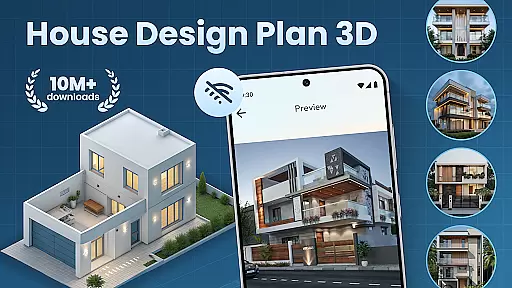
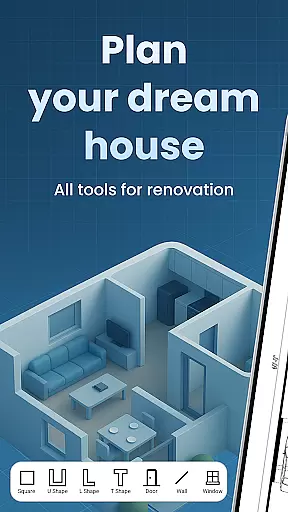
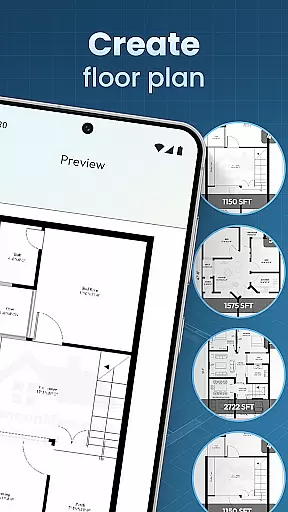
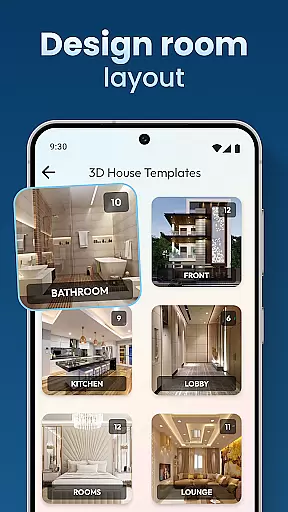
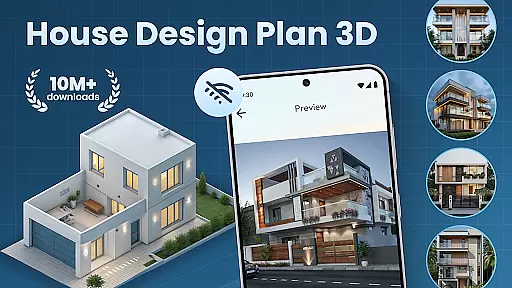
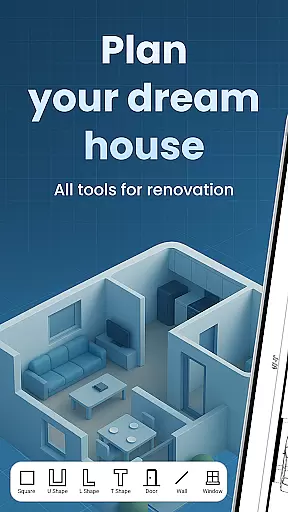
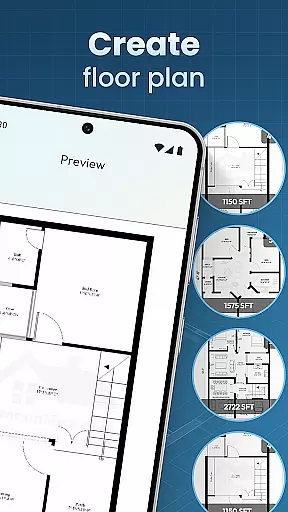
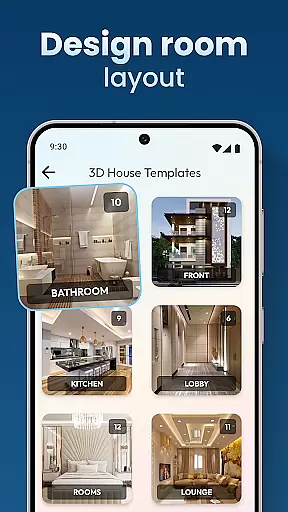
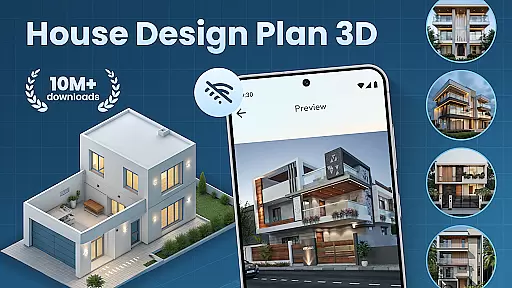
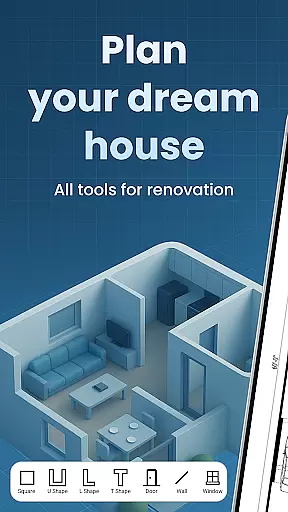
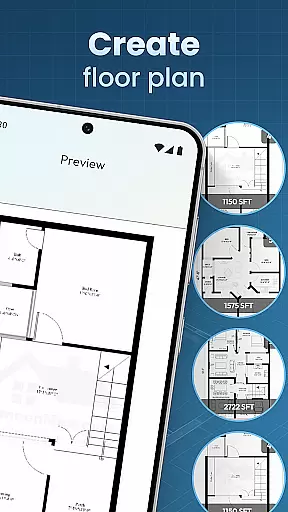
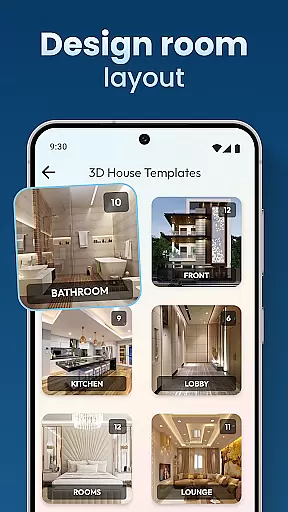
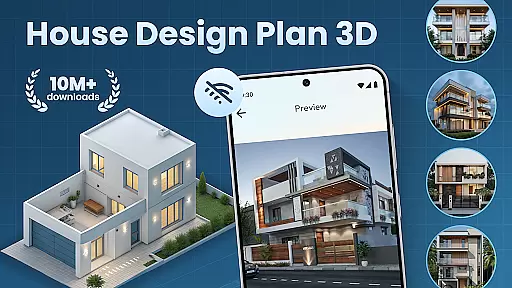
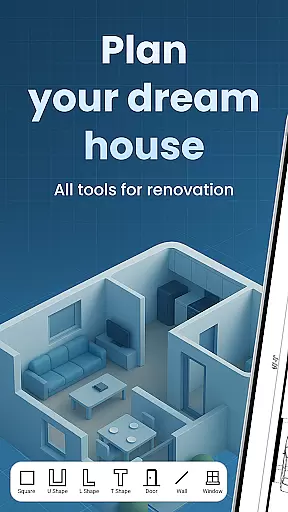
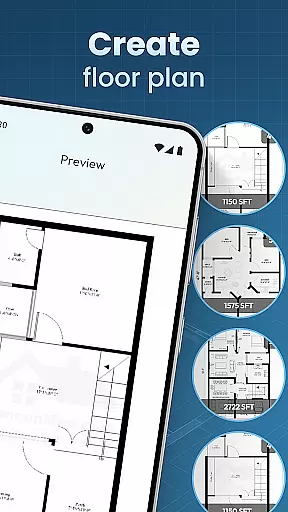
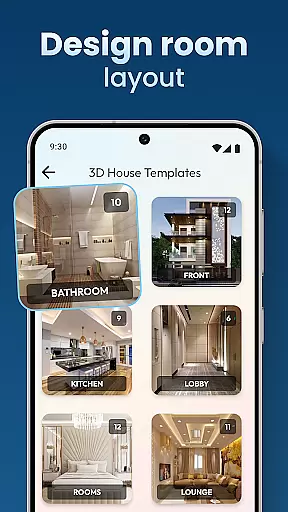
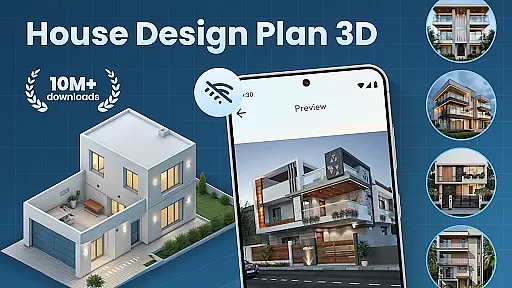
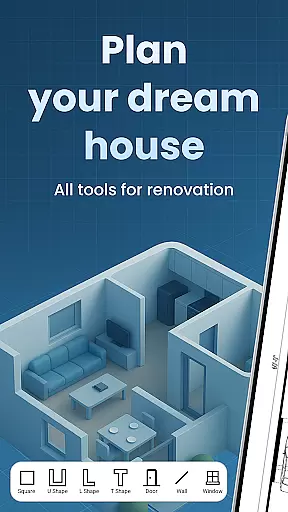
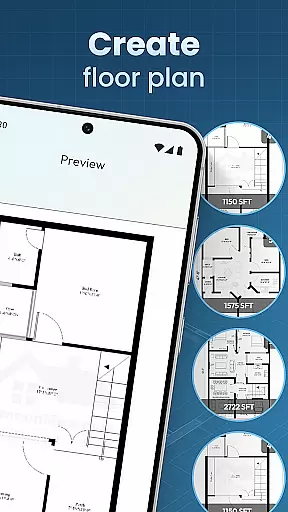
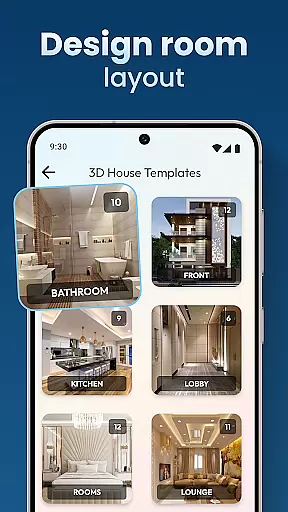
House Design Plan 3D App is a comprehensive home design tool that allows users to create detailed floor plans and visualize their dream homes in fully-rendered 3D. The app provides an intuitive drag-and-drop interface for designing room layouts, customizing interiors, and experimenting with various furniture arrangements and color schemes. Whether you're a beginner or an experienced designer, this app offers the tools needed to craft professional-quality designs.
The application stands out through its robust feature set that includes real-time 3D rendering, guided step-by-step house building assistance, and a variety of design templates. Users can save and preview projects, ensuring accuracy and precision in every design choice. With functionalities ranging from wall textures to lighting options, House Design Plan 3D App ensures that every detail of your future home can be meticulously planned before any actual construction begins.
Ideal for both personal and professional use, this app bridges the gap between imagination and reality by providing powerful visualization capabilities. From planning single-room renovations to designing multi-level houses, it enables users to bring their architectural visions to life with ease and confidence.
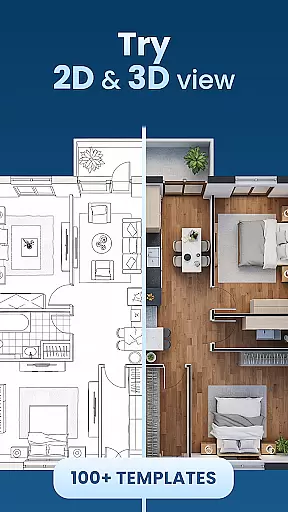
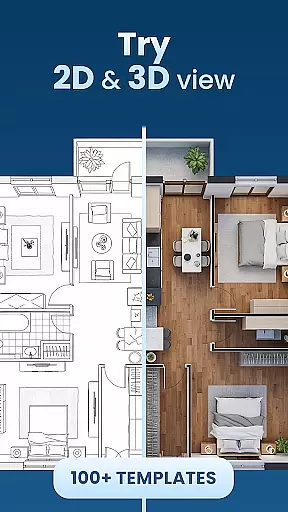
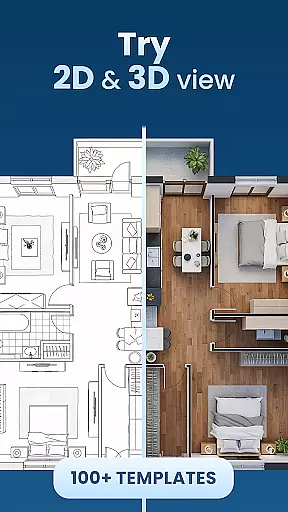
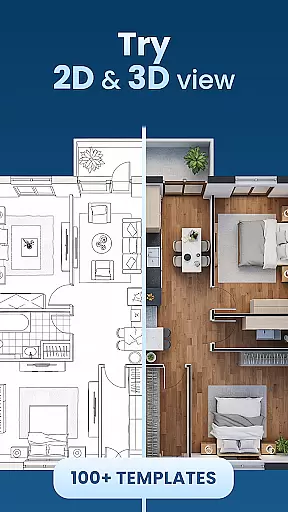
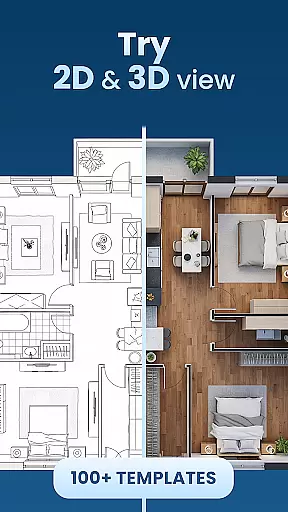
House Design Plan 3D App boasts an impressive array of features designed to streamline the home planning process. One of its standout capabilities is the real-time 3D view, which allows users to see their designs come to life as they work. This feature provides immediate visual feedback on room layouts, furniture placement, and decor choices, making it easier to experiment with different configurations and styles.
In addition to its visualization tools, the app offers a complete suite of design instruments. Users can take advantage of guided assistance to build structured floor plans step-by-step, ensuring professional-grade accuracy. The inclusion of customizable templates and detailed interior design options means that every aspect of a room's aesthetics can be personalized, from wall textures to flooring materials. These features collectively empower users to create comprehensive, realistic models of their future living spaces.
Another key strength of House Design Plan 3D App is its accessibility. While packed with advanced features, the interface remains user-friendly enough for beginners to navigate confidently. Seasoned designers will appreciate the depth of control offered over every design element, while casual users benefit from intuitive tools that make home planning approachable and enjoyable. This balance of power and simplicity makes the app suitable for a wide range of users and projects.
In the realm of house and home design, ensuring the authenticity of property listings is paramount. The House Design Plan 3D App addresses this by providing users with tools to create precise and realistic 3D models of their envisioned spaces. This app allows for detailed floor plans and structured layouts that reflect genuine property dimensions and features.
Users can craft accurate representations of rooms, furnishings, and decor, which elevates the credibility of their property listings. With real-time 3D viewing capabilities, potential buyers or renters are presented with a truthful depiction of the space, enhancing trust in the listing's details.
The app also offers guided assistance and design templates, empowering users to produce professional-grade designs without requiring extensive architectural knowledge. This ensures that even those new to design can create authentic representations of properties.
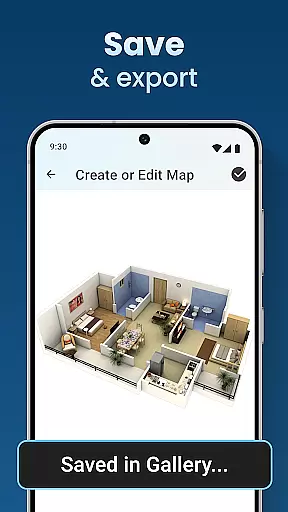
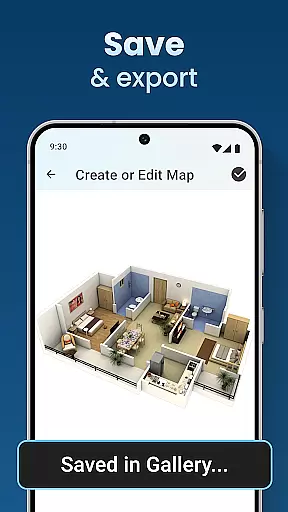
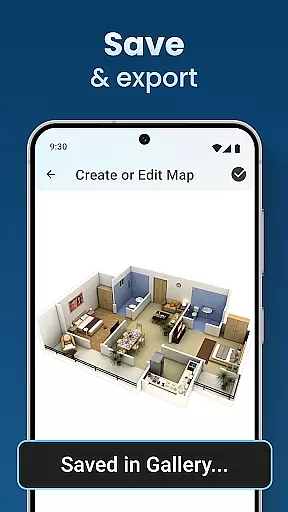
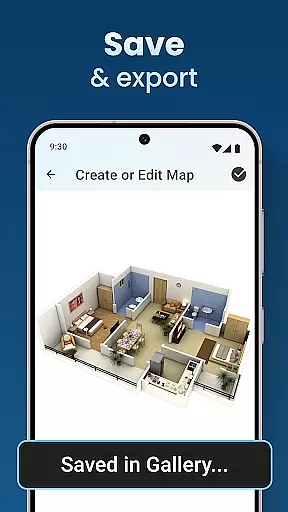
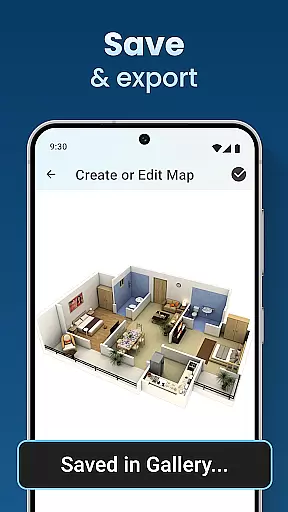
By saving and previewing projects within the app, users maintain an honest portrayal of their properties throughout the design process. This feature supports transparency and accuracy, making certain that what is displayed matches the actual property specifications.
Effective home management features are crucial for overseeing household tasks and organization. The House Design Plan 3D App provides comprehensive tools that extend beyond mere aesthetics, allowing users to manage various aspects of their homes efficiently. These include planning room arrangements, testing different furniture setups, and visualizing color schemes.
With functionalities such as drag-and-drop floor plan creation and customizable interior furnishings, users gain control over their living spaces' practical elements. The ability to modify textures, flooring, and lighting empowers homeowners to make informed decisions about their environments, optimizing both form and function.
This app caters to all skill levels, offering step-by-step guidance through its Build A House: 3D Room Designer toolset. Such support enables users to handle complex design choices confidently, whether redesigning a single room or constructing a multi-level residence.
Ultimately, these robust home management features ensure that every project meets professional standards while remaining accessible from anywhere. By integrating design with functionality seamlessly, the app transforms creative visions into tangible structures, simplifying the journey from concept to completion.
User-friendly interface
Real-time 3D rendering
Customizable design templates
Comprehensive interior tools
Project saving and preview
Limited advanced architecture tools
Occasional rendering glitches
Basic material library
No collaboration features
Some features require premium

Home Ideas | Renovation Advice | Local Pros. Go From Dream to Home with Houzz.
 4.70
4.70
An awesome mobile app for Home Security Surveillance - uses ZoneMinder
3.20
Parcel Pending Resident App
4.50
Rent on-the-go with TurboTenant’s app made just for renters
4.50
Smart AI plant care schedules, Real plant experts, support & Thriving community!
4.20
Innovative and budget-friendly housing options
4.60
Book your local plumber 24/7, track your service order & get exclusive coupons
4.00
AI Home Designer & Room Planner: Decorate your interior space with AI
4.40
WiZ smart light system
4.40
A Smarter Home in Seconds
4.70
Night Owl Protect helps you secure, protect, and connect your world!
4.60
Plants, Beauty, Collectibles
4.60
Your guide to apartments & rental homes. Find your next place to rent with AG.
4.60
Wobble Fix Tool
4.40
Control your Vivint Smart Home with the next generation Vivint App.
4.30
Turn your phone into a wifi cam with smart features and umlimited reach.
4.20
Schlage Lock Company LLC
4.00
Floor Plan Creator Home Design with 2D interior design and 3d view.
3.90
PRO Version of GLB AR Viewer
4.2


User Reviews