
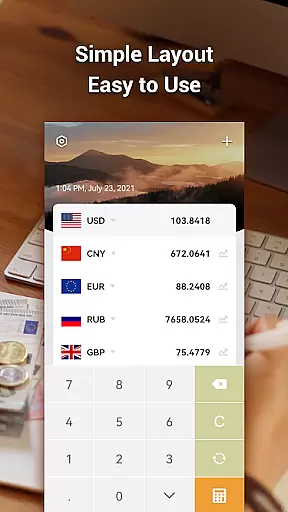
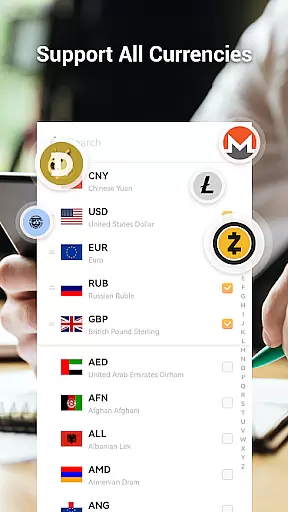

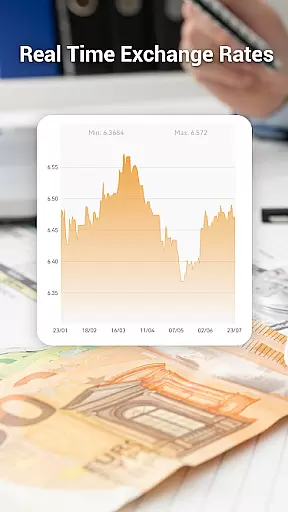

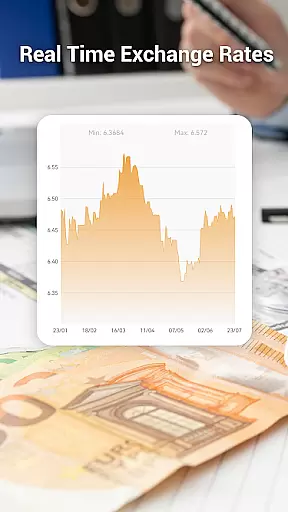
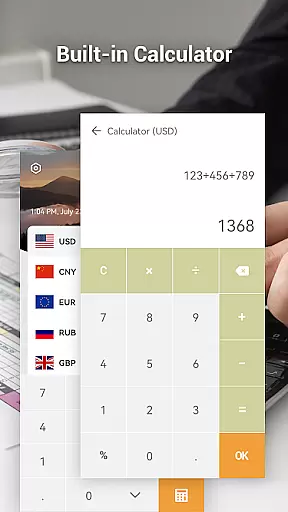
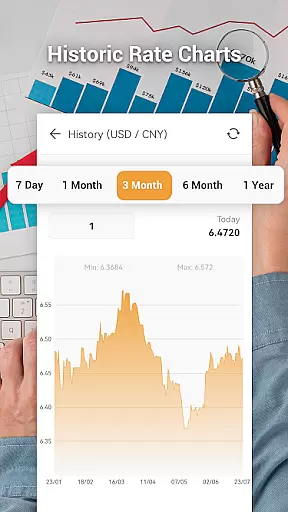

Currency Converter Pro is a powerful financial tool designed for real-time currency conversion across over 180 currencies, metals, and cryptocurrencies. This app provides users with accurate exchange rates updated every second, ensuring reliable conversions whether online or offline.
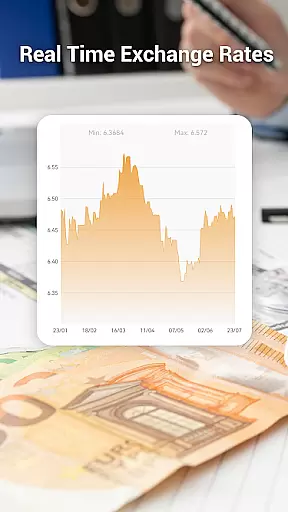
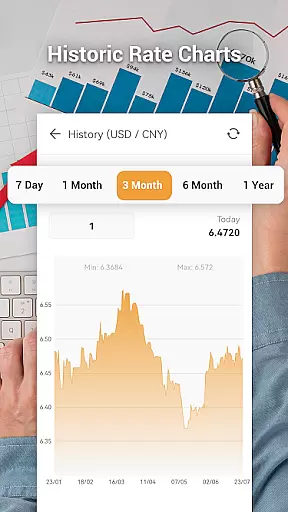
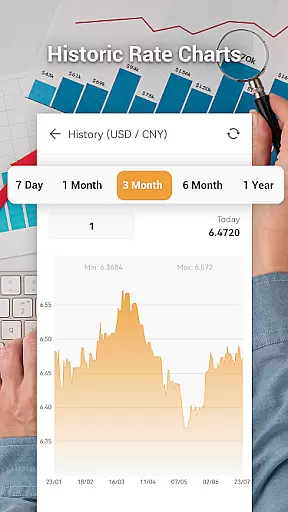
One of the standout features of Currency Converter Pro is its ability to save exchange rates for offline use, allowing users to access the most recent data even without an internet connection. Additionally, it supports customizable themes and includes easy-to-read charts and graphs showing historical data from one week to one year.
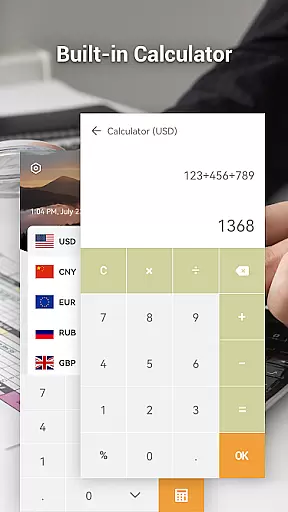
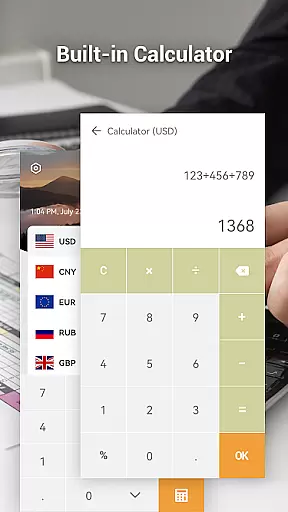
Whether you're a frequent traveler, a forex trader, or someone who needs quick currency conversions, this app offers a seamless experience by combining essential tools like a built-in calculator and a search function for finding specific currencies quickly.
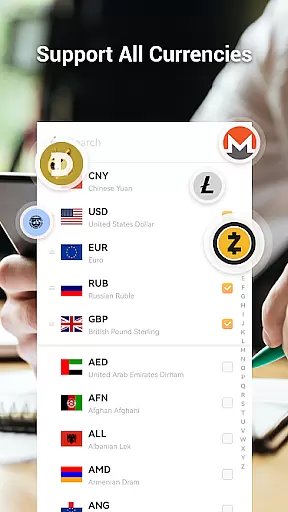
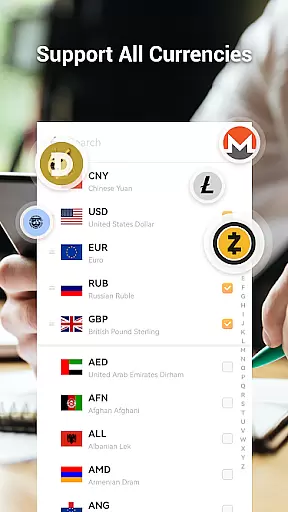
Currency Converter Pro stands out with its comprehensive feature set tailored for both casual users and finance professionals. The app updates exchange rates every second, providing unparalleled accuracy in currency conversion for more than 180 global currencies, precious metals, and popular cryptocurrencies such as Bitcoin, Ethereum, and Litecoin.
In addition to live updates, the app offers an offline mode that utilizes the last synced data, ensuring functionality regardless of connectivity issues. Users can also explore detailed historical rate charts spanning up to a year, making it easier to analyze trends and fluctuations in currency values.
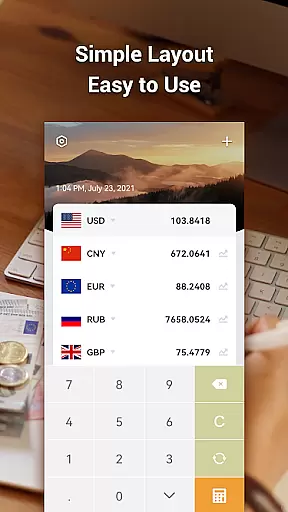
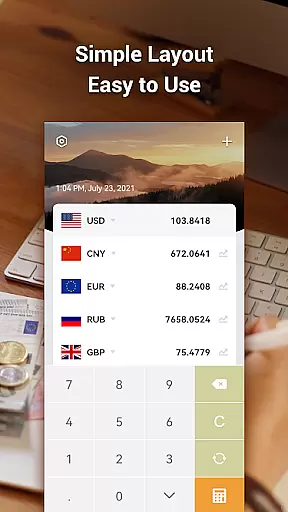
The app's user-friendly interface includes a search function for quick currency selection, a built-in calculator for instant conversions, and multiple theme options to personalize the appearance. These features collectively enhance usability while maintaining precision and reliability in every transaction or query.
When it comes to financial applications, security is paramount. Currency Converter Pro ensures the safety of user data through regular updates and secure offline access. The app stores currency rates for offline use, allowing conversions without an internet connection while maintaining data integrity.
The application employs a robust security framework that safeguards against unauthorized access. By updating exchange rates every second when online, it minimizes risks associated with outdated information. This constant update mechanism ensures users are working with the most current and reliable data available.
Furthermore, the absence of ads within the app reduces exposure to potentially malicious third-party content. Users can manage their personal currency lists confidently, knowing their financial planning and analysis remain private and protected.
Currency Converter Pro offers a seamless transaction experience by providing real-time exchange rates for over 180 currencies. Its intuitive interface allows users to effortlessly convert currencies with precision and speed, making international transactions transparent and straightforward.
The inclusion of a powerful search function and an easy calculator enhances the overall user experience. These features enable users to quickly find specific currencies and perform calculations in local currencies, streamlining the process of managing international payments or budgeting for trips abroad.
Additionally, support for various theme styles lets users customize their experience according to personal preferences. This level of customization not only improves usability but also makes frequent interactions with the app more enjoyable and efficient.
Real-time updates
Offline functionality
Wide currency coverage
User-friendly interface
Customizable themes
Limited advanced tools
No multi-platform sync
Basic chart analytics
Occasional update delays
Fewer metal options

Manage your account, make a payment, and redeem your rewards on the go.
 4.50
4.50
Retirement plan, IRA, retail and HSA customers serviced by Empower.
3.10
Payday cash advance & Instant cash advance: Borrow money instantly, Get cash now
4.60
Registration of your debts and Mdionatk and assembled, as well as a significant reports
4.30
Loan Calculator, Mortgage Calculator, Compound Interest Calculator
4.70
Join 12M+ users. Instant cash advances, personal loans, build credit, save money
4.80
Make your paycheck work harder for you with Perpay.
4.10
Cash Advance, Credit Cards, Credit Lines, Score Monitoring, Saving, Budgeting
4.70
Wells Fargo Mobile allows you to access your investment and bank accounts.
4.80
Early payday cash advance up to $150 a day with a max of $1,000 per pay period
4.70
Manage your credit card account with the Credit One Bank mobile app.
4.70
Banking with no monthly fees, fee-free overdraft, and early payday.
4.70
Over 180 currencies conversion rates with live exchange rates and offline mode.
4.60
Easily invest, save, and plan—all in one app.
4.60
Banking, Budgeting & Investing
4.60
Access State Farm accounts, policies, ID cards and more
4.60
The all-in-one app to save, earn, travel, and put more money in your pocket
4.50
Make Real Cash by Playing Games! Fetch Playful Rewards, Win & Triumph
4.50
Put crypto to work & earn rewards. Stake crypto like Ethereum, Solana & Cardano
4.40


User Reviews