
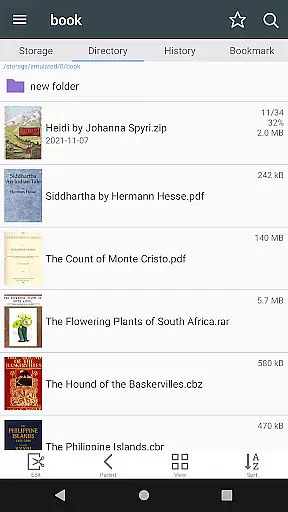
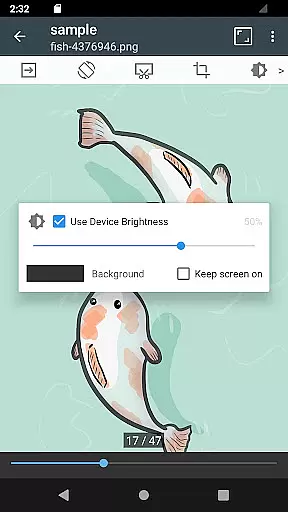
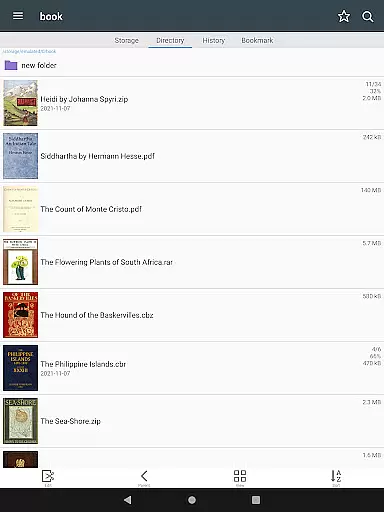
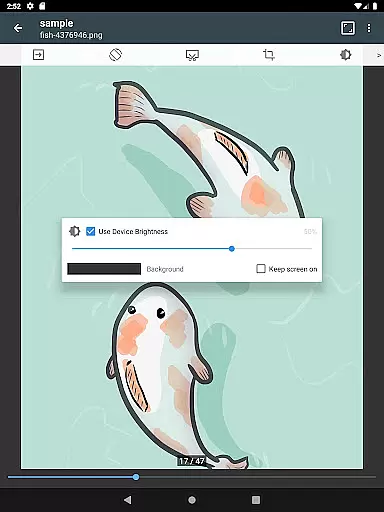
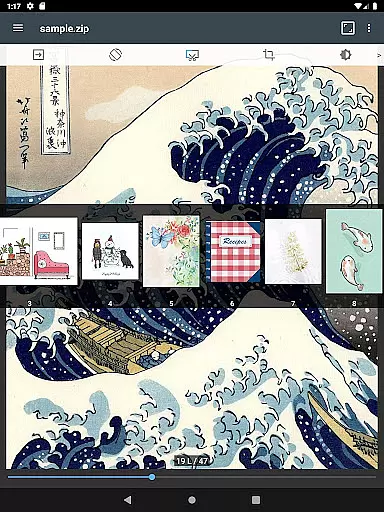
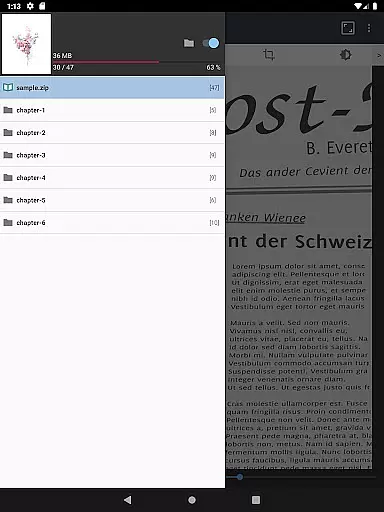
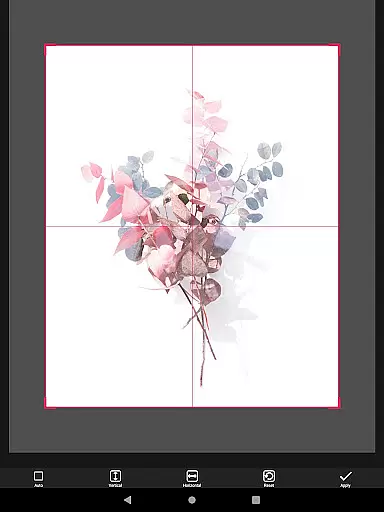
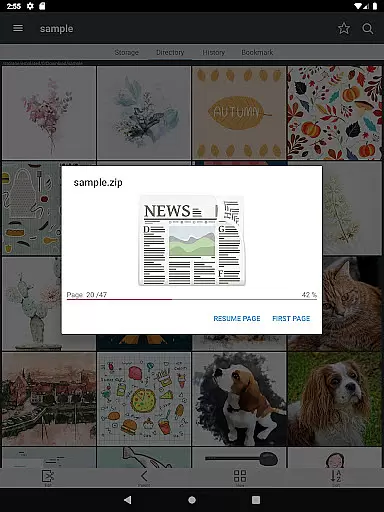
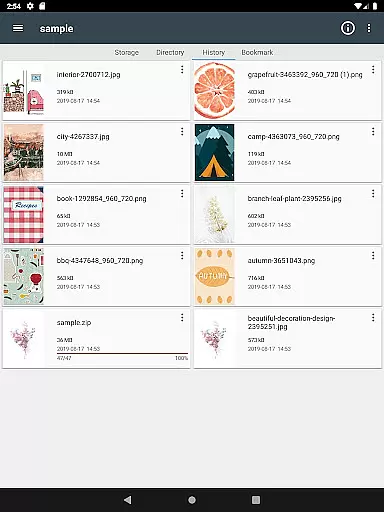
ComicScreen is a versatile comic reader and manager designed for comic enthusiasts. This app allows users to read various compressed file formats including zip, rar, cbz, cbr, and pdf, while supporting multiple image types such as jpg, png, gif, bmp, tiff, webp, and avif. With its comprehensive folder and file explorer, users can easily search, rename, and delete files.
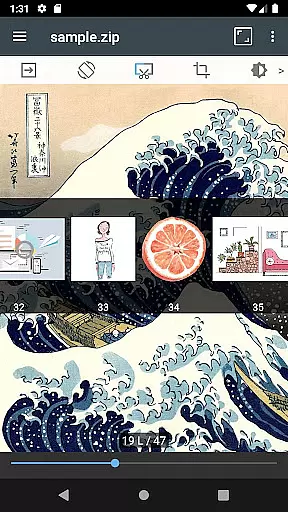
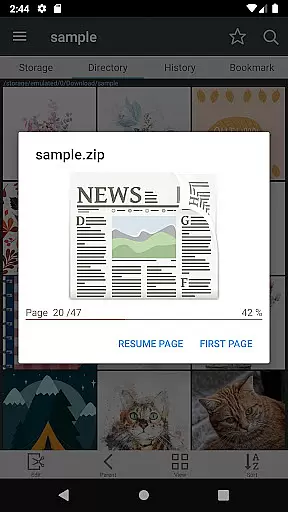
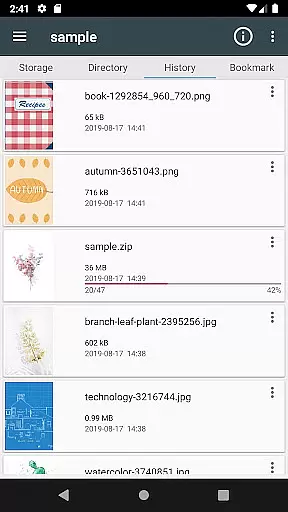
In addition to local file management, ComicScreen supports USB-OTG drives and network protocols like SMB and FTP, making it easy to access comics from different sources. The app also features smooth image scrolling, bookmark previews, zip file quick views, and page move previews. Whether you prefer horizontal view mode with two pages or vertical view mode with one page, ComicScreen provides an optimal reading experience tailored to your preferences.
ComicScreen offers a rich set of features that enhance the comic reading experience. One of its standout capabilities is the support for drag-and-drop functionality, allowing users to effortlessly manage files and folders. The app's automatic page resort feature ensures that pages are always in the correct order, even if they were scrambled during the compression process.
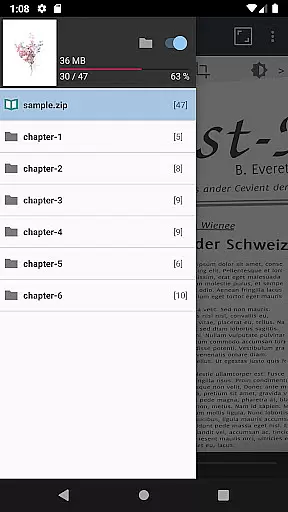
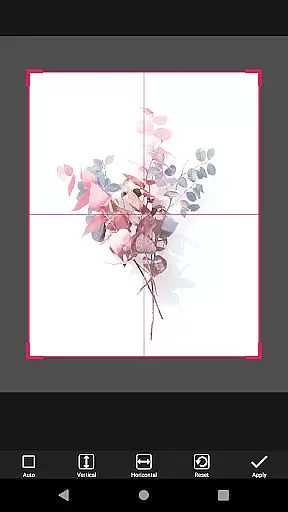
For those who appreciate customization, ComicScreen includes options for cutting margins and moving pages using hardware keys. Additionally, the chapter drawer function organizes comics neatly when a folder is contained within a zip file. These features collectively ensure that users can enjoy their comics without any hassle, providing both convenience and flexibility in managing and viewing their collections.
ComicScreen offers an extensive and versatile comic library that caters to a wide array of preferences. The app supports multiple compressed file types including zip, rar, cbz, cbr, and pdf, making it easy for users to access their favorite comics in various formats.
In addition to supporting numerous file types, ComicScreen also handles a broad spectrum of image formats such as jpg, png, gif, bmp, tiff, webp, and avif. This ensures that no matter the source or type of your comic files, you can enjoy them without compatibility issues.
The app's functionality extends beyond just reading; it includes features like folder and file management, which allows users to search, rename, and delete files with ease. With support for USB-OTG drives and network protocols like SMB and FTP, users have the flexibility to manage their comic library from various storage locations.
When it comes to content authenticity and licensing, ComicScreen respects copyright laws and encourages users to manage their legally acquired digital comics. While the app does not provide any images or compressed files itself, it offers tools for organizing and enjoying personal collections.
ComicScreen provides advanced features such as bookmark previews, zip file quick views, and page move previews, all designed to enhance the reading experience while maintaining the integrity of licensed content. These features allow users to interact with their collection without altering or distributing the original works.
Furthermore, the app includes several viewing modes, including horizontal view mode for two-page spreads and vertical view mode for single pages. This attention to detail in presentation ensures that readers can enjoy their comics in a way that best suits the artist's intended format, respecting both the content creator and the consumer.
User-friendly interface
Extensive format support
Advanced file management
Network drive compatibility
Customizable viewing options
No cloud sync feature
Limited social sharing
Occasional bugs reported
Heavy on storage
Ads in free version

Follow your favorite manga and get notifications for new chapters!
 4.50
4.50
Hot-blooded / Romance / Science Fiction All themes, Smart Recommendation + HD Reading
3.10
AsuraScans read manga, manhua, manhwa, and webtoon
3.90
Catalog your collection. Just scan covers with your device camera. (US $20/yr)
4.80
Browse and read all your comics and mangas from YACReaderLibrary
4.20
The most popular comic book reader.
4.80
Read comics, manhwa, manga & novels Official webtoons with daily updates
4.30
SQUARE ENIX's official Manga app!
4.40
+Not your everyday comic. Everyday.
3.50
Official from Japan
4.80
Artists wanting to use decent hand reference on the go, this app is for you!
4.70
Joke book collection with the funniest dad jokes and riddles for you to enjoy!
4.60
Read latest manga with this minimal reader with NO ADS.
4.30
Kodansha official Manga app
4.30
Become a real PKM Card Maker, create or custom any Poke TCG cards and share them
4.10
Toomics is a premium comic service with every genre for all readers to enjoy!
4.00
The best app for digital comics - Welcome to Lezhin!
3.10
Get the latest manga chapters daily, released simultaneously with Japan.
3.10
Welcome to SnapSaga - your ultimate manga and novel destination!
4.1


User Reviews