
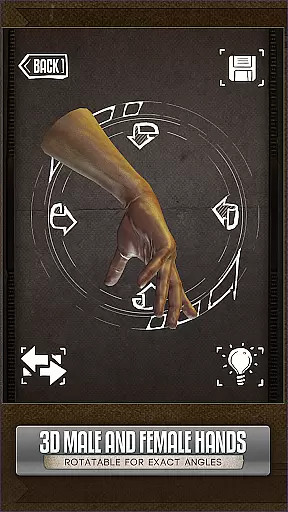
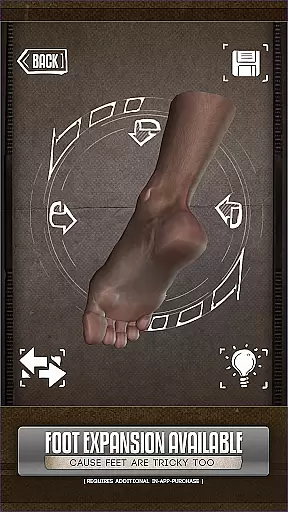

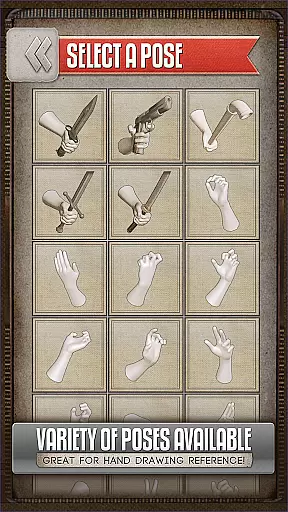
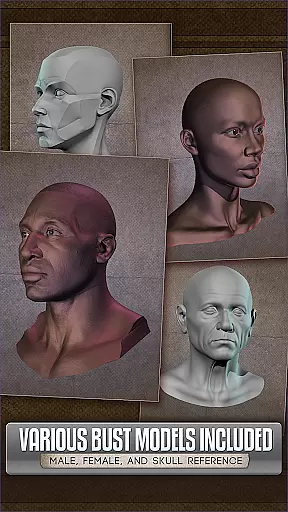
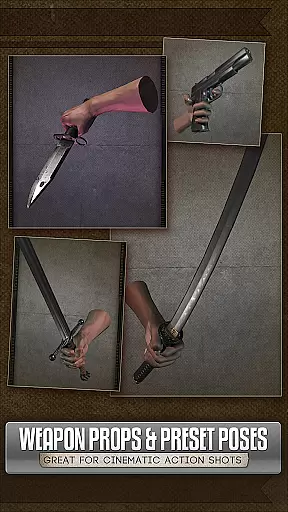
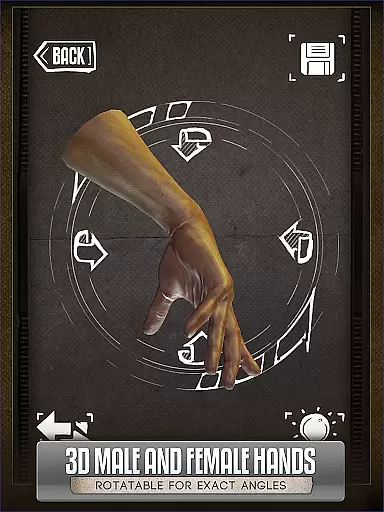
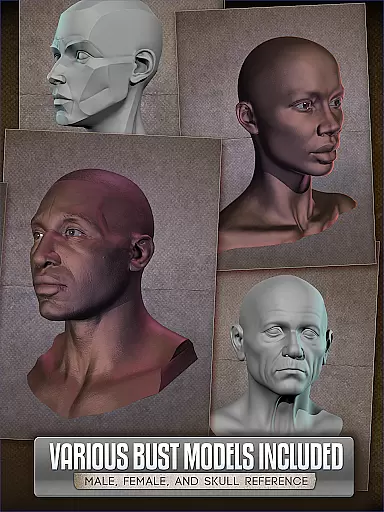
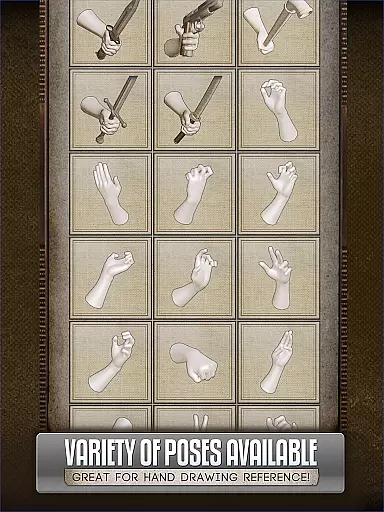
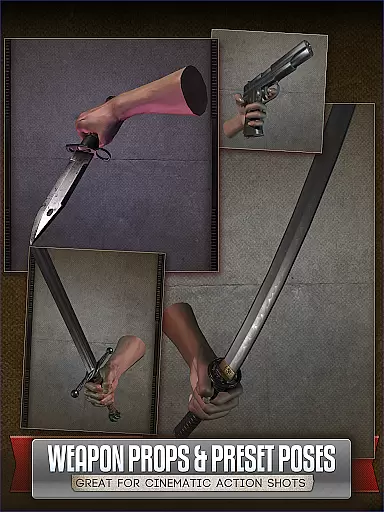
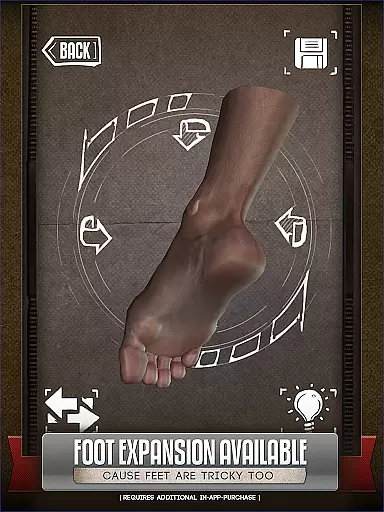
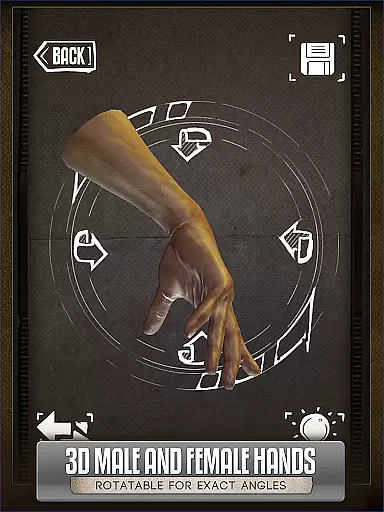
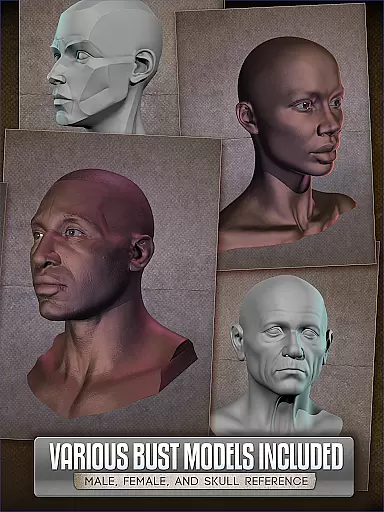
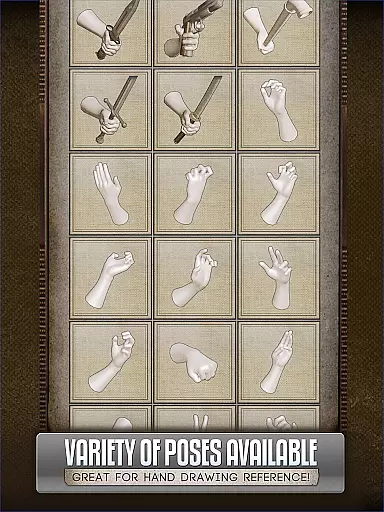
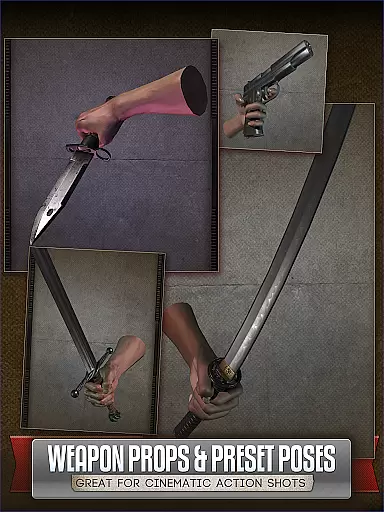
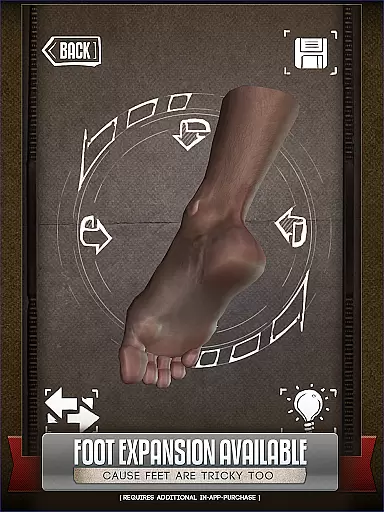
Handy Art Reference Tool is an innovative 3D reference app designed specifically for artists seeking convenient drawing references. This professional tool provides rotatable 3D models of hands, feet, and skulls in various poses, making it perfect for comic book artists and painters.
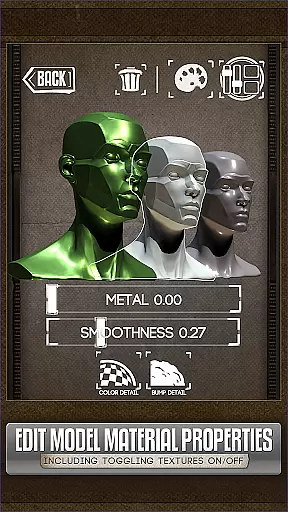
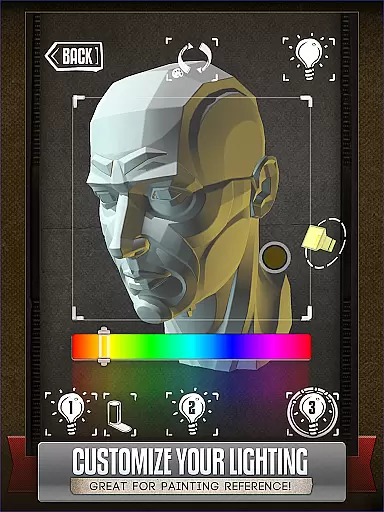
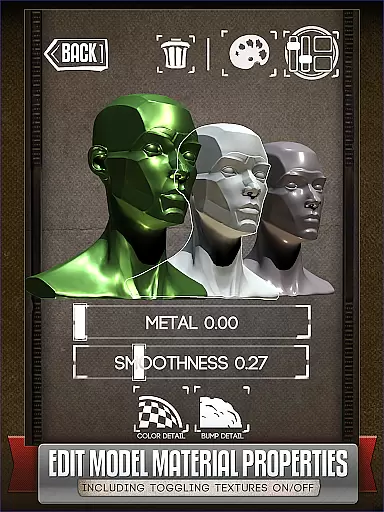
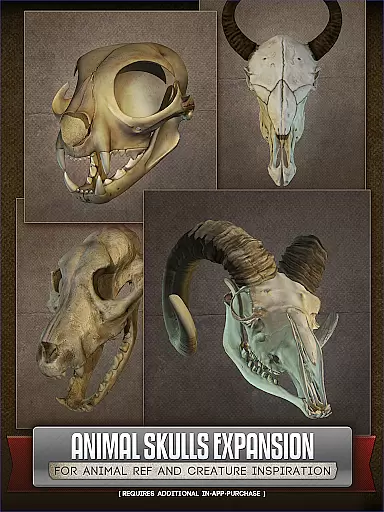
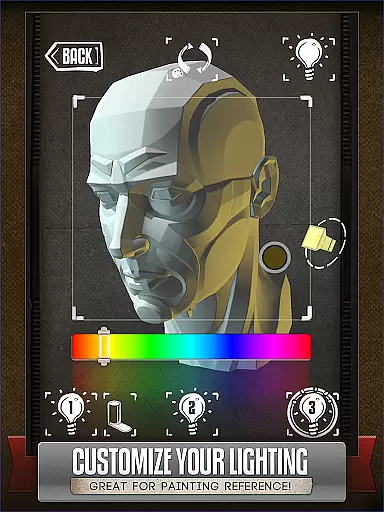
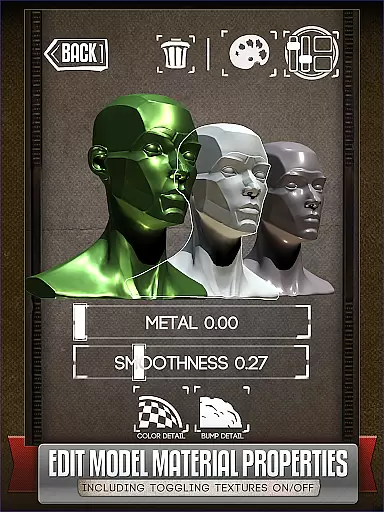
The app features fully adjustable 3-point lighting for realistic shadow effects and includes over 10 head busts for portrait work. With the optional Animal Skulls pack, artists can explore creature design with references from various animal species. The latest version allows material editing, giving users control over textures and colors.
Ideal for both professional and casual artists, Handy Art Reference Tool has been recognized by ImagineFX as one of the Top 10 Must-Have Apps for digital artists.
Handy Art Reference Tool offers a comprehensive set of artistic features that cater to various drawing needs. The core functionality revolves around its collection of rotatable 3D models, including hands, feet, and skulls, each available in multiple poses suitable for different drawing scenarios.
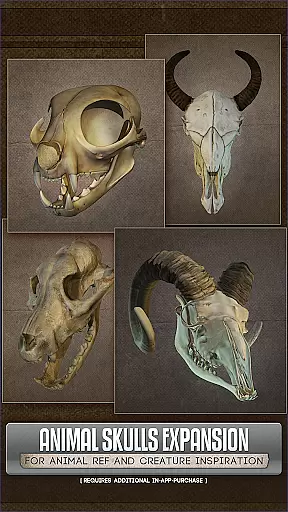
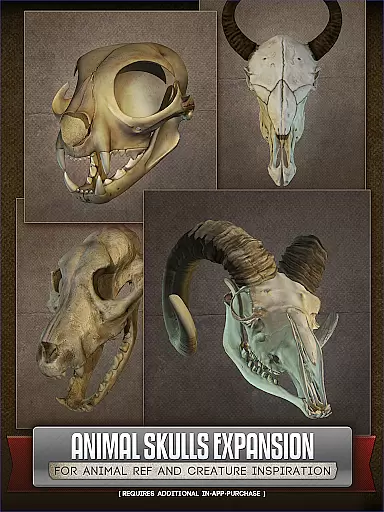
A standout feature is the advanced 3-point lighting system, which allows artists to experiment with different lighting conditions on more than 10 included head bust models. The optional Animal Skulls pack expands the reference library with over 10 animal species, providing valuable resources for anatomical studies and creature design.
The latest version introduces material editing capabilities, enabling users to modify model textures, adjust specularity, and apply color tints. This feature enhancement makes the app even more versatile for digital artists working on various projects.
For artists seeking a diverse reference library, Handy Art Reference Tool offers an extensive collection of 3D models that cater to various artistic needs. This includes rotatable limbs and poses for hands, feet, and skulls, providing a rich variety for drawing practice.
The app goes beyond basic human anatomy by offering an optional Animal Skulls pack. With over 10 different animal species available, this additional content significantly expands the creative possibilities for creature design and anatomical studies.
What sets Handy apart is its continuous updates and feature enhancements. The recent addition of material editing capabilities allows users to modify model textures, specularity, and colors, effectively doubling the creative potential of each included reference model.
This comprehensive library ensures artists have access to diverse reference materials without needing physical props or complex setups, making it particularly valuable for comic book artists and painters who require varied anatomical references in their work.
Handy Art Reference Tool maintains strict standards regarding content authenticity and licensing. Each 3D model included in the application has been carefully created and verified to ensure accurate anatomical representation, providing artists with reliable reference material.
The developers have established proper licensing protocols for all additional content packs, including the Animal Skulls expansion. This guarantees that all reference materials are legally acquired and properly authorized for educational and artistic use.
Furthermore, the app's featured status in ImagineFX's Top 10 Must-Have Apps speaks to its credibility within the professional art community. This recognition helps establish trust in the quality and legitimacy of the reference materials provided.
By maintaining these high standards of content verification and licensing, Handy ensures that artists can confidently use its reference materials knowing they are working with accurate and properly authorized anatomical data.
User-friendly interface
Customizable 3D models
Adjustable lighting
Wide pose selection
Material editing tools
Basic content only
Extra cost for packs
Steep learning curve
Limited free options
Device compatibility

More fun from BOM! Hurry up and do the following self-test, if you meet more than one item, come and experience the brand new world of comics!
 3.40
3.40
Joke book collection with the funniest dad jokes and riddles for you to enjoy!
4.60
MangaRise - Your Manga and Manhwa Companion
3.90
The ultimate app for comic lovers
4.50
Catalog your collection. Just scan covers with your device camera. (US $20/yr)
4.80
Browse and read all your comics and mangas from YACReaderLibrary
4.20
Comic Book Identifier Value - Scan comics & prices. Your comic book price guide!
4.50
100k comics, manga & webcomics, including Batman, Invincible, Hellboy & more
4.60
Read webcomics & webnovels
4.20
Read your favorite mangas for free
4.50
Read Manga, Comics & Manhwa of Romance, Action, Fantasy, Drama, BL and more!
4.40
The most powerful and fast image/comics viewer.
4.10
AsuraScans read manga, manhua, manhwa, and webtoon
3.90
Anime TV App: Watch all anime online,anime tv subtitles online with big anime tv
3.80
Comic Scanner - Book Value - Identify and sell your comic collection with AI.
3.80
Read official webcomics, webtoons, Korean manga & webnovels
3.70
Experience the largest selection of DC comics anywhere with DC UNIVERSE INFINITE
3.40
Get the latest manga chapters daily, released simultaneously with Japan.
3.10
A free paradise specially built for comic lovers. When you step into this comic universe full of surprises, it is like opening a door to endless joy. You are immediately immersed in the wonderful world brought by reading and enjoy the infinite charm of reading.
4.2


User Reviews