
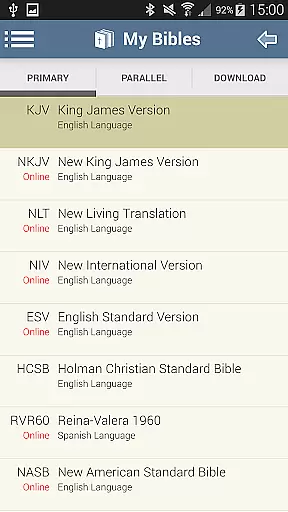
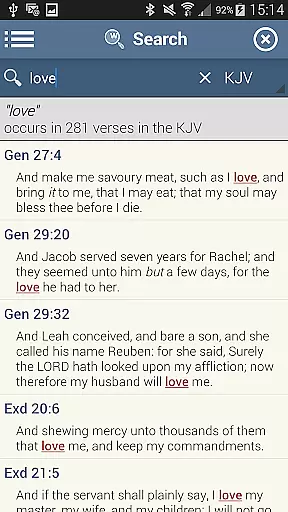
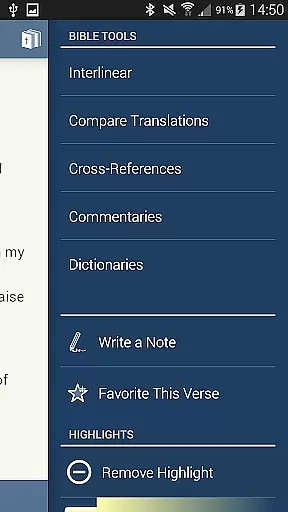
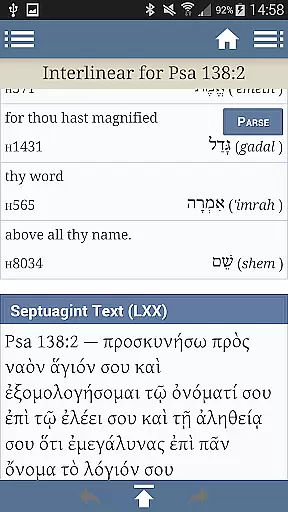
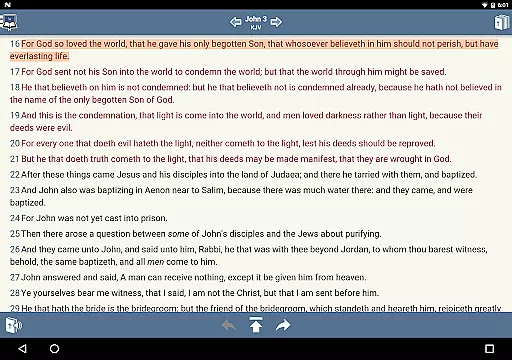
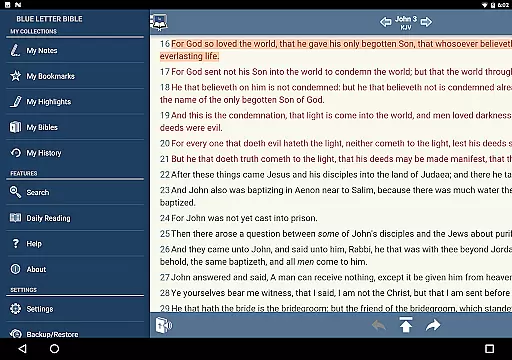
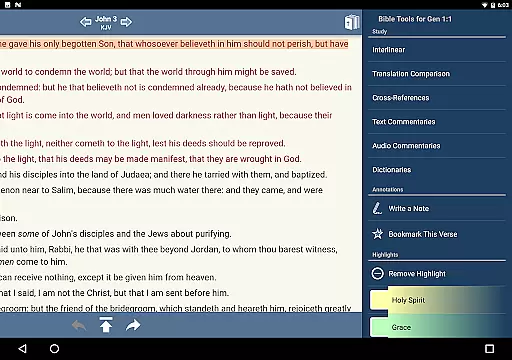
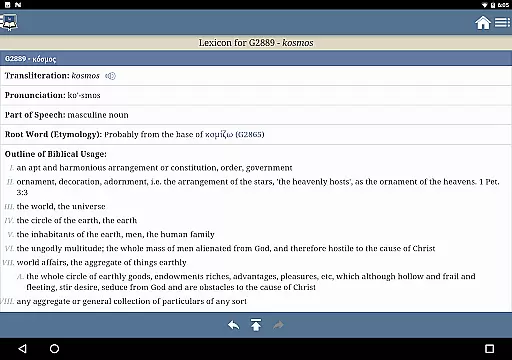
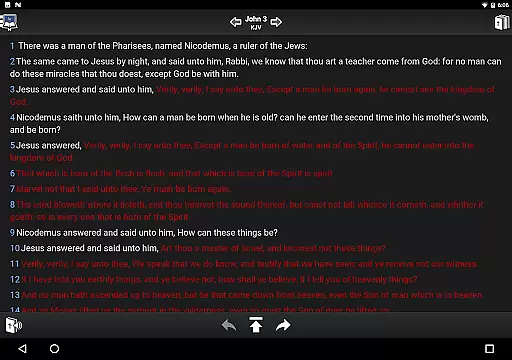
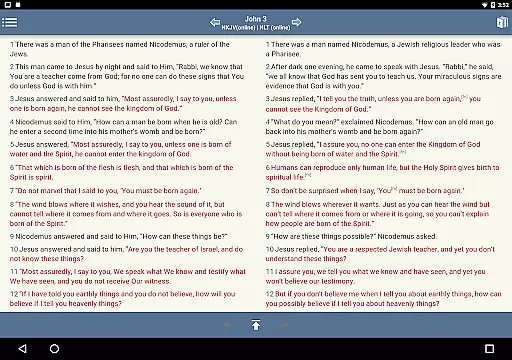
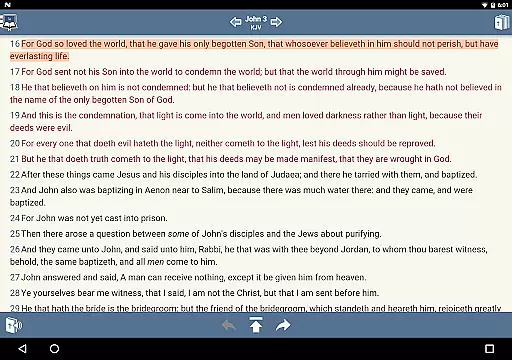
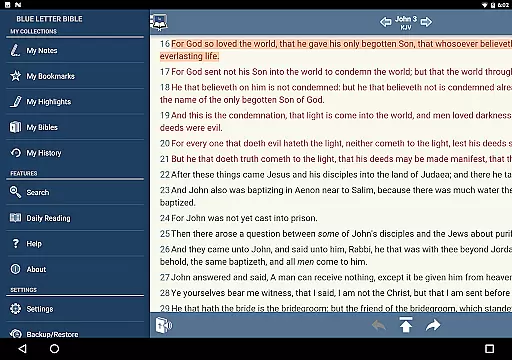
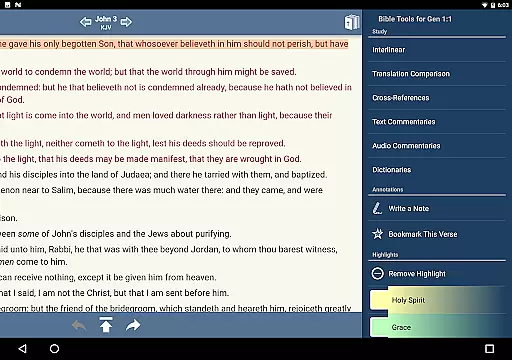
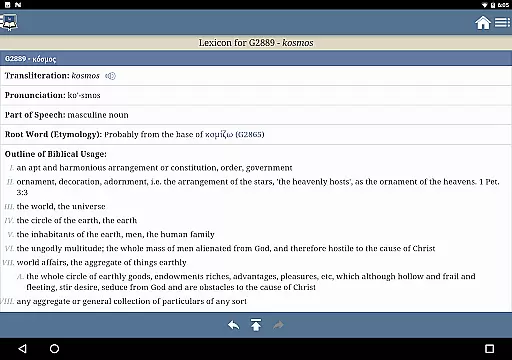
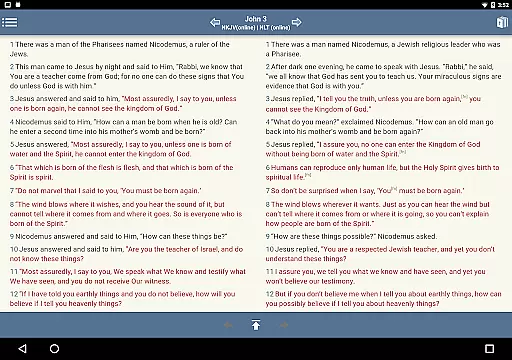
Blue Letter Bible is a comprehensive Bible study app that offers users access to over 15 Bibles along with powerful study tools. The app provides text commentaries, Hebrew and Greek lexicons, interlinear texts, dictionaries, and word search features. It allows for personalized study through highlighting, tagging favorite verses, and parallel Bible views. Whether you are a casual reader or a dedicated scholar, this app supports in-depth exploration of God's Word.
The app also includes numerous additional resources such as encyclopedias, the Treasury of Scripture Knowledge, and over 8,000 text commentaries by more than 40 authors. These features make it an invaluable tool for anyone looking to deepen their understanding of the Bible. With options like adjustable font sizes, customizable reading settings, and note-taking capabilities, Blue Letter Bible caters to both personal devotion and academic research.
Blue Letter Bible stands out with its extensive library of Bible study resources. Users can explore original language lexicons for Hebrew and Greek studies, perform detailed word searches using multiple dictionaries and encyclopedias, and utilize the Treasury of Scripture Knowledge for deeper insights. The availability of over 8,000 text commentaries from more than 40 authors enriches the learning experience.
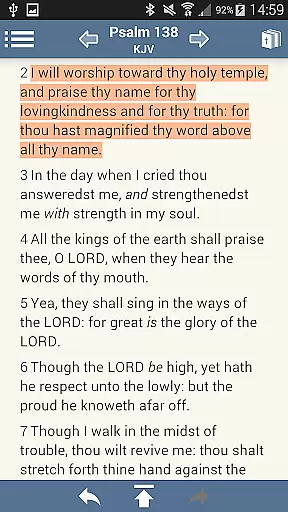
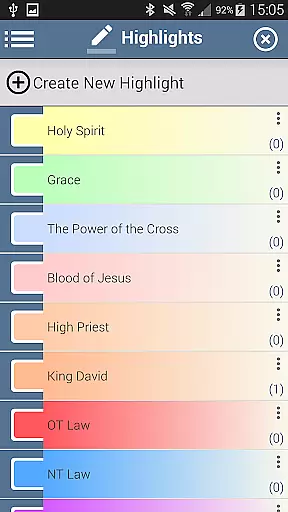
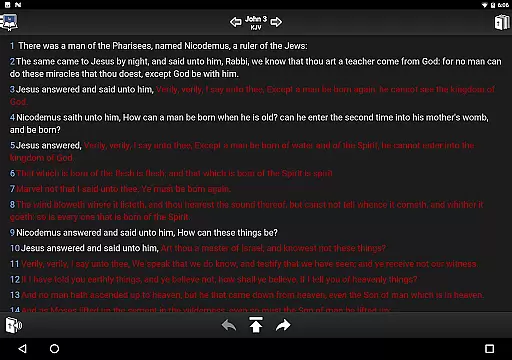
Personalization is key in this app, offering features like note-taking, organizing notes into notebooks, tagging favorite verses, and collecting them into custom folders. Verses can be highlighted in unlimited colors, and users can show or hide footnotes, verse markers, and even words of Christ in red. The app also supports side-by-side, parallel Bible views, adjustable font sizes, and line heights for optimal readability.
Blue Letter Bible offers an extensive collection of over 15 Bibles, making it a comprehensive resource for in-depth Bible study. The app provides users with access to a vast array of text commentaries, Hebrew and Greek lexicons, interlinear texts, dictionaries, and more.
The inclusion of such a wide range of resources ensures that users can engage in thorough and meaningful study. Each text is carefully selected and presented with due respect to copyright laws, ensuring the authenticity and legality of the content provided.
With millions of annual website users, Blue Letter Bible has established itself as a trusted platform for those who wish to dig deeper into God's Word. The app extends this legacy by offering a portable and accessible way to explore its rich library of biblical resources.
One of the key strengths of the Blue Letter Bible app is its format compatibility, allowing users to personalize their study experience. Features such as highlighting verses, tagging favorite verses, and creating parallel Bible views enhance the adaptability of the app to individual preferences.
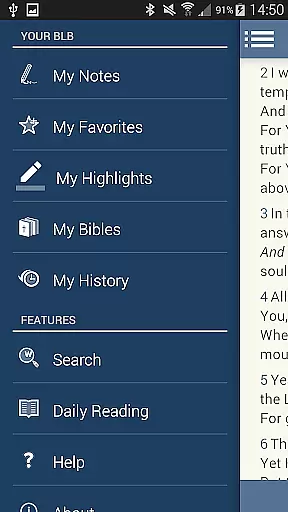
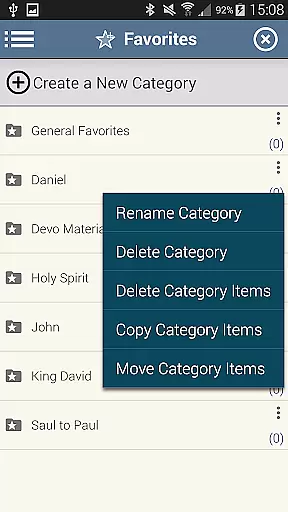
Users can take notes and organize them into notebooks, tag important verses, and collect them into custom folders. This flexibility in managing content showcases the app's commitment to catering to diverse study habits and needs.
In addition to its organizational features, the app supports adjustable font sizes and line heights, ensuring ease of reading for all users. Whether you're using it for personal study or scholarly research, Blue Letter Bible's format compatibility makes it a versatile tool in your digital library.
User-friendly interface
Extensive study resources
Customizable reading settings
Parallel Bible views
Powerful search functions
Can be overwhelming for beginners
Occasional bugs reported
Some features require technical knowledge
Limited offline functionality
Heavy on storage

"BIG A, little a. What begins with A?"
 4.10
4.10
Audiobook player with cross-device progress sync, playlists, and widget support.
4.80
The Psalms for singing
4.5
This is the pro version King James bible Offline that we have
4.70
Enjoy your favorite books
3.50
"Do you like green eggs and ham?"
4.70
KJV Bible works offline with Audio, Hebrew & Greek lexicon (concordance) & more!
4.20
America's best dictionary and thesaurus - with premium content and no ads
3.40
A Comprehensive Restoration of Sacred Scripture
4.50
Daily rosary and gospel reflections for catholic
4.90
Read and study the Bible and other content in over 1,000 languages.
4.80
Enjoy daily devotionals, Bible verses, audio courses, and more.
4.80
Read unlimited novels, audiobooks, stories & Unlock ebooks, fanfiction and more!
4.70
Werewolf novels & romance stories in audiobooks for book lovers! Werewolf storie
4.60
F9 Cookbook Mobile App
4.60
Discover, track, and share your reading with friends & our community of readers
4.60
Pretty Moon information App with Complications and Tile
4.30
Mirror Bible - eye-opening paraphrase translation of the NT by Francois du Toit
4.30
A wonderful reader for good time spend.
4.20


User Reviews