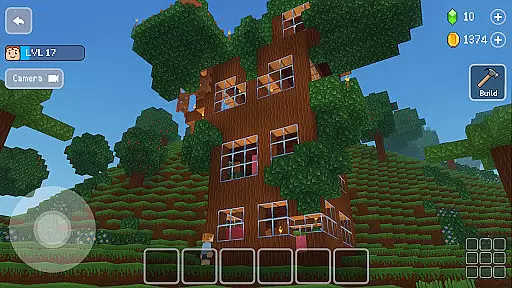
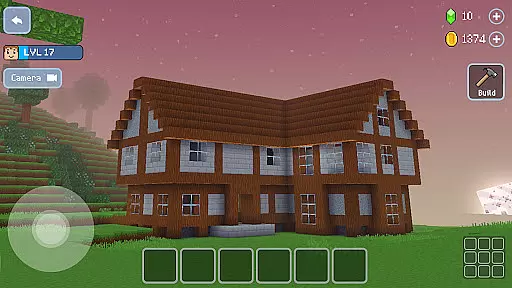
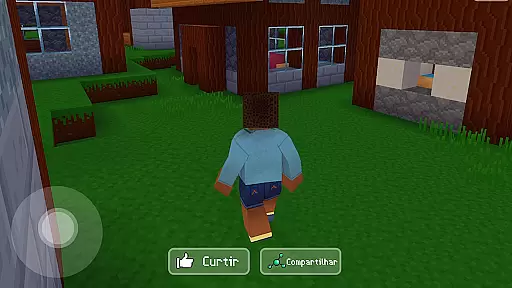
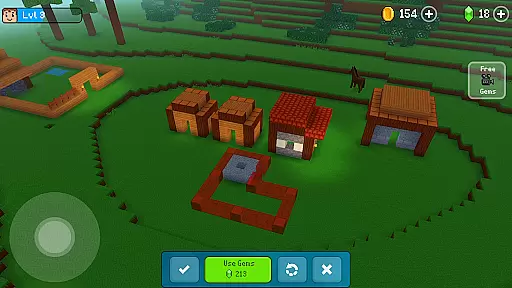
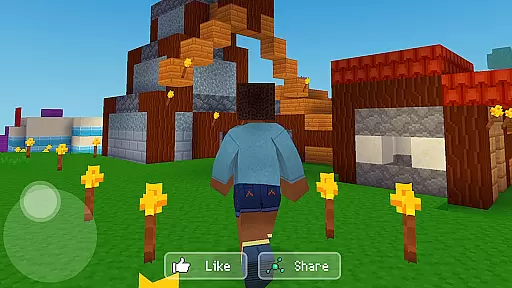
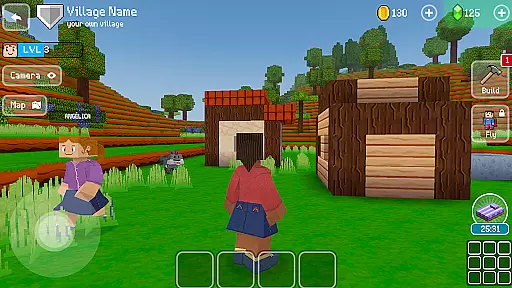

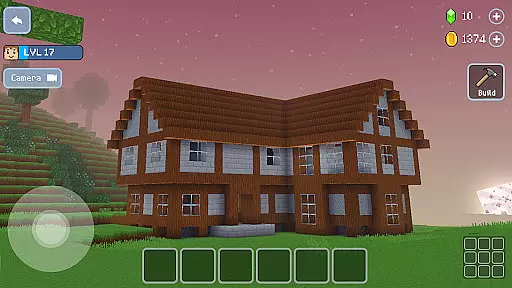
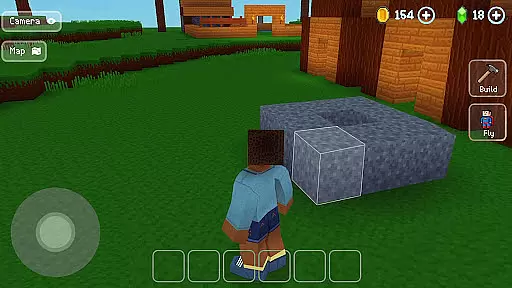
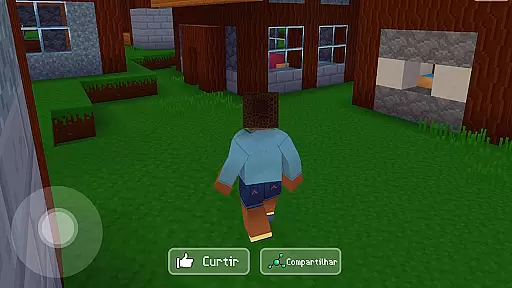
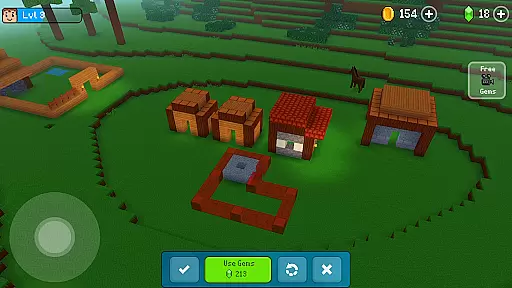
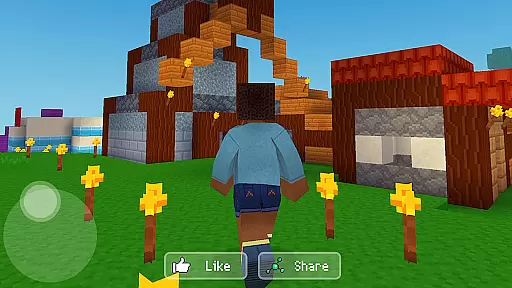
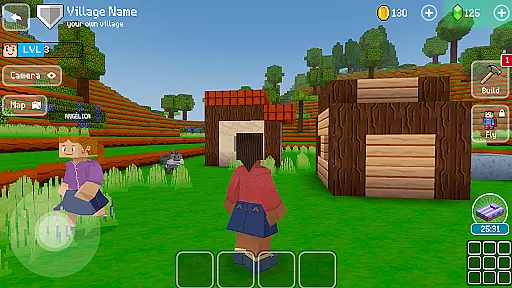
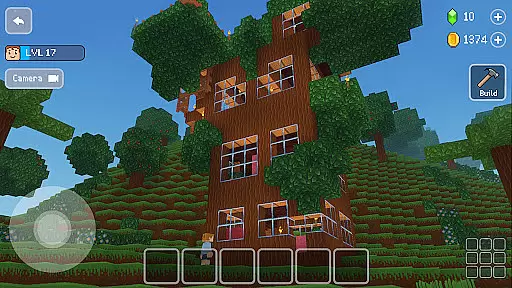
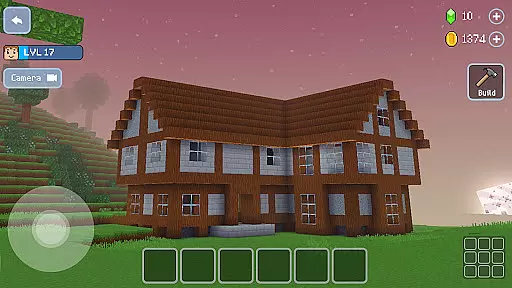
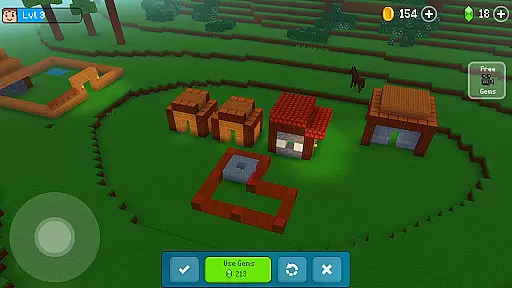
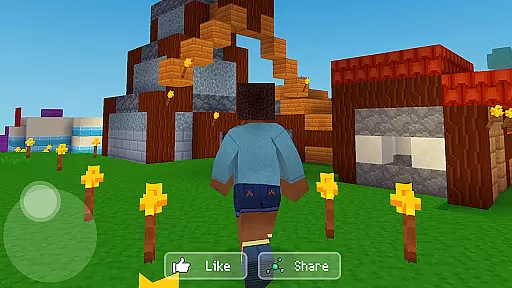
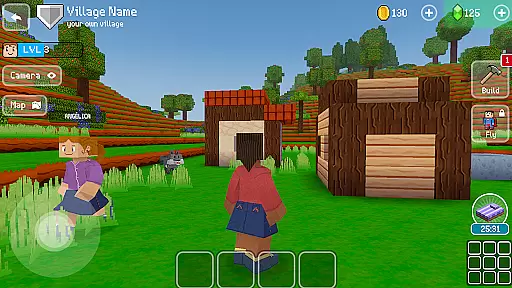
Block Craft 3D is an engaging arcade-style building game that allows players to craft and expand their own villages or freely construct in an open-ended world. The core function of this app revolves around creativity and construction, offering users the ability to build a wide array of structures from houses to complex landmarks like the Eiffel Tower.
One of the standout features of Block Craft 3D is its multiplayer functionality, which lets you visit and collaborate on constructions with friends. This social aspect adds depth to the gameplay and enhances user engagement by allowing cooperative building experiences. Whether playing solo or with others, the game provides a platform for expressing creativity while enjoying a blocky, pixelated aesthetic.
The app's value lies in its combination of creative freedom, social interaction, and simulation elements, making it suitable for gamers who enjoy construction and design within an arcade setting.
Block Craft 3D stands out with its rich set of features designed to enhance the building experience. One notable feature is the vast array of construction options available, ranging from simple homes to intricate designs such as castles and spaceships. This diversity ensures that players can continually explore new building ideas without feeling restricted.
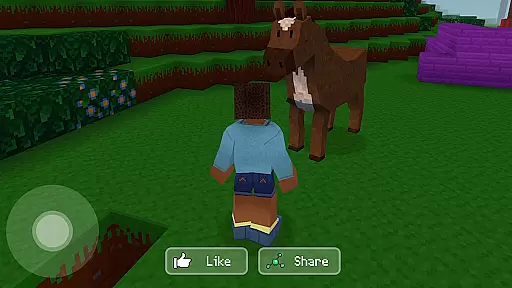
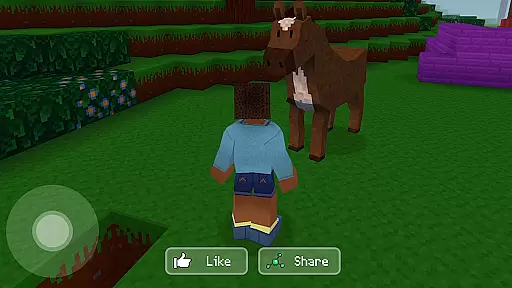
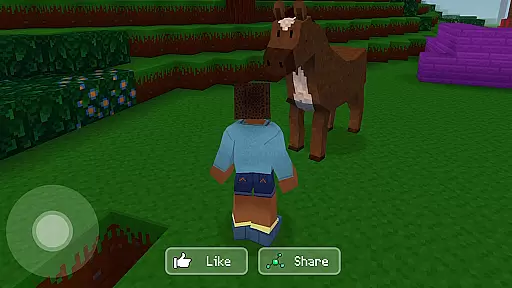
In addition to construction, the game includes simulation aspects where players can adopt and interact with various animals, adding another layer of engagement. The inclusion of pets like dogs, cats, and even elephants enriches the gameplay, providing companionship and additional interactive elements. Furthermore, the game supports multiplayer modes, enabling users to visit friends' cities and assist in their building projects, thus fostering a sense of community.
Another innovative feature is the ability to create custom blocks and furniture, which can be sold for in-game currency. This economic aspect introduces a strategic element to the game, encouraging players to think about resource management and profit generation alongside their creative endeavors.
Arcade authenticity in a game refers to how well it captures the classic feel and excitement of traditional arcade experiences. Block Craft 3D delivers this by offering an immersive building environment that echoes the limitless creativity and fun found in classic block-based games. The pixel graphics and open-world construction elements are reminiscent of beloved arcade titles, providing players with a sense of nostalgia while they construct houses, castles, or even spaceships.
The game successfully integrates modern features with nostalgic gameplay, ensuring that players can relive the joy of arcade classics while enjoying contemporary gaming mechanics. This fusion creates an engaging experience that appeals to both those who cherish the original arcade era and new gamers seeking creative freedom in their playtime.
Players benefit from this blend of old and new by having access to endless building possibilities within a familiar framework. They can explore, create, and interact without the pressure of monsters or survival mechanics, focusing purely on their imaginative creations. This approach not only honors arcade traditions but also expands them into a vibrant sandbox where memories are crafted alongside virtual structures.
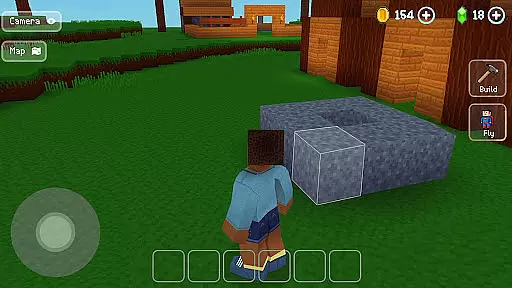
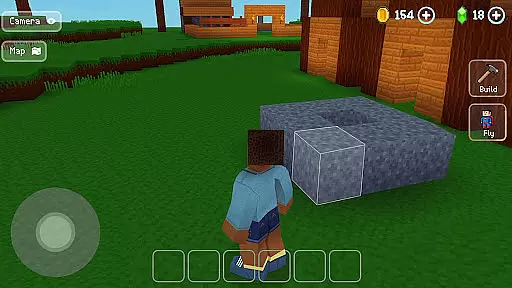
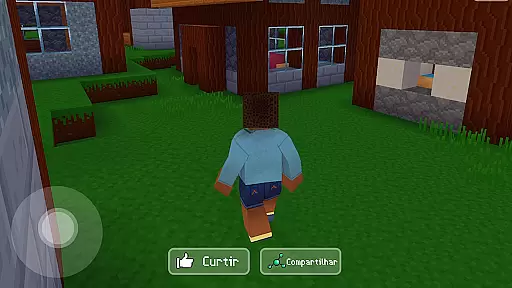
Control responsiveness is crucial for any game as it directly affects player interaction and enjoyment. In Block Craft 3D, controls are designed to be intuitive and immediate, allowing players to seamlessly build and explore their worlds without frustration. Whether constructing elaborate buildings or interacting with pets, every action is met with precise feedback, enhancing the overall gaming experience.
This attention to responsive controls ensures that players can fully immerse themselves in the creative process. From adopting animals to crafting custom blocks, each feature operates smoothly, reinforcing the game's dedication to user-friendly design. Players can easily navigate through menus, manipulate objects, and engage with various aspects of their environment thanks to these finely-tuned mechanics.
Ultimately, responsive controls contribute significantly to player satisfaction by making every session enjoyable and productive. Gamers can focus on what truly mattersu2014building impressive structures and exploring vast landscapesu2014without being hindered by sluggish or unresponsive inputs. This commitment to control quality sets Block Craft 3D apart as a premier choice for fans of arcade-style creativity.
Extensive building options
Engaging multiplayer mode
Creative customization features
Vibrant pixel graphics
Interactive pet system
Limited advanced tools
Occasional performance lags
Monetization can be intrusive
Steep learning curve
Repetitive gameplay elements

Monster Run its a game for relax.
 4.5
4.5
Join the art challenge: Guess the word and draw fast before the timer runs out!
4.20
Divine powers at your fingertips! An innovative and frantic shoot-'em-up!
4.0
Relax and catch fish for your aquarium while earning rewards in these tank games
4.40
Master the hills in this extreme downhill racing game!
4.60
Collect layers in running game & build the biggest slinky toy to beat the giant!
4.30
NES Emulator
4.40
Outrun cops, ignite the thrill of a high-speed chase!
4.50
Original Space Adventure Experience
4.60
Ready… Set… DASH! Play now!
4.70
Jump and fly your way through danger in this rythm-based action platformer!
4.50
GBA Emulator
4.40
Running game: dance in a twerk battle and become the twerk hero in our fun race!
4.30
Genesis/Mega Drive/CD & Master System/Mark III Emulator
4.30
Slice up a juicy storm!
4.20
Frenetic party game, pass the bomb to the other players!
3.80
Snake Legacy, sans pub, repensé pour une expérience fluide et élégante.
4.3
BallStack is a vibrant match-3 game where you stack and match colorful balls!
4.3
Reach high, and shine in the neon world in 3D!
4.1


User Reviews