
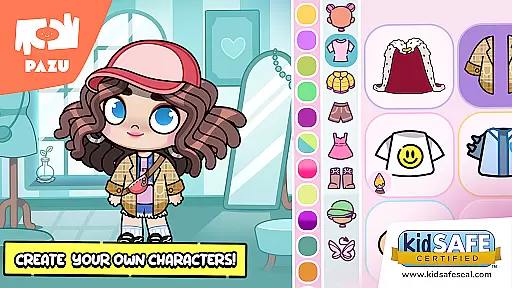
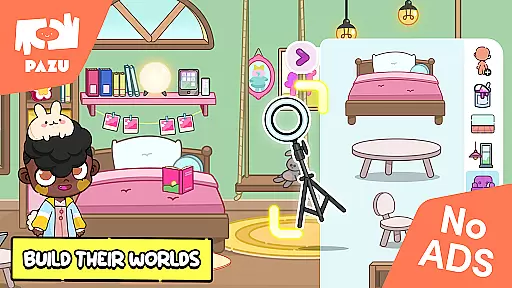
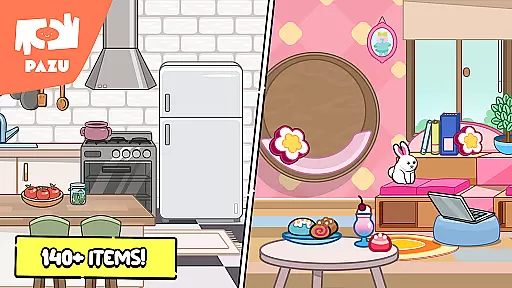
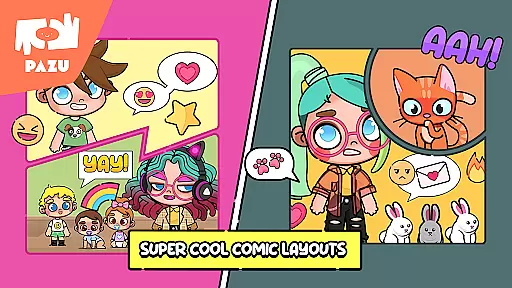
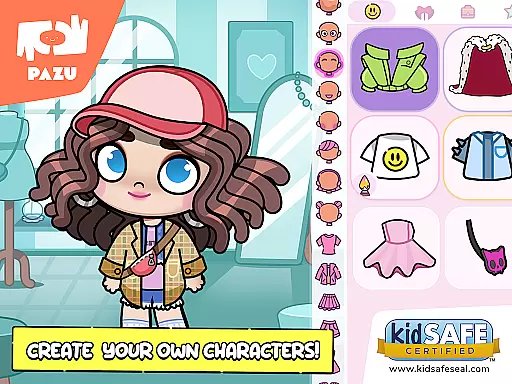
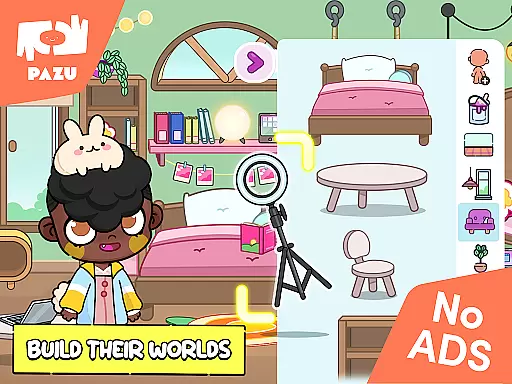
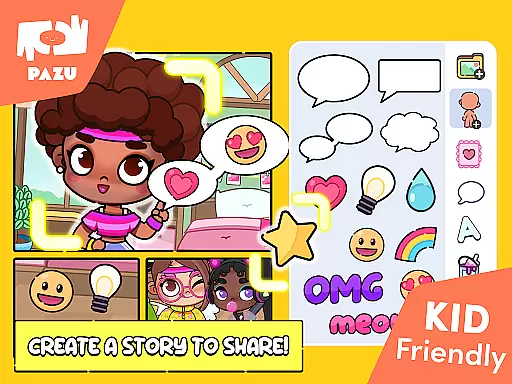
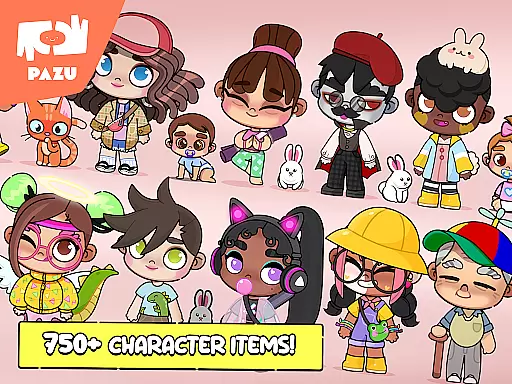
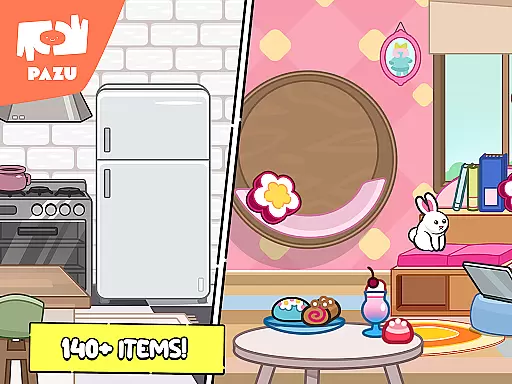
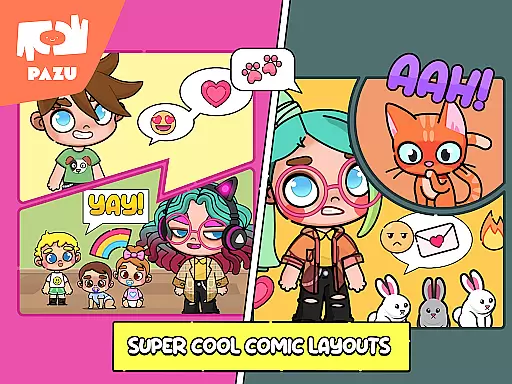
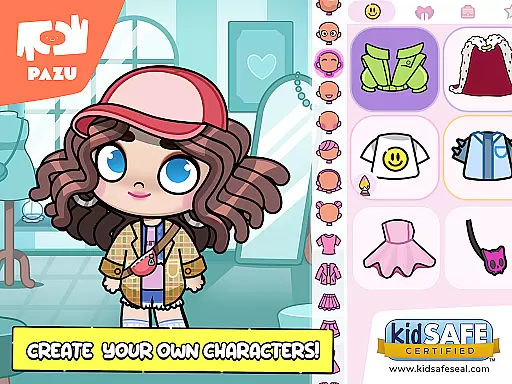
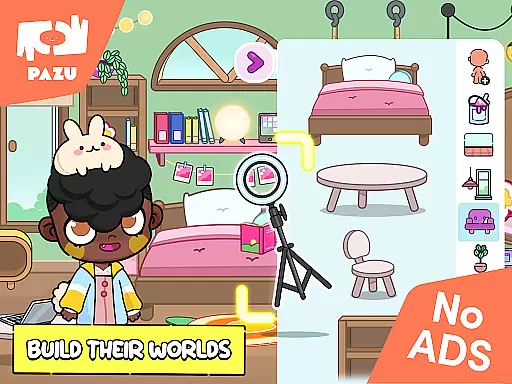
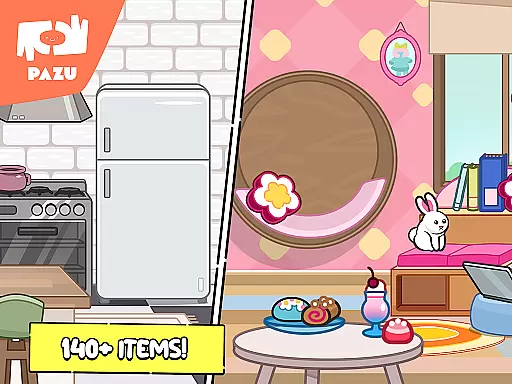
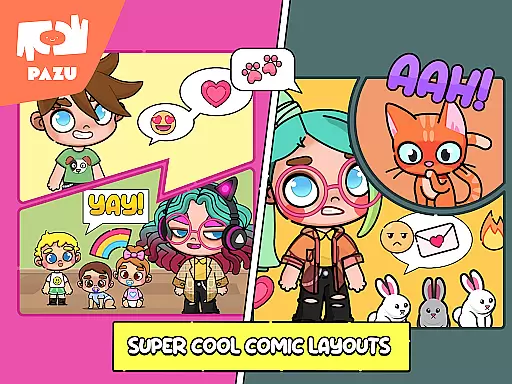
Avatar Maker Dress up for kids is an innovative educational app that allows children to design and customize their own cartoon characters. This engaging platform offers a magical world where kids can recreate any style they imagine, from choosing hairstyles and skin colors to customizing facial expressions. The app also provides room decoration features, letting users accessorize with various items, which enhances creativity and personal expression.
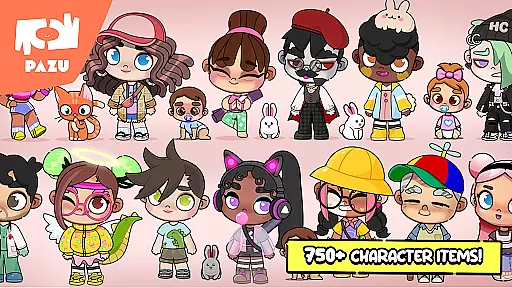
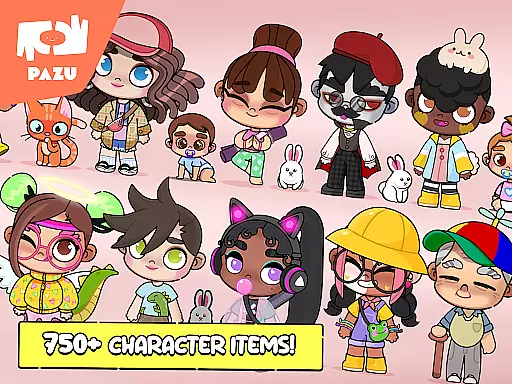
The app supports both boy and girl avatars, offering a wide range of personalized faces, hairstyles, and expressions. With options to adjust skin color, hair color, and clothing, children can create unique avatars that reflect their imagination and fashion sense. The inclusion of numerous accessories like masks, hats, and wings further allows for distinct personal styles. This makes Avatar Maker not just a game, but a comprehensive tool for learning and self-expression.
One of the standout features of Avatar Maker Dress up for kids is its full customization capabilities. Users can modify every aspect of their avatar's appearance, including skin tone, hairstyle, and color. This high level of personalization is supported by a vast pool of items and accessories, ensuring endless creative possibilities.
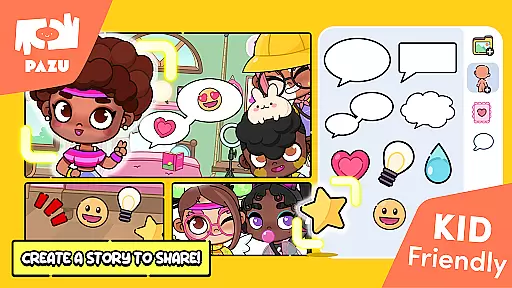
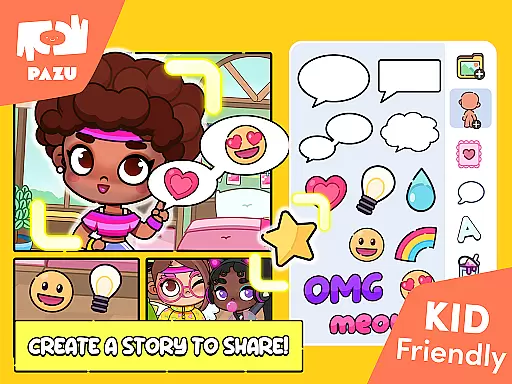
In addition to character creation, the app offers various background decorations, allowing kids to design environments that suit their characters. These features are complemented by practical uses such as creating wallpapers and profile pictures, which can be shared with friends. The app also includes parental controls, making it a safe and trusted choice for parents worldwide.
With no ads and a focus on educational content, Avatar Maker Dress up for kids stands out in the realm of children's apps. Developed by Pazu Games Ltd, known for popular titles like Girls Hair Salon and Animal Doctor, this app combines fun with learning, providing a rich, immersive experience that fosters creativity and imagination.
In the realm of educational gaming, content authority and curriculum alignment are crucial for ensuring that learning is both effective and credible. Avatar Maker Dress up for kids establishes its content authority through a variety of customizable features that encourage creativity and self-expression among children.
The app offers an extensive selection of hairstyles, facial expressions, skin tones, and accessories, which not only entertain but also educate young users about diversity and individuality. By engaging with these features, children can learn to appreciate different cultures and appearances, aligning with social studies curricula worldwide.
Moreover, the customization process involves decision-making and fine motor skills as children navigate through numerous options to create their avatars. This interactive experience fosters cognitive development and aligns with early childhood education goals focused on personal and social capability.
While Avatar Maker Dress up for kids does not follow a traditional academic curriculum, it supports learning outcomes related to creativity, digital literacy, and socio-emotional development, making it a valuable educational tool in a modern digital context.
Gamification-learning integration represents the fusion of game mechanics with educational content, creating an engaging and motivating learning environment. Avatar Maker Dress up for kids excels in this area by transforming the avatar creation process into an educational journey.
Children are naturally drawn to play, and this app leverages that inclination by providing a platform where they can 'play' at being designers, stylists, and decorators. As they choose from a vast array of accessories, clothing, and furniture, they're unknowingly developing critical thinking and problem-solving skills.
The app's feature set includes customizing avatars with various emotions through different shapes of eyebrows, eyes, and mouths, which serves as an emotional intelligence teaching moment. Kids learn to associate facial expressions with feelings, enhancing their empathy and interpersonal communication skills.
Furthermore, the ability to use avatars as wallpapers or profile pictures adds a layer of real-world application, encouraging children to take pride in their creations and share them with others. This sharing aspect promotes digital citizenship and online safety awareness, rounding out the gamified learning experience provided by Avatar Maker Dress up for kids.
User-friendly interface
Highly customizable avatars
Variety of accessories
Parental controls included
No ads
Limited advanced features
Basic graphics quality
Fewer clothing options
Restricted sharing platforms
Offline functionality limited

Wind down, relax and snuggle up with your favourite Blocks characters.
 3.30
3.30
A world to build at the tip of your fingers!
3.80
A logic puzzle game for 1 - 3 players
4.1
Pro Doctor Dentist for PetsGame
4.60
Glow Doodle! Baby Coloring & Drawing games for toddlers: Color and Learn! NoAds!
4.40
Companion app for Cozmo, the educational toy robot who’s got a mind of his own.
3.30
Expert-designed fun interactive learning games to prep kids (2-5) for preschool.
4.00
3D school bus driving game for kids!
4.50
Coloring book for kids! Learn Color, paint, neon drawing with educational games.
4.40
Preschool learning games: 123 numbers game for kids, abc learning for toddlers
4.70
Explore Dopples World, build your avatar life & create endless stories!
4.70
Kids math games, abc games for kids 4-5 years old. Kindergarten learning games
4.50
A cube building game for small (and large) builders.
4.40
Kids letter tracing technique, which is the first step in learning how to write.
4.30
Fun drawing games with coloring book, glow and paint by numbers! Color for kids.
4.20
OG Trail - Lets you play the classic Oregon Trail simulation game on Android
4.20
Endless runner fun packed with animal facts, exciting wildlife, & adventure.
4.10
Enjoy the fun kid's hospital play game with Cocobi, the little dinosaurs!
4.00
Imagine, build and ride your own Rollercoaster!
3.90


User Reviews