
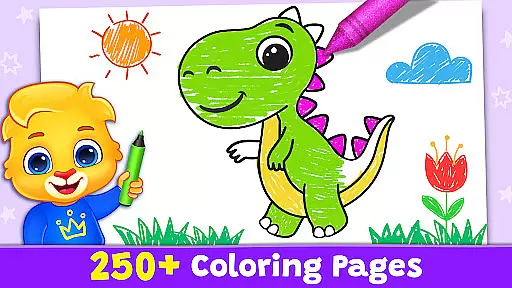
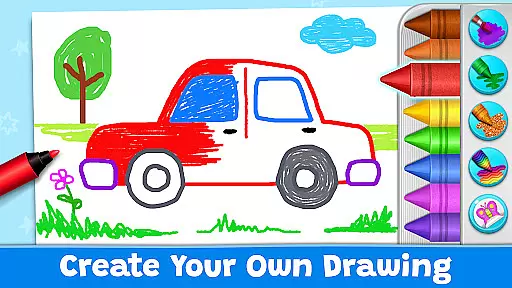
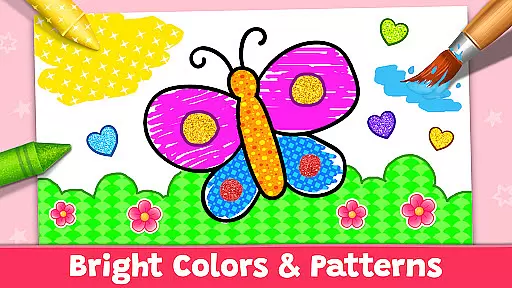
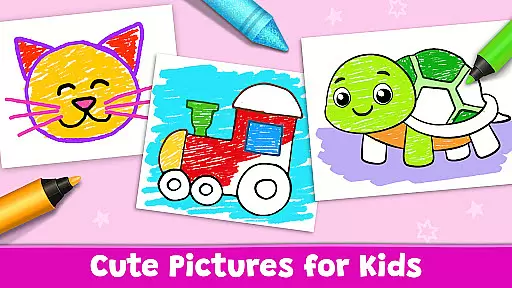

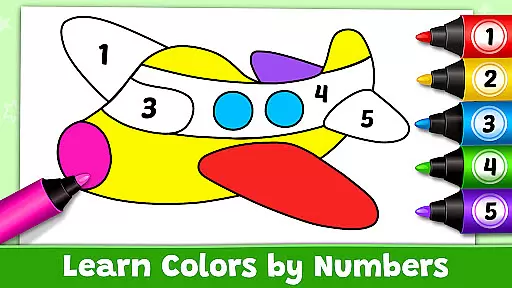
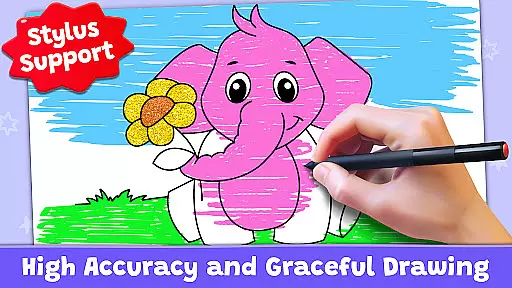
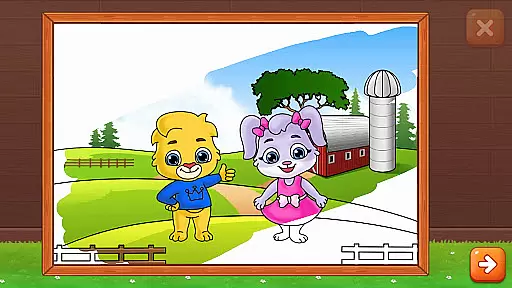
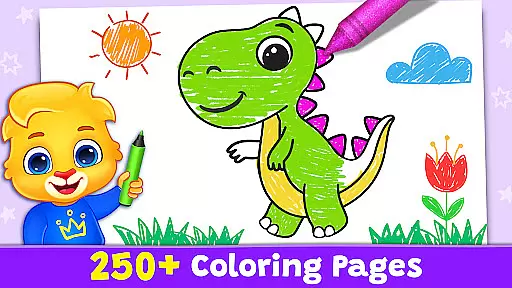
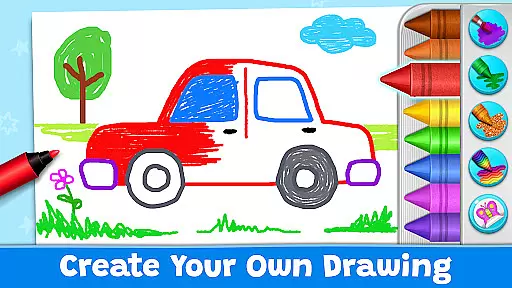
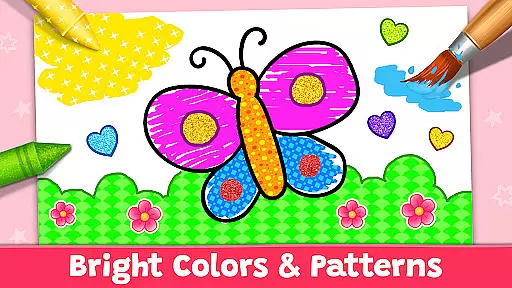
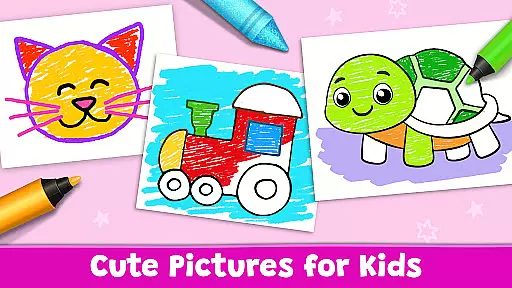

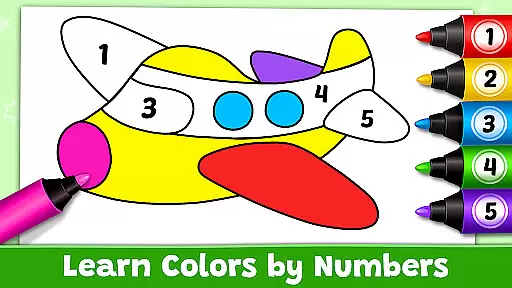
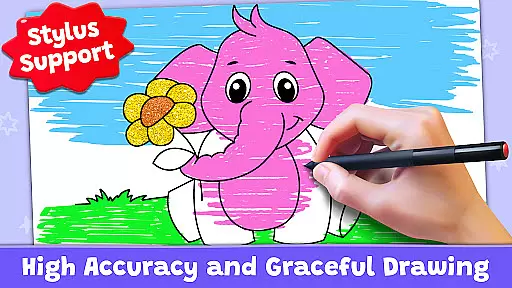
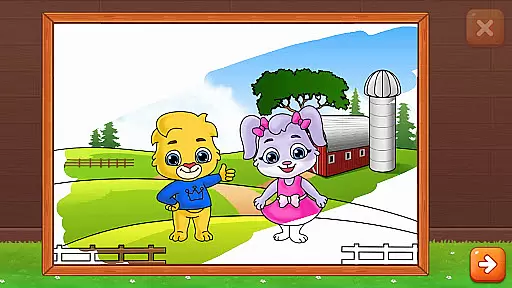
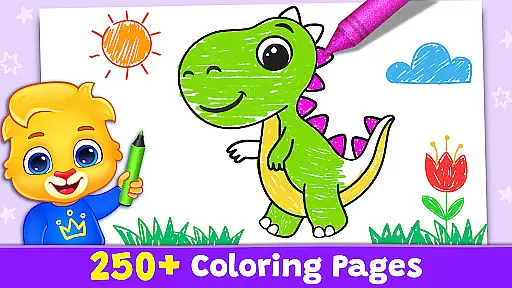
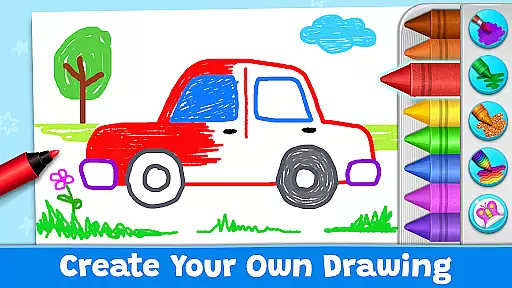
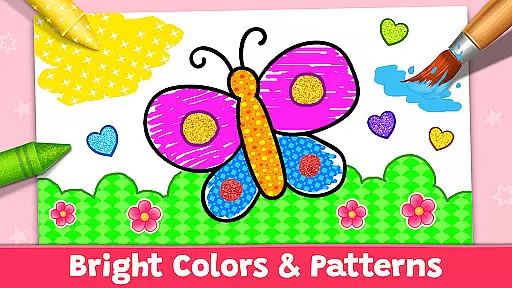
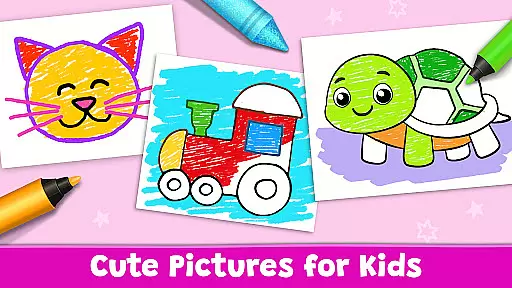

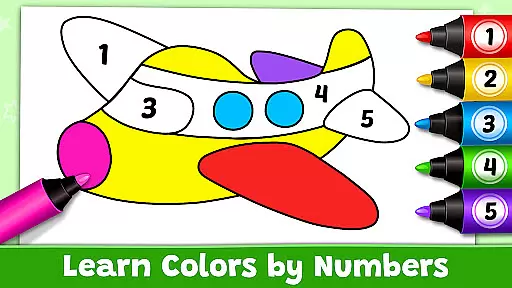
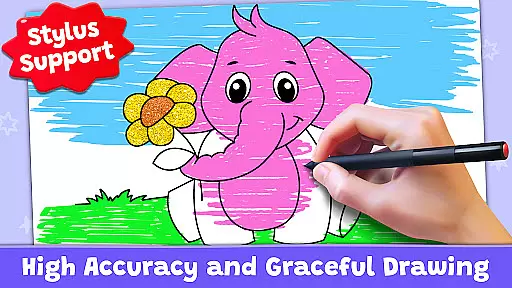
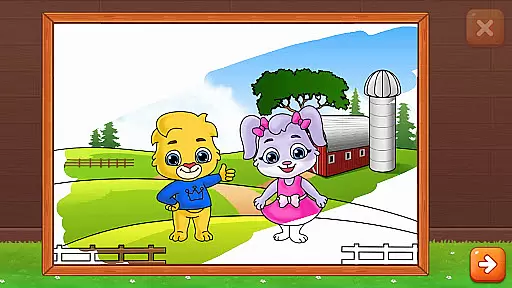
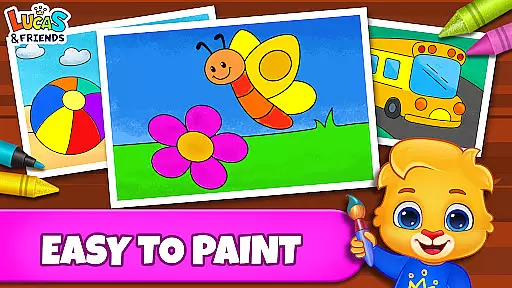

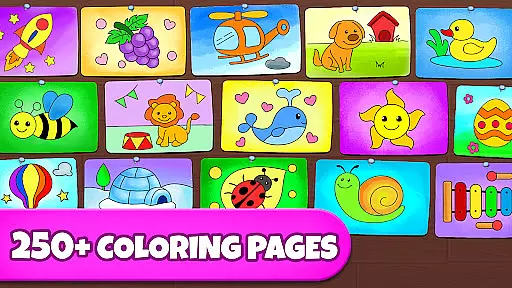
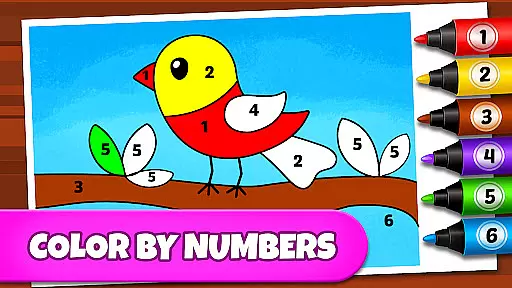
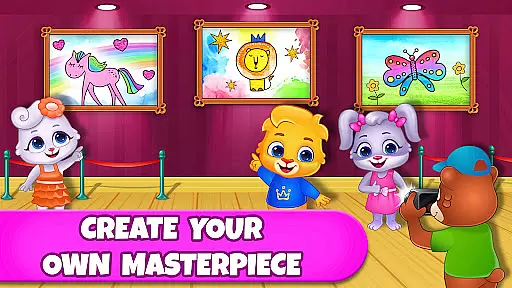
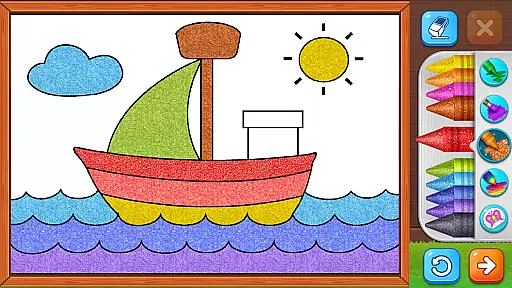
Coloring Games: Color & Paint is an educational app designed to provide children with a fun and creative platform for coloring and painting. This app offers multiple modes, including paint by numbers, color by numbers, doodling, and free coloring, making it suitable for kids of all ages, from toddlers to preschoolers. The interface is specifically crafted to be simple and intuitive, allowing even one-year-olds to easily navigate and enjoy the drawing and painting tools.
The app provides a variety of engaging mini-games such as Fun Paint, Color Fill, Drawing, Glow Pen, and Number Paint, each offering unique ways to create art. These features not only entertain but also help in developing fine motor skills and creativity in young children. Parents can monitor their child's progress through customizable profiles and adjustable settings, ensuring a personalized experience tailored to each child's needs.
One of the standout aspects of Coloring Games is its commitment to providing a completely free, safe, and educational experience without any ads, in-app purchases, or paywalls. This ensures uninterrupted playtime, allowing families to enjoy quality time together while fostering creativity and learning in a secure digital environment.
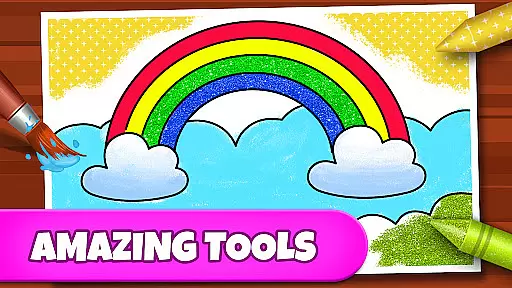
Coloring Games: Color & Paint boasts a rich set of features that cater to both children and parents. One of the primary highlights is the diverse range of coloring and painting modes available. Kids can choose from various activities like Fun Paint, which allows them to fill blank coloring book pages with bright colors, and Color Fill, offering a wider palette including stickers, glitter, crayons, and patterns. The Drawing mode provides a blank slate with a full color palette, while Glow Pen lets children paint with neon colors on a dark background.
In addition to these creative tools, the app includes a Color-by-Numbers feature, helping children learn numbers and colors simultaneously. Each mode is designed to enhance different skills such as fine motor control, color recognition, and creativity. For parents, the app offers robust monitoring capabilities. Customizable profiles for each child allow parents to track progress and adjust difficulty settings to match their child's skill level.
Another significant advantage is the app's commitment to safety and accessibility. There are no ads, in-app purchases, or paywalls, ensuring a seamless and secure experience. This approach reflects the developers' dedication to creating a family-friendly environment where children can learn and have fun without interruptions or hidden costs.
In the realm of educational gaming, content authority and curriculum alignment are crucial for ensuring that learning is both effective and credible. Coloring Games: Color & Paint rises to this challenge by providing a platform where creativity meets education.
The app offers a variety of coloring modes such as paint by numbers and color by numbers which implicitly introduce young users to basic numeracy skills. This subtle form of learning through play ensures that while children engage in creative activities, they inadvertently align with fundamental educational concepts.
Furthermore, the application's design takes into account the developmental stages of its users. With an interface that toddlers as young as one year old can navigate, it supports early childhood education by refining motor skills and color recognition. Parents can observe their children's progress within a safe environment devoid of commercial interruptions.
By integrating features like profiles for each child and customizable difficulty settings, Coloring Games: Color & Paint not only adheres to educational standards but also personalizes the experience to fit individual learning paces. This dual focus on authoritative content and curriculum-relevant activities makes it a valuable educational tool for preschoolers and toddlers alike.
Gamification in learning transforms the educational process into an engaging journey, merging enjoyment with knowledge acquisition. Coloring Games: Color & Paint exemplifies this approach by turning coloring into an interactive learning adventure.
This app captivates children with its array of mini-games including Fun Paint, Color Fill, Drawing, Glow Pen, and Number Paint. Each mode is crafted to stimulate different aspects of creativity and cognition. For instance, Number Paint encourages logical thinking as kids fill in colors according to numbers, effectively combining play with problem-solving.
Moreover, the absence of ads and in-app purchases creates a seamless gamified learning environment where focus remains on the task at handu2014creating art. Children can freely explore various artistic tools without distractions or limitations, fostering an uninterrupted flow of learning through play.
Coloring Games: Color & Paint stands out by offering a comprehensive suite of features designed to integrate gaming elements with educational objectives. By doing so, it not only entertains but also educates, making it an exemplary model of how digital platforms can enhance cognitive development through thoughtful gamification strategies.
User-friendly interface
Variety of coloring modes
No in-app purchases
Customizable profiles
Safe and ad-free
Limited advanced features
Basic color options
Repetitive content
No social sharing
Simple graphics

Explore the world of reading and writing with Booker!
 4.0
4.0
Creating emotional connections
4.2
Play educational games for preschool toddlers—plus more to discover ►AdsFree◄
4.60
Enjoy the fun kid's hospital play game with Cocobi, the little dinosaurs!
4.00
Explore, create, and play with Hello Kitty and all her friends!
4.60
Explore Fantasy Land, get to know the world and create stories!
4.30
Fun phonics & alphabet tracing game for toddlers, preschool & kindergarten kids!
4.60
Play and build with Bluey & friends in this fun LEGO® game!
4.40
Create, customize & explore your Toca Boca story! Endless fun & creativity await
4.30
Preschool learning games: 123 numbers game for kids, abc learning for toddlers
4.70
Fun game for preschoolers to learn addition, subtraction, counting and math!
4.50
Fun drawing games with coloring book, glow and paint by numbers! Color for kids.
4.20
Fun educational game: Learn, imagine, create, draw and color!
4.20
Fun dentist game with Cocobi friends!
4.10
Animal games! Adopt virtual pet dog, cat & rabbit to create your pet world!
4.10
Games, music, crafts and coloring with cats
4.10
Welcome to the dollhouse! Unboxing, doll games, dress up & cute pets await!
4.00
Practice Early Literacy Skills and Build Vocabulary with Elmo & Cookie Monster!
3.90
Play the fun healthy habits game for kids with Cocobi the little dinosaurs.
3.40


User Reviews