
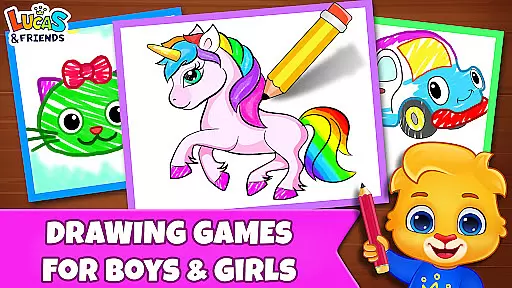
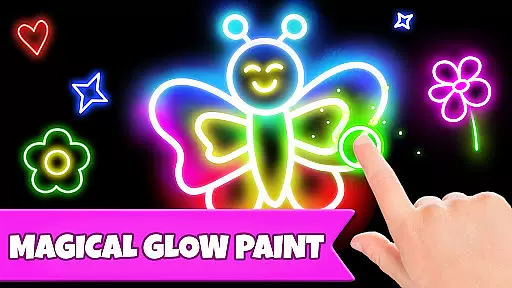
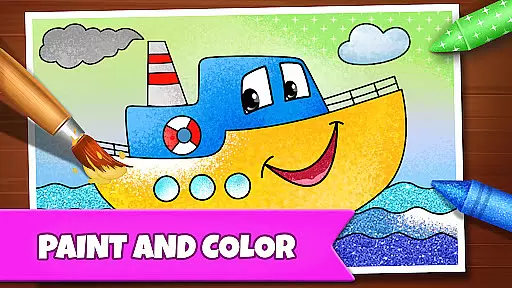
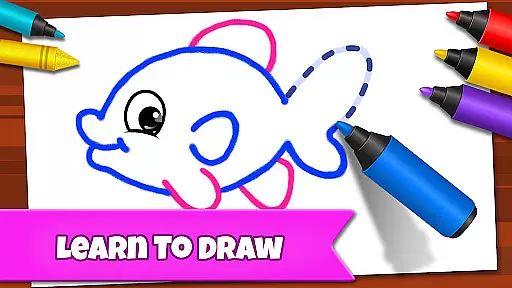
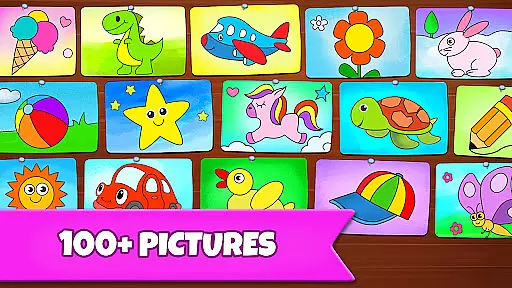
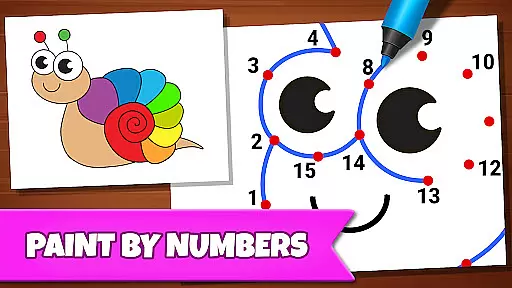
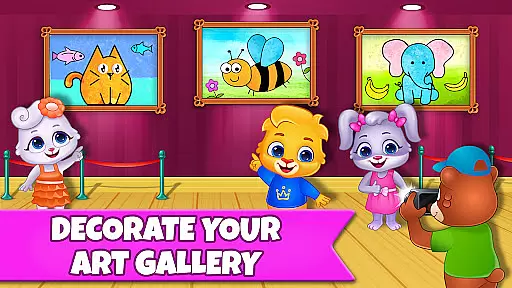
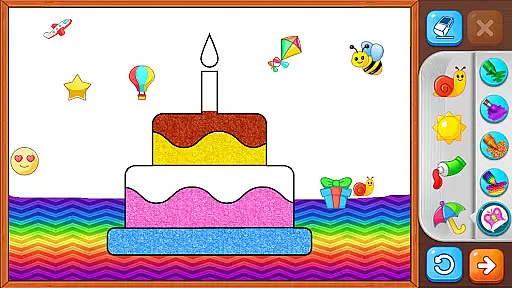
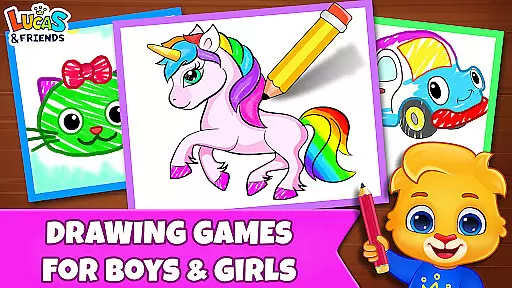
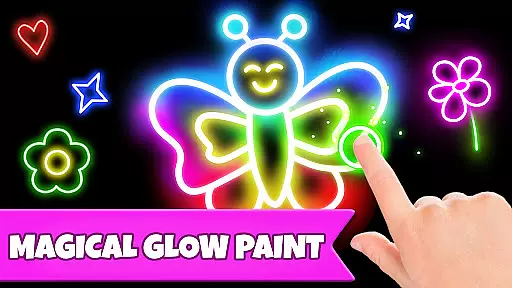
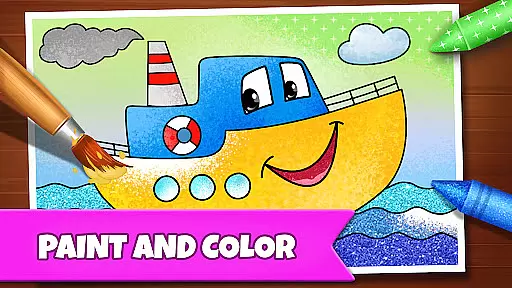
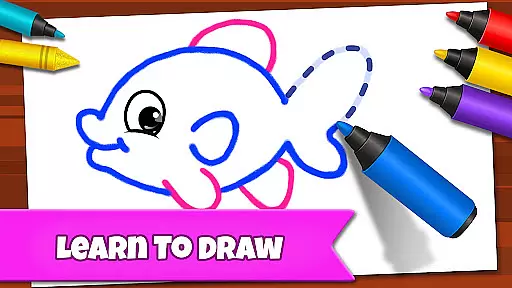
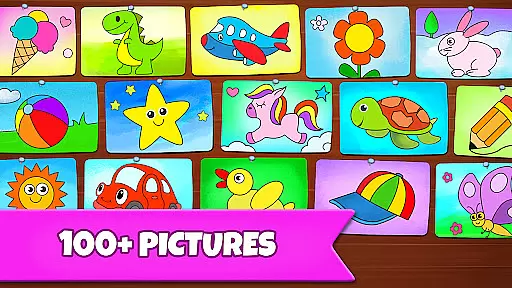
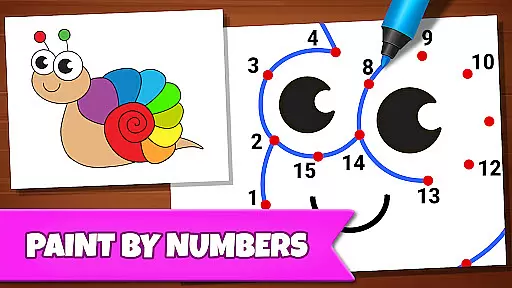
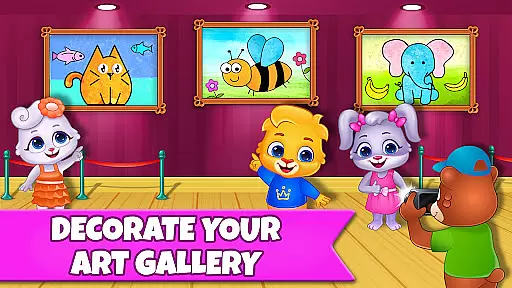
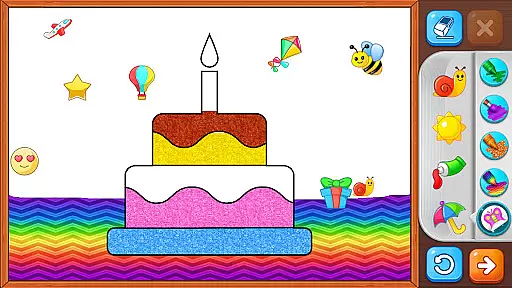
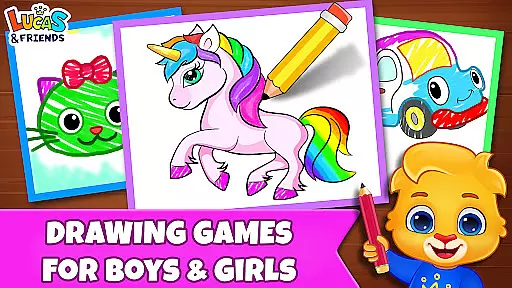
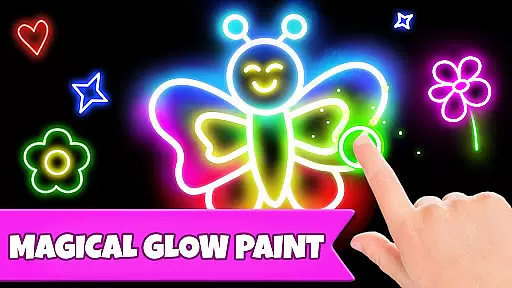
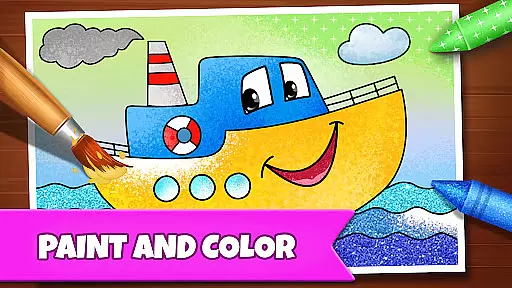
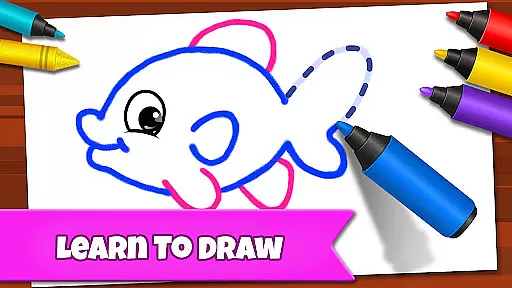
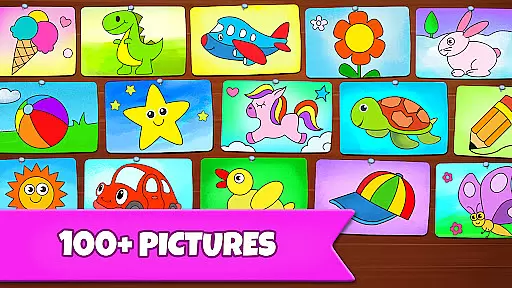
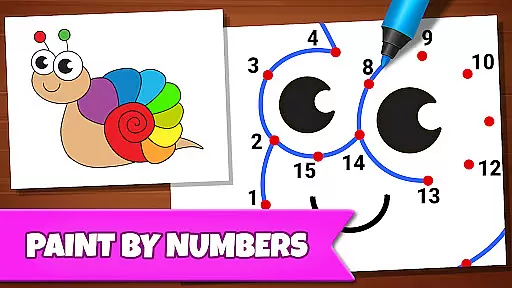
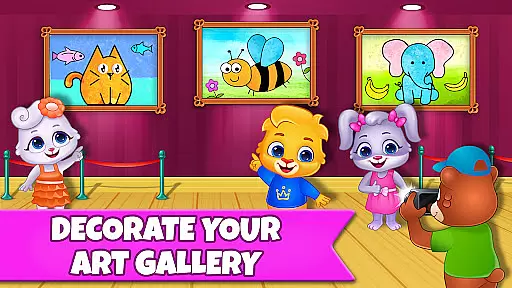
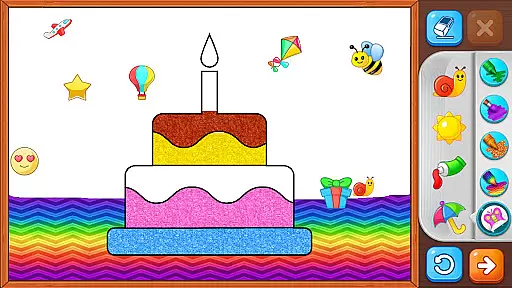
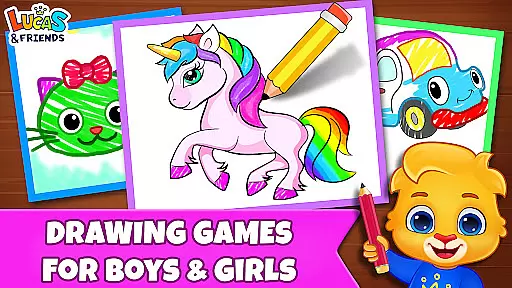
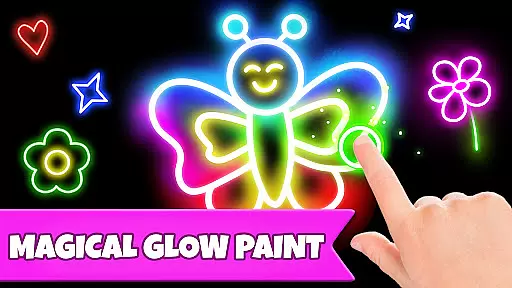
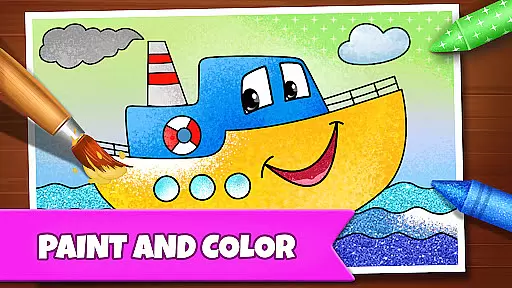
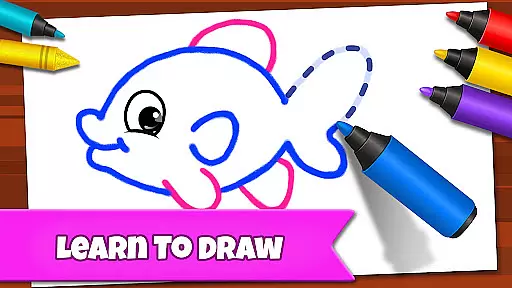
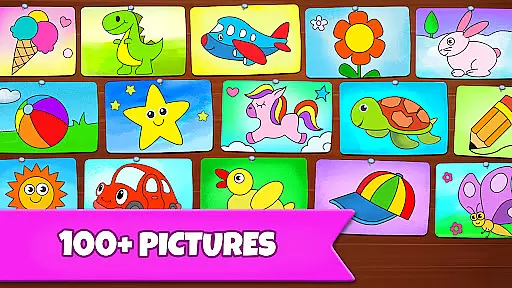
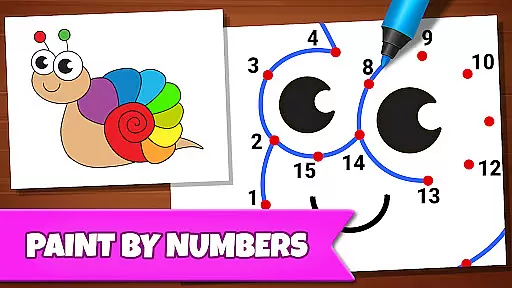
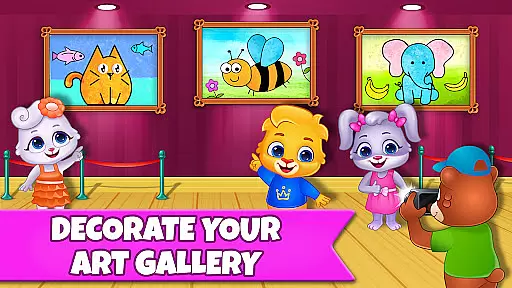
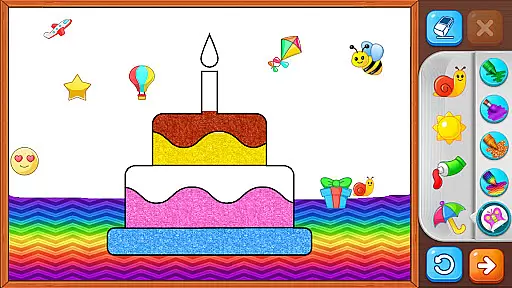
Drawing Games: Draw & Color is an educational app designed to engage children in creative learning through various drawing and coloring activities. The app offers multiple modes such as Learn to Draw, Auto Draw, Connect & Color, Connect the Dots, Memory Drawing, and Glow Paint, each crafted to teach kids different skills including shape recognition, number familiarity, and picture identification.
Children can express their emotions and build confidence by engaging in painting and coloring activities. The app caters to toddlers, preschoolers, and kindergartners with varying difficulty levels, ensuring a fun yet educational experience for all age groups. With no in-app purchases or ads, Drawing Games provides a safe and distraction-free environment for kids to explore their creativity and enhance their cognitive abilities while having hours of fun.
The app boasts a variety of features that make it both entertaining and educational for children. One standout feature is the step-by-step drawing guide in the Learn to Draw mode, which helps kids understand the process of creating art from scratch. Another highlight is the Auto Draw mode, perfect for younger toddlers who can watch paintings come to life and get colored in automatically.
Connect & Color and Connect the Dots modes encourage logical thinking and fine motor skills by requiring kids to connect dots to reveal pictures. The Memory Drawing mode challenges memory retention as children attempt to redraw lines from memory. Additionally, the Glow Paint mode adds an element of excitement with glowing paint colors. These diverse modes ensure that children remain engaged while developing essential skills through play.
In educational apps, content authority and curriculum alignment are crucial for ensuring that children receive accurate and relevant learning experiences. Drawing Games: Draw & Color provides a robust framework that aligns with early childhood education standards.
The app offers various modes such as Learn to Draw, Auto Draw, and Connect the Dots, which are designed to teach kids essential skills like shape recognition, number identification, and picture association. These activities are crafted by educational experts to ensure they meet curriculum guidelines.
Parents can be confident that their children are engaging with content that is not only fun but also pedagogically sound. The app's dedication to authoritative content ensures that kids learn through methods that are proven effective in educational contexts.
Gamification in learning transforms traditional educational content into engaging experiences that captivate young learners. Drawing Games: Draw & Color excels in integrating gamified elements that make learning seamless and enjoyable.
Features like Memory Drawing and Glow Paint incorporate game-like mechanics that challenge and entertain children. These interactive modes encourage kids to practice memory recall and artistic expression while keeping them motivated through playful activities.
This approach not only sustains children's interest but also enhances their retention of knowledge. By blending education with entertainment, Drawing Games fosters an environment where learning becomes a delightful adventure, promoting both cognitive and creative development.
User-friendly interface
Educational content
Variety of game modes
No in-app purchases
Ads-free environment
Limited advanced features
Basic color options
Not suitable for older kids
Simple graphics
Repetitive gameplay

Join Duggee and the Squirrels as they practice their counting!
 4.3
4.3
Get points, learn Spanish, repeat. Speedrun your way to knowledge.
4.1
Imagine, build and ride your own Rollercoaster!
3.90
Play the fun princess party game for kids with Cocobi the little dinosaurs.
4.10
Play educational games for preschool toddlers—plus more to discover ►AdsFree◄
4.60
Enjoy the fun kid's hospital play game with Cocobi, the little dinosaurs!
4.00
Fun dentist game with Cocobi friends!
4.10
OG Munchers - Play classic Number Munchers game on Android
4.40
Where Little Healers can Make a Big Difference!
4.00
Kids coloring games for boys! Fun drawing, painting & learning book for kids.
4.60
Fun game for preschoolers to learn addition, subtraction, counting and math!
4.50
Monkey Preschool Fix-It is an early learning game for ages 2 to 5.
4.40
Explore Fantasy Land, get to know the world and create stories!
4.30
OG Trail - Lets you play the classic Oregon Trail simulation game on Android
4.20
Endless runner fun packed with animal facts, exciting wildlife, & adventure.
4.10
Woof! The very first official Hey Duggee app for CBeebies' new favourite show.
3.70
Wind down, relax and snuggle up with your favourite Blocks characters.
3.30
Little Explorer – Garage, Kitchen and Bathroom
4.0
Have fun learning Alef Beit
4.2


User Reviews