
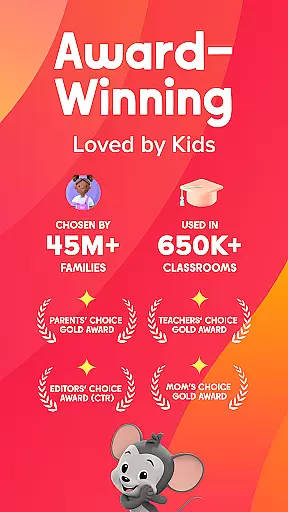
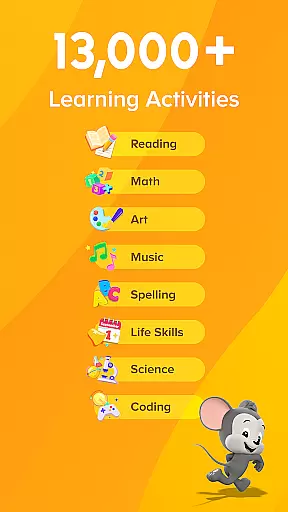
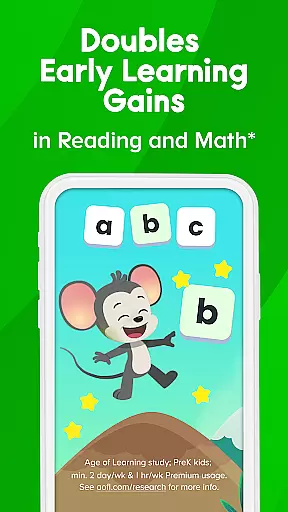
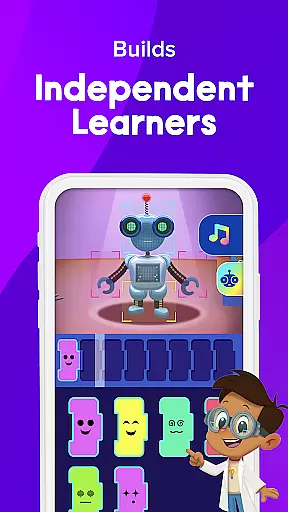
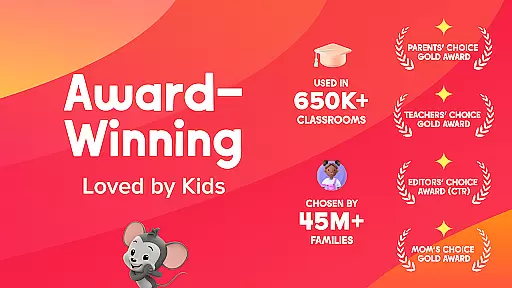

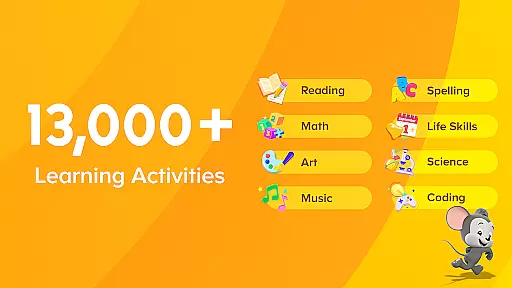
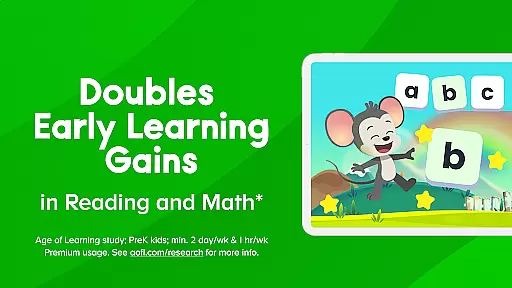
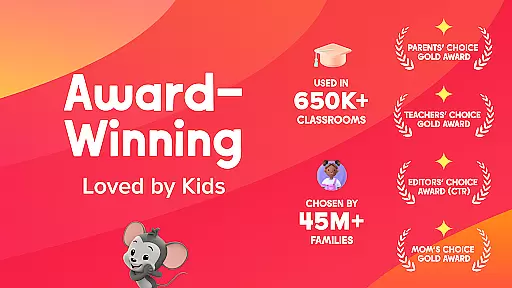

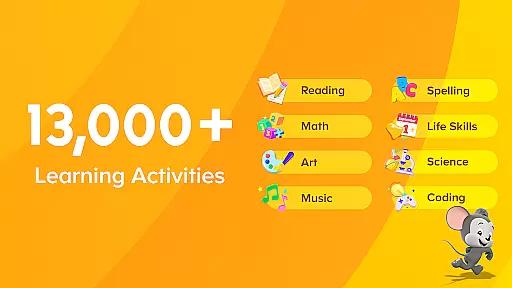
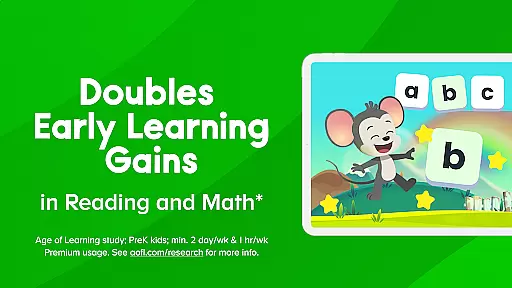
ABCmouse 2 is an educational app designed for children aged 2-8, offering a comprehensive learning experience through games, books, videos, and creative play areas. Backed by an award-winning curriculum used in over 650,000 US classrooms, the app provides daily curated content across subjects like reading, math, science, and art. Its engaging activities are crafted by learning experts to ensure age-appropriate education while fostering creativity and curiosity.
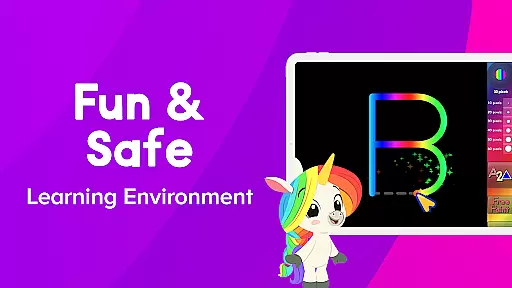
The app features both free and premium subscription options. The free version offers a rotating selection of activities, while the premium membership unlocks unlimited access to thousands of learning resources. Unique play areas such as Hamster Town, Pet Town, and Bot Beats encourage learning through play, covering topics from coding basics to social-emotional skills. With a focus on safety, ABCmouse ensures a COPPA-compliant environment without third-party ads or popups.
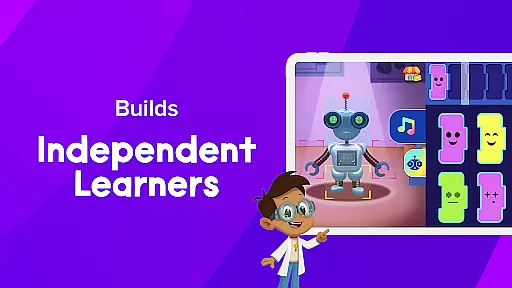
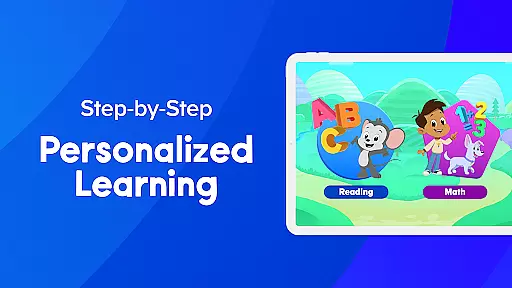
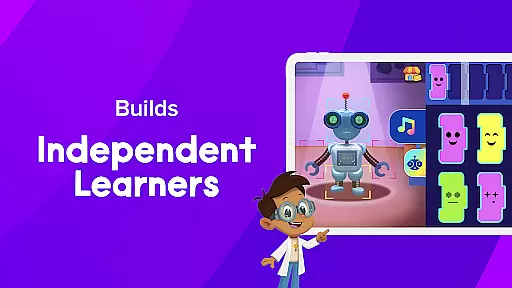
Parents can use ABCmouse to supplement their child's early education at home. Whether it’s phonics practice, math puzzles, or science experiments, the app supports independent learning with a personalized step-by-step path. The ticket-and-reward system motivates kids to complete tasks, making education enjoyable and rewarding.
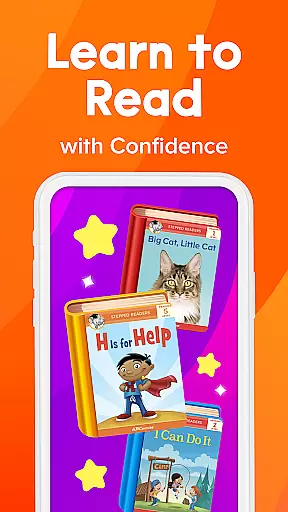
ABCmouse 2 stands out with its diverse range of interactive learning tools tailored for young learners. It includes read-to-me books, animated lessons, puzzles, and art projects that cater to various academic subjects. Each activity aligns with specific learning objectives, ensuring structured progress in key areas such as reading comprehension, numerical skills, and scientific inquiry.
A unique feature is the app’s emphasis on creative play. Play areas like Safari, Aquarium, and Bot Beats combine fun with foundational concepts such as spatial reasoning and basic programming. These immersive environments allow children to explore and learn at their own pace. Additionally, the personalized learning path adapts to individual needs, promoting self-guided exploration under parental supervision.
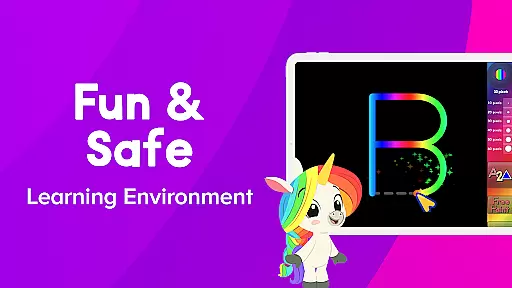
Safety and accessibility are prioritized in ABCmouse 2. The app complies with COPPA standards, providing a secure space for kids to engage with digital content. Parents can manage subscriptions easily via Google Play settings, and the absence of intrusive ads ensures uninterrupted focus on learning. This blend of innovation, safety, and educational rigor makes ABCmouse 2 a trusted choice for families worldwide.
In the realm of early childhood education, content accuracy and authority are paramount. ABCmouse 2 excels in this area by providing a meticulously researched curriculum that spans multiple subjects including reading, math, science, and social studies. Each learning activity is crafted with specific educational objectives, ensuring that children receive accurate information aligned with educational standards.
The app's content is designed by learning experts who understand child development and educational needs. This expert-backed approach guarantees that every phonics exercise, math problem, or science experiment presented to young learners is both age-appropriate and pedagogically sound. Parents can trust that their children are engaging with high-quality material that fosters genuine learning.
Furthermore, ABCmouse has earned numerous accolades, including the Momu2019s Choice GOLD Award and recognition as a National Parenting Product Award Winner. These honors underscore the platform's commitment to delivering authoritative educational content that parents and educators worldwide have come to rely on for their children's growth and success.
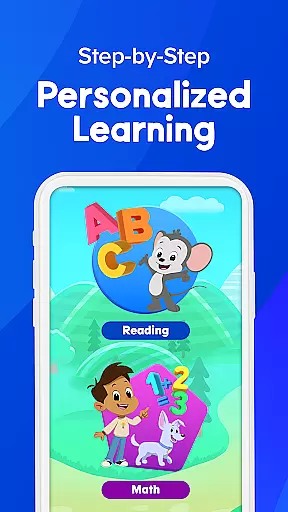
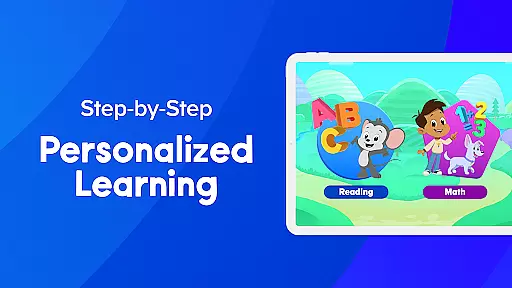
ABCmouse 2 offers personalized learning paths that adapt to each child's unique pace and style of learning. The app features a step-by-step learning path designed to guide children through various academic subjects, encouraging independent exploration while still allowing for parental guidance when needed.
This personalized approach ensures that every child can progress at their own speed, mastering foundational skills before moving on to more complex concepts. Activities are tailored to individual performance, providing additional support or challenges as necessary. This adaptive system helps build confidence and competence in young learners.
Moreover, the integration of creative play areas such as Hamster Town and Bot Beats adds an element of fun to the learning process. By combining structured lessons with interactive games, ABCmouse creates an engaging environment where children can develop essential skills like spatial reasoning and coding basics. This blend of structured learning and creative play supports holistic development, making education both effective and enjoyable.
User-friendly interface
Comprehensive curriculum
Engaging play areas
Safe learning environment
Personalized learning paths
Premium subscription required
Limited free content
Auto-renewal policy
Internet connection needed
Occasional bugs

Turn scrolling hours into improving your knowledge, communication, intelligence
 4.50
4.50
Skelly is a fully poseable, anatomically correct reference skeleton for artists.
4.10
The Fighter Verses Bible memory system helps you memorize God's Word.
4.50
Study for your 608 certification.
4.50
SkyView®, an augmented reality space app, brings stargazing to everyone!
4.40
Learn to pass DMV permit tests. Driver license practice test 2025.
4.60
Courses, certificates, degrees
4.50
Cool math games & learn to read activities- loved by kids, approved by teachers.
4.50
Train, track, and reward potty training using Potty with Pull-Ups® ft. Disney®
4.70
The best way to study for your amateur radio license exam.
4.90
Gain new skills in 10 minutes
4.70
Perform physics experiments with your phone. (by the RWTH Aachen University)
4.70
Intuitive Transformer Lab - By a Lineman, For Linemen & Apprentices
4.50
Ignite curiosity, spark learning: All babybus videos &games
4.30
An aviator’s preparation, study and test tool for FAA Knowledge Exams.
4.30
Explore numbers the Starfall way!
4.00
Make your own game and world. Draw and animate characters
3.70
Quiz App to help case managers studying for CCMC Certification, 200+ Questions
3.40
Snap a dog photo to identify its breed instantly. Fast, accurate and easy to use
3.40


User Reviews