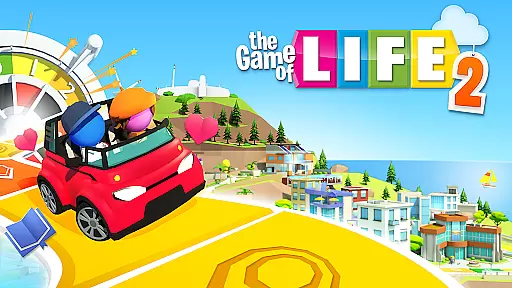
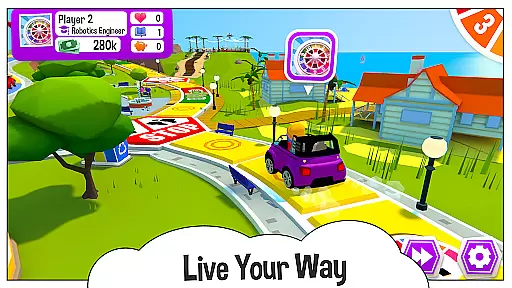
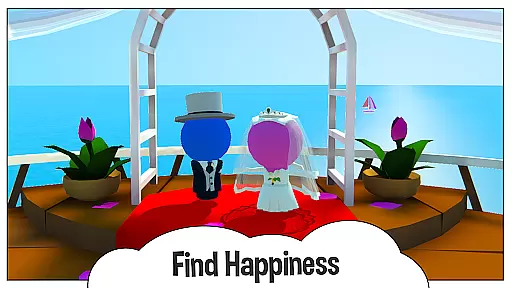
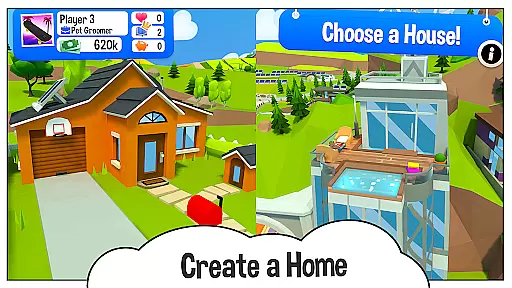
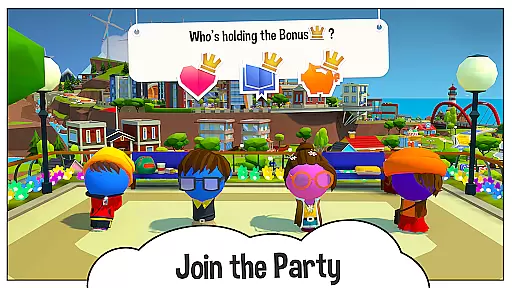
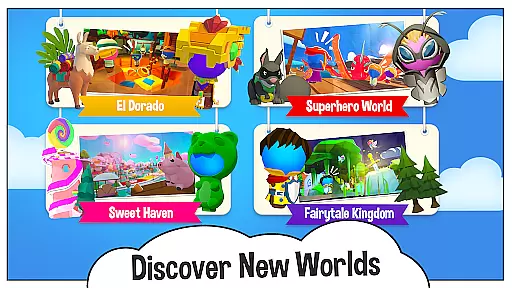
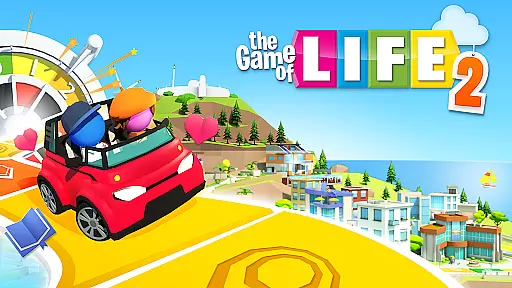
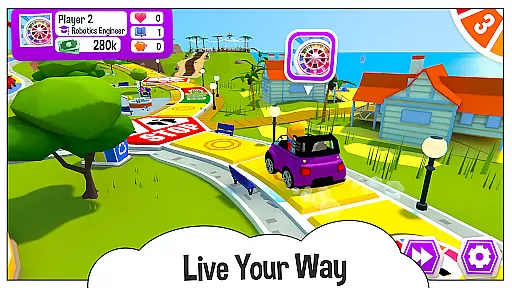
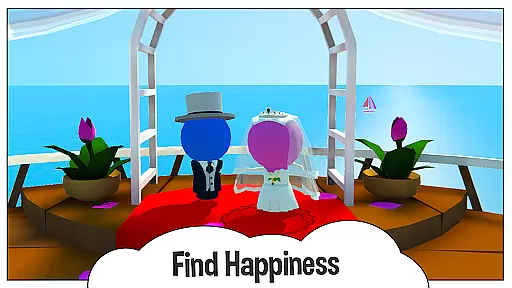
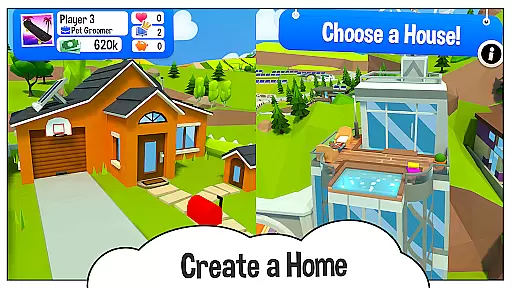
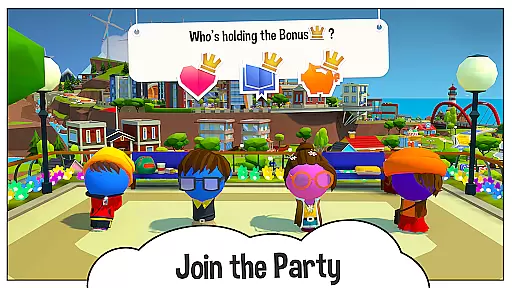
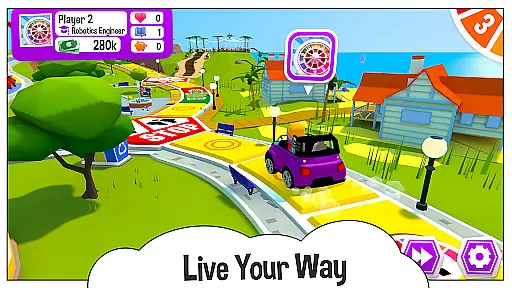
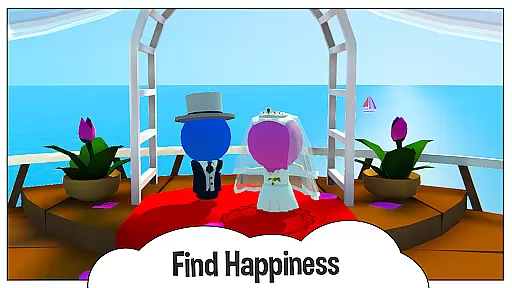
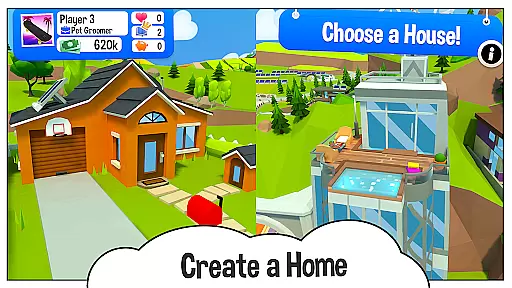
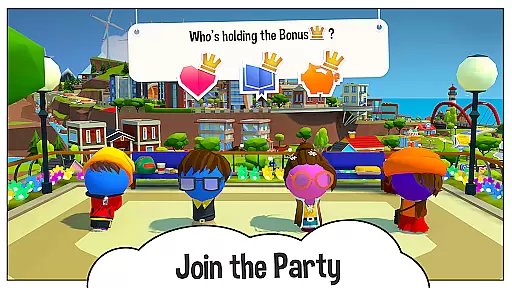
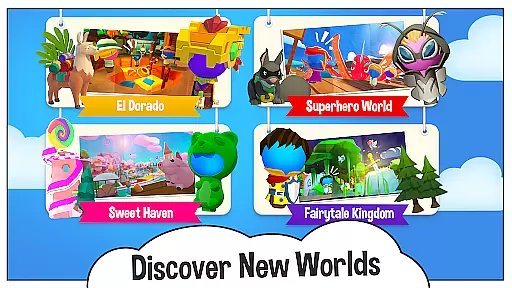
The Game of Life 2 is an engaging digital adaptation of the classic board game, offering players a chance to experience diverse life paths in a vibrant 3D environment. This award-winning sequel allows users to make pivotal life decisions such as education, career, and family choices while earning points for Knowledge, Wealth, and Happiness.
With customizable characters, various unlockable items, and multiple world settings, the game provides extensive replayability. The cross-platform functionality enables friends and family to connect regardless of their device, making it ideal for both casual and dedicated gaming sessions.
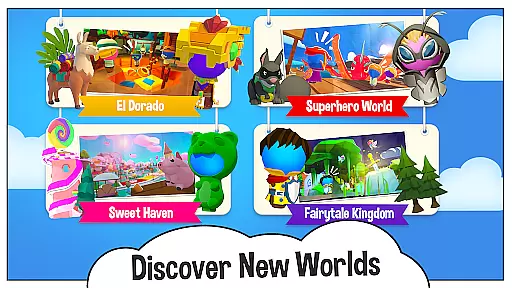
The Game of Life 2 stands out with its rich customization options, allowing players to personalize their avatars with different outfits and select from a variety of vehicles. The game includes the Classic World board and offers additional worlds that introduce new themes, properties, and life scenarios, enhancing the overall experience.
Players can unlock new content through gameplay, maintaining engagement over time. Cross-platform play ensures that users on PlayStation, Xbox, PC, Switch, iOS, and Android can all join in the fun together. These features combine to create a dynamic and inclusive gaming experience suitable for all ages.
In The Game of Life 2, rule authenticity is maintained while offering players flexible choices that mimic real-life decisions. This balance ensures that the classic board game's spirit is preserved.
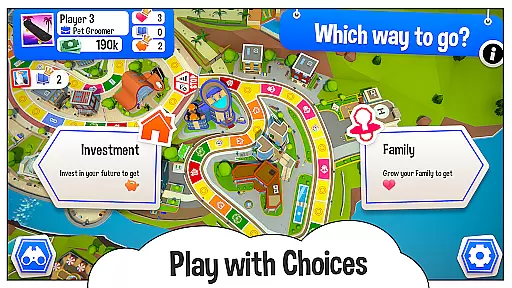
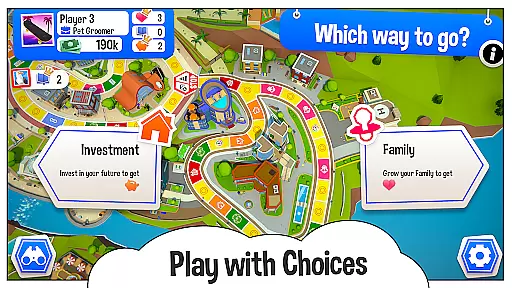
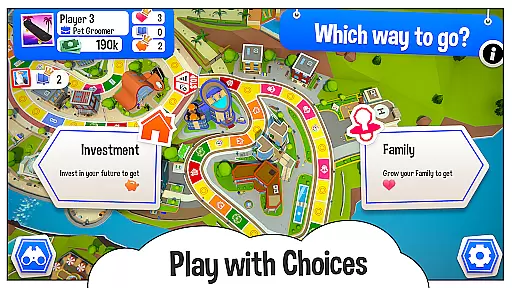
The game presents players with pivotal life choices such as education, career, and family paths. Each decision alters the gameplay, providing a dynamic experience that aligns with actual life events and possibilities.
Flexibility in the game is showcased through various crossroads where big life decisions await. These moments require wise selections, impacting a player's journey towards Knowledge, Wealth, and Happiness, thus enriching the game's replay value.
The Game of Life 2 offers AI opponents that provide a competitive experience for players. The quality of these AI opponents is designed to challenge users, ensuring an engaging solo play or complementing multiplayer sessions.
While playing against AI, one can expect varying difficulty levels that adapt to the player's skill level. This adaptive AI system aims to deliver a fair yet challenging match every time, keeping the gameplay fresh and unpredictable.
Moreover, the presence of AI opponents does not detract from the social aspect of the game. Instead, it enhances the experience by allowing seamless cross-platform play with friends and family, whether they are using PlayStation, Xbox, PC, or mobile devices.
Engaging 3D graphics
Customizable characters
Cross-platform play
Vibrant game worlds
Family-friendly fun
Some items locked
In-app purchases
Complex for young kids
Requires internet
Ads between games
The hit roguelike with all the fun of a dungeon crawl in a single deck of cards!
 3.30
3.30
Take command and turn your faction into the most powerful in all of Europa!
3.80
A strategic boardgame of galactic expansion. Develop and settle outer space!
4.10
Enjoy tile matching puzzles and unlock fun stories!
4.90
Relive your favourite childhood game, now on mobile and tablet.
4.60
Best Dice Game with Friends!
4.80
Companion app for Final Girl boardgame
4.50
The iconic train game arrives on mobile! Play against AI or online multiplayer.
4.50
The ultimate Chess app available. Install now for pure enjoyment!
4.80
Harvest resources to build a woodland village in a beloved digital board game!
4.90
Plan, Build, Conserve
4.80
Roll, roll, roll your dice, Yatzy wins the prize.
4.70
The fastest way to learn and improve your Chess! The ultimate Chess teacher!
4.70
Shredder, the chess world champion. Play and learn chess.
4.50
Handcrafted Sudoku puzzles by the most popular Sudoku channel!
4.50
The famous Ravensburger board game from star designer Stefan Feld.
4.30
Develop your Tribe in the Stone Age, a digital adaptation of classic board game.
4.20
Roast coffee beans and compose a delicious cup of coffee.
3.80
The official digital adaptation of Jamey Stegmaier’s board game - Charterstone!
3.40


User Reviews