
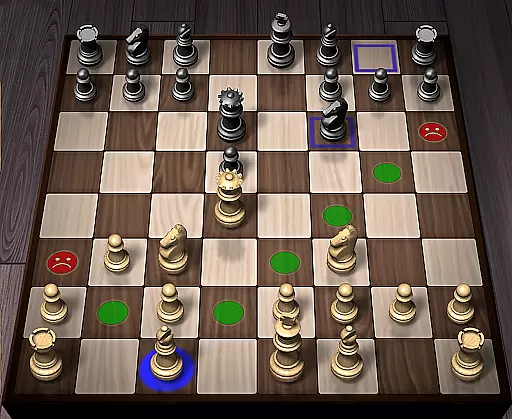
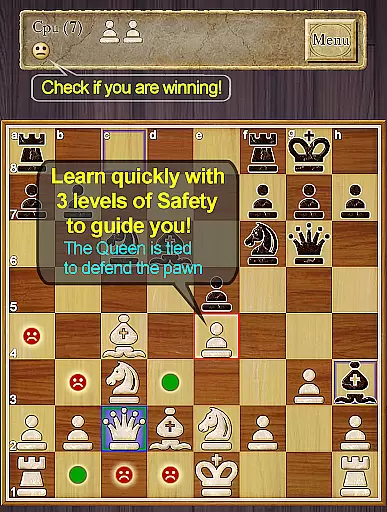
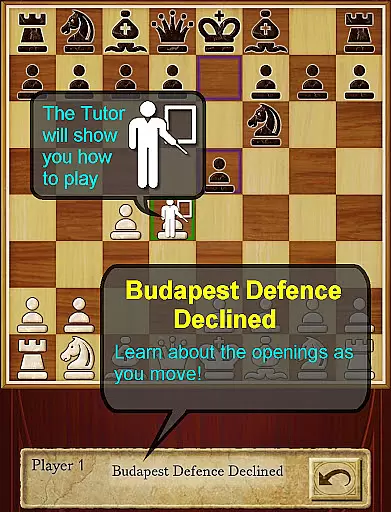
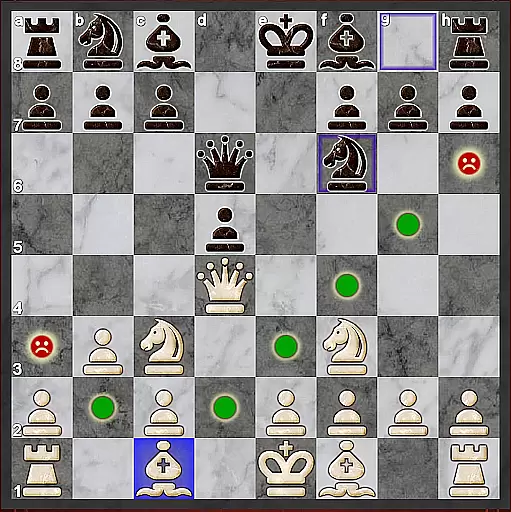
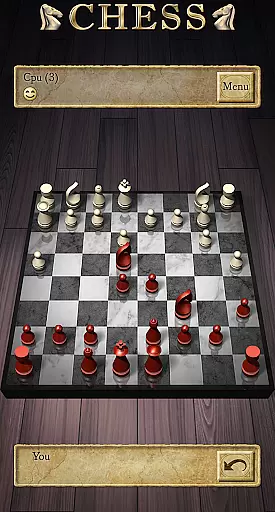
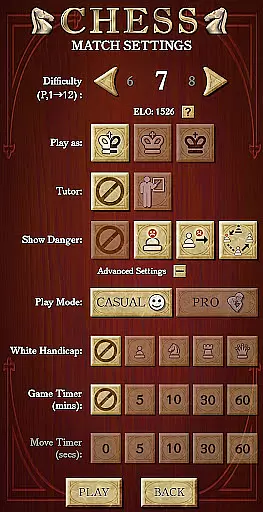
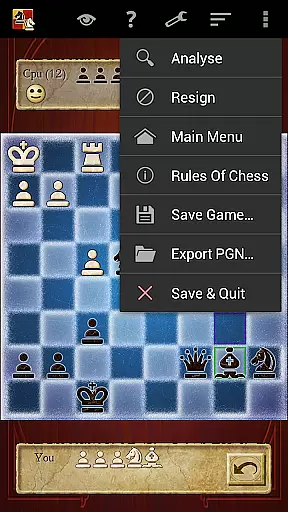

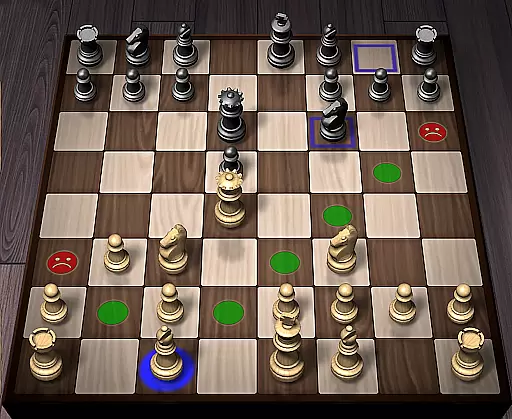
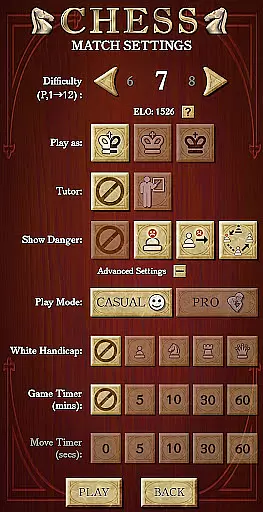
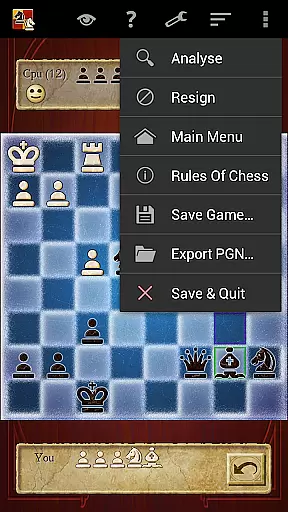

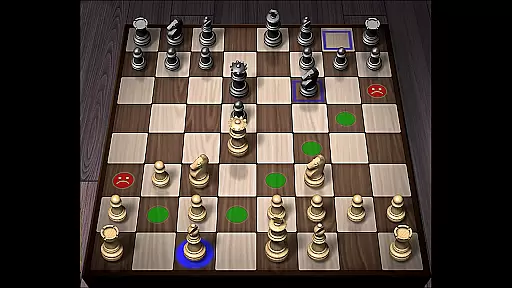
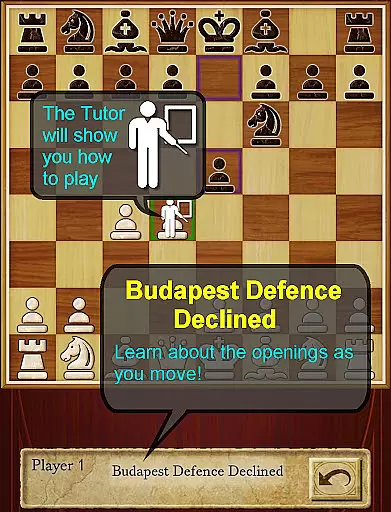
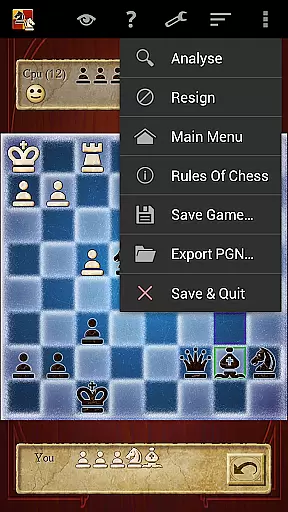

Chess Pro by AI Factory is a premier chess application designed for both novice players and seasoned strategists. This app stands out as the highest-ranked paid chess program on Android, offering an intuitive platform to learn and master Chess. With its first-class tutor system, users can develop strategic thinking while improving their overall gameplay skills.
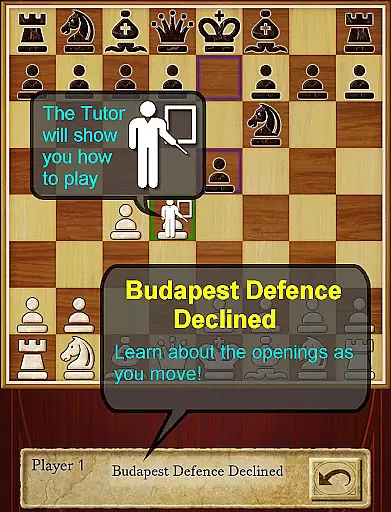
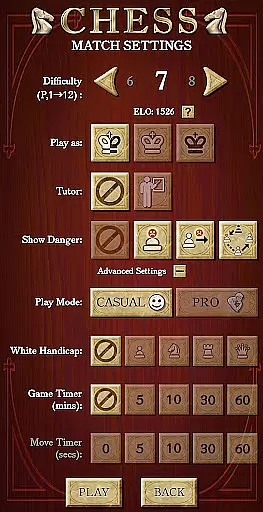
The app features 12 play levels ranging from Novice to Master, making it ideal for beginners who are just starting to explore the game. The Casual and Pro modes allow users to progress at their own pace, while the optional enhanced safety features provide guidance on avoiding common mistakes. Whether you're looking to understand opening lines like Queen's Gambit or analyze deeper moves with the Treebeard Chess engine, Chess Pro delivers a comprehensive learning experience.
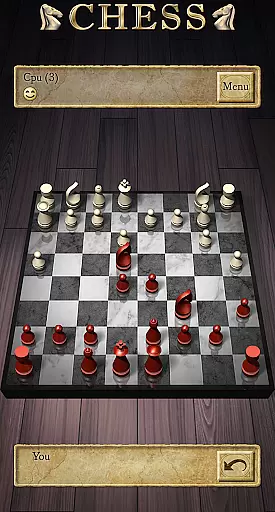
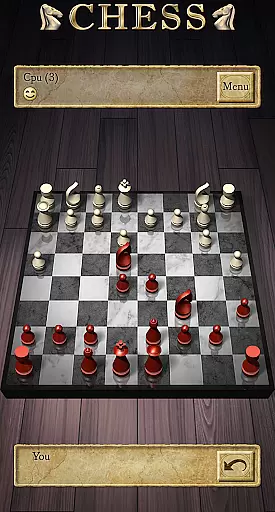
Designed for both tablets and phones, this app supports landscape mode and offers a selection of 2D and 3D boards. With additional features such as Achievements, Leaderboards, and ELO Ratings, Chess Pro not only enhances your skills but also adds a competitive edge to your gaming experience.
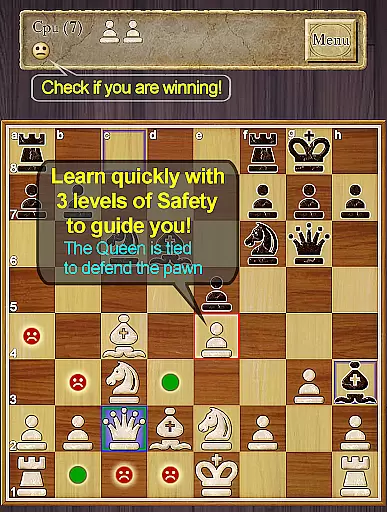
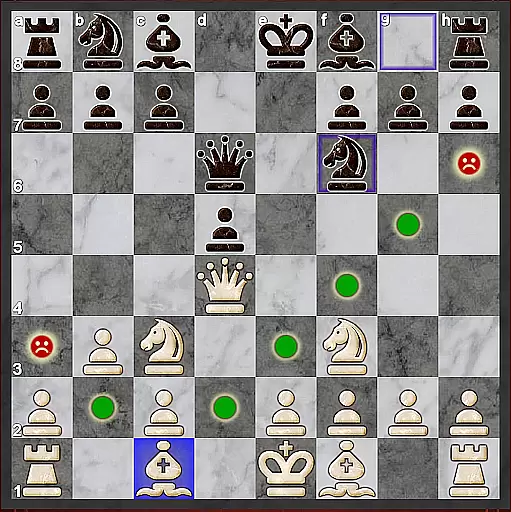
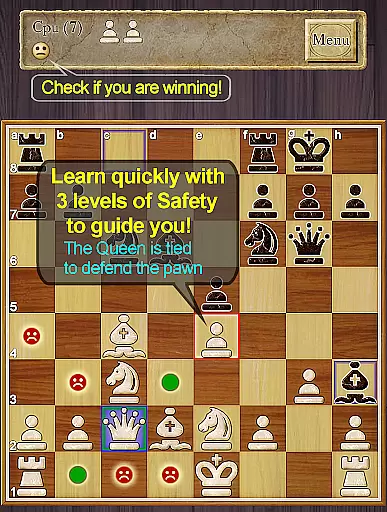
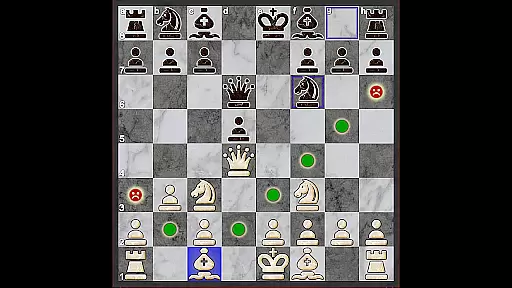
Chess Pro boasts a range of sophisticated features that cater to all levels of chess enthusiasts. One standout feature is the improved teaching system, which highlights unsafe moves and includes enhanced safety notifications for pins and ties. This ensures that players can avoid critical errors and refine their strategies effectively.
The app also provides a comprehensive indexed help section, allowing users to learn Chess systematically. The inclusion of a Smiley indicator lets players know who is winning at any given moment, adding a layer of engagement. Additionally, the 'Show CPU Thinking' option at level 3+ gives insight into the AI’s decision-making process, enhancing the learning curve.
For those interested in competitive play, Chess Pro offers Achievements, Leaderboards, and ELO Ratings based on your performance against the CPU in Pro Mode. The Review Game Mode allows users to step through their games, providing valuable post-game analysis. With support for online play via Google Play Games, players can challenge friends and enjoy a dynamic chess experience anytime, anywhere.
Chess Pro by AI Factory ensures the most authentic and flexible implementation of chess rules, making it a reliable tool for both beginners and advanced players. The app strictly adheres to official chess regulations while offering optional rule variations that cater to different play styles and skill levels.
The inclusion of 12 play levels, ranging from Novice to Master, allows users to experience varying degrees of rule complexity and strategic depth. This intelligent weakening feature for lower levels helps newcomers learn the game without feeling overwhelmed, while still maintaining the integrity of traditional chess rules.
One standout feature is the enhanced teaching system, which highlights unsafe moves and provides warnings about potential tactical pitfalls such as pins and ties. This educational approach not only teaches proper rule application but also helps players understand the consequences of their actions on the board.
The app's flexibility extends to its Casual and Pro modes, allowing users to choose between a more relaxed learning environment or a strict adherence to competitive standards. This dual-mode system, combined with comprehensive indexed help and move analysis tools, makes Chess Pro an exceptional platform for mastering both the letter and spirit of chess rules.
The AI opponent in Chess Pro represents one of the most sophisticated chess engines available on mobile platforms, utilizing the renowned Treebeard Chess engine. This engine, previously featured in Microsoft's MSN Chess, has been praised for its unique human-like playing style that adapts to different skill levels.
What sets this AI apart is its intelligent weakening system for lower difficulty levels. Rather than simply making random mistakes, the AI employs a sophisticated algorithm that simulates common human errors while maintaining logical consistency in its gameplay. This creates a more realistic and educational experience for developing players.
The app's AI demonstrates impressive depth through its ability to show thinking processes at level 3 and above. Players can observe the computer's decision-making in real-time, gaining valuable insights into advanced chess strategies and calculations. This transparency in AI thinking helps users understand the reasoning behind complex moves.
For competitive players, the AI offers a challenging experience even at higher levels, with the capacity to calculate numerous move possibilities and demonstrate expert-level tactics. The inclusion of ELO rating based on Pro Mode results against the CPU further validates the quality and reliability of the AI opponent, providing an accurate measure of player skill progression.
Comprehensive teaching tools
Multiple difficulty levels
Engaging AI engine
Supports online play
User-friendly interface
Paid application
Complex for beginners
Limited free features
No offline multiplayer
Requires Google account

Retro pixel art mahjong solitaire with handcrafted boards and timeless gameplay
 4.0
4.0
Enjoy tile matching puzzles and unlock fun stories!
4.90
Celebrate Christmas joy with fun paint by number & happy holiday coloring book!
4.70
Domino Frenzy - Tile board game.
4.70
The popular roll & write game by Paolo Mori
3.90
Connect matching tiles to clear the board. Memory puzzle game at leisure!
4.70
The Ultimate Chess Experience. For Beginners and Grandmasters!
4.80
Develop your Tribe in the Stone Age, a digital adaptation of classic board game.
4.20
Play bingo, roll dice, and relax with a brain-boosting MONOPOLY board game!
4.70
Easy and relaxing zen coloring game. Tap to color. Enjoy the coloring time.
4.90
Build your perfect make-believe city in the beloved family-friendly board game!
4.70
Start Playing this cool Domino Game right now!
4.70
The deck-building board game adventure !
4.70
Large Numbers Coloring Book for Seniors. Color by number for zen and relax.
4.60
Handcrafted Sudoku puzzles by the most popular Sudoku channel!
4.50
Dominoes online! Classic board games - Fives, Threes, Block and Draw Dominos!
4.40
The famous Ravensburger board game from star designer Stefan Feld.
4.30
Roll the dice, pass go and win! Play Hasbro's official MONOPOLY mobile game.
4.20
Challenge friends in offline 2 player games. Play boxing, fighting, chess, snake
4.00


User Reviews