
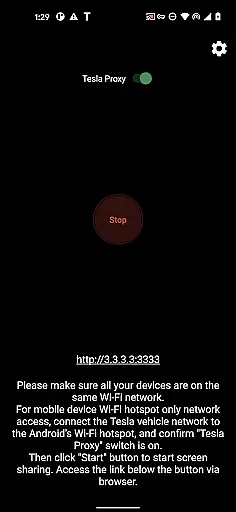
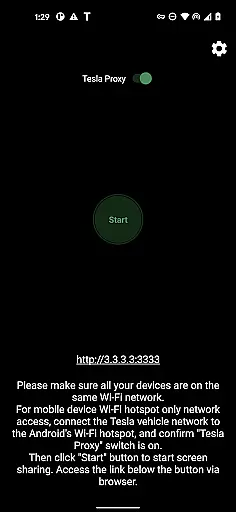
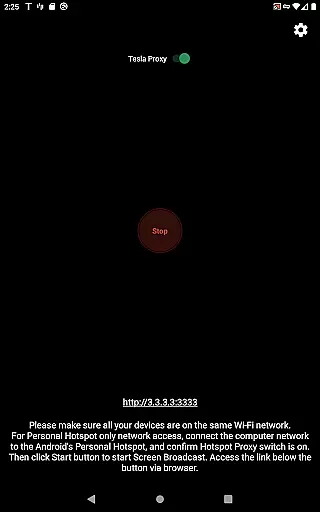
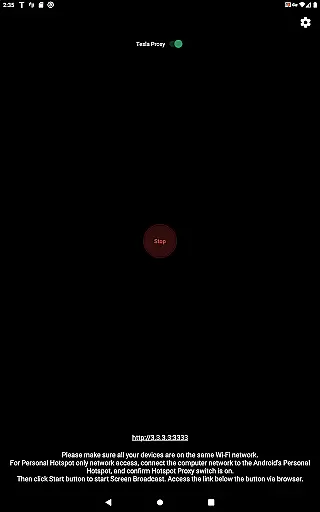
TeslaMirror is a cutting-edge application designed specifically for Tesla owners who wish to mirror their Android devices onto their vehicle's infotainment system. This app supports Tesla app mirroring, allowing users to enjoy a seamless transition of their mobile experience directly onto the larger in-car display. With compatibility across MCU2/3 hardware found in Model 3, Model Y, and newer Model S/X units, TeslaMirror ensures that your digital life is always within reach while you're parked.
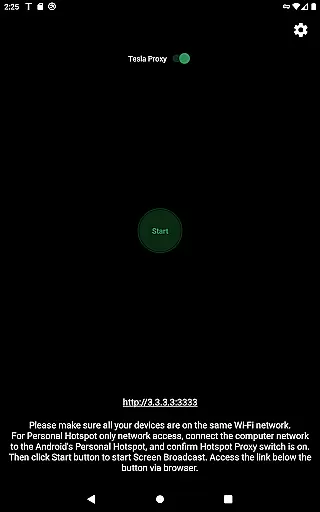
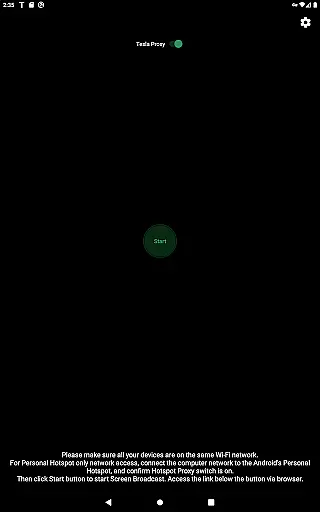
Setting up TeslaMirror involves updating your car’s system, connecting via a mobile hotspot, and accessing the mirrored screen through the Tesla browser. The app offers various streaming modes including H.264/H.265 for high-quality video and MJPEG for basic screen mirroring. Additionally, it provides lossless audio support and remote control features, enhancing the overall convenience and entertainment options available in your vehicle.
TeslaMirror stands out with its advanced streaming capabilities tailored for Tesla's sophisticated infotainment systems. It supports both H.264 and H.265 codecs, delivering crisp video playback at resolutions up to 1080p depending on the vehicle’s hardware. For those with MCU3 systems, H.265 at 720p@60fps is recommended for optimal performance without excessive bandwidth usage. Meanwhile, MCU2 users can enjoy stable streaming using H.264 at 540p@30fps.
Beyond video, TeslaMirror also excels in audio fidelity. On devices running Android 10 or higher, users can experience near Hi-Res quality sound during H.264/H.265 mode sessions. Additionally, the app includes an MJPEG mode for scenarios where only screen mirroring is needed, paired with Bluetooth audio. Remote Control functionality further enriches user interaction by enabling control of the Android device directly from the Tesla touchscreen or via a connected mouse.
TeslaMirror provides comprehensive access to detailed vehicle information by enabling users to mirror their Android device directly to their Tesla's infotainment system. This feature allows for real-time monitoring of various vehicle parameters and settings.
The application supports Tesla models with MCU2/3 hardware, ensuring compatibility with newer vehicles or those upgraded from MCU1 to MCU2/3. By connecting the Tesla to the Android phoneu2019s mobile hotspot, users can view and interact with their device's content on the caru2019s larger display.
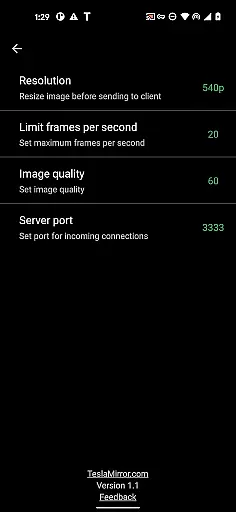
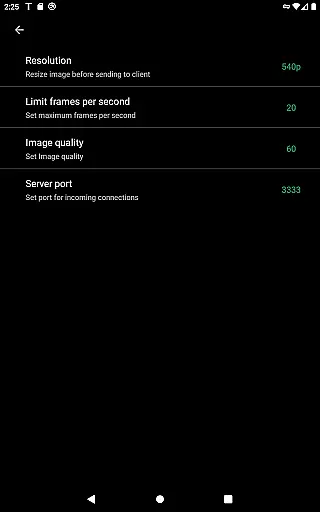
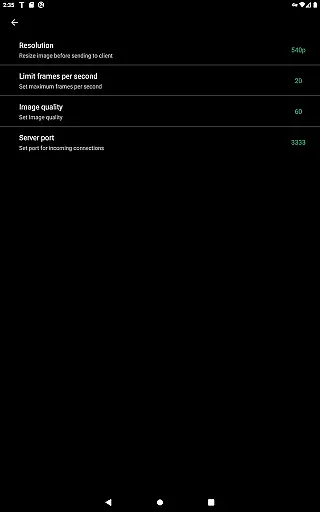
With specific recommendations for video quality based on the vehicleu2019s hardware, TeslaMirror optimizes the mirroring experience. For instance, MCU3 hardware supports up to 1080p@60fps using H.264 encoding, while MCU2 is best suited for 540p@30fps.
This functionality not only enhances the user's ability to interact with their vehicle but also ensures that all displayed information is clear, accurate, and highly responsive, providing an invaluable tool for both entertainment and vehicle management.
TeslaMirror offers a transparent pricing model by providing a free 144-hour trial period upon purchase through Google Play. This allows users to thoroughly test the appu2019s features before committing financially, ensuring satisfaction with the product.
In the event that users are not satisfied within the trial period, they can request a refund by contacting TeslaMirror support with their order details. This straightforward process underscores the appu2019s commitment to honest and open pricing practices.
Additionally, TeslaMirror clearly outlines its technical requirements and limitations, such as the necessity of a 5 GHz hotspot and the incompatibility with Wi-Fi 6 access points. Such disclosures help users make informed decisions about the appu2019s suitability for their specific vehicle setup.
By combining a generous trial period with clear communication regarding refunds and technical prerequisites, TeslaMirror establishes trust with its users, promoting confidence in their purchase decision and overall satisfaction with the product.
High-quality video streaming
Lossless audio support
Remote control feature
Easy setup process
Compatibility with latest Teslas
No Netflix support
Limited to parked vehicles
Requires specific hardware
Dependent on stable Wi-Fi
Potential legal restrictions

CVT diagnostics with ELM327 for Nissan-based vehicles
 4.40
4.40
Buy and sell your boat
4.70
Oil change service & coupons for car maintenance at Valvoline Instant Oil Change
4.70
Digital Car Key/Launcher, Screen Mirror, Android Dashboard, Remote Wireless Link
4.40
AI Powered - Automotive Mechanic Assistant
4.30
Shop cars & see your financing
4.60
Trip computer+car diagnostic tool with widest variety of features and dashboard!
4.70
7-Day Returns on All Cars
4.80
Shop, finance, or sell today.
4.80
Marathon ARCO Rewards members earn rewards & apply the rewards for fuel savings!
4.80
Quick and easy car diagnostics to get you the right fix.
4.70
OBDII - ELM327 Terminal tool for 96-00 Volvos
4.50
OBD diagnostics, Live Data, DPF regeneration for BMW
4.00
Available in select states.
4.00
Simplify your drive
3.90
BlueDriver® is a Premium Diagnostic OBD2 Scan Tool. www.BlueDriver.com
3.90
Take state-specific DMV permit tests and ace the exam.
3.90
Read and delete OBD codes with any ELM327 OBD scanner. Coding functions included
3.40
O'Reilly Pro will streamline your parts lookup and ordering process!
3.20


User Reviews