
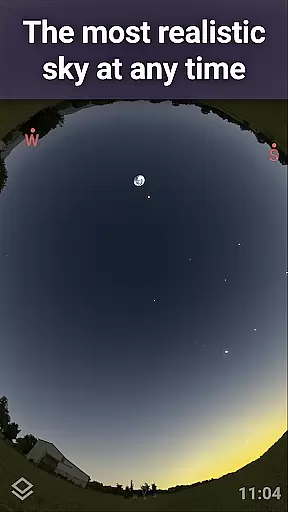
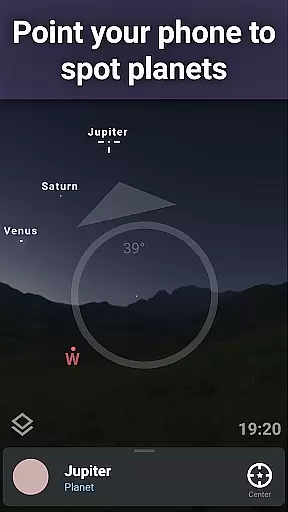
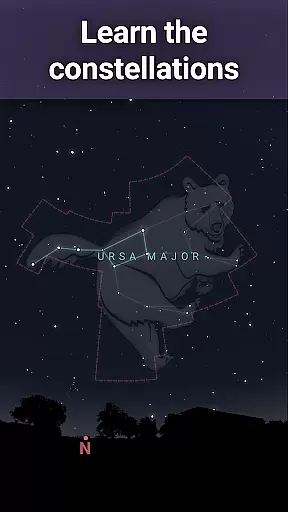
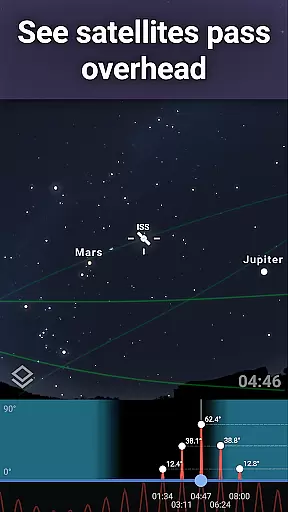
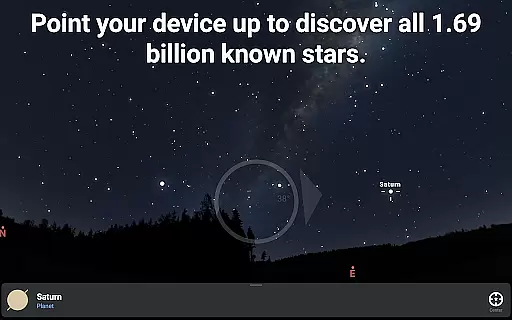
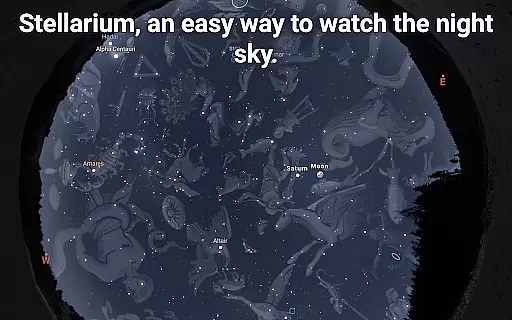
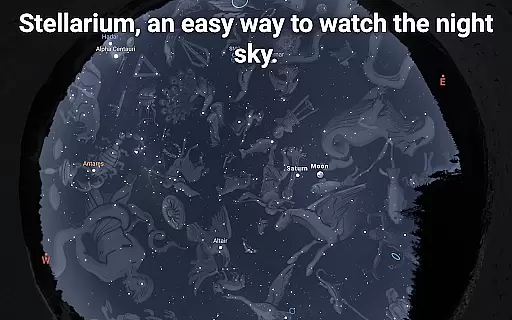
Stellarium Mobile - Star Map is an advanced planetarium app designed for both amateur stargazers and professional astronomers. This application provides a real-time representation of the night sky, accurately displaying stars, planets, constellations, and deep-sky objects visible to the naked eye or through telescopes. With its intuitive interface, users can easily navigate the celestial map by simply pointing their device at the sky.
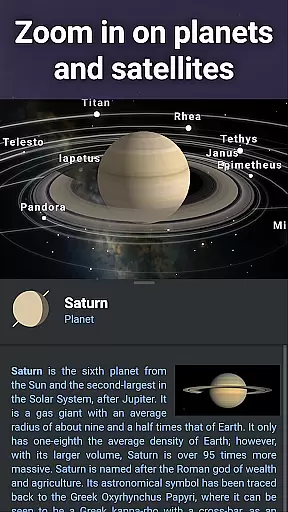
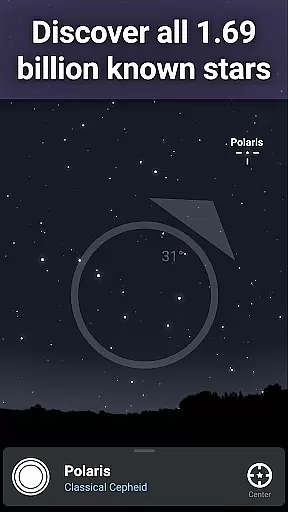
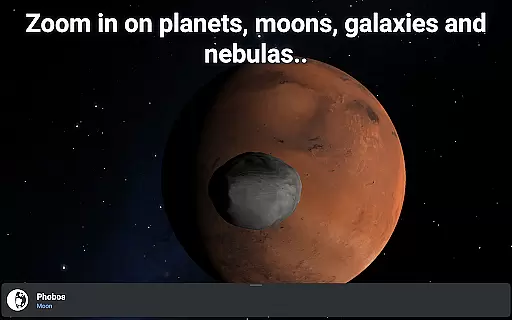
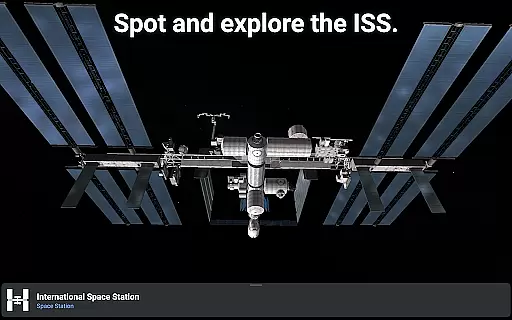
The app offers a comprehensive suite of features that cater to educational purposes and observational planning. Users can explore detailed 3D renderings of solar system planets, track artificial satellites like the ISS, and simulate atmospheric conditions with realistic sunrise and sunset effects. Its extensive catalog includes over 1.69 billion stars from the Gaia DR2 catalog, making it an invaluable tool for anyone interested in astronomy education.
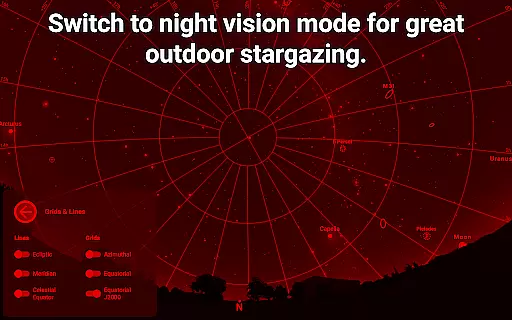
Whether you're an educator looking to enhance classroom learning or an enthusiast eager to discover the wonders of the universe, Stellarium Mobile serves as an essential companion. The app's ability to function offline ensures uninterrupted exploration even in remote locations, while its red night mode helps preserve dark adaptation during nighttime observations.
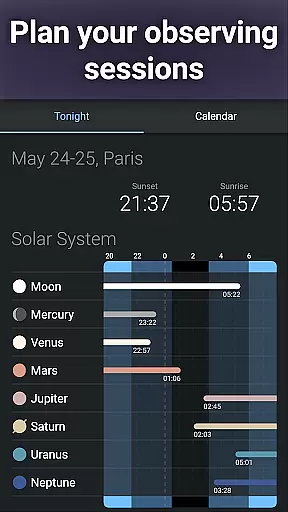
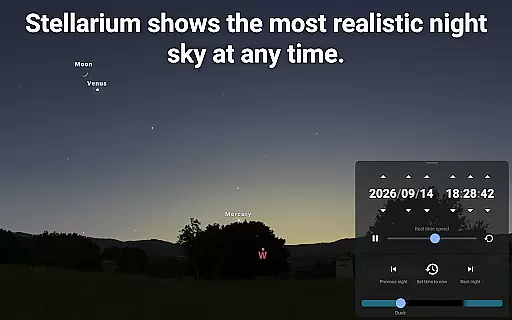
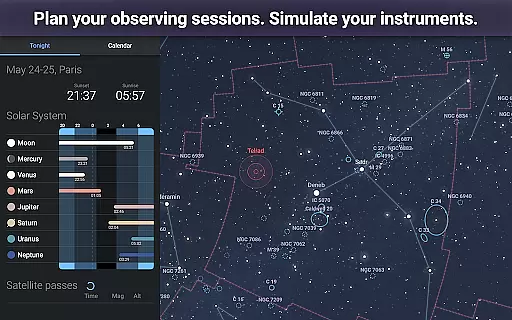
Stellarium Mobile stands out with its impressive array of features tailored for astronomical observation and education. One of its key capabilities is the accurate simulation of the night sky, which can be customized for any date, time, and location on Earth. This feature allows users to plan their stargazing sessions effectively and learn about celestial events before they occur.
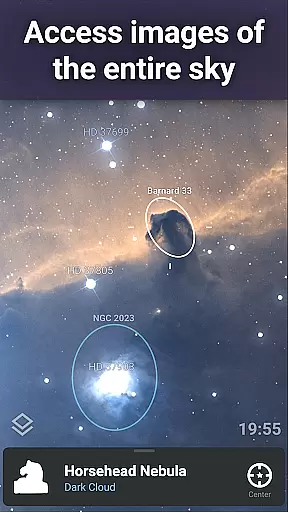
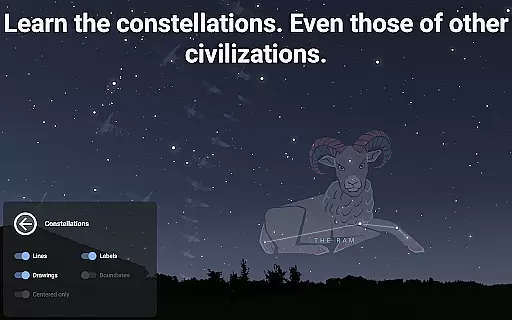
The app contains an extensive database of celestial objects, including stars, nebulas, galaxies, and star clusters. Users can zoom into high-resolution images of the Milky Way and other deep-sky objects, providing an immersive experience that brings the wonders of the universe closer. Additionally, the app supports multiple sky cultures, offering different interpretations of constellation shapes and stories from various civilizations throughout history.
For advanced users, Stellarium Plus (available via in-app purchase) unlocks professional-grade features such as telescope control through Bluetooth or Wi-Fi. This integration enables precise targeting of celestial objects using compatible GOTO telescopes. The app also includes powerful observation tools that predict object visibility and transit times, making it an indispensable resource for serious astronomers seeking to maximize their viewing opportunities.
Stellarium Mobile - Star Map stands out for its exceptional content accuracy and authoritative astronomical data. The app draws from reliable sources such as the Gaia DR2 catalog, which includes over 1.69 billion stars, ensuring users receive precise and trustworthy information about celestial bodies.
In addition to stars, Stellarium Mobile provides detailed data on planets, natural satellites, comets, and minor solar system objects. This comprehensive coverage is further enriched by a combined catalog of over 2 million nebulas and galaxies, offering an expansive view of the universe.
Users benefit from this authoritative content through features like real-time object identification and accurate night sky simulations. Whether observing deep-sky objects or tracking artificial satellites, Stellarium's dedication to precision ensures an authentic and educational experience.
The app's commitment to scientific rigor extends to advanced functionalities, including landscape and atmospheric simulations with realistic sunrises, sunsets, and atmosphere refraction. These elements collectively enhance the app's credibility as a dependable tool for both amateur stargazers and professional astronomers.
While Stellarium Mobile - Star Map primarily focuses on delivering accurate astronomical data, it also offers personalized learning paths that cater to individual exploration preferences. Users can customize their stargazing experience by selecting specific constellations, deep-sky objects, or planets they wish to explore, allowing them to follow a tailored journey through the cosmos.
The app supports diverse cultural perspectives on celestial patterns, enabling users to choose constellation shapes and illustrations from various global traditions. This feature not only enriches personal understanding but also fosters appreciation for different interpretations of the night sky.
For those seeking more structured learning, Stellarium Plus unlocks advanced observation tools that help predict celestial object observability and transit times. These tools allow learners to plan sessions based on their interests and skill levels, promoting progressive knowledge acquisition.
Moreover, the ability to simulate different observation conditionsu2014such as adjusting location, date, and timeu2014empowers users to create unique scenarios that align with their learning objectives. By combining these customizable features with high-quality visuals and extensive catalogs, Stellarium Mobile facilitates engaging and personalized educational experiences in astronomy.
User-friendly interface
Extensive celestial database
Realistic sky simulation
Offline functionality
Educational value
Premium features locked
Large app size
Advanced tools complex
Some features require hardware
In-app purchases necessary

Learn math, step-by-step
 4.30
4.30
scanner body part for fun Prank friends realistic scan effects
3.00
Dinosaurs coloring book game. Drawing and painting dinos.
4.50
Guitar chord finder, analyzer, smartly visualized theory, progressions, quizzes.
4.70
Quiz App to help case managers studying for CCMC Certification, 200+ Questions
3.40
Astronomy Guide To Night Sky
4.30
Our most popular app series returns, better than ever!
3.90
Animals pop up and make sounds—learn names and noises in Peekaboo Barn!
4.4
Learn to pass DMV permit tests. Driver license practice test 2025.
4.60
Gain new skills in 10 minutes
4.70
AI Language tutor: Speak fluently with Lucy’s personalized coaching
4.70
Practice Casino Roulette Payouts for Table Game Dealers and Croupiers
4.40
The "Go To" app for Airmen studying for promotion to SSgt and TSgt
4.30
School Communication
4.30
Nighty Night Circus - Bedtime story for kids
4.10
Learn to make peaceful contact with extraterrestrial civilizations
4.10
FAR/AIM, FAR for Flight Crew and FAR for Aviation Maintenance Technicians
3.80
Make your own game and world. Draw and animate characters
3.70
Hasbro’s classic CANDY LAND game is now a gorgeous interactive storybook app.
2.30


User Reviews