

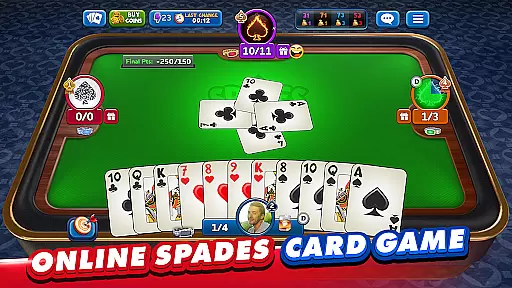




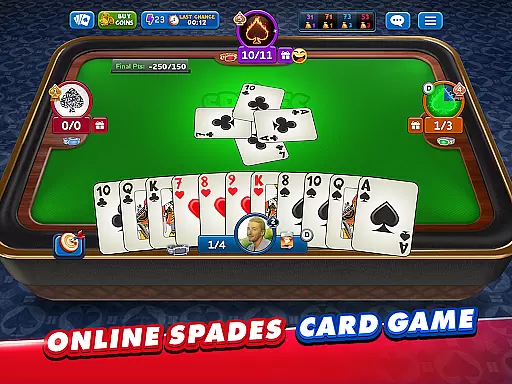




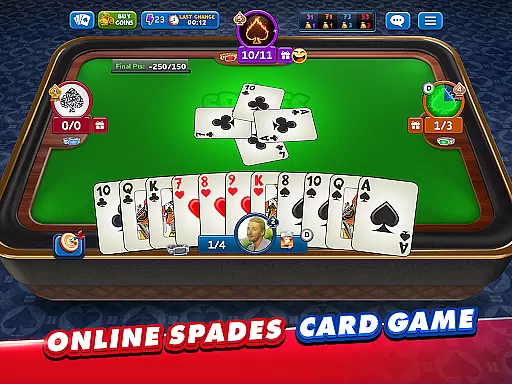



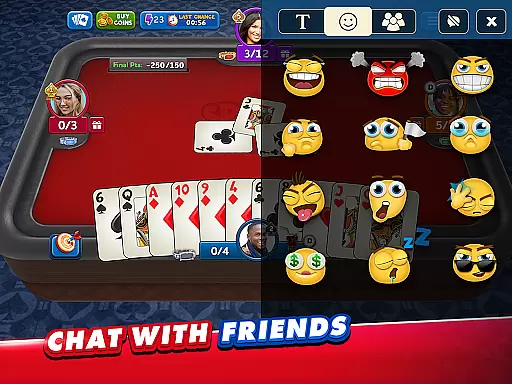
Spades Plus is a premier online card game that brings the classic trick-taking game to life with millions of players worldwide. As part of the traditional card game family, which includes Bid Whist and Hearts, Spades Plus stands out by allowing users to play in pairs where spades are always the trump card. The app offers various game modes such as Classic, Solo, Mirror, and Whiz, catering to both seasoned players and newcomers.
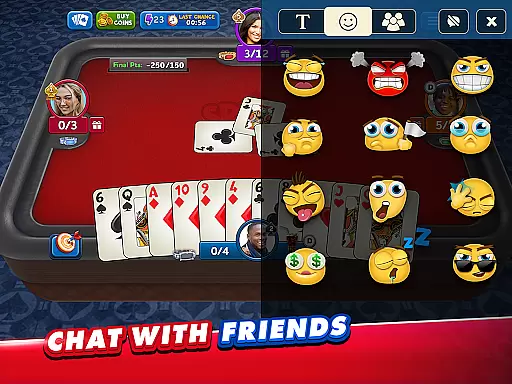
One of the key highlights of Spades Plus is its diverse gaming experience. Players can enjoy different modes like Tournaments and Knock-Out challenges, providing an engaging way to compete for amazing prizes. Additionally, the social aspect of the game allows users to meet new people, add them as friends, and communicate through public or private chat options. This makes Spades Plus not just a card game but also a vibrant community where players can connect and share their love for multiplayer card games.
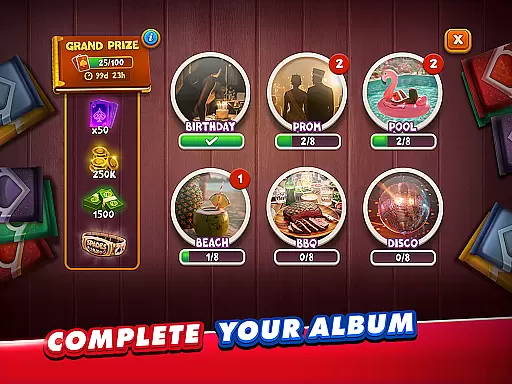
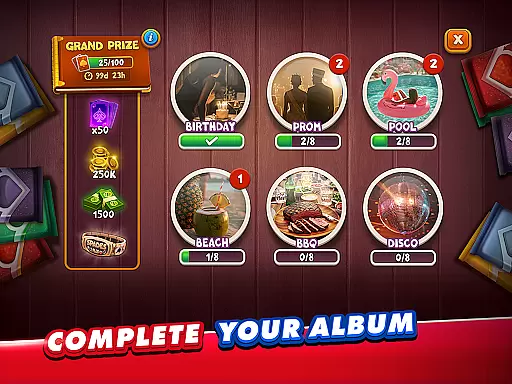
The app's value extends beyond mere entertainment; it offers a platform for players to challenge themselves and others while enjoying features like creating custom tables, choosing game rules, and even participating in seasonal competitions to win unique deck designs. With free coins as a welcome bonus and daily bonuses, Spades Plus ensures that players have ample opportunity to enjoy the game without any initial investment, making it accessible to everyone.
Spades Plus boasts a rich array of features designed to enhance the gaming experience. One of the standout features is the availability of different game modes including Classic, VIP, Solo, Mirror, and Whiz. Each mode offers a unique twist on the traditional Spades game, allowing players to choose how they want to engage with the game. Whether you prefer playing with a partner in Classic mode or testing your skills individually in Solo mode, there is something for every type of player.
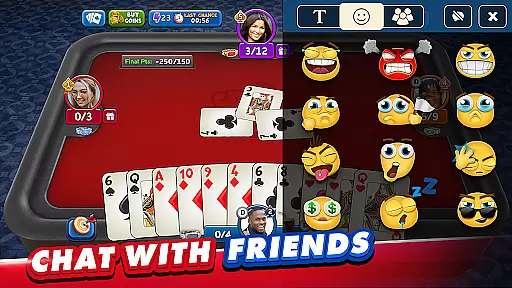
In addition to varied gameplay, Spades Plus offers tournaments and challenges that provide players with the chance to win amazing prizes. These competitive events add an extra layer of excitement and motivation for players to improve their skills and climb the ranks. Furthermore, the game provides a great social experience by enabling players to meet new people, add friends, and communicate via public or private chat. This social connectivity enriches the overall gaming experience, making it more interactive and enjoyable.
Customization is another significant feature of Spades Plus. Players can create their own tables, set game rules, bet amounts, and final points. Options like 'Nil' and 'Blind Nil' add strategic depth to the game, while private tables ensure that games remain exclusive to invited players only. Lastly, the ability to earn new decks through seasonal competitions adds a visual and collectible element to the game, enhancing its appeal and replay value.
Random Number Generation (RNG) is crucial in card games to ensure that the dealing of cards is both unpredictable and fair. Spades Plus - Card Game employs advanced RNG algorithms to maintain a high level of randomness in every game session, providing players with an authentic and equitable gaming experience.
The implementation of certified RNG systems guarantees that each player has an equal chance of receiving any card, thus upholding the integrity of competitive play. This commitment to fairness ensures that victories are achieved through skill and strategy rather than predictable patterns or manipulation.
For users, this means peace of mind knowing that their success within the game is based purely on their abilities and decisions. The assurance of RNG fairness enhances the overall enjoyment and trust in engaging with millions of other online players worldwide.
In fast-paced card games like Spades Plus, control fluidity and minimal input latency are essential for a seamless user experience. The application is optimized to ensure that every tap, swipe, and selection translates immediately into in-game actions without delay.
Through meticulous design and testing, Spades Plus delivers responsive controls that allow players to focus on their strategies instead of being hindered by sluggish interactions. This optimization extends across various devices and network conditions, ensuring consistent performance.
Players benefit from precise touch controls and real-time feedback during gameplay, which allows them to execute their moves confidently and efficiently. Such responsiveness not only elevates the gaming experience but also keeps players engaged as they navigate different modes such as Classic, Solo, Mirror, and Whiz with ease.
User-friendly interface
Variety of game modes
Engaging social features
Regular updates and events
Free to play with optional in-app purchases
Internet connection required
In-app purchases can be costly
Ads may interrupt gameplay
Complex for beginners
Limited offline functionality

Lyric Party tests your knowledge of your favorite hit songs.
 4.20
4.20
Word-building meets deck-building in the unique game Paperback Vol. 2
3.30
The Conquian made with 100% Mexican talent.
4.40
Always ready: the partnership trick-taking card game with so many rule options!
4.60
Collect and play the original CCG on Arena. Magic is now on your phone!
4.10
Enjoy the fun and classic Card game Phase 10 with your friends and family!
4.70
Beautiful customisable Klondike challenge - 3 levels, 1 or 3 card draw!
4.60
Classic Solitaire. The most famous card game in the world!
4.50
Classic spider solitaire card game! Play to train your brain & sort the cards
4.80
Play and Master the Fun Classic Card Game Spades. Outsmart Opponents & Enjoy
4.80
Classic Solitaire game you love! Offline, easy, and relaxing!
4.80
Euchre Offline! Master strategy fun, install and play NOW!
4.70
Train your brain with the challenging & addictive Solitaire Classic Card Games!
4.70
Restore and customize the truck exclusively to your own through Solitaire!
4.60
Solitaire Collection Pro: Klondike, Spider, FreeCell, Pyramid, No Wifi Needed!
4.30
90 games. Intuitive, simple, beautiful... just great. Try it and you'll love it!
4.20
Sinister solitaire. Four cards, one fate.
4.1
Cloud, Rain, Fog, Ice, Fire Magic Puzzle Card Game
4.4
Fishing, the card game that combines trick-taking strategy with deck-building
4.4


User Reviews