
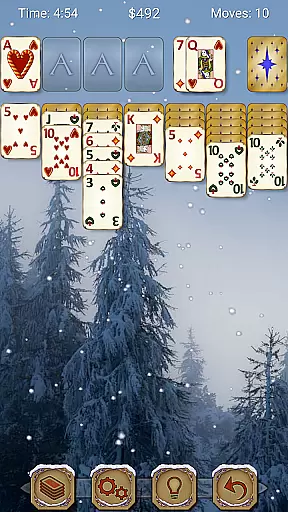
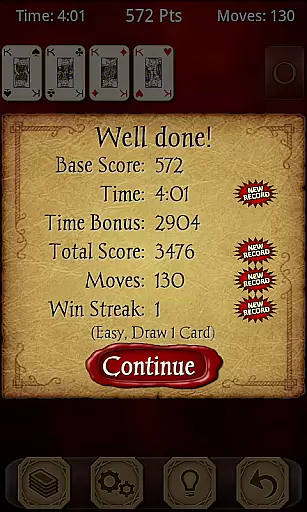
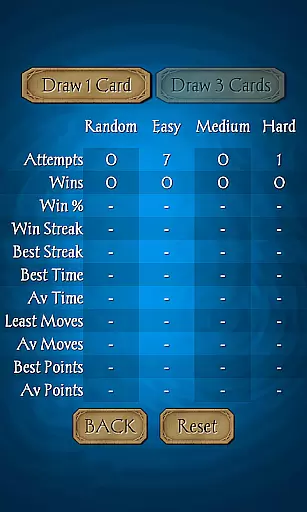
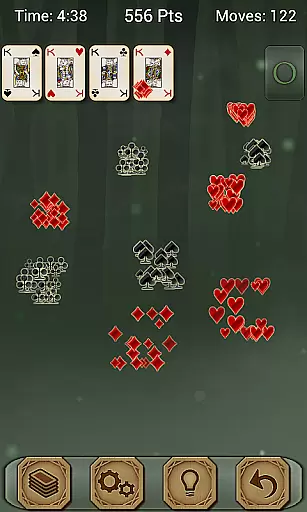
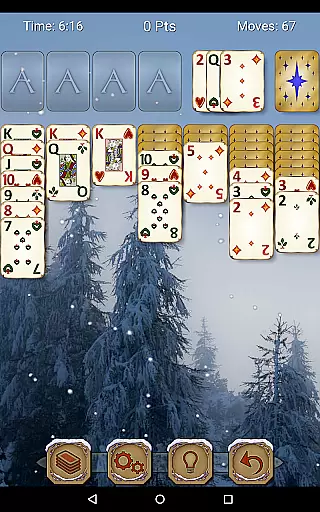
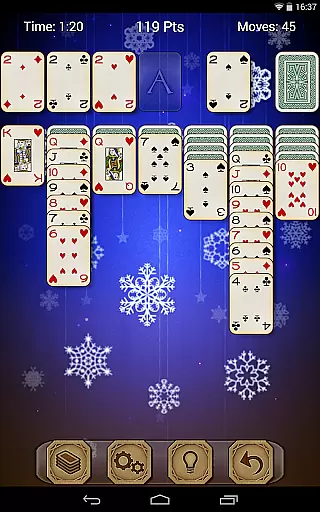
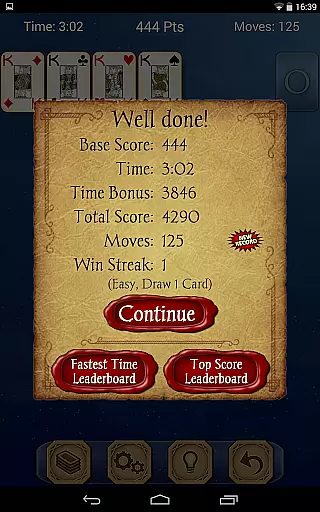
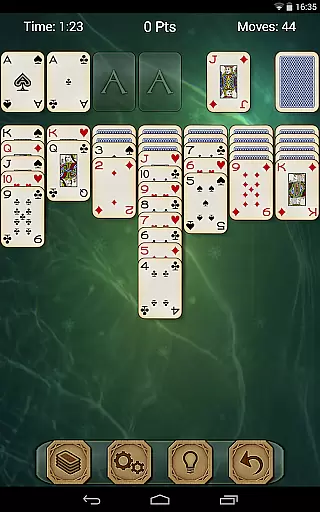
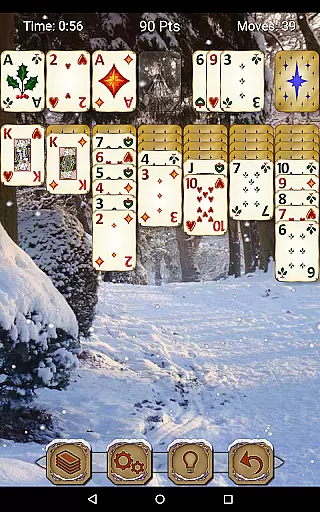
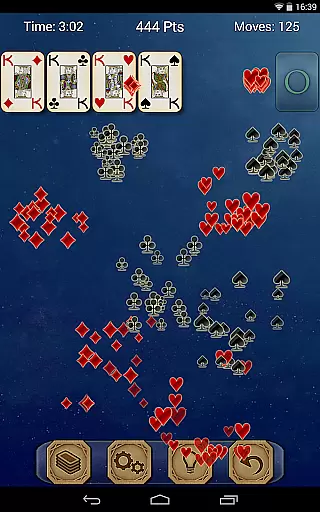
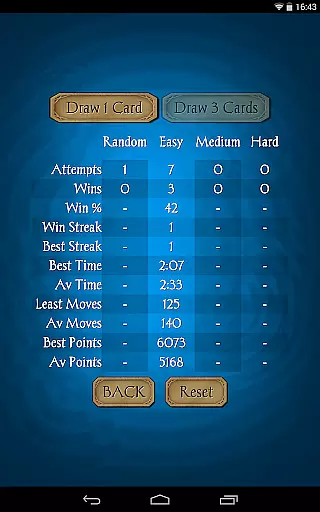
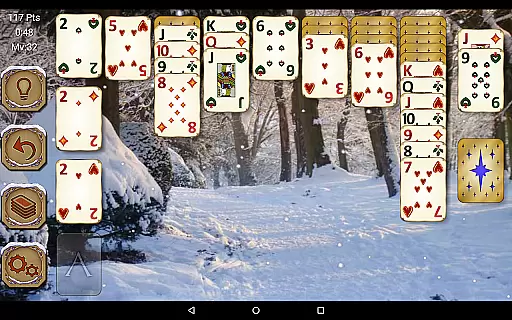
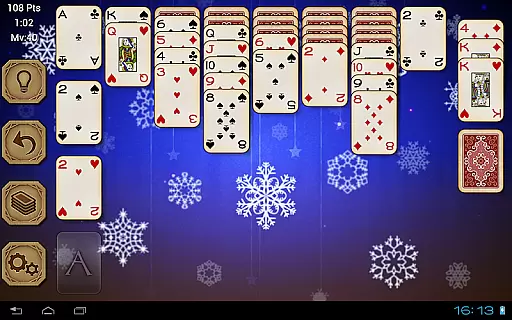
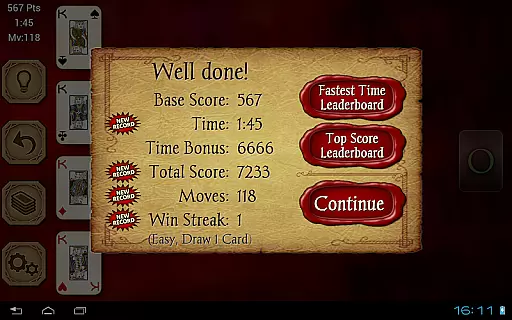
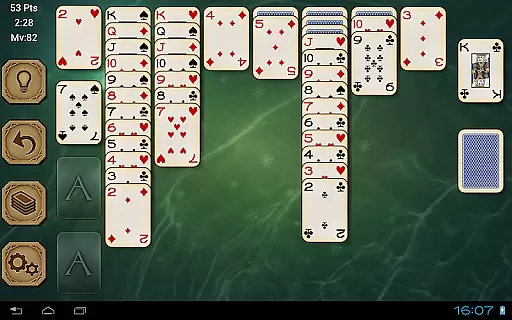
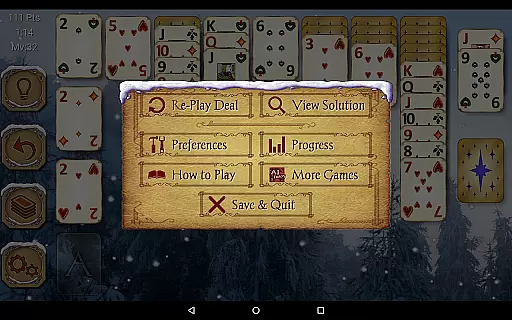
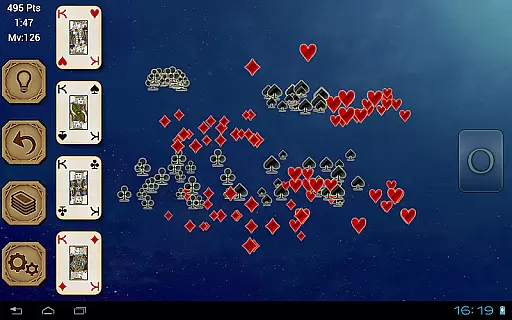
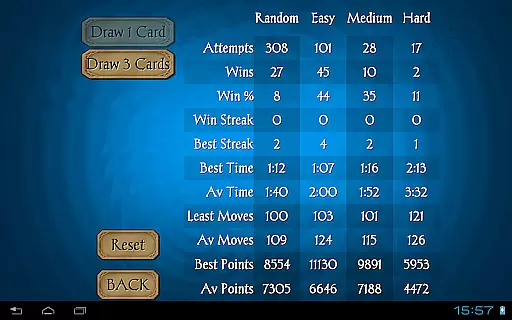
Solitaire Pro is a premium card game app developed by AI Factory, offering the classic Solitaire experience (also known as Klondike and Patience) with enhanced features. The app provides multiple play options including 1 or 3 card draw, various scoring systems, difficulty levels, and layout preferences. It stands out with its gorgeous graphics, left- or right-handed play modes, and the ability to customize backgrounds and card designs using personal photos. Designed for both tablets and phones, it supports landscape and portrait orientations and includes advanced features like undo, hints, achievements, leaderboards, and detailed game stats.
This paid version removes all advertisements, ensuring an uninterrupted gaming experience. Whether you're a casual player or a Solitaire enthusiast, Solitaire Pro offers a polished and immersive experience that caters to different skill levels and preferences. Its combination of traditional gameplay with modern customization options makes it a top choice for card game lovers.
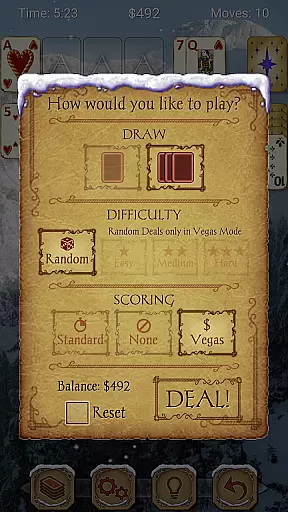
Solitaire Pro boasts a wide array of features designed to enhance your gaming experience. The app offers four difficulty levels (Random, Easy, Medium, Hard), allowing players to choose games that match their skill level. It integrates with Google Play Games, providing achievements and leaderboards to track progress and compete with friends. For non-random games, players can view solutions, making it easier to learn and improve. The app also supports both Standard and Vegas scoring systems, appealing to different play styles.
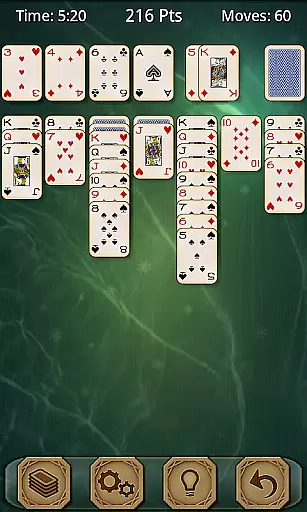
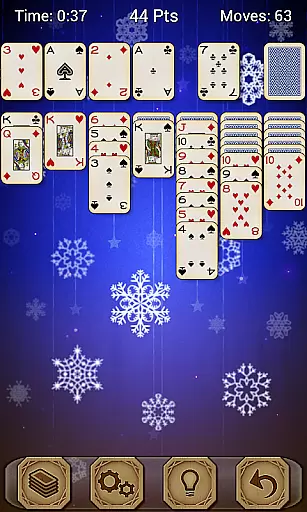
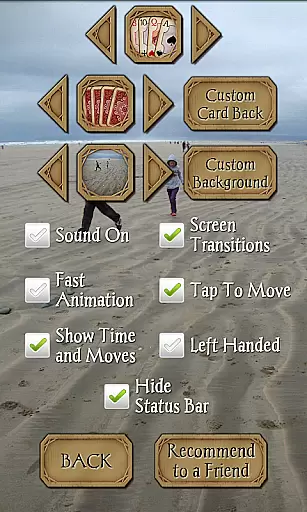
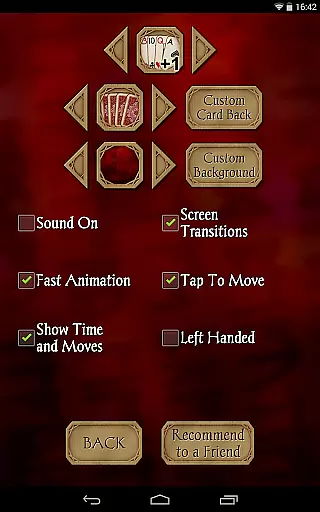
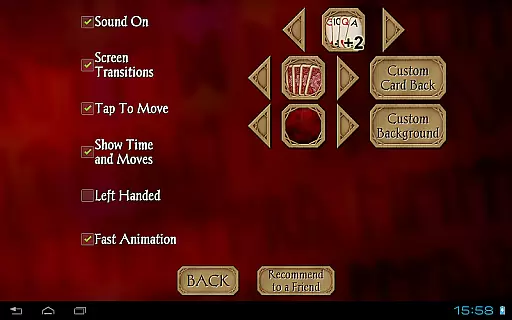
Customization is a key feature of Solitaire Pro. Players can select from four unique card sets, four card backs, and numerous backgrounds. Additionally, users can personalize their experience by uploading their own photos as backgrounds or card backs. Other notable features include tap-to-move functionality, support for both landscape and portrait modes on resolutions above 320x240, and comprehensive game statistics. With undo and hint options, game rules, help sections, and carefully crafted design, Solitaire Pro ensures accessibility and enjoyment for all types of players.
Random Number Generation (RNG) fairness is crucial in card games like Solitaire Pro to ensure every game is unpredictable and challenging. This app employs advanced RNG algorithms that mimic the randomness of shuffling a real deck, providing players with an authentic experience.
The certification aspect guarantees that these algorithms have been tested and verified by independent bodies for fairness. Players can trust that each game's outcome is genuinely random and not manipulated, enhancing their engagement and trust in the platform.
For users, this means countless unique games without predictable patterns, keeping the gameplay fresh and exciting. The assurance of fair play encourages longer sessions and repeated use, as players know they are experiencing a truly randomized challenge every time they play.
Control fluidity and input latency are vital for a seamless user experience in digital card games. Solitaire Pro excels in this area by offering responsive controls that react instantly to player inputs, ensuring smooth and uninterrupted gameplay.
The app achieves this through optimized coding practices and efficient resource management, minimizing delays between actions such as tapping to move cards or accessing menus. This responsiveness allows players to focus on strategy rather than being distracted by sluggish controls.
Users benefit from an intuitive interface where actions feel natural and immediate, enhancing immersion and enjoyment. Quick response times make complex moves easier to execute, allowing players to fully engage with the strategic depth offered by different difficulty levels and play styles within Solitaire Pro.
Ad-free experience
Multiple difficulty levels
Customizable card sets
Google Play Games integration
User-friendly interface
Paid version only
No offline multiplayer
Limited social features
Occasional bugs
High system requirements

Word-building meets deck-building in the unique game Paperback Vol. 2
 3.30
3.30
Play and Master the Fun Classic Card Game Online & Offline
4.70
Enjoy a beautiful solitaire card game with classic rules and relaxing play.
4.60
Sinister solitaire. Four cards, one fate.
4.1
The classic Hand & Foot experience with a premium, easy to play, offline design.
4.10
Fast-paced card brawl in the wacky world of Meteorfall
3.50
Solitaire games and ocean adventure await!
4.60
Enjoy the fun and classic Card game Phase 10 with your friends and family!
4.70
Classic Solitaire with big cards, smooth play, beautiful themes, and hints!
4.40
Classic Solitaire card games - Play Klondike Solitaire to unwind and feel good!
4.90
Card-Based Farkle Fun
4.80
Riichi Mahjong - A fun, strategic variant of the classic multiplayer game!
4.80
Play classic FreeCell with large cards, offline mode and online daily challenges
4.60
Swipe and be the Queen!
4.60
Play and Master the Fun Classic Card Games with Friends
4.60
Play the legendary Blackjack 21! Win like a pro in this exciting casino game!
4.50
Kill the monsters & grab the loot in the classic card game!
3.70
The Trading Card Game of Hunter's Gambit, Online!
4.5
Solitaire pro is a premium classic card game that you can enjoy all day.
4.5


User Reviews