
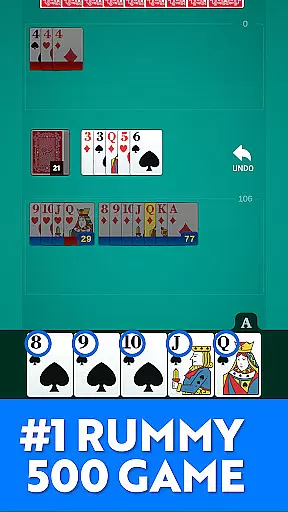
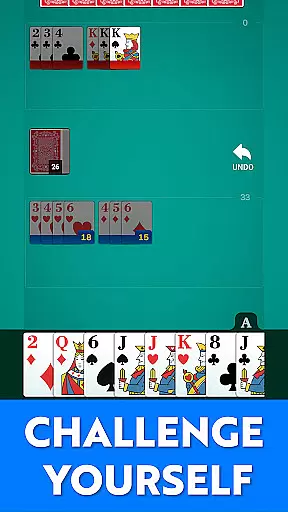
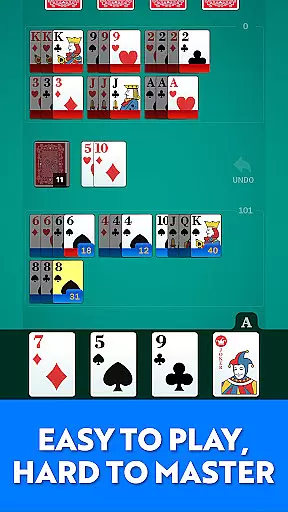
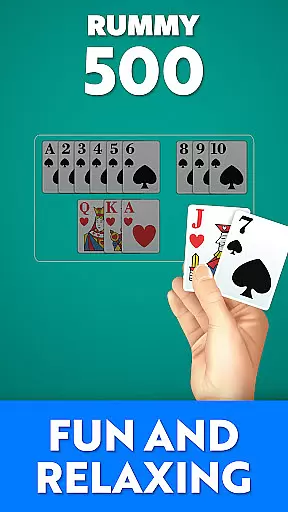

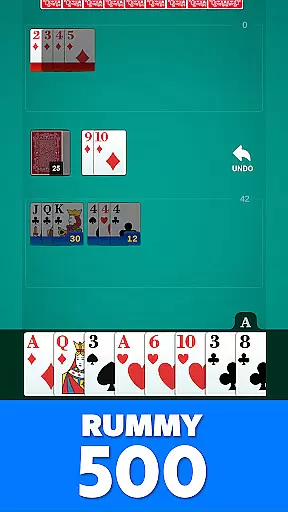
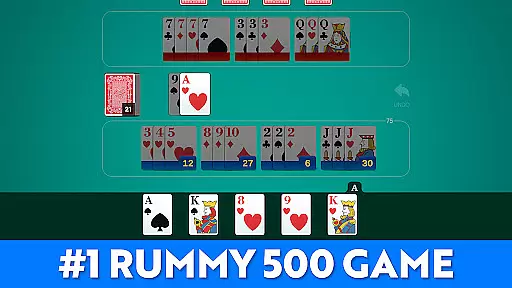
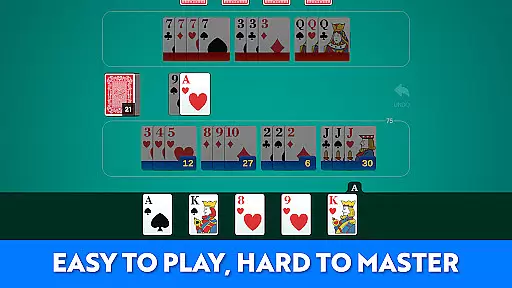
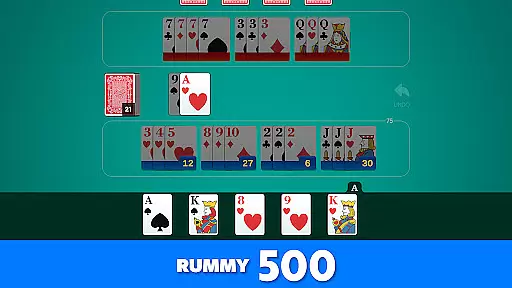
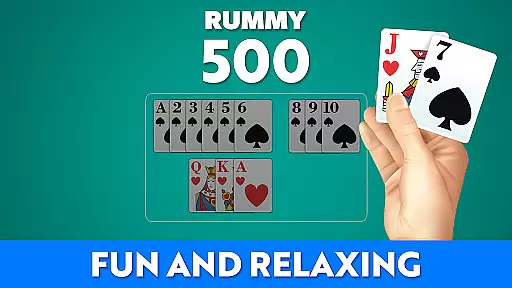
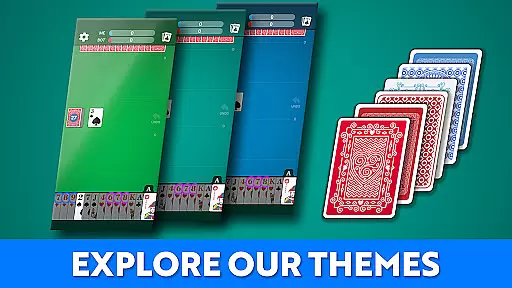


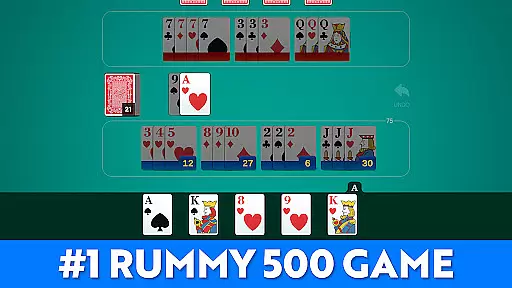
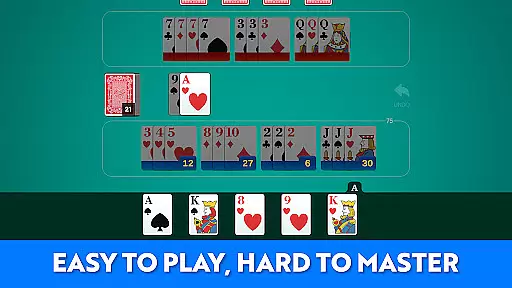
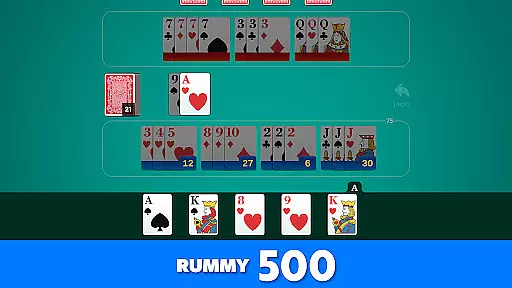
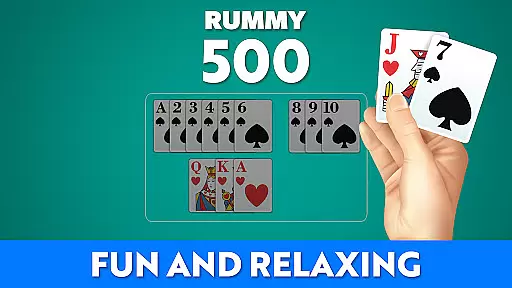
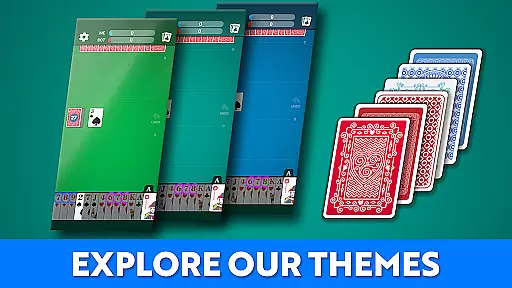


Rummy 500 - Card Game brings the classic card game to your mobile device with a focus on comfort, clarity, and strategic gameplay. Designed for both seasoned players and newcomers, this app offers polished visuals, intelligent AI opponents, and easy-to-read large cards.
Whether you're looking for quick hands or extended play sessions, Rummy 500 provides a rewarding experience. The game follows traditional rules where players draw, meld, and discard cards to score points. With no internet required, enjoy the timeless fun of Rummy anytime, anywhere.
Rummy 500 stands out with its smart AI that progressively increases in difficulty, offering a challenging yet fair competition. The game includes classic Rummy 500 rules and scoring, ensuring an authentic experience.
Additional features include smooth gameplay, clean visual design, and the ability to track wins, scores, and game history. Players can enjoy fast rounds full of strategy without needing an internet connection, making it perfect for casual and serious gamers alike.
Random Number Generation (RNG) is crucial in card games like Rummy 500 to ensure that every shuffle and deal is genuinely random and fair. This app employs advanced RNG algorithms, certified by industry standards, to guarantee unbiased card distribution.
The implementation of RNG ensures that each game starts with a freshly shuffled deck, mimicking the randomness of physical card shuffling. Players can trust that their strategic decisions, rather than predictable patterns or rigged outcomes, determine their success in the game.
For users, this means an authentic and equitable gaming experience where wins are based on skill and strategy rather than manipulated odds. The certification backing the RNG adds an extra layer of credibility, assuring players of a fair contest against the AI or other opponents.
In digital card games, control fluidity and input latency significantly affect gameplay enjoyment. Rummy 500 offers a seamless interface where player actions like drawing, melding, and discarding cards are executed swiftly without noticeable delay.
The app's design prioritizes user interaction, ensuring that commands translate into actions almost instantaneously. This responsiveness enhances the overall gaming experience, making it easy and enjoyable to play multiple rounds without frustration from lagging controls.
Players benefit from smooth transitions between turns and actions, allowing them to focus more on strategy and less on waiting for inputs to register. Such fluid control makes extended gaming sessions comfortable and engaging, closely replicating the tactile pleasure of handling physical cards.
Classic Rummy gameplay
Smart AI opponents
Easy-to-read cards
No internet required
Track game history
Limited social features
Basic graphics
AI predictability
Few customization options
Ads between games

Compete against the computer in this classic trick-taking game.
 4.20
4.20
This classic partnership trick-taking card game is always ready to play!
4.60
Reiner Knizia's classic card game, Masters Gallery
4.60
Restore and customize the truck exclusively to your own through Solitaire!
4.60
Card-Based Farkle Fun
4.80
Addictive Classic Solitaire of 2025! Relax with classic and fun card games now!
4.90
Card-based yatzy duels!
4.80
Easy and Fun Classic Spades Card Game to Play Offline with Friends
4.70
Classic spider solitaire card game! Play to train your brain & sort the cards
4.80
Play and Master the Fun Classic Card Game Spades. Outsmart Opponents & Enjoy
4.80
The world’s largest Spades game! Enjoy the classic card game with 52 card deck
4.70
Play anywhere anytime the most popular card game
4.70
Swipe and be the Queen!
4.60
Enjoy Spider Solitaire: a classic card puzzle with relaxing, strategic gameplay!
4.50
Play classic Spider Solitaire & Spiderette! Daily challenges, badges & events!
4.50
Solitaire Collection Pro: Klondike, Spider, FreeCell, Pyramid, No Wifi Needed!
4.30
Spider Solitaire Pro, classic Spider Solitaire Klondike game,as Freecell,Pyramid
4.20
Kill the monsters & grab the loot in the classic card game!
3.70
A fun and challenging rougelike dungeon card game.
4.5


User Reviews