

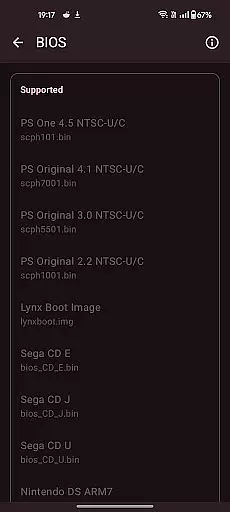
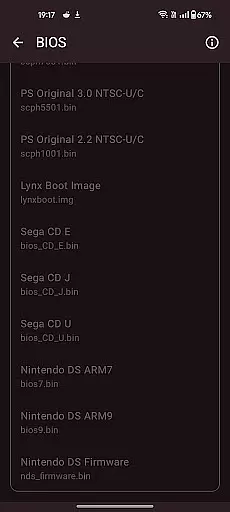
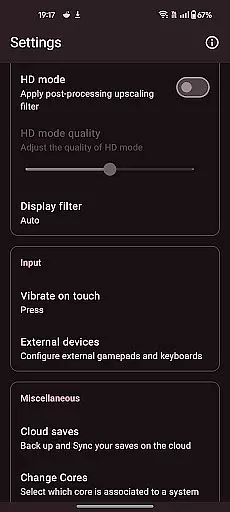
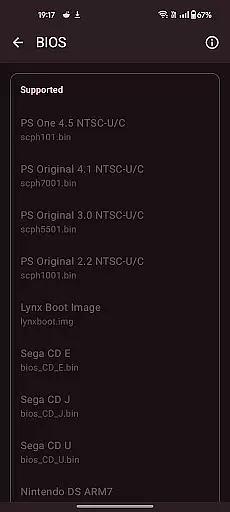
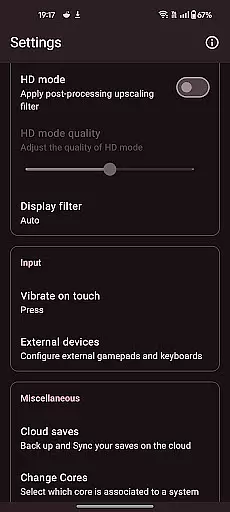

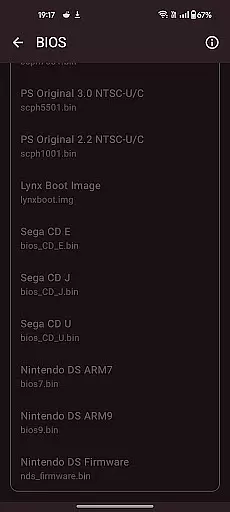
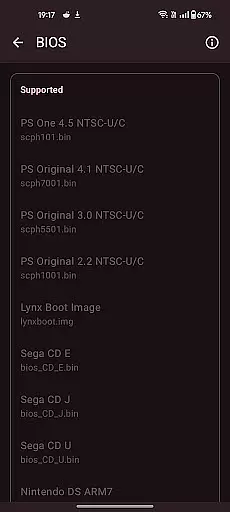

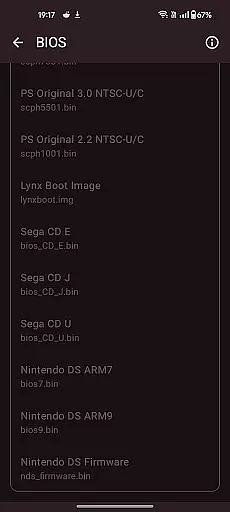
Retro emulator classic is a versatile all-in-one emulator designed for Android users who want to relive the nostalgia of retro gaming. This app supports a wide range of systems including Atari, Nintendo, PlayStation, Sega, and more, making it an ideal choice for gamers looking to play classic titles on modern devices. Whether you're using a phone, tablet, or TV, Retro emulator classic offers smooth performance with an intuitive interface and no ads.
The app's standout feature is its ability to automatically save and restore game states, allowing users to pick up where they left off. It also includes optimized touch controls that are fully customizable, video filters for display simulation, and fast-forward support. With cloud save sync and support for zipped ROMs, this emulator ensures a seamless experience across devices. While performance may vary depending on your device, Retro emulator classic is optimized for powerful hardware, ensuring advanced systems like PSP, DS, and 3DS run smoothly.
Retro emulator classic stands out with its comprehensive feature set tailored for retro gaming enthusiasts. One of its key features is automatic save and restore states, which allows players to save their progress instantly and resume gameplay effortlessly. The app also supports ROM scanning and library indexing, making it easy to organize and access your game collection.
For those who prefer customized controls, Retro emulator classic offers fully optimized touch controls with extensive customization options. Gamers can enjoy quick save/load functionality with multiple slots, video filters for LCD/CRT display simulation, and fast-forward support for speeding through less engaging parts of games. Additionally, the app supports local multiplayer, enabling multiple players to join in on a single device using gamepads or tilt-stick controls. All these features come together to create an immersive and lag-free gaming experience.
Arcade authenticity and nostalgia are at the heart of Retro emulator classic, providing users with an immersive experience that takes them back to the golden era of gaming. The app supports a wide range of classic systems, including Atari, Nintendo, PlayStation, Sega, and more.
Each supported system is emulated with meticulous attention to detail, ensuring that games run as they did on the original hardware. This dedication to authenticity extends to video filters and display simulations, which replicate the look and feel of old-school CRT and LCD screens.
For enthusiasts who appreciate the tactile aspect of arcade gaming, Retro emulator classic offers customizable touch controls and gamepad support. These features allow players to tailor their experience to match their preferred playstyle while maintaining the spirit of the original games.
Control responsiveness in Retro emulator classic ensures that every action is executed precisely as intended, without delay or lag. This precision is crucial for delivering an authentic arcade experience, where split-second decisions can make or break a gaming session.
The app's optimized touch controls come with full customization options, allowing users to adjust virtual buttons' size, position, and transparency. Such flexibility guarantees that each player can configure the interface to suit their comfort level and gaming preferences.
In addition to responsive touch controls, Retro emulator classic supports external gamepads and tilt-stick functionality. These options provide a versatile control scheme that caters to different types of games and personal tastes, enhancing overall gameplay fluidity and enjoyment.
User-friendly interface
Wide system compatibility
Automatic save states
No in-app advertisements
Customizable touch controls
Requires powerful hardware
No included games
Limited to legally acquired ROMs
Performance varies by device
Complex setup for beginners

R-TYPE game
 4.60
4.60
Turn-based pixel game where jumping is the only weapon!
4.5
Snake Legacy, sans pub, repensé pour une expérience fluide et élégante.
4.0
Sega Saturn Emulator
4.20
M64Pro FZX Classic Emulator for Android
4.4
It's quite possibly the world's hardest game!
3.90
Infinite Arcade
4.1
Punch your way through the Streets of Rage once again!
4.80
Jump and fly your way through danger in this rythm-based action platformer!
4.70
Full featured version of Pizza Boy A (GBA emulator)
4.80
This is an emulator for a certain 64 bit console with online cloud backup.
4.80
Save the Galaxy from galaxiga alien - Classic arcade shooter game
4.60
Merge bowmasters to win the bow and arrow war! Play the fun archery game!
4.60
Use superpower in your magic hands. Defeat the enemies in a fun elemental game.
4.50
Premium version. Save the galaxy from alien shooter in this classic game
4.50
A Ball Bouncer With Depth
4.00
Welcome back to Vice City. Welcome back to the 1980s.
3.30
John GBA is GBA emulator. This emulator is easy to use.
3.10
Divine powers at your fingertips! An innovative and frantic shoot-'em-up!
4.2


User Reviews