
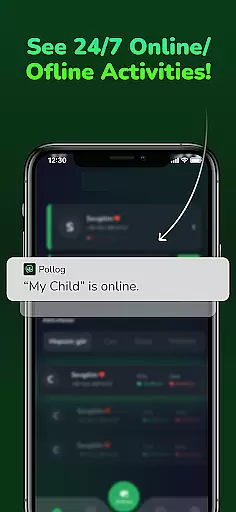
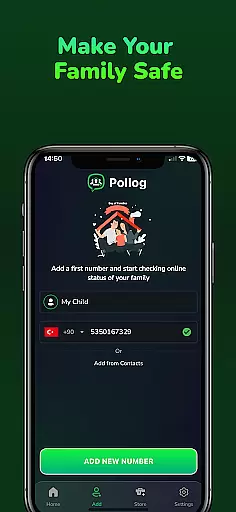
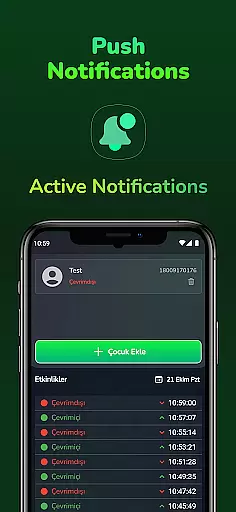
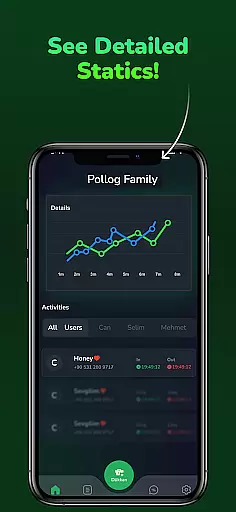
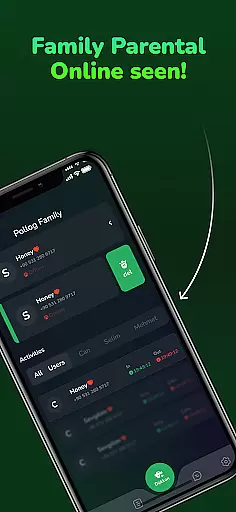
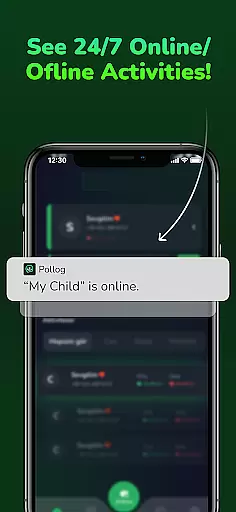
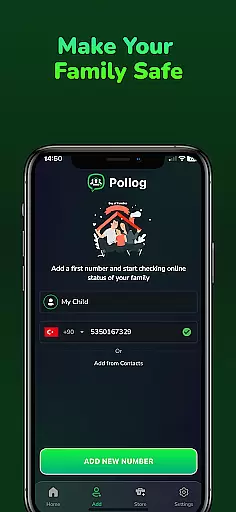
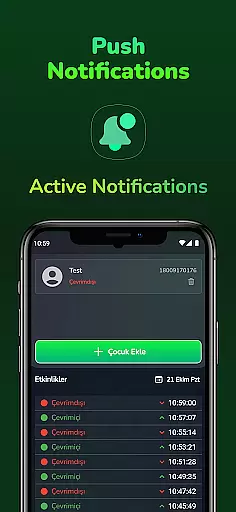
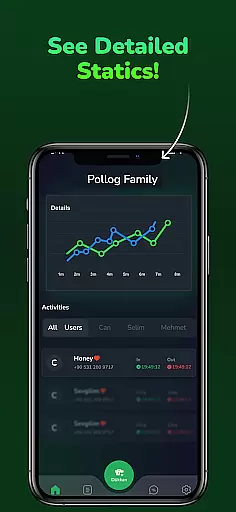
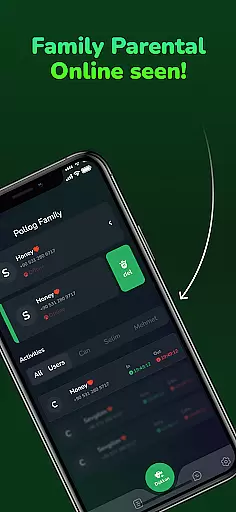
Pollog Family Assistant is a comprehensive parenting tool designed to help parents monitor and manage their children's online activities effectively. The app provides real-time monitoring of online and offline status, including last seen information, ensuring parents stay informed about their children's digital presence.
With features like instant notifications, detailed activity reports, and usage analysis, the app enables parents to understand their children's online habits better. Parents can also set time limits for device usage, helping maintain a healthy balance between screen time and other activities. Pollog Family Assistant prioritizes data privacy and security, allowing users to delete all data with a single tap.
This app is particularly useful for modern families who want to ensure their children's safety in the digital world while promoting responsible internet usage. By providing valuable insights into online behavior, Pollog Family Assistant empowers parents to make informed decisions about their children's digital well-being.
Pollog Family Assistant offers a robust set of features tailored for parental control and monitoring. One of its standout capabilities is real-time tracking of online and offline status, which includes detailed last seen information. This feature ensures that parents are always aware of when their children are active online.
The app generates comprehensive daily and weekly activity reports, offering an in-depth analysis of online behavior. These reports help parents identify patterns and trends in their children's internet usage. Additionally, the app allows comparison between two profiles, making it easier to spot differences in online activity.
Parents can set specific time limits or intervals for device usage, ensuring that children adhere to a balanced routine, especially during school hours or bedtime. With a strong focus on privacy, Pollog Family Assistant ensures that user data is secure and can be deleted anytime. The app also provides 24/7 customer support to assist with any concerns or questions.
When it comes to parenting apps, the credibility of content and expert validation are crucial factors. Pollog Family Assistant ensures that all information provided is thoroughly vetted by child safety experts and psychologists. This guarantees that the guidance and insights offered are reliable and based on professional expertise.
The app's monitoring features are designed in consultation with digital safety specialists, ensuring that parents receive accurate data about their children's online activities. The detailed reports not only track usage patterns but also offer expert-backed advice on how to address any concerning behaviors. This dual approach helps parents make informed decisions about their children's digital well-being.
Furthermore, Pollog Family Assistant incorporates feedback from educators and pediatricians to refine its functionality. This multidisciplinary validation process ensures that every feature serves a meaningful purpose in supporting family safety. Parents can trust that they are getting more than just data; they are receiving expert-validated recommendations for maintaining a healthy digital environment at home.
Tracking a child's growth in the digital world requires precision and reliability. Pollog Family Assistant excels in providing accurate growth tracking through its comprehensive monitoring tools. Parents can access real-time updates on their children's online and offline status, including last seen information, ensuring they have a clear picture of digital activity patterns.
The app goes beyond basic tracking by offering detailed daily and weekly activity reports. These reports break down usage trends, highlighting peak times and frequently accessed platforms. By comparing these metrics across different profiles, parents gain deeper insights into how their children interact with technology over time. This level of detail supports more effective digital parenting strategies.
Moreover, Pollog Family Assistant allows setting specific time limits for device usage during critical periods like school hours or bedtime. The system accurately enforces these restrictions while providing precise analytics on adherence. This combination of real-time monitoring and historical data analysis empowers parents to maintain optimal balance in their children's digital development while ensuring their safety and well-being.
User-friendly interface
Real-time monitoring
Detailed activity reports
Customizable time limits
Strong data privacy measures
Requires constant internet connection
Limited free features
Premium subscription needed for advanced options
May feel intrusive to older children
Dependent on device compatibility

AI Motion Video Maker & Ideas
 4.4
4.4
Block apps, set screen time limits, and customize usage schedules
4.50
Happiest Baby App replaces the SNOO App (the mobile companion to SNOO & SNOObie)
3.20
All-in-one pregnancy app, contraction timer, kick counter & due date calculator
4.40
Affirmations | Stories | Bible
4.10
Fun Ideas for Parents
4.70
Limit screen time, Block Apps & Games, Monitor with Parental control app
4.20
It is a screen time management tool for games and mobile applications
4.50
Findnumber: Real-time location tracker for ultimate family security
4.20
Advanced baby tracking, expert sleep help & parenting support for every stage.
4.80
Introduce real food to baby with First Foods® Database, baby led weaning BLW
4.80
Sleep better with white noise app! Discover rain sounds, fan noise and more.
4.70
Track your pregnancy & your baby's growth in 3D. Get support from our community
4.60
Parental control App for Location, Remote Camera, Screen Mirroring, Block Apps.
4.60
Parental control: child monitoring app, screen time control, GPS child tracker
4.40
Free symptom & med tracker with expert-reviewed tips.
4.30
Protect kids online safety through GPS tracking,screen time control,app blocking
4.20
The Baby’s Bounty App is your hub to register for our diaper banks in Nevada
3.70
A Coloring for the Whole Family! Discover the Joy of Family Love Through Colors!
3.60


User Reviews