
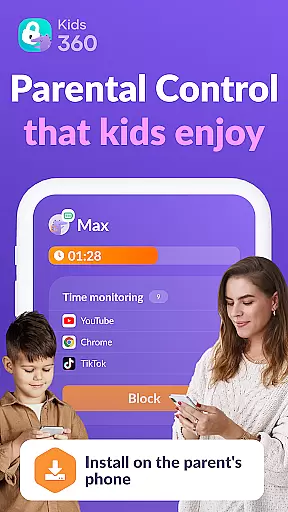

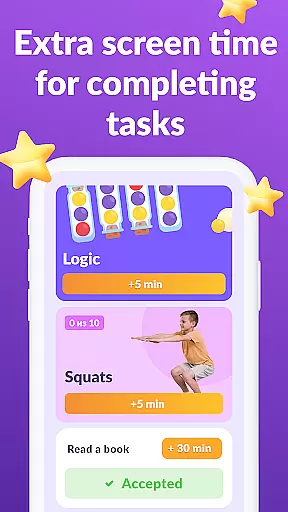

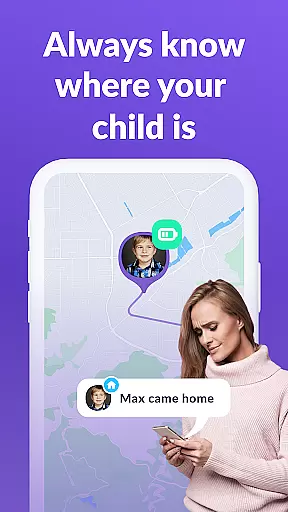
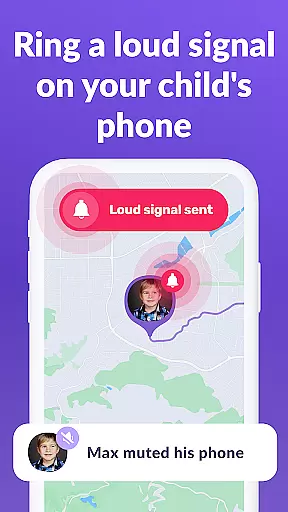
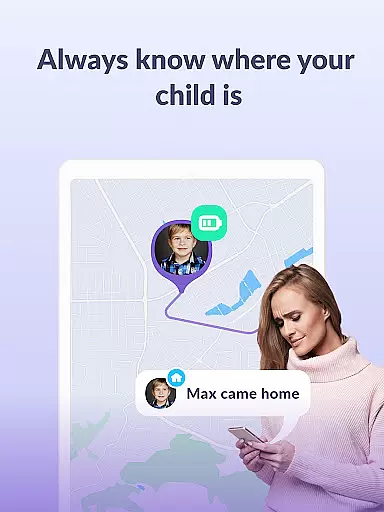

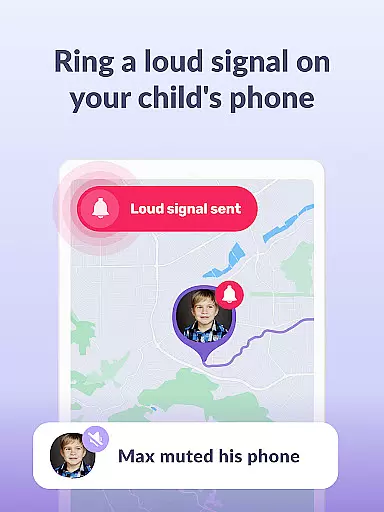
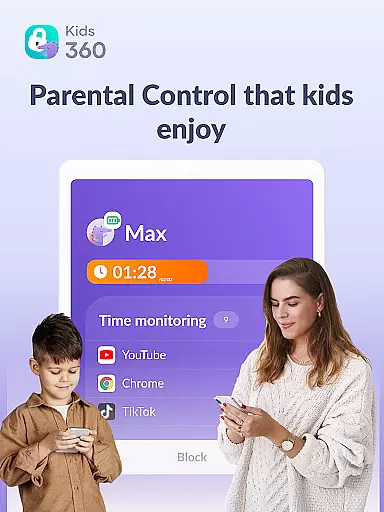
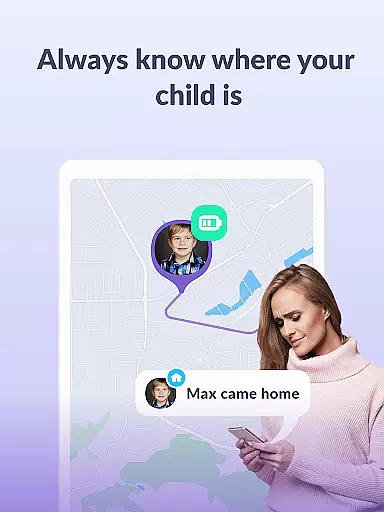

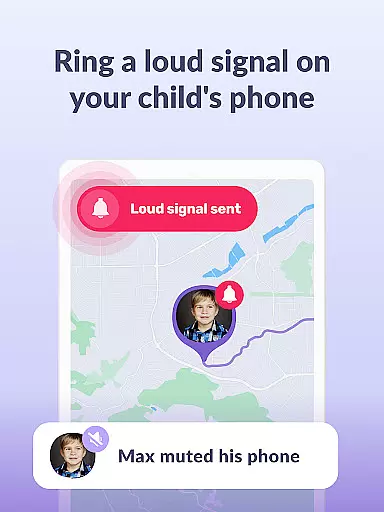
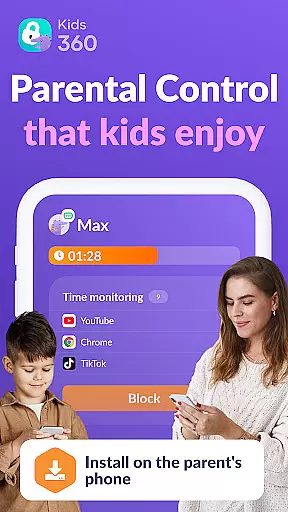

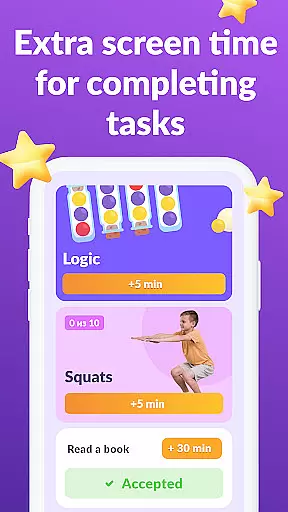
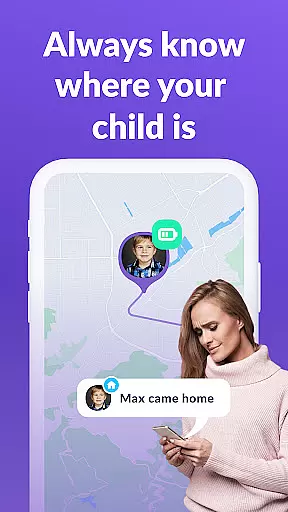

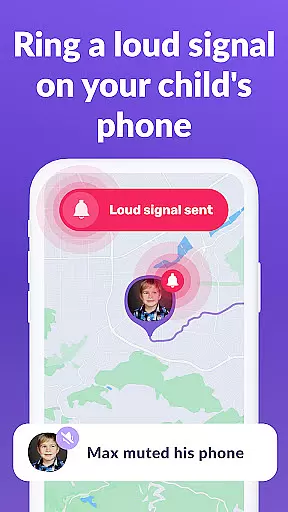
Kids360 is a comprehensive parental control app designed to help parents manage their children's device usage effectively. The app offers essential features like screen time management, app blocking, and GPS tracking, ensuring a safe digital environment for kids. With its child lock functionality and detailed usage statistics, parents can monitor and regulate their children's phone activities.
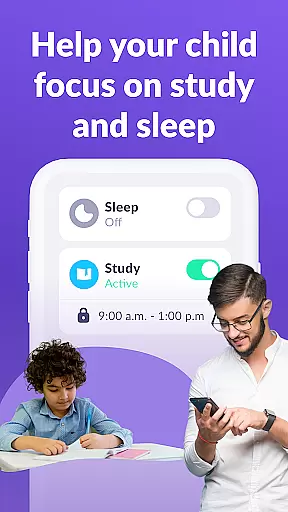
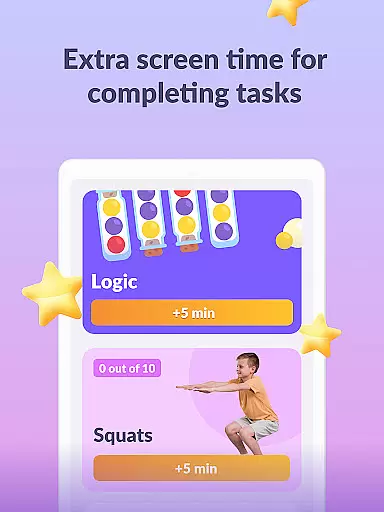
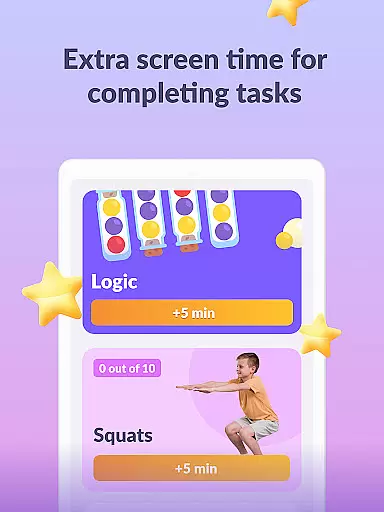
The app works in tandem with Alli360, creating a robust system that tracks app usage, sets time limits, and provides educational games. Parents can establish productive schedules for school and sleep times, while also receiving insights into which apps their children use most frequently. This helps maintain a healthy balance between entertainment and educational activities.
Designed with family safety in mind, Kids360 ensures that essential communication apps remain accessible at all times. By complying with GDPR policies and requiring explicit consent from children, the app prioritizes privacy and ethical monitoring. Its user-friendly interface allows parents to easily adjust settings and stay connected with their children's digital lives.
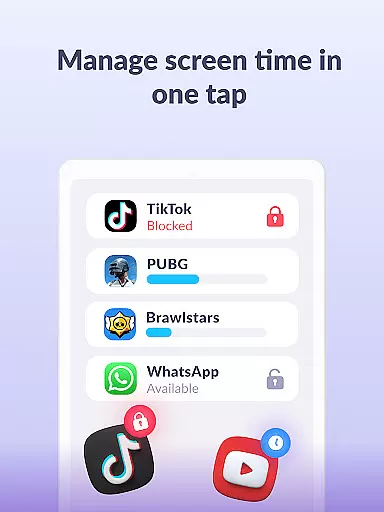
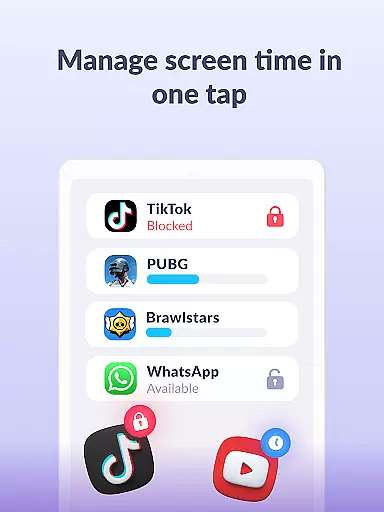
Kids360 stands out with its array of specialized features tailored for modern parenting needs. One of its core functionalities is the app usage limiter, which allows parents to set specific time restrictions on distracting apps, games, and social media platforms. This feature transforms the app into a child lock system, promoting healthier device habits among children.
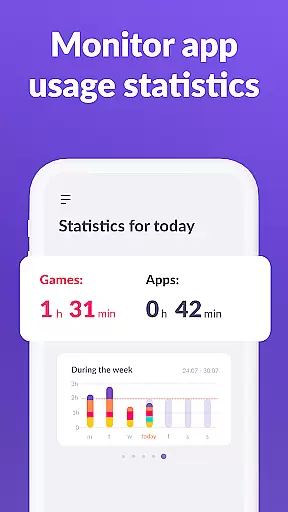
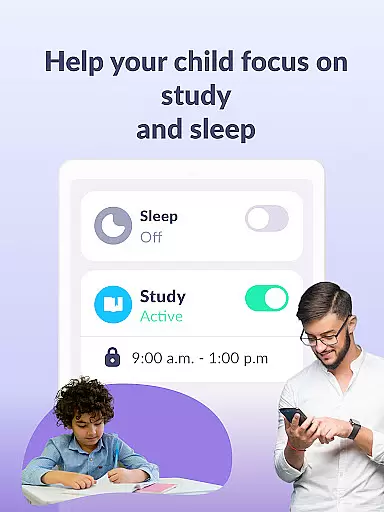
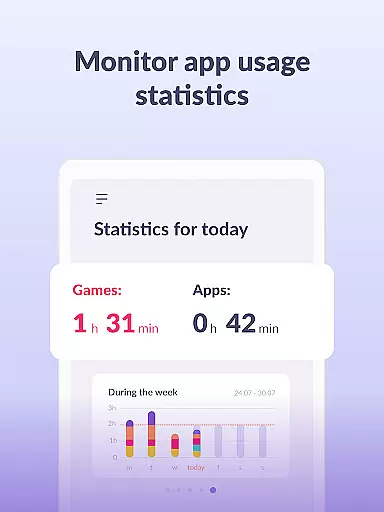
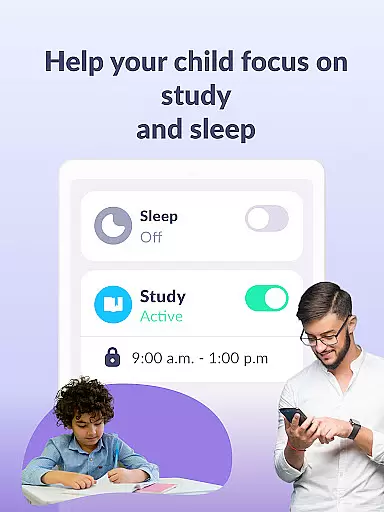
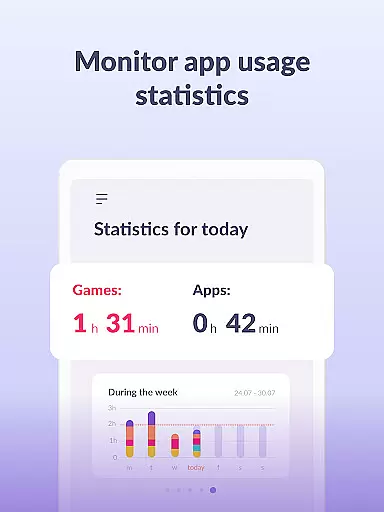
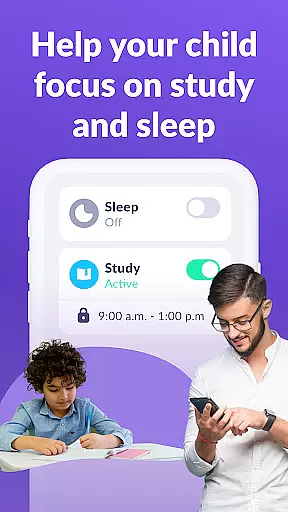
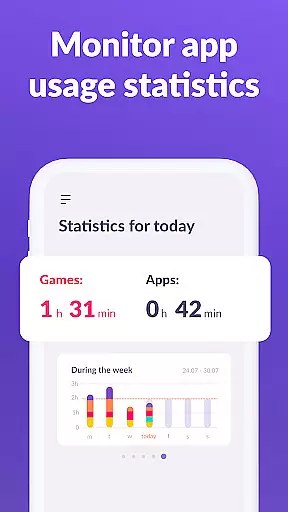
In addition to time management, Kids360 offers a detailed usage schedule that aligns with a child's daily routine. Parents can designate specific periods for schoolwork and rest, ensuring that device usage does not interfere with essential activities. The app also provides comprehensive statistics on app usage, giving parents valuable insights into their children's digital behavior patterns.
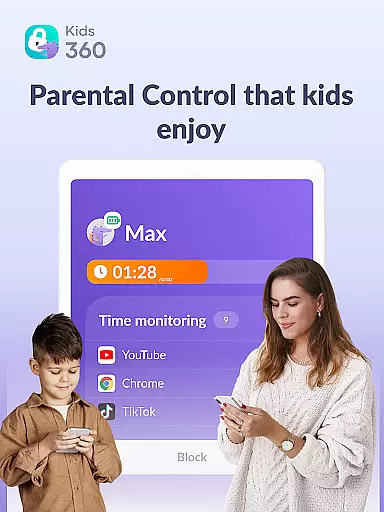
Another notable feature is the screen time tracker, which displays how much time a child spends on their phone and identifies the most used apps. This information empowers parents to make informed decisions about their children's device usage. Furthermore, the app includes a 'Stay in Touch' function, guaranteeing that critical communication channels remain open, thus maintaining constant contact with the child.
When it comes to parenting apps, the credibility of content and expert validation are paramount. Kids360 takes these responsibilities seriously by providing features that are designed with both safety and education in mind. The app includes functionalities such as screen time management, app blocking, and GPS tracking, all of which are developed based on child psychology and digital wellness research.
Kids360 ensures its methodologies are backed by experts in child development and cybersecurity. This means parents can trust the app to not only keep their children safe online but also to encourage healthy device habits. For instance, the app usage limiter and schedule features are crafted to align with recommended guidelines for children's technology consumption.
The benefit for users is clear: peace of mind. Parents using Kids360 can feel confident that they're applying scientifically-supported strategies to manage their children's digital activities. They can set appropriate boundaries without needing an extensive background in digital safety themselves.
This validation from experts translates into real value for families. With Kids360, parents gain a reliable tool that supports their efforts in raising well-adjusted, tech-savvy children while safeguarding their overall well-being.
Growth tracking accuracy is essential for understanding a child's development over time. Kids360 offers precise monitoring tools that allow parents to track their children's app usage and screen time with exactness. By collecting detailed statistics on app activity, the service provides insights into how much time children spend on various applications and games.
The app employs advanced algorithms to ensure the data collected is accurate and meaningful. It tracks not just the duration of usage but also categorizes apps into educational, social media, gaming, and others. This classification helps parents understand the quality of screen time their child is experiencing, allowing them to make informed decisions about device use.
For users, this level of detail means they can accurately monitor developmental milestones related to digital literacy and responsibility. Parents receive reports that help them identify patterns or changes in behavior, enabling timely interventions if necessary.
Ultimately, Kids360 empowers parents with reliable metrics on their childu2019s interaction with technology. This precision in growth tracking fosters healthier digital habits and contributes positively to a child's overall development trajectory.
User-friendly interface
Comprehensive monitoring tools
Effective screen time management
Enhanced family safety features
Educational game options
Requires child’s consent
Limited free features
Paid subscription needed
Complex setup process
Dependent on another app

Educational resource for parents to inspire creativity in their children.
 4.00
4.00
Sleep better with white noise app! Discover rain sounds, fan noise and more.
4.70
Fake call application designed for parents and adults to discipline their children through the children's police.
4.20
Family parental control app: limit screen time, block apps, GPS tracker.
4.20
3D Baby size, Fruit comparisons, Smart Checklist, Trending Names & Training.
4.90
Babysitting video camera - Turn your two phones or tablets into a single nanny.
4.40
Reliable phone tracker by number & locate phone app. Protect your family.
4.50
GPS tracker app: Simple GPS phone tracker for fast family location tracking
4.60
App/Game blocker & GPS tracker
4.50
Daily Routine & Timer for kids, ADHD, & Autism
4.80
Track Pregnancy, Baby Feeding, Sleep, Diaper Changes, Postpartum Health & More!
4.80
Introduce real food to baby with First Foods® Database, baby led weaning BLW
4.80
Pregnancy+ App has helped 80m moms track their pregnancy with info & support!
4.80
FamilyAlbum helps you share, save, and remember your child's special moments.
4.80
Join over 1MM parents & professionals who've used OFW to navigate co-parenting
4.40
Keep track of your stored breastmilk
4.40
Findnumber: Real-time location tracker for ultimate family security
4.20
Affirmations | Stories | Bible
4.10
The 10 development leaps of your baby | newborn milestones & leap days tracker
4.10


User Reviews