
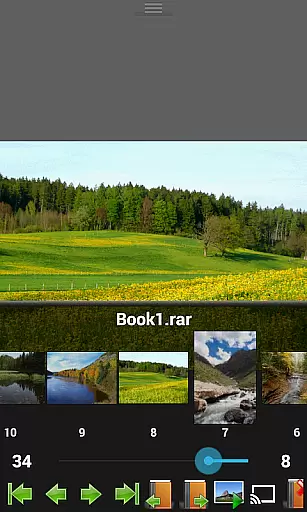
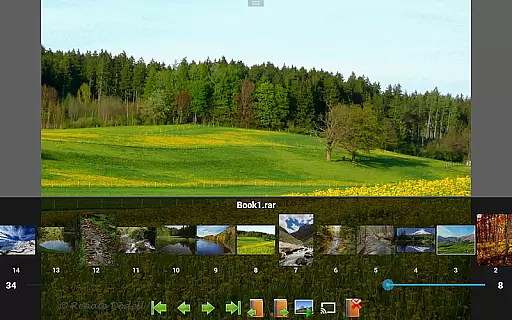
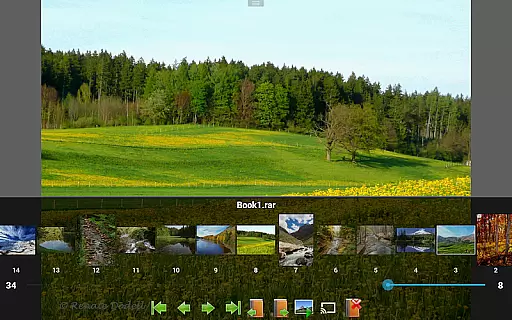
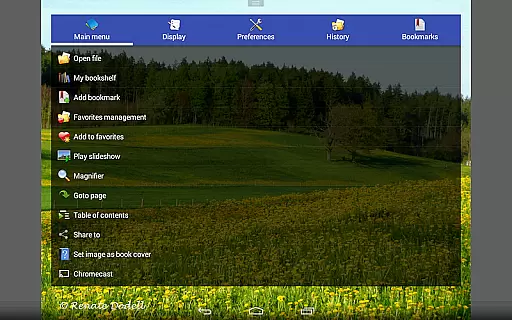
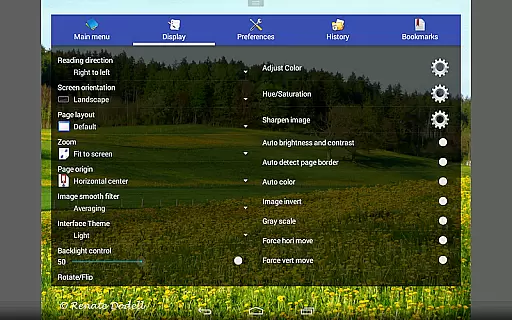
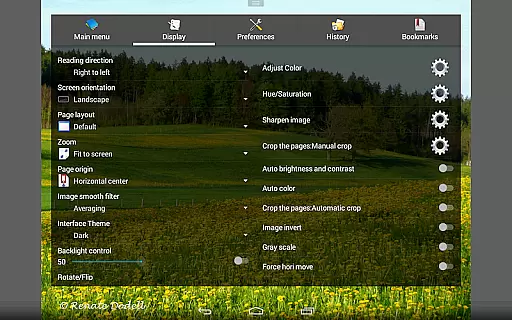
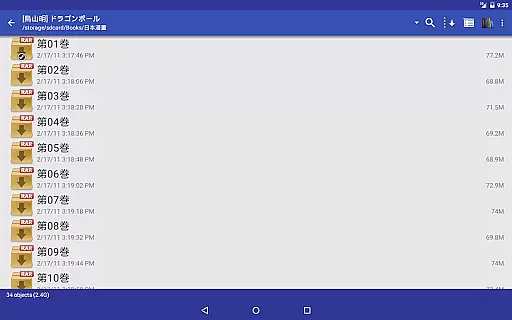
Perfect Viewer is a versatile and fast image, comic, and ebook viewer designed for seamless reading experiences. The app supports multiple file formats including EPUB, PDF, CBZ/ZIP, CBR/RAR, and more, making it ideal for digital comic enthusiasts and avid readers alike. With advanced page layout options such as auto single/dual pages and adaptive screen orientation, users can customize their reading experience to suit their preferences.
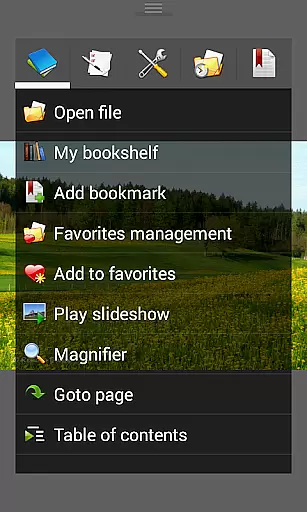
In addition to its robust format support, Perfect Viewer offers innovative features like smooth filters, five view modes, and pinch-to-zoom functionality. Users can also enjoy network file sharing, Google Drive integration, and Chromecast support, ensuring easy access to content across devices. Whether you're reading comics or managing ebooks, this app provides an intuitive interface with practical tools like brightness adjustment, bookmarking, and slideshow functionality.
Perfect Viewer stands out with its comprehensive feature set tailored for comic and ebook enthusiasts. One of its key strengths is the ability to handle various file formats, including EPUB, PDF, and archive files like CBZ and CBR. This versatility ensures that users can open virtually any digital book or comic without compatibility issues. Additionally, the app's support for network file sharing (CIFS/SAMBA), FTP, and cloud services like Google Drive and Dropbox makes accessing remote files effortless.
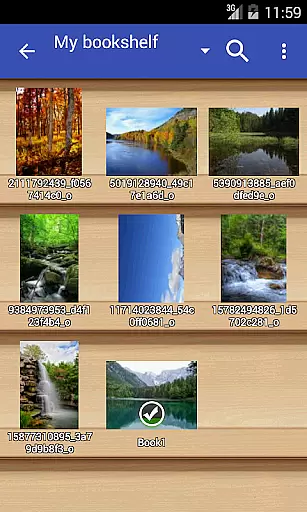
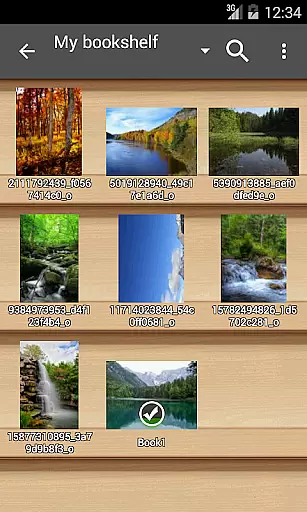
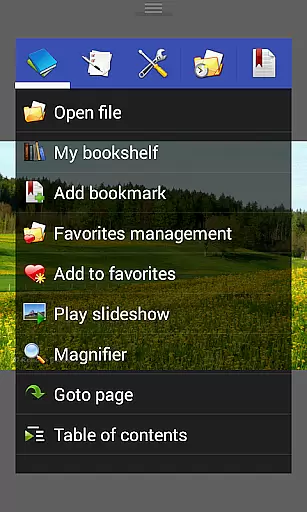
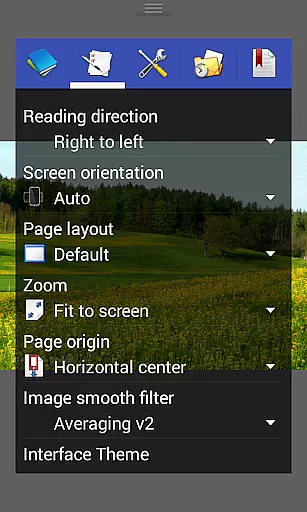
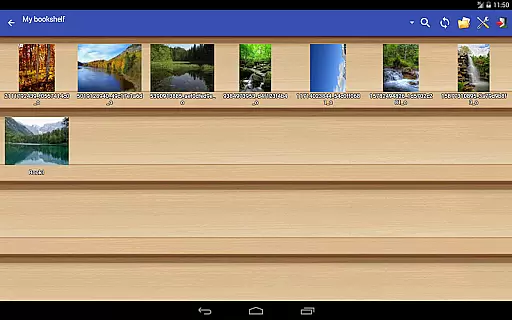
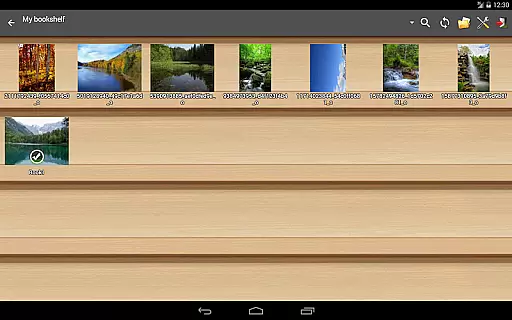
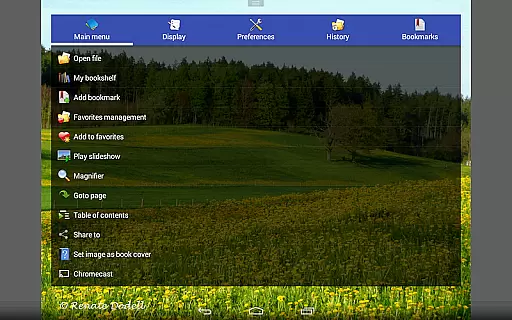
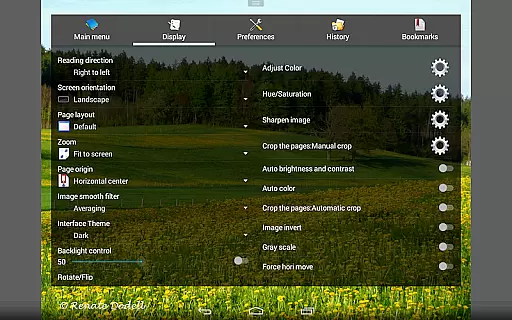
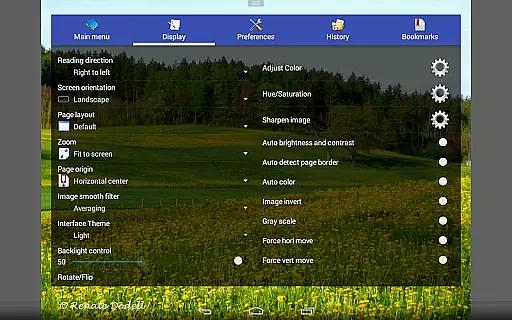
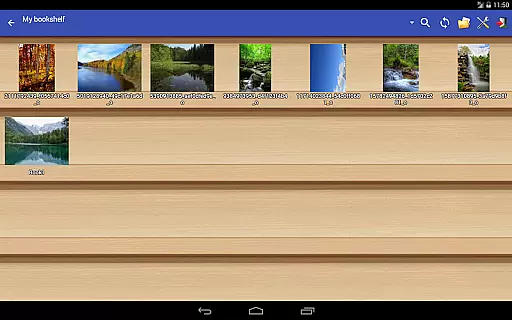
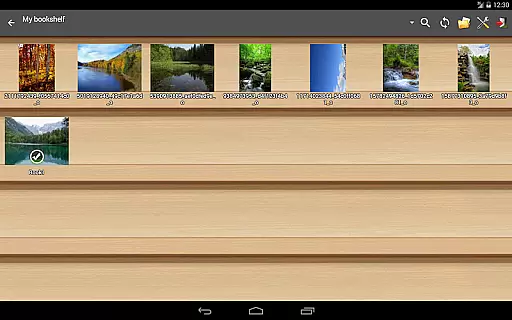
The app also excels in customization, offering three distinct viewer modes—Page mode, Vertical scroll, and Horizontal scroll—as well as five view modes for adjusting how content is displayed. Features like balloon magnifier, auto white border cutting, and image brightness/contrast adjustments enhance readability. Moreover, Perfect Viewer includes practical utilities such as a bookshelf function, simple file management, and slideshow capabilities, all wrapped in a user-friendly interface that prioritizes convenience and performance.
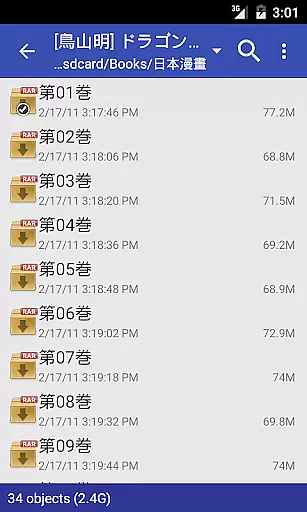
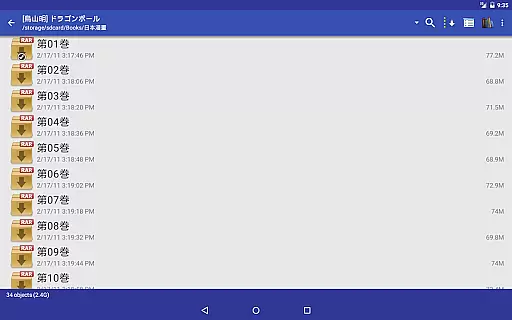
Perfect Viewer offers an extensive comic library that supports multiple file formats including CBZ/ZIP, CBR/RAR, 7Z/CB7, and LZH. This ensures that users can access a wide variety of comics without worrying about compatibility issues.
The application also supports PDF, XPS, and DJVU files through an additional plugin, further expanding the range of available content. With this versatility, Perfect Viewer caters to diverse user preferences and comic types.
Moreover, Perfect Viewer allows users to open files from various cloud services like Google Drive, Dropbox, and OneDrive. This feature not only increases the accessibility of comics but also provides a seamless experience for users who store their collections online.
Perfect Viewer emphasizes content authenticity by enabling users to access original comic files stored locally or in cloud services. By supporting a multitude of file formats, it ensures that users can view their legally acquired comics without restrictions.
While Perfect Viewer does not directly manage licensing, its support for DRM-free formats like EPUB, HTML, and TXT allows users to enjoy content they have purchased or downloaded legally. The app respects user ownership and does not impose additional constraints on content usage.
Additionally, Perfect Viewer's donation version offers exclusive features such as colorization options for black and white images. This approach maintains a balance between providing premium features and ensuring that all users can access authentic content legally and conveniently.
Fast and responsive performance
Wide range of supported formats
Customizable viewing options
Cloud storage integration
Intuitive navigation gestures
Premium features require donation
Interface may feel dated
Limited free plugin availability
Occasional ads in free version
Steep learning curve for beginners

Follow your favorite manga and get notifications for new chapters!
 4.50
4.50
More fun from BOM! Hurry up and do the following self-test, if you meet more than one item, come and experience the brand new world of comics!
3.40
AsuraScans read manga, manhua, manhwa, and webtoon
3.90
Comic Scanner - Book Value - Identify and sell your comic collection with AI.
3.80
매일 매일 새로운 네이버 웹툰
4.50
Catalog your collection. Just scan covers with your device camera. (US $20/yr)
4.80
Browse and read all your comics and mangas from YACReaderLibrary
4.20
A gathering place for a massive collection of genuine comics.
4.50
Read webcomics & webnovels
4.20
Instant access to over 30,000 Marvel comics with new issues added every week.
4.70
Scan comics instantly! Find comic value, price, and key collector details fast.
4.50
The most popular comic book reader.
4.40
The fastest and most convenient comic book reader - comics of all formats
4.40
Read latest manga with this minimal reader with NO ADS.
4.30
Alpha Manga is a Japanese manga app where you can read isekai manga.
4.10
from HipComic: Value Your Comic Book Collection with Just the Snap of a Photo.
3.80
Get the latest manga chapters daily, released simultaneously with Japan.
3.10
Comic reader app: open ZIP, RAR, CBZ, CBR, and PDF files
3.00
You can create comics, manga and manwha using AI with Arcstory comic book maker
2.70


User Reviews