
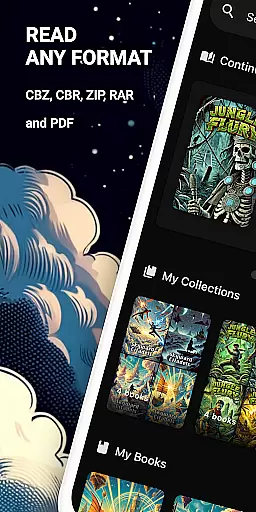
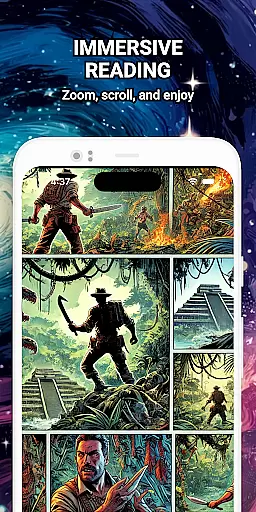
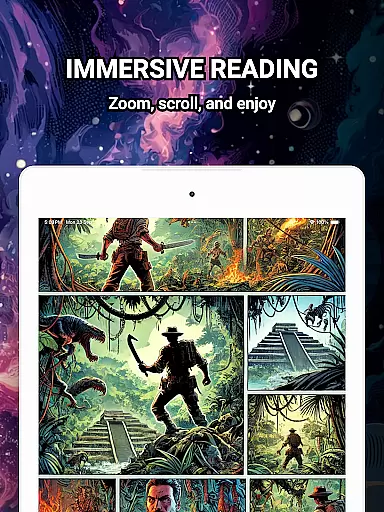
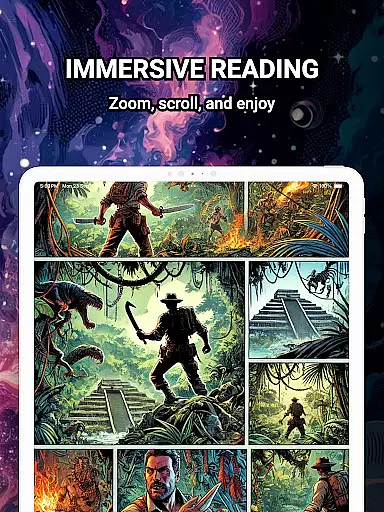
ComiQuest is a feature-rich comic reader app tailored for fans of CBR, CBZ, and PDF formats. It offers seamless navigation, automatic reading progress tracking, and smart library organization tools. Whether you're into graphic novels, manga, or webtoons, this app provides an elegant and distraction-free reading experience.
With support for unlimited imports of comic files, custom collections, and an experimental eye comfort mode, ComiQuest ensures both functionality and user comfort. Its ad-free interface allows readers to focus entirely on their favorite stories without interruptions, making it ideal for comic enthusiasts who value quality and convenience.
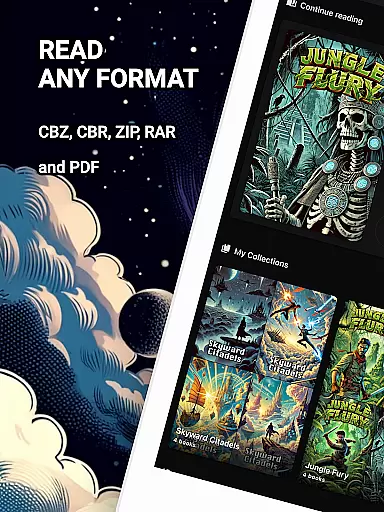
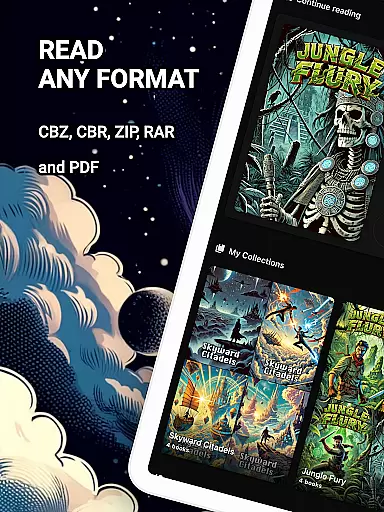
ComiQuest stands out with its comprehensive format support for CBR, CBZ, and PDF files, eliminating the need for file conversion. The app simplifies file access by allowing direct imports from local storage or USB drives, ensuring users can quickly start reading.
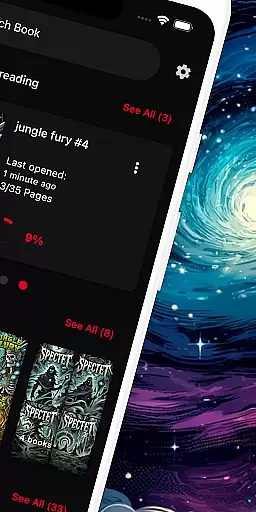
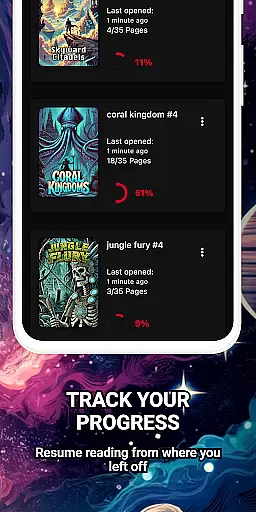
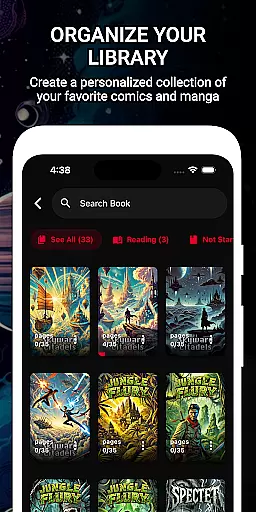
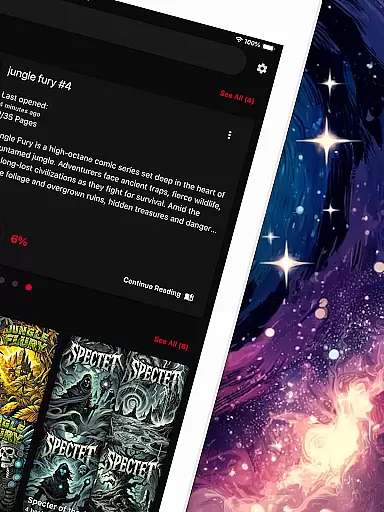
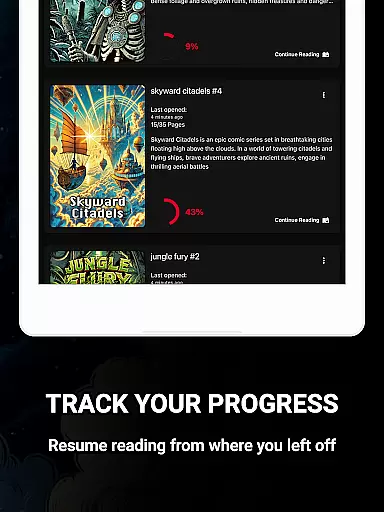
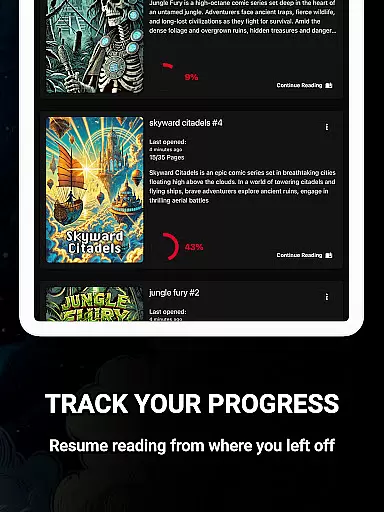
One of the app's key highlights is its ability to save reading progress automatically, enabling users to pick up where they left off across different titles. Additionally, its customizable library features let users organize comics into collections, keeping even large libraries well-structured and easy to browse.
For enhanced usability, ComiQuest includes an experimental blue light filter for CBR and CBZ files, reducing eye strain during extended reading sessions. Premium users can unlock unlimited imports and continuous updates, further enriching the reading experience.
ComiQuest offers an extensive comic library that supports multiple formats including CBR, CBZ, and PDF. This ensures that users can access a wide variety of comic books without the need for conversion or switching apps.
The app allows easy file access from local storage or USB drives, making it convenient to import and manage your entire collection. Whether you're a fan of graphic novels, manga, or webtoons, ComiQuest recognizes and opens your files effortlessly.
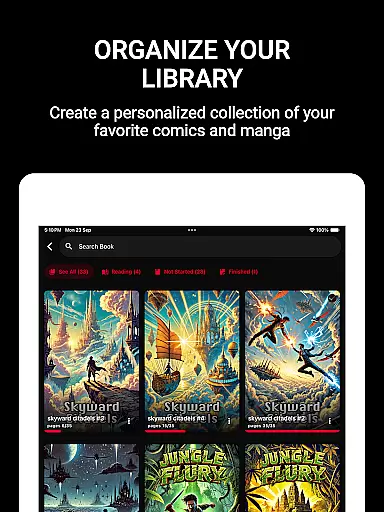
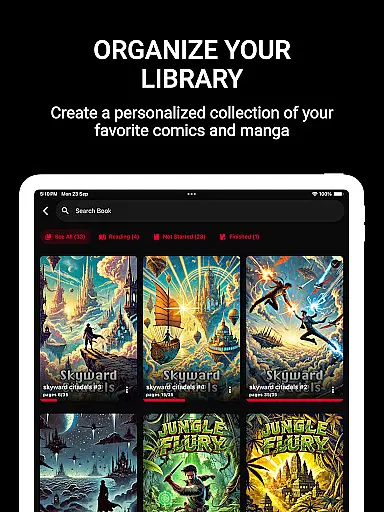
With the ability to sort comics into custom collections, users can organize their library to suit their preferences. This feature not only keeps your collection tidy but also enhances navigation, allowing you to dive into your favorite stories with ease.
ComiQuest places a strong emphasis on content authenticity and licensing. By supporting direct imports from personal storage, it ensures that users are accessing their legally acquired comic books.
While the app does not provide content itself, its ad-free reading experience respects the intellectual property of creators by not injecting unwanted advertisements into the reading process. This approach aligns with industry standards for content consumption.
For users seeking additional features, ComiQuest offers a premium version. This subscription unlocks unlimited imports and collections, ensuring that enthusiasts can expand their libraries while maintaining proper licensing compliance.
User-friendly interface
Automatic progress tracking
Ad-free experience
Customizable collections
Eye comfort mode
Premium features locked
Limited eye filter support
No cloud sync
USB import only
Heavy on storage

Anime TV App: Watch all anime online,anime tv subtitles online with big anime tv
 3.80
3.80
Dive into creative online comics, short video, graphic novels and web novels!
4.60
Catalog your collection. Just scan covers with your device camera. (US $20/yr)
4.80
Toomics is a premium comic service with every genre for all readers to enjoy!
4.00
Browse and read all your comics and mangas from YACReaderLibrary
4.20
Experience the largest selection of DC comics anywhere with DC UNIVERSE INFINITE
3.40
Read comics, manhwa, manga & novels Official webtoons with daily updates
4.30
SQUARE ENIX's official Manga app!
4.40
Crunchyroll Manga—unlimited, uninterrupted reading with offline access & more!
4.50
100k comics, manga & webcomics, including Batman, Invincible, Hellboy & more
4.60
A gathering place for a massive collection of genuine comics.
4.50
Read Manga, Comics & Manhwa of Romance, Action, Fantasy, Drama, BL and more!
4.40
Pocket Toons: Free Webtoons, Comics, & Manga - New Chapter Drops Everyday
4.30
Read latest manga with this minimal reader with NO ADS.
4.30
Kodansha official Manga app
4.30
Alpha Manga is a Japanese manga app where you can read isekai manga.
4.10
Comic Scanner - Book Value - Identify and sell your comic collection with AI.
3.80
from HipComic: Value Your Comic Book Collection with Just the Snap of a Photo.
3.80
More fun from BOM! Hurry up and do the following self-test, if you meet more than one item, come and experience the brand new world of comics!
3.40


User Reviews