
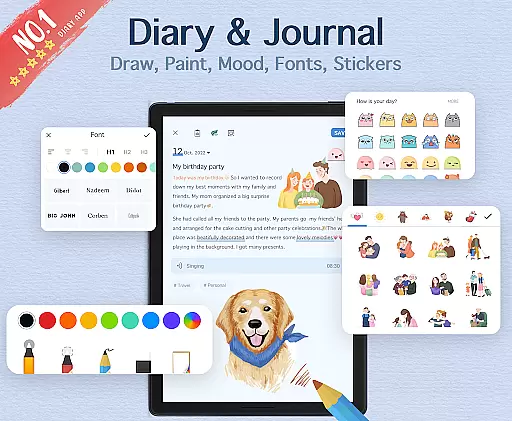
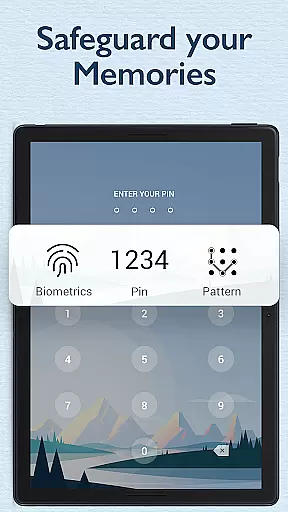
My Diary is a feature-rich digital journaling app designed for users who value privacy and creative expression. This lifestyle application allows you to document your daily life through text, photos, and videos while offering advanced security features like password protection and fingerprint authentication. The app's synchronization capabilities with Google Drive and Dropbox ensure your memories are safely backed up and accessible across multiple devices.
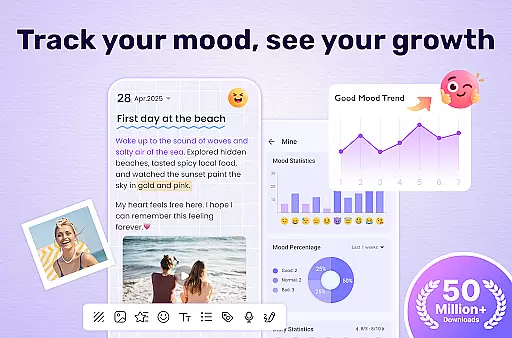
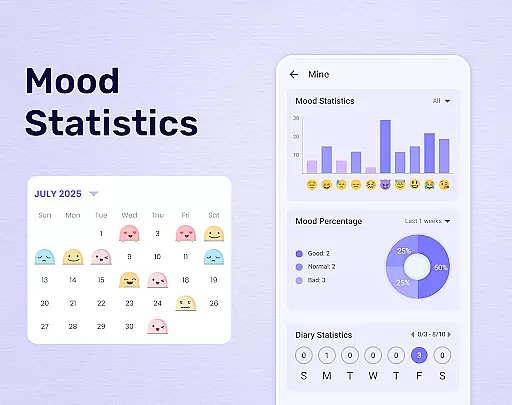
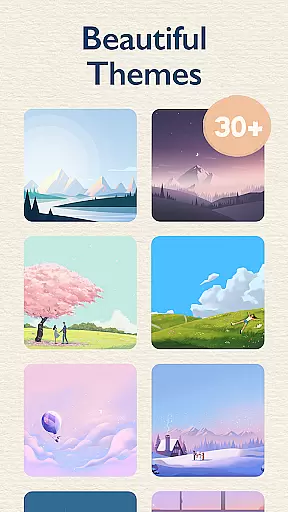
Beyond basic diary functions, My Diary provides customizable themes, night mode, and artistic fonts to make journaling more engaging. Its innovative mood tracking system, complete with expressive stickers and emojis, helps users better understand their emotional patterns. Whether you're recording personal thoughts or creating detailed travel journals, this app offers the tools to make each entry meaningful and secure.
The application's eye protection mode demonstrates care for user well-being, while its robust organizational features including tags and category sorting make content management efficient. With support for exporting entries to various formats and printing capabilities, My Diary serves as a comprehensive digital replacement for traditional paper journals, making it an ideal choice for modern journal keepers.
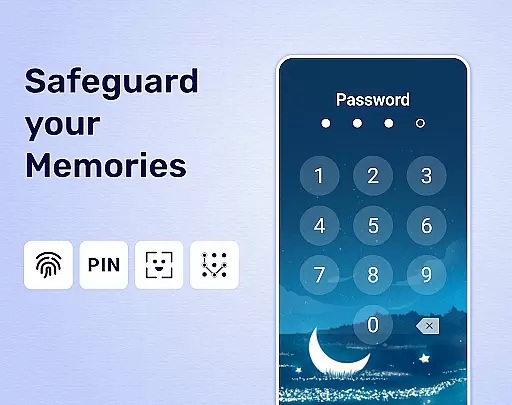
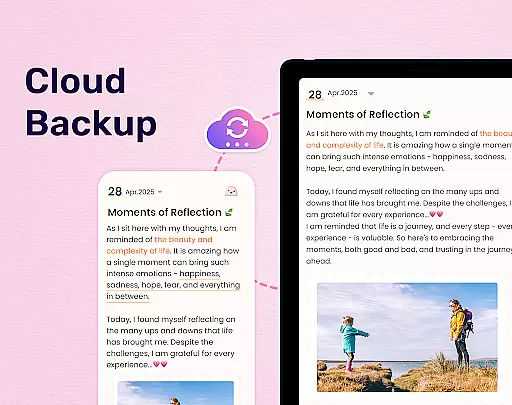
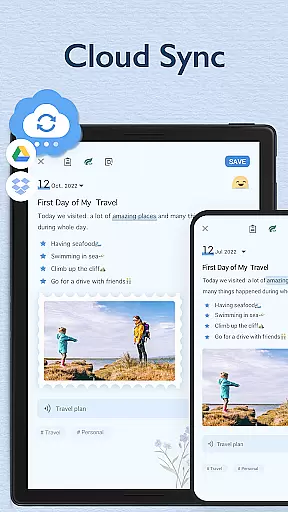
My Diary distinguishes itself through its comprehensive feature set tailored for both security-conscious and creatively-inclined users. The app's multi-layered security system includes passcode protection, fingerprint authentication, and cloud backup options through Google Drive and Dropbox. These features work together to create a secure environment where users can confidently store their most personal thoughts and memories.
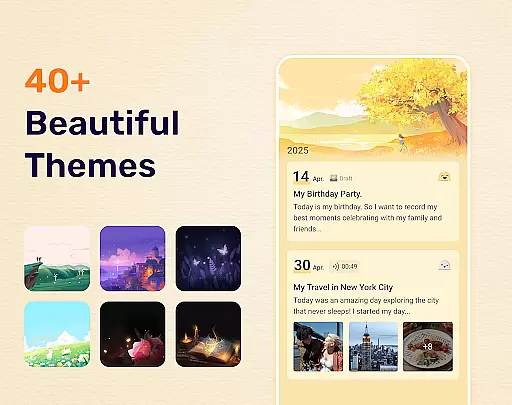
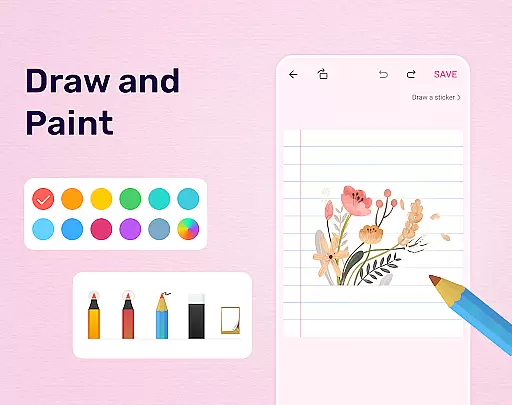
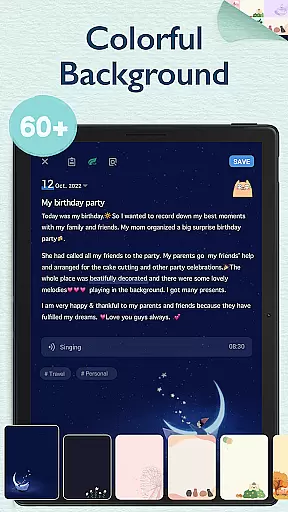
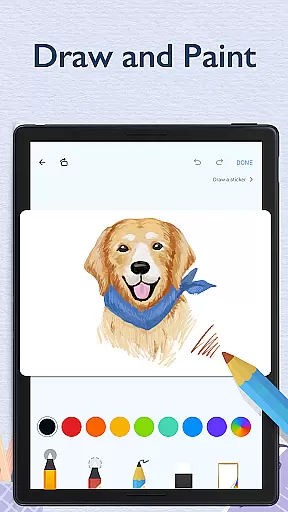
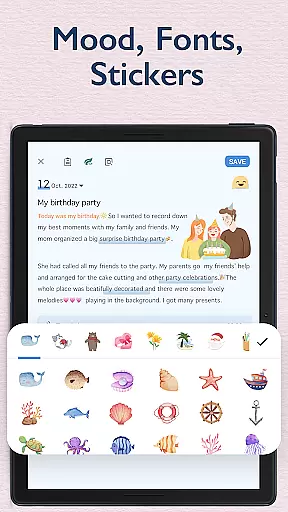
Creativity enhancement is another core aspect of My Diary's functionality. The app offers an impressive collection of customizable themes, background options, and artistic fonts that transform simple journal entries into visually appealing creations. Users can incorporate multimedia elements such as photos and videos, while the built-in sticker library and mood tracking system provide additional ways to express emotions and personalize entries.
Practical features extend beyond basic journaling needs. The implementation of eye protection mode addresses modern device usage concerns, while the sophisticated organization system using tags and categories ensures easy content retrieval. The ability to export entries in multiple formats (TXT, PDF) and print physical copies adds versatility to how users can preserve and share their journaling experiences, making My Diary a truly comprehensive digital journaling solution.
My Diary offers extensive lifestyle category coverage, making it more than just a digital diary. It serves as a versatile companion for various aspects of life, from recording daily activities to tracking personal moods and significant life events.
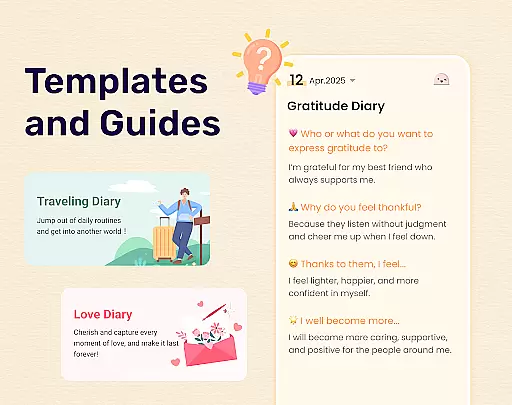
The app provides specialized templates and features for different types of journaling needs. Whether you're documenting travel experiences, tracking your pregnancy journey, or organizing work-related thoughts, My Diary has tailored solutions that cater to these specific categories.
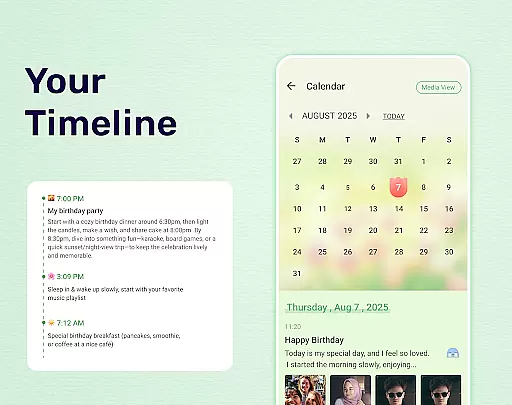
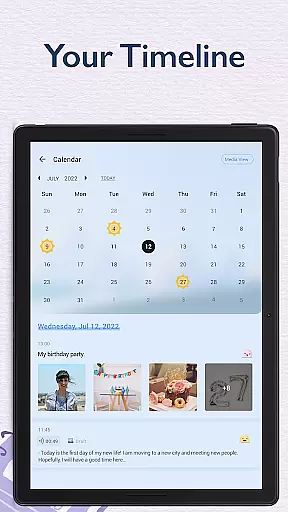
With dedicated tags for easy categorization, users can efficiently organize their entries into distinct segments such as travel journals, mood diaries, love diaries, baby diaries, and more. This thoughtful organization ensures that users can easily retrieve and reflect on their past experiences within each unique context.
Furthermore, the inclusion of artistic themes, stickers, and mood tracking features adds an extra layer of personalization and creativity to the journaling experience. These elements not only enhance the visual appeal of entries but also allow users to express their emotions and individuality in ways that traditional paper diaries cannot match.
When it comes to maintaining content authenticity and expert credibility, My Diary takes several measures to ensure users receive accurate and trustworthy information. The app's development team collaborates with professionals in psychology and wellness to create features that genuinely benefit users' mental health and personal growth.
All the themes, stickers, and mood-tracking symbols are carefully designed by experts in visual arts and behavioral science. This collaboration ensures that every element within the app serves a purpose beyond mere decoration, contributing to a more meaningful journaling experience.
The eye protection mode is developed based on research regarding screen time and its effects on vision. By implementing scientifically-backed methods to reduce eye strain, My Diary demonstrates its commitment to users' well-being while they engage in reflective writing.
Moreover, the app's continuous updates and improvements are guided by both user feedback and professional advice from various fields related to personal development and digital security. This approach guarantees that My Diary remains a reliable tool for managing personal memories and thoughts in today's digital age.
User-friendly interface
Robust security features
Versatile customization options
Cloud synchronization capability
Multimedia integration
Premium features locked
Occasional performance issues
Limited free theme options
Storage space intensive
Learning curve for new users

Fly your Solo like a boss.
 4.10
4.10
Digital watch face design. Modern looking, hi-res & battery friendly.
4.00
Spiritus Ghost Box is an Audio and Visual ITC tool for paranormal research.
4.00
Spirit Communicator is a real paranormal ghost hunting app with many fun modes.
3.90
Discounts, savings, and rewards
4.20
Connect to your Shark ROBOT™ from anywhere using the SharkClean™ App.
3.60
LineLearner, the quick way to learn lines.
2.90
Earn money for every survey and game you play, and get real rewards every time
4.50
Just play, earn rewards, fetch gift cards, and turn gaming into real payouts!
4.80
Pay your rent, submit work orders and much more with the RentCafe Resident App.
4.70
The go to app for taking unlimited notes!
4.50
A smart Siddur with halachic times
4.50
Share opinions, get paid cash
4.30
Earn points with every purchase with Moe Rewards.
4.20
Use your device sensors to detect energy and convert it into spoken words.
4.10
SmartHQ: Your Connected Home Command Center
4.10
A daily quote for success
4.5
Customize your Wear OS watch with festive Christmas figures and colors!
4.0
Wear your favorite memories, loved ones, pets or travel photos on your watch
4.4


User Reviews