
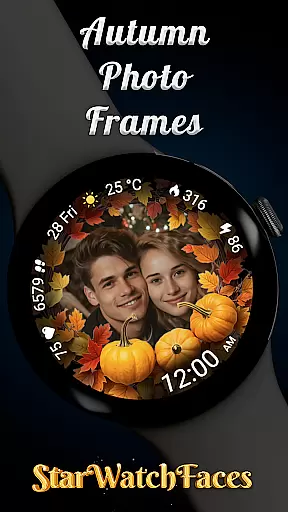
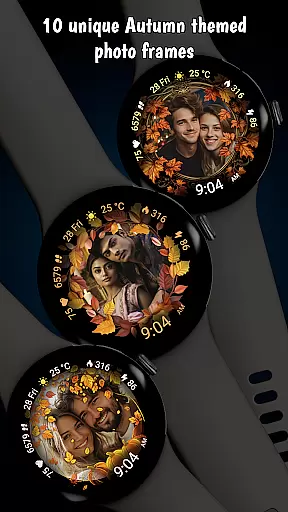


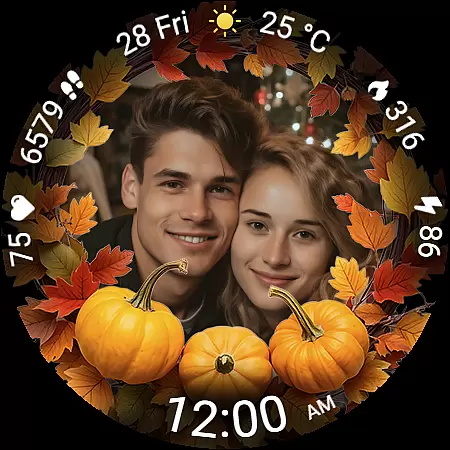
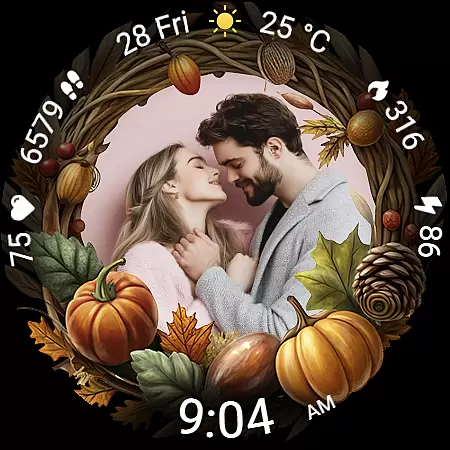
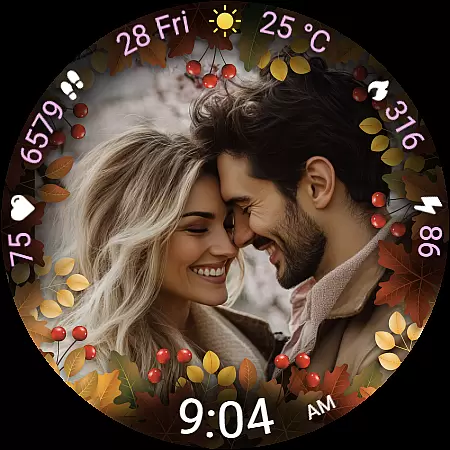
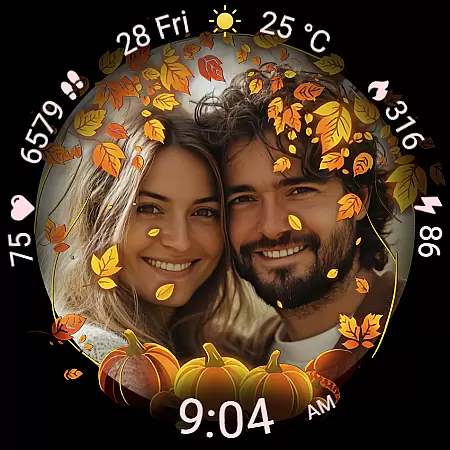
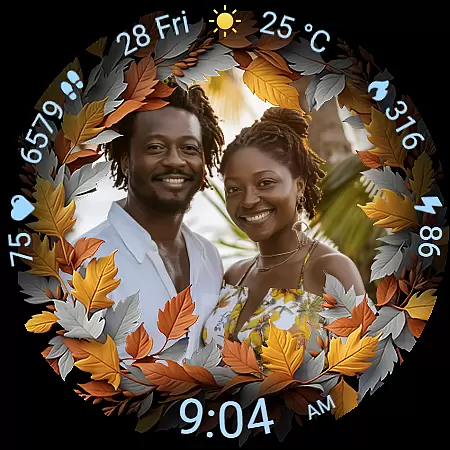
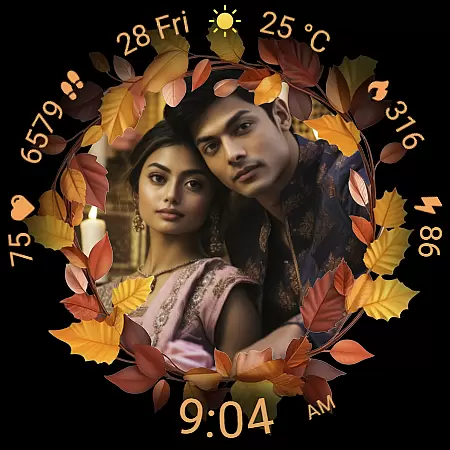
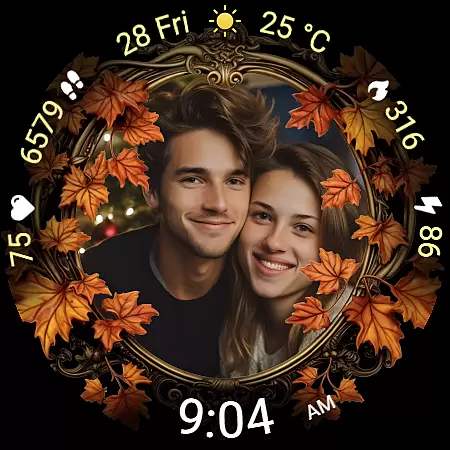
Autumn Photo Frames for WearOS is a premium lifestyle watchface that combines seasonal aesthetics with personalization. This app allows users to display cherished photos within beautifully designed autumn-themed frames directly on their smartwatch. With 10 unique frames, 30 color themes, and essential metrics like heart rate, step counter, and weather information, it offers both style and functionality.
The watchface supports Wear OS 6 and newer, providing an emotional connection through custom photos while delivering practical features such as battery status, date display, and always-on visibility. Whether celebrating family moments or showcasing artistic snapshots, this app transforms your smartwatch into a personal gallery with seasonal charm.
Autumn Photo Frames stands out with its rich customization options and thoughtful design elements. The core feature allows users to set personal photos inside elegant autumn-themed frames using a companion app. These frames are complemented by 30 customizable color themes, ensuring the watchface matches individual styles perfectly.
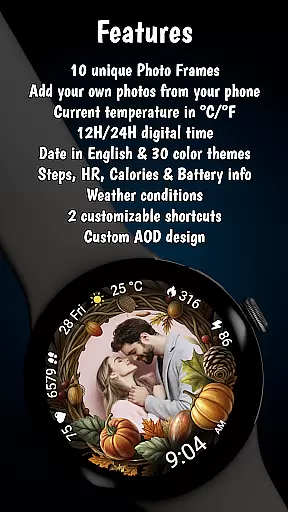
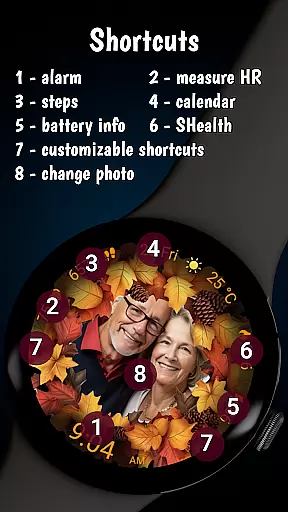
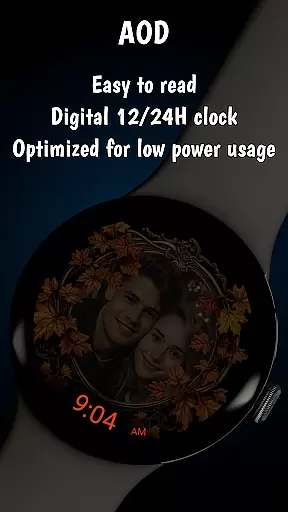
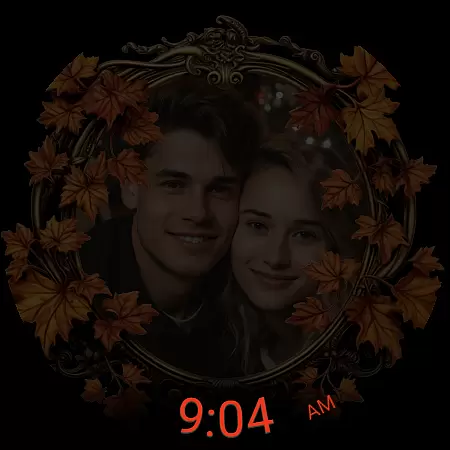
Beyond personalization, the app includes essential functionalities such as a digital clock in 12h/24h format, real-time heart rate monitoring, step tracking, calorie tracking, and weather updates. The always-on display (AOD) ensures optimal visibility while conserving battery life. Additionally, two customizable shortcuts provide instant access to frequently used apps, enhancing usability without compromising style.
The Autumn Photo Frames watchface for Wear OS offers extensive lifestyle category coverage by integrating personal memories with practical smartwatch functionalities. This application goes beyond mere aesthetics, embedding meaningful personalization options within its framework.
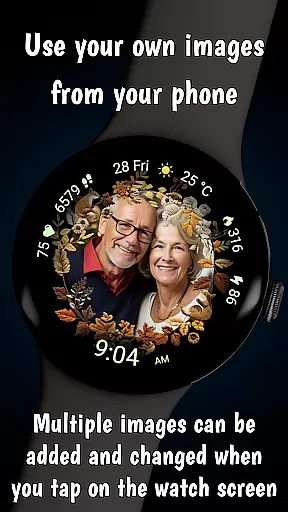
With features like custom photo support, 10 unique autumn-themed frames, and 30 color themes, users can tailor their watch face to reflect seasonal beauty and personal style. The ability to add multiple photos and change them directly from the watch adds a layer of dynamic personal engagement that is crucial for lifestyle enhancement.
This app also includes essential metrics such as heart rate, step counter, calories burned, and weather information, making it not just a style statement but a comprehensive lifestyle companion. These elements ensure users stay connected to both their personal world and daily health objectives.
Authenticity and credibility are at the core of the Autumn Photo Frames watchface experience. Every feature has been meticulously crafted to provide genuine value to users who seek both emotional connection and functional reliability in their smartwatch applications.
All images and frames are designed with seasonal authenticity, capturing the essence of autumn through carefully selected colors and decorative elements. The customization process is intuitive, allowing users to manage pictures via the Wearable app for Samsung devices or the Pixel Watch app for Pixel watches.
Furthermore, additional features such as date display, battery status, and two customizable shortcuts have been integrated based on expert analysis of user needs. This thoughtful design ensures that each interaction with the watchface is both meaningful and practical, reinforcing the overall credibility of the content provided.
Highly customizable
Beautiful autumn themes
Real-time health metrics
Always-On Display support
Wide color theme selection
Wear OS 6 required
Companion app needed
Limited to photo frames
No advanced widgets
Premium pricing

Unique informative Dial with Live Moon Phase at a glance!
 3.60
3.60
Earn points with every purchase with Moe Rewards.
4.20
Duo Watch Face (animated)
4.5
This minimalist yet classic board design brings a futuristic twist to your wrist
4.20
Smart home security protection
3.20
Your home in your hand
3.80
Colorful minimal digital watch face for Wear OS
4.60
Digital smart watch face made for Wear OS.
4.70
Control your Tapo smart devices from anywhere.
4.60
Daily lessons from A Course in Miracles with scheduled reminders
4.80
Good magnifier app to see tiny things bigger and more clearly!
4.80
Your store’s deals, where you are.
4.80
Have your Tehillim with you at all times
4.70
Retro animated weather with hourly forecast Watch Face for Wear OS
4.60
Cute Adorable Animals now on your wrist with our Wear OS watch face!
4.40
Creativity and savings for kids, beginners and experts in arts and crafts
3.50
Discover how to help puppies stay calm around noise with this helpful app.
4.0
The cutest Autumn watchface featuring the adorable Mr. Squirrel
4.0
Futuristic watchface inspired by Back to the Future: sleek, retro, timeless
4.1


User Reviews