
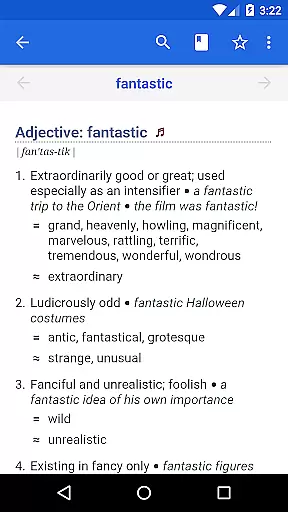
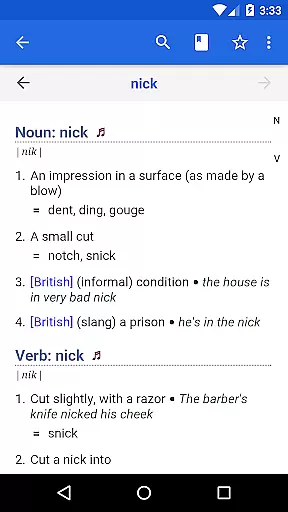
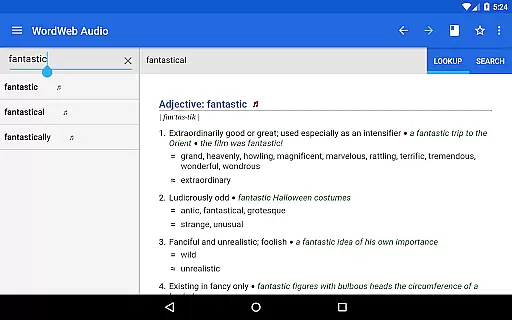
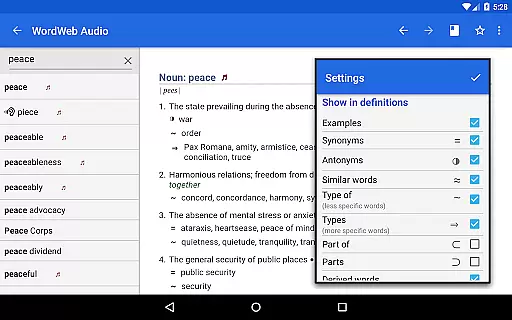
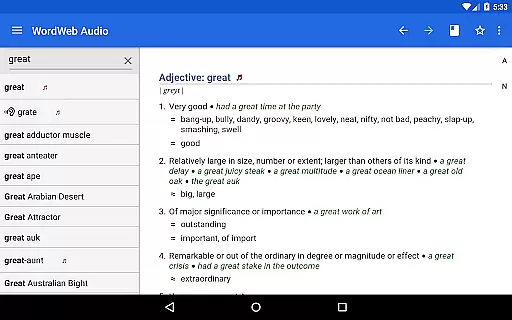

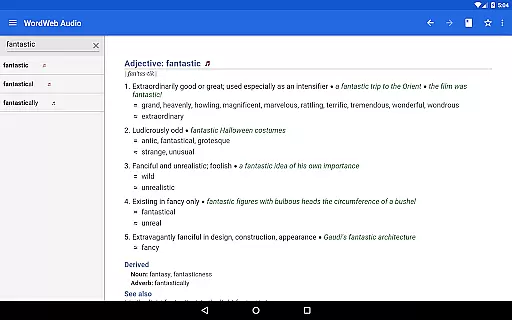
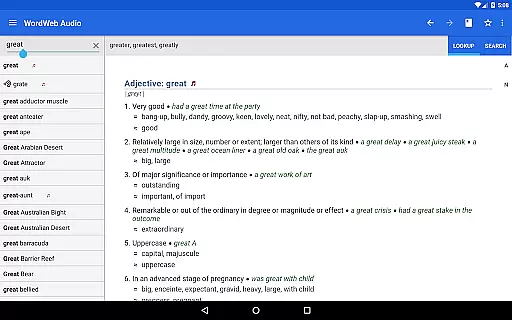
WordWeb Audio Dictionary is an offline reference tool that provides users with a comprehensive English dictionary and thesaurus. It features 285,000 words, phrases, and derived forms, along with 70,000 professionally recorded audio pronunciations to help users speak better English. The app supports various forms of English including North American, British, and Australian, making it versatile for international use.
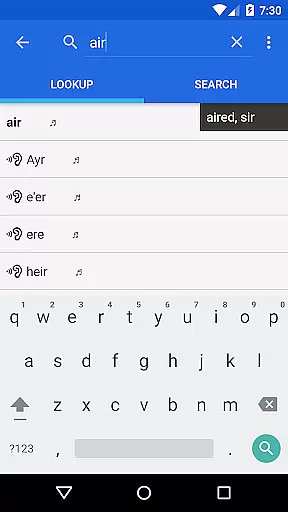
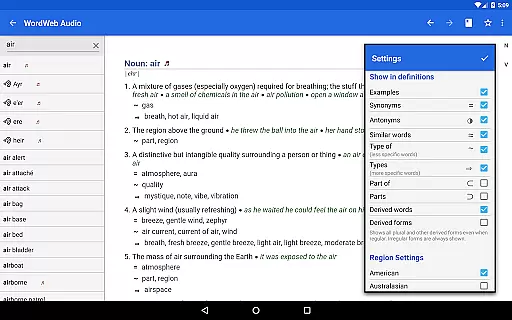
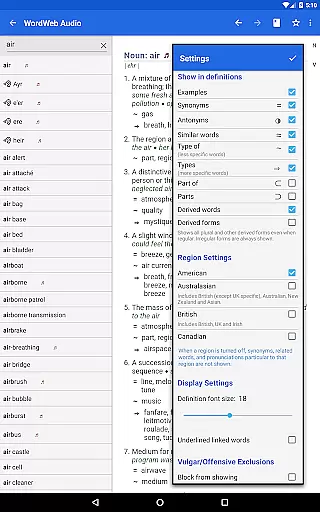
In addition to its extensive word database, WordWeb offers intelligent word entry with spelling suggestions and lists of often-confused words. Users can search through an alphabetical listing, receive spelling suggestions, and filter results by parts of speech. With full bookmark support, history tracking, and the ability to look up words directly from other apps, this dictionary app proves to be an indispensable resource for anyone looking to enrich their vocabulary and pronunciation skills.
One of the standout features of WordWeb Audio Dictionary is its vast database which includes 225,000 word sense definitions, 70,000 usage examples, and synonyms as well as related words. This makes it not just a dictionary but also a thesaurus, providing richer context for each entry. Its offline functionality ensures that users have access to all these resources without needing an internet connection once the app is installed.
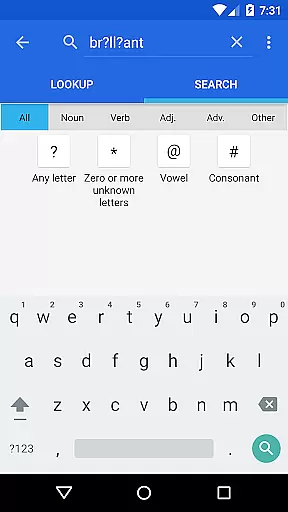
The app's search capabilities are robust, offering pattern-matching searches using wildcards and filtering by nouns, verbs, adjectives, or adverbs. Additionally, it contains proper nouns and common abbreviations alongside standard vocabulary entries. With approximately 280MB of space required on your device's SD card, you can carry this expansive linguistic resource in your pocket wherever you go.
WordWeb Audio Dictionary offers an extensive offline library comprising 285,000 words, phrases, and derived forms, ensuring users have access to a vast repository of English vocabulary without needing an internet connection.
The inclusion of 70,000 audio pronunciations and 85,000 text pronunciations not only enriches the learning experience but also guarantees that all content is authentic and legally obtained, respecting copyright laws.
This comprehensive database supports language learners and professionals alike in expanding their lexicon while assuring them of the legitimacy of the resources they are using.
Beyond its impressive library size, WordWeb Audio Dictionary excels in format compatibility, accommodating various user needs and preferences.
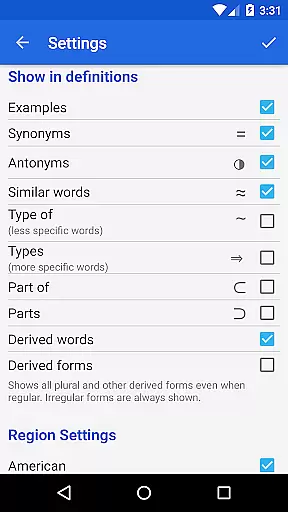
It features professionally recorded pronunciations alongside textual definitions, catering to auditory and visual learners. The dictionary's ability to integrate with other apps on Android M and higher allows for seamless word lookups, enhancing its utility across different platforms and devices.
Moreover, the app's design ensures it occupies approximately 280MB on your SD card, striking a balance between comprehensive content and device storage management.
User-friendly interface
Extensive word database
Audio pronunciations included
Offline accessibility
International English support
Requires significant storage space
No integrated grammar checker
Limited visual aids for learning
Premium version costs extra
Occasional performance lags

“There was one last piece of cake. My little sister said ‘Me too!’”
 4.00
4.00
"BIG A, little a. What begins with A?"
4.10
Sea tide predictions for all coastal U.S. locations.
4.2
Read the romance stories on the go. Take my breath away, The Spoiled Girl
4.30
Learn Thai with 195,000+ entries, crisp Thai sounds, big text; works offline.
4.80
All in one Calibre libraries on your phones and tablets.
3.80
Read unlimited novels, audiobooks, stories & Unlock ebooks, fanfiction and more!
4.70
Daily Devotional Widgets & Hourly Verses. Listen to Bible & Watch Holy Stories
4.70
Enjoy daily devotionals, Bible verses, audio courses, and more.
4.80
A KJV Bible with Apocrypha and precept-based study concordance
5.00
The dynamic dictionary/reference app for piano chords and scales!
4.80
The favorite Christmas story comes to life!
4.80
Holy Bible, a KJIV Bible study, audios & daily verses, talk with God now.
4.80
King James Bible read offline, AI Priest, Bible Quiz, Guiding Prayers & Plans
4.80
Contains the 365 daily readings and everything other thing needed for catholics
4.70
Scan. Price. Grade.
4.60
7 Languages, Google, Wiki, Vocabulary.com, Cambridge & Urban Dictionary!
4.50
Bible Spiritual Companion
4.40
The Psalms for singing
4.4


User Reviews