

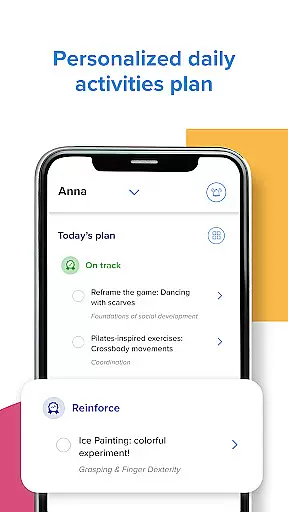




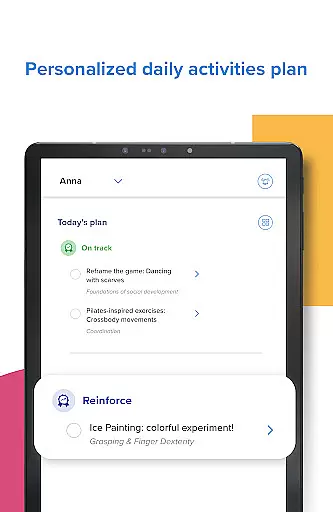



Kinedu is a comprehensive parenting app designed to support families from pregnancy through early childhood. With over 9 million users and recommendations from pediatricians, this app provides personalized daily plans based on your child's developmental stage or pregnancy phase. It offers a unique combination of activity recommendations, progress tracking, and expert guidance, making it an essential tool for parents seeking to foster their child's growth.
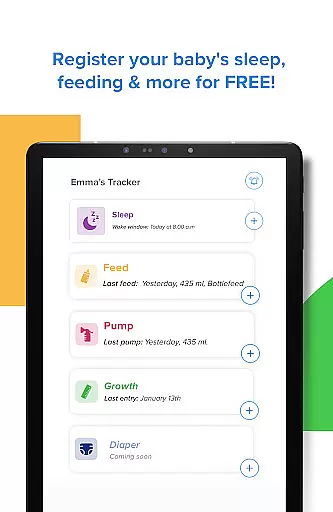
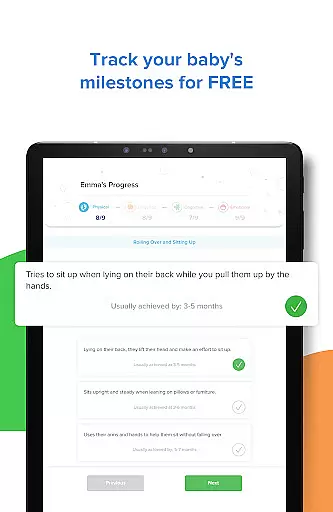
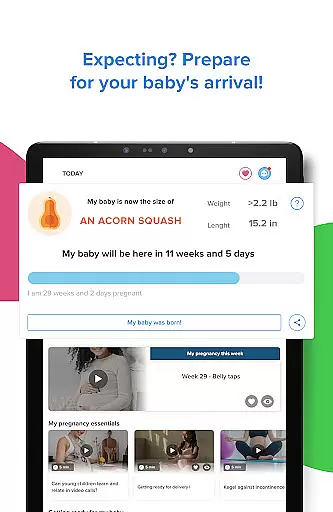
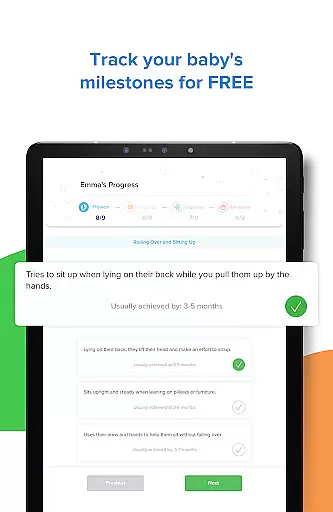
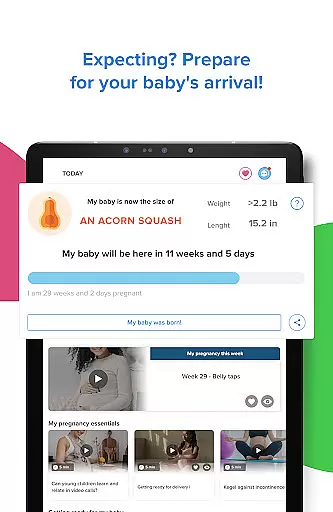
The app's key strength lies in its partnership with Stanford University to deliver developmentally appropriate activities. Parents can access milestone tracking, expert-led classes, and a baby tracker feature to monitor sleep, feeding, and overall growth. Kinedu also supports expecting mothers with daily pregnancy plans and postnatal preparation resources. Whether you choose the free version or premium subscription, Kinedu equips parents with the skills and confidence needed to give their children the best start in life.
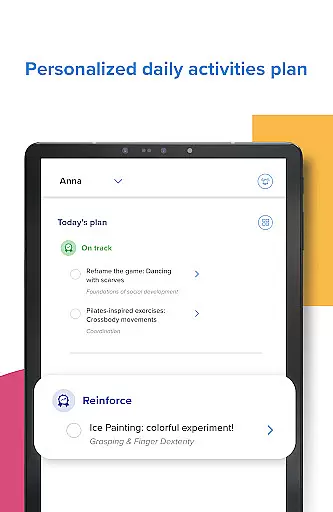
Kinedu stands out with its robust set of features tailored for both expecting parents and those with young children. The app creates customized daily plans that adapt to your baby's developmental needs or your pregnancy stage. These plans include step-by-step video activities developed in collaboration with Stanford University, ensuring age-appropriate stimulation for crucial skills.
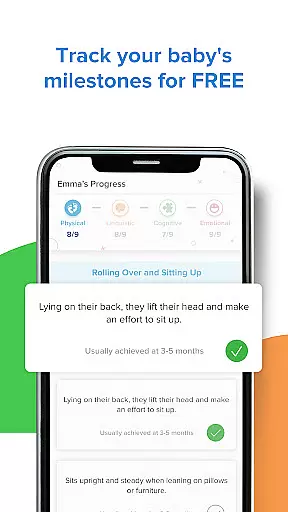
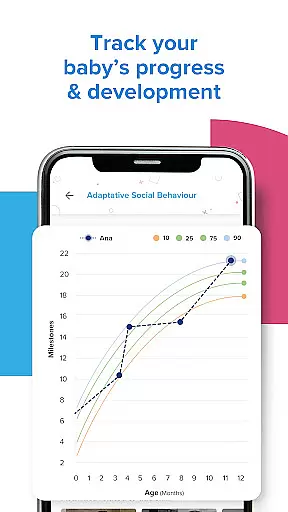
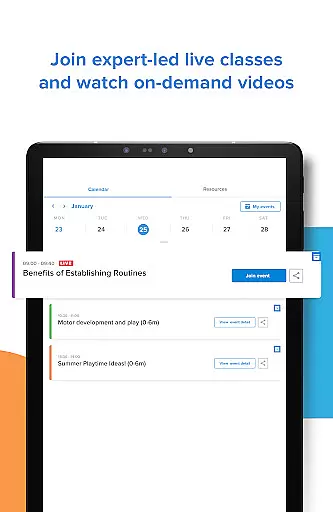
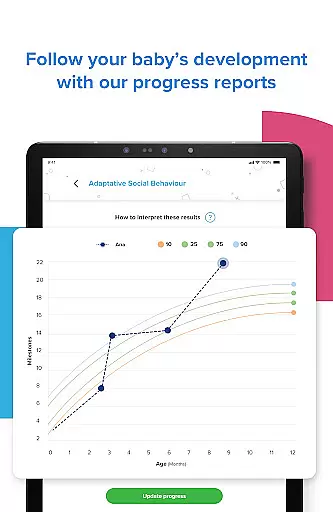
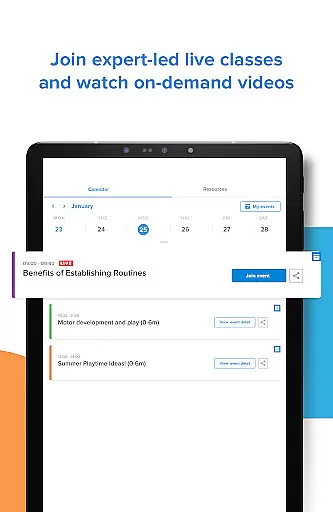
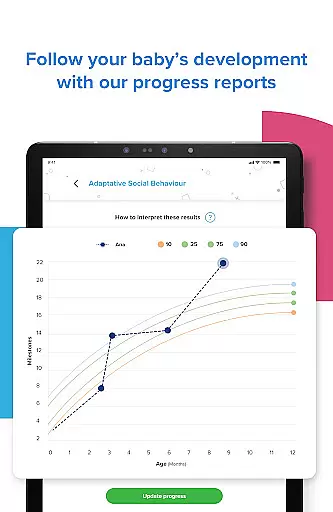
Beyond activity recommendations, Kinedu provides detailed progress reports across four key areas of child development, similar to those used by pediatricians. The app also includes live and pre-recorded expert classes covering topics like positive parenting, breastfeeding, and early childhood development. Additional features such as the Baby Tracker, unlimited access to 750+ expert-written articles, and Ana - the AI assistant, make Kinedu a complete solution for modern parenting challenges.
Parents particularly appreciate the ability to track developmental milestones, connect with experts, and share experiences with other families during live sessions. The premium subscription unlocks full access to 3,000+ activities and allows account sharing among family members, making it a valuable investment for comprehensive child development support.
When it comes to parenting apps, the credibility of content and expert validation are paramount for ensuring that parents receive accurate and reliable guidance. Kinedu stands out in this aspect by providing a comprehensive suite of resources developed in partnership with reputable institutions like Stanford University. This collaboration ensures that the activities and developmental milestones recommended by the app are rooted in scientific research and expert knowledge.
The app offers over 750 articles written by experts, covering various aspects of child development from pregnancy to age six. These articles not only provide valuable insights but also help parents stay informed about the latest findings in early childhood development. Additionally, Kinedu's live and recorded classes are led by baby development experts, further reinforcing the app's commitment to delivering credible and validated content.
By integrating expert-led classes and scientifically-backed activities, Kinedu empowers parents with the confidence that they are providing their children with the best possible start in life. The app's dedication to expert validation means that parents can trust the information they receive, knowing it is supported by professionals in the field of child development.
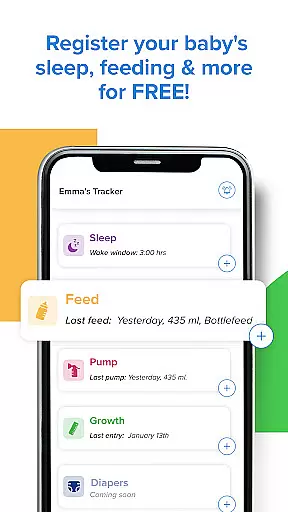
Accurate growth tracking is essential for monitoring a child's development and identifying any potential concerns early on. Kinedu excels in this area by offering a robust set of tools designed to track various aspects of a child's growth, including sleep patterns, feeding schedules, and developmental milestones. This comprehensive approach allows parents to maintain a detailed record of their child's progress, ensuring that any deviations from typical development can be addressed promptly.
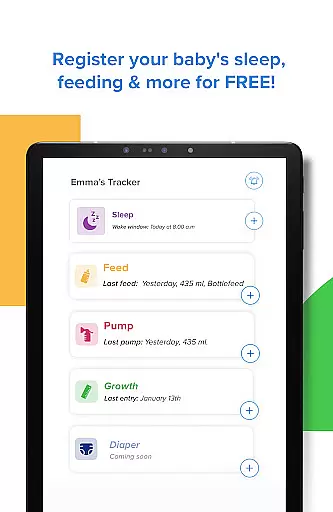
The app's Baby Tracker feature enables parents to log important data points such as sleep duration, feeding times, and growth measurements. By keeping these records up-to-date, parents can easily share this information with pediatricians during check-ups, facilitating more informed discussions about their child's health and development. Furthermore, Kinedu's Progress tab provides detailed reports in four key areas of development, similar to those used by healthcare professionals.
Kinedu's focus on growth tracking accuracy extends beyond infancy, offering personalized plans and activities tailored to each stage of a child's development. This ongoing support helps parents feel prepared and confident in their ability to nurture their child's growth, knowing they have access to precise and reliable tracking tools.
User-friendly interface
Expert-led content
Personalized daily plans
Comprehensive tracking tools
Strong medical backing
Premium subscription costly
Limited free content
Requires time commitment
Internet connection needed
Some features region-specific

GPS phone tracker: find kids on map. Location tracking and parental control.
 4.50
4.50
Discover fun videos, kids songs, bedtime stories and games
3.60
Sleep better with white noise app! Discover rain sounds, fan noise and more.
4.70
Fake call application designed for parents and adults to discipline their children through the children's police.
4.20
A Coloring for the Whole Family! Discover the Joy of Family Love Through Colors!
3.60
Magic chalkboard coloring and drawing!
4.20
Family parental control app: limit screen time, block apps, GPS tracker.
4.20
Fun Ideas for Parents
4.70
Join over 1MM parents & professionals who've used OFW to navigate co-parenting
4.40
Track Pregnancy, Baby Feeding, Sleep, Diaper Changes, Postpartum Health & More!
4.80
Advanced baby tracking, expert sleep help & parenting support for every stage.
4.80
Live Location, Alerts & 2-Way Voice for Kids and Adults with Special Needs
4.60
The Most Trusted Co-Parenting App.
4.60
All-in-one pregnancy app, contraction timer, kick counter & due date calculator
4.40
Pregnancy and baby formula tips for moms, plus Enfamil coupons & cash back
4.10
The 10 development leaps of your baby | newborn milestones & leap days tracker
4.10
Monitor screen time and build healthy habits with Family Safety
3.90
SemLog aims to raise awareness among families and their children
3.40
Track pregnancy health and wellness with pregnant tracker from healthcare advice
4.4


User Reviews