
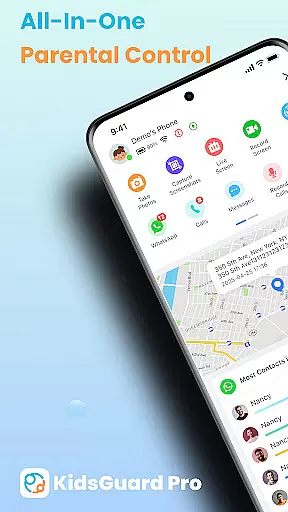
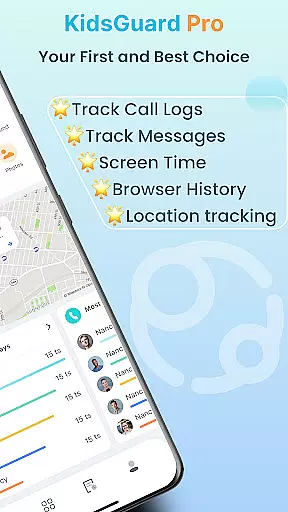
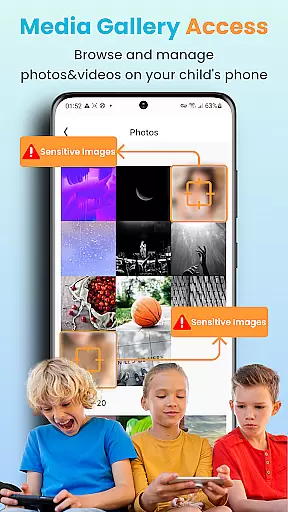

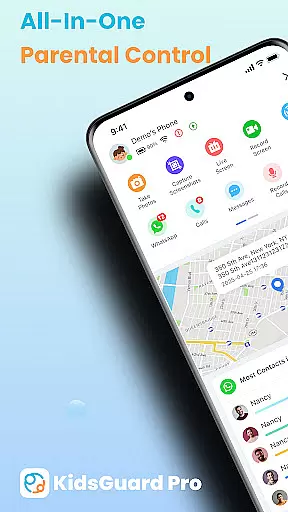
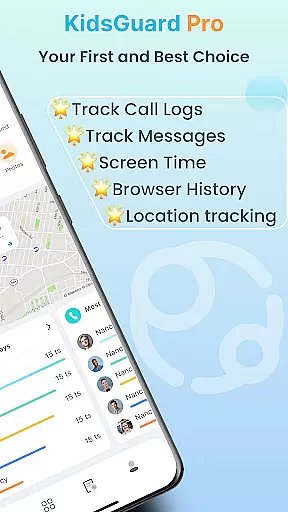
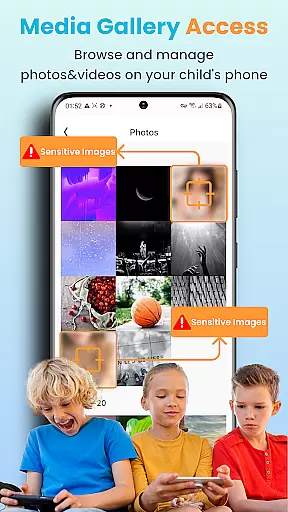
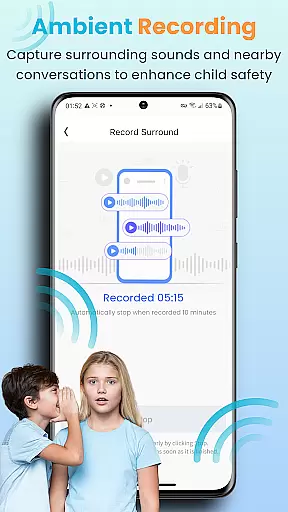
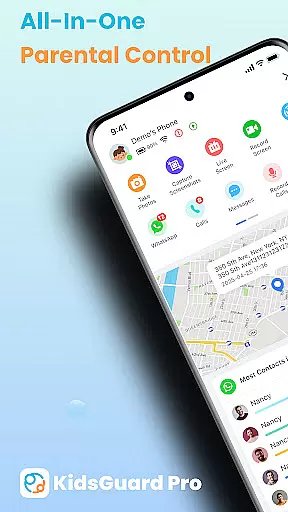
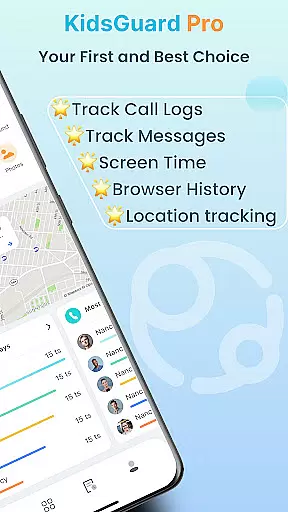
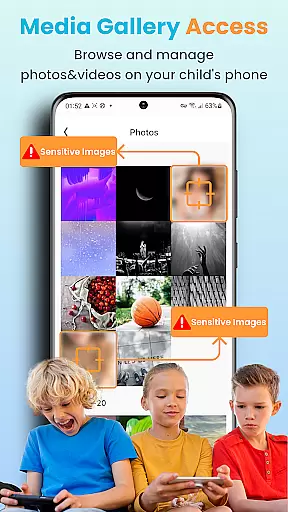
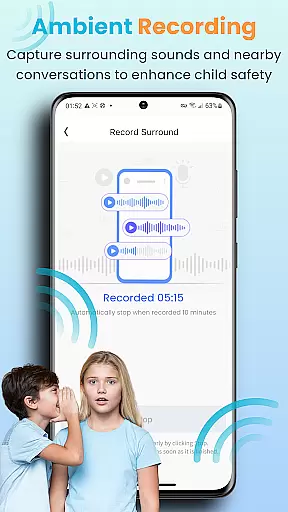
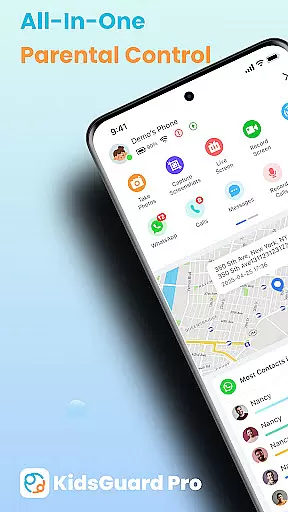
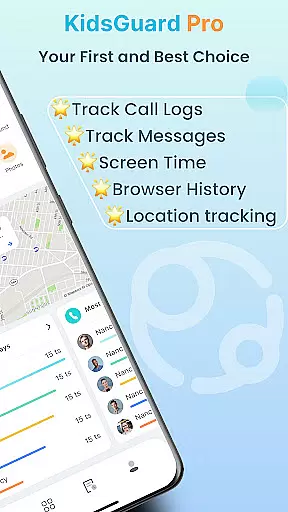
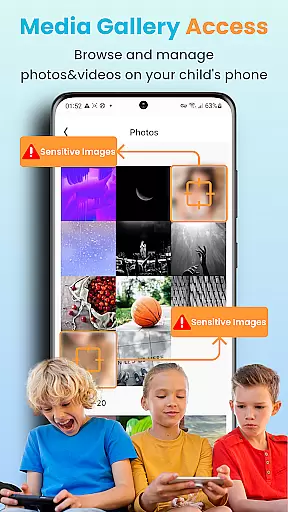
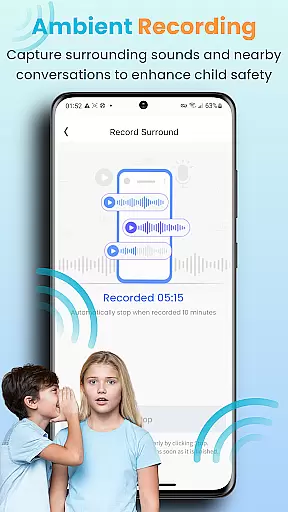
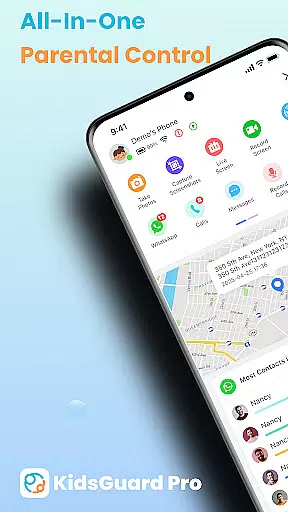
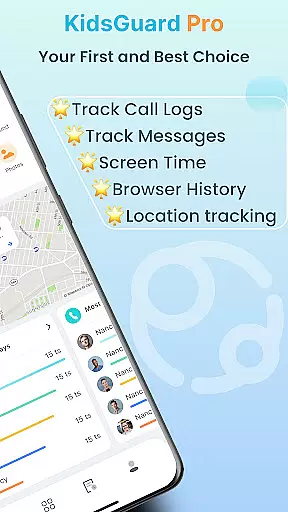
KidsGuard Pro is a comprehensive parental control app designed to help parents monitor and protect their children's online activities. With support for both Android and iPhone devices, this remote monitoring tool provides real-time tracking of location, social media usage, and sensitive content detection.
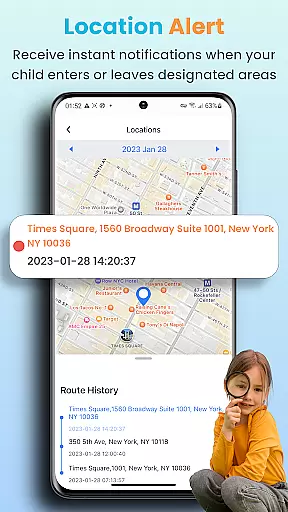
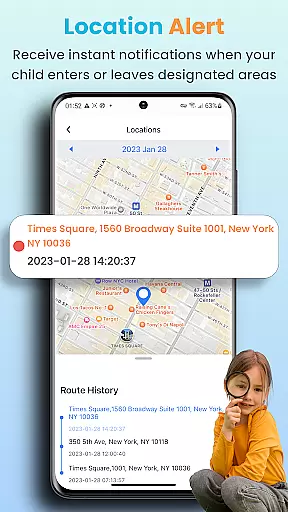
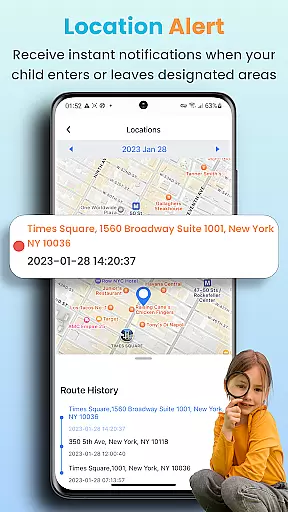
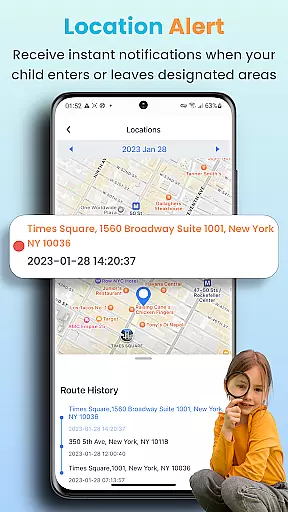
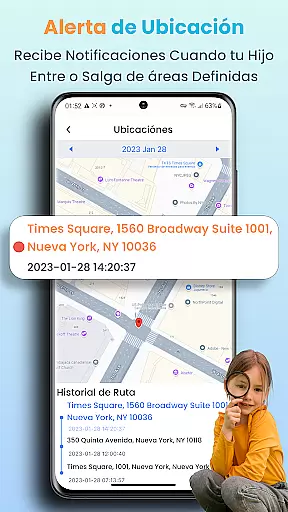
The app's key features include TikTok and YouTube history tracking, suspicious text detection across multiple messaging platforms, and instant screenshot capabilities. Parents can also set up geofences to receive alerts about their children's whereabouts. These functionalities ensure a safer digital environment for children while giving parents peace of mind.
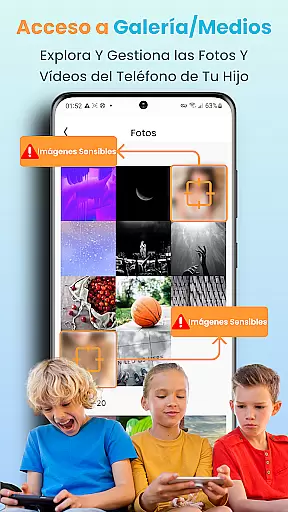
Parents can use KidsGuard Pro to maintain awareness of potential online threats such as bullying, self-harm, or exposure to inappropriate content. The detailed activity reports and screen time controls help establish healthy device usage patterns, making it an essential tool for modern parenting.
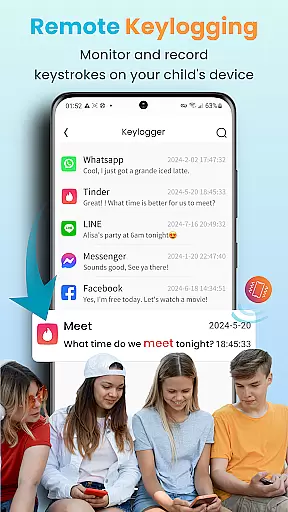
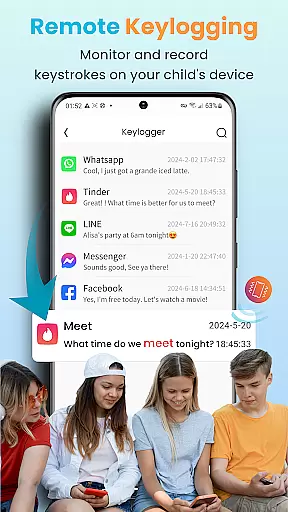
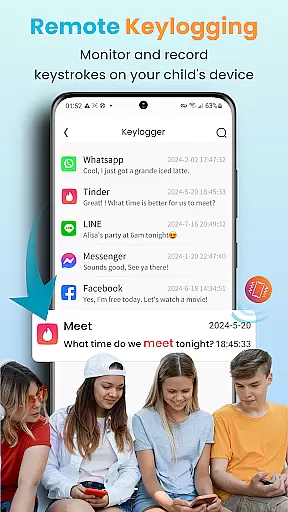
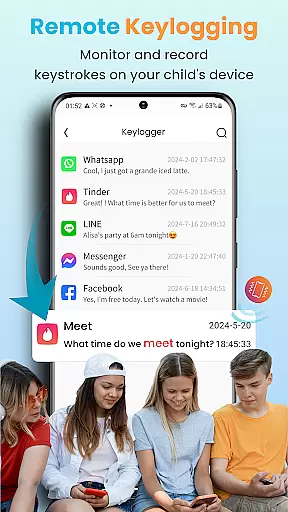
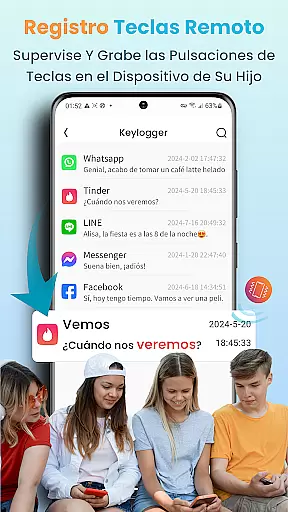
KidsGuard Pro stands out with its comprehensive monitoring capabilities that cover both social media and device usage. The app allows parents to view TikTok and YouTube history while tracking the time spent on these platforms. Its suspicious text detection feature scans chat histories across multiple apps including WhatsApp, LINE, and Facebook, alerting parents to potentially dangerous conversations.
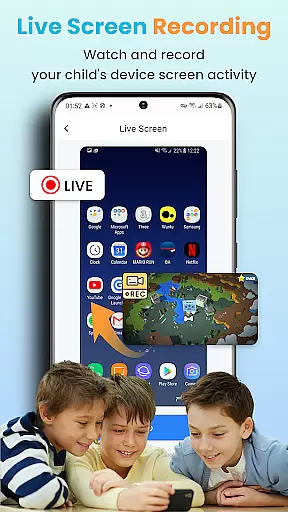
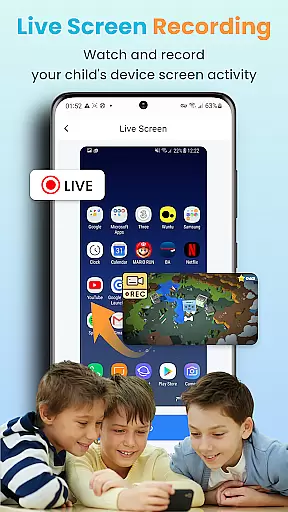
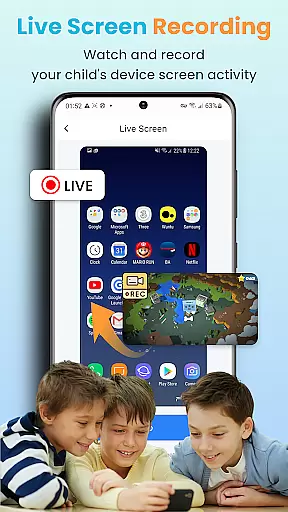
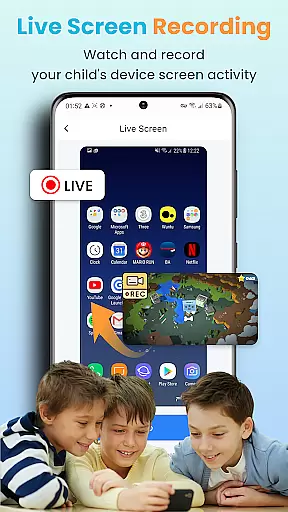
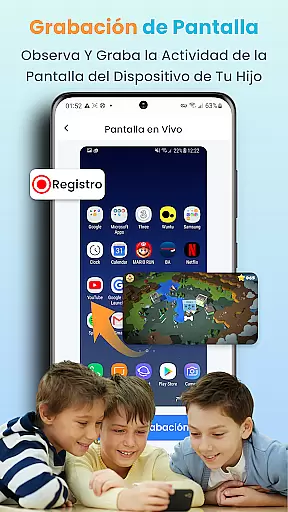
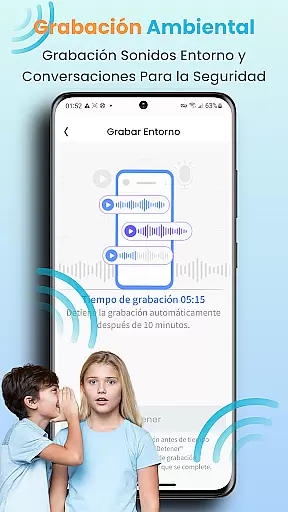
The real-time location tracker provides continuous monitoring of children's whereabouts through geofencing technology. Parents can set specific boundaries and receive instant notifications when these are crossed. Additionally, the app's remote screenshot and screen recording functions enable real-time monitoring of device activities without physical access.
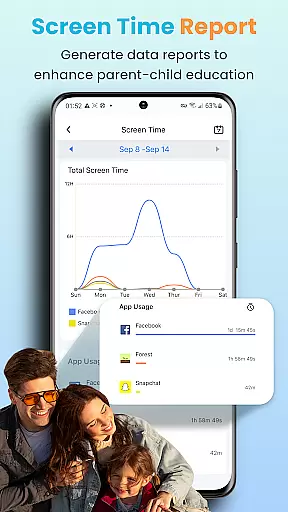
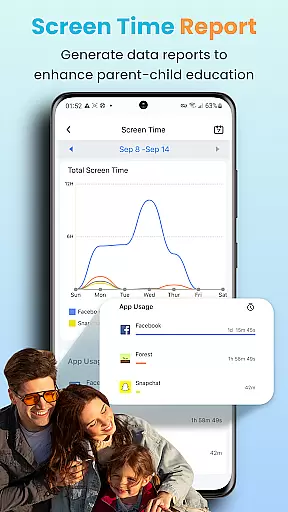
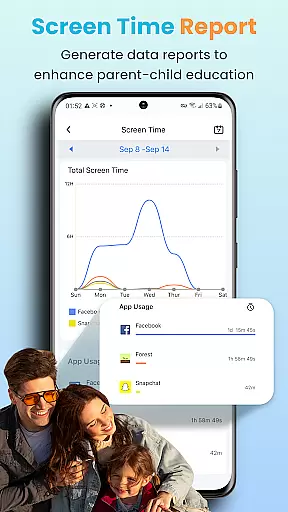
What makes KidsGuard Pro particularly innovative is its compatibility with hundreds of Android models and its undetectable operation. The detailed usage reports offer valuable insights into children's device habits, helping parents make informed decisions about their digital safety. This combination of features creates a robust parental control solution that addresses multiple aspects of online safety.
When it comes to parenting apps, the credibility of content and expert validation are crucial factors that ensure users receive reliable guidance. KidsGuard Pro takes these responsibilities seriously by providing features that are designed with both parental control and child safety in mind.
The app includes a range of monitoring tools that have been developed to safeguard children's online activities. These include tracking TikTok and YouTube history, detecting suspicious texts in various social media platforms, and providing real-time location tracking. Such features are crafted based on contemporary digital challenges faced by parents, ensuring that the app remains relevant and helpful.
Moreover, KidsGuard Pro is part of ClevGuard, a reputable developer known for creating software used globally. The expertise behind the app guarantees that the features offered are not only advanced but also ethically aligned with protecting children without overstepping privacy boundaries unnecessarily.
Parents using KidsGuard Pro can be confident that they are leveraging technology that has been conscientiously created with expert insights into modern-day parenting challenges, thus enhancing their ability to guide and protect their children effectively.
Growth tracking accuracy in parenting apps refers to how precisely an application can monitor and report on a child's developmental progress and activities. For parents seeking to understand their child's behavioral patterns and online interactions, KidsGuard Pro offers detailed tracking features that provide accurate insights.
This app allows parents to view their children's TikTok and YouTube activity, track time spent on these platforms, and detect potentially harmful conversations across multiple messaging apps. By setting up sensitive keyword alerts, parents can receive notifications when their child encounters or uses specific terms related to sex, violence, or drugs.
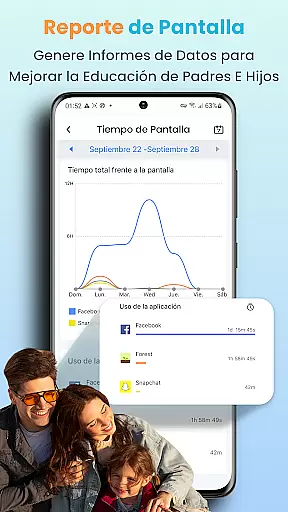
KidsGuard Pro also provides thorough usage reports that give a comprehensive overview of device usage. This data helps parents identify trends in their child's behavior and take informed actions to enhance their safety and well-being.
With its precise monitoring capabilities and commitment to delivering factual information about children's digital footprints, KidsGuard Pro stands out as a reliable tool for growth tracking accuracy, empowering parents with knowledge and peace of mind.
Comprehensive monitoring
Real-time alerts
User-friendly interface
Detailed activity reports
Wide device compatibility
Premium subscription required
Privacy concerns
Complex setup process
Limited free features
Requires installation on target device

Block apps, set screen time limits, and customize usage schedules
 4.50
4.50
Track your pregnancy & your baby's growth in 3D. Get support from our community
4.60
Cherish every beat - capture your baby's heart sounds with our app
4.30
Family GPS locator app — child location tracker. GPS kids tracker, family safety
4.70
SemLog aims to raise awareness among families and their children
3.40
Lullabies, Night Light & Age-based Routines to help your baby fall asleep
4.1
Babysitting video camera - Turn your two phones or tablets into a single nanny.
4.40
GeoLog - Real-Time Location Tracker
4.40
Pregnancy+ App has helped 80m moms track their pregnancy with info & support!
4.80
Introduce real food to baby with First Foods® Database, baby led weaning BLW
4.80
Sleep better with white noise app! Discover rain sounds, fan noise and more.
4.70
Track your pregnancy, kick & contraction counter, baby & mom's heartrate monitor
4.60
It is a screen time management tool for games and mobile applications
4.50
All-in-one pregnancy app, contraction timer, kick counter & due date calculator
4.40
Comprehensive Parental Control & Child Safety — Hear & Protect Your Child World
4.30
The 10 development leaps of your baby | newborn milestones & leap days tracker
4.10
Discover fun videos, kids songs, bedtime stories and games
3.60
Happiest Baby App replaces the SNOO App (the mobile companion to SNOO & SNOObie)
3.20
Play activities, milestones, expert-led classes, baby tracker, and more!
3.00


User Reviews