
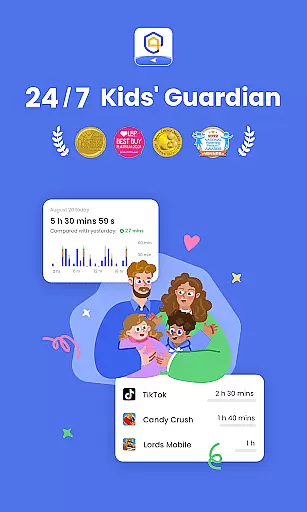
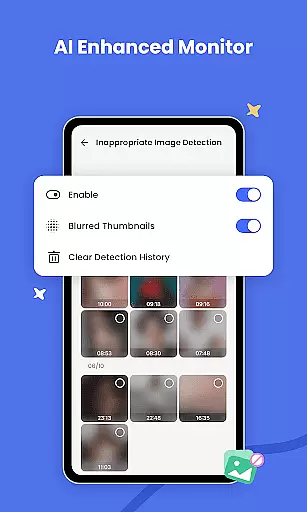
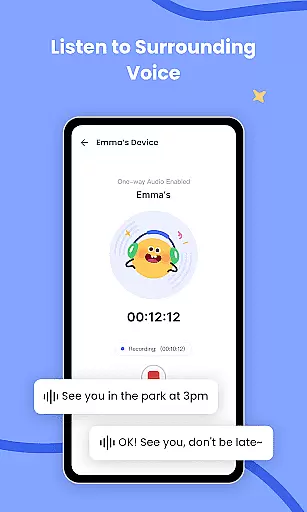

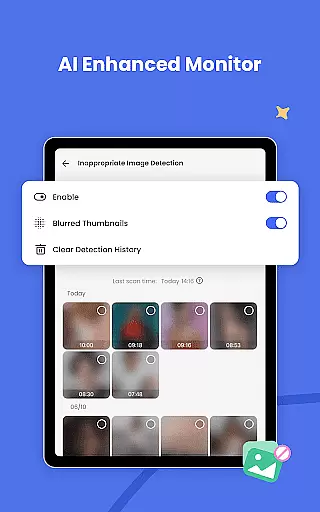
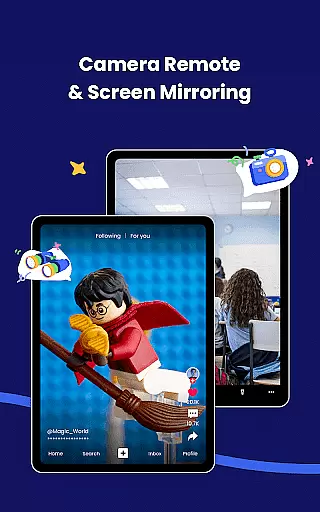
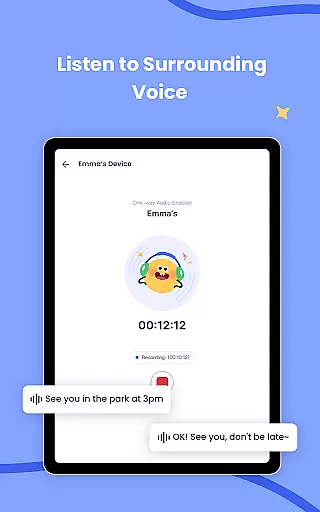
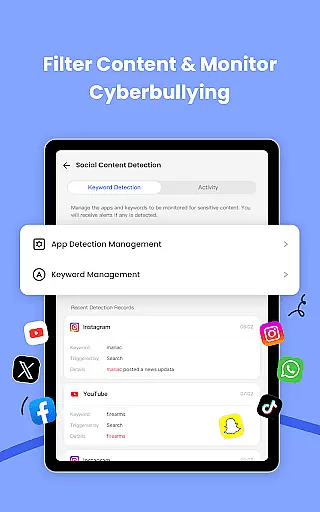
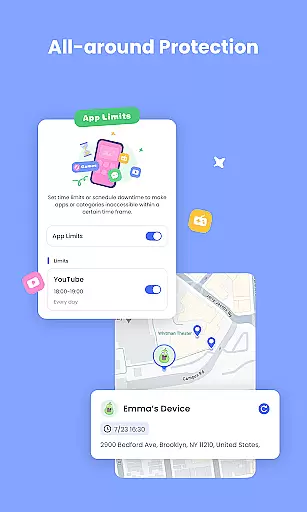
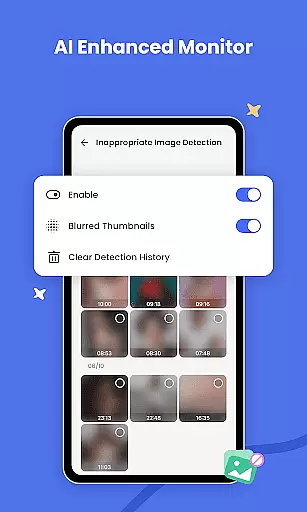
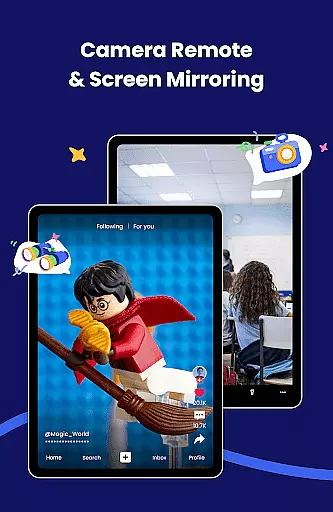
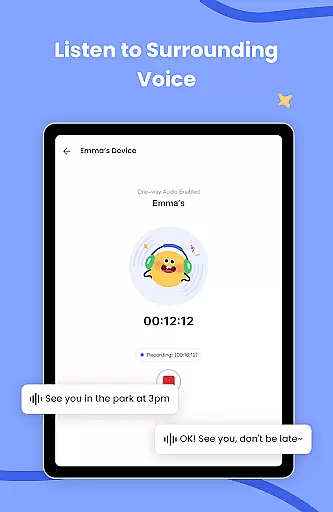
AirDroid Parental Control is a comprehensive safety solution designed to give parents peace of mind while their children navigate the digital world. This app provides real-time monitoring, allowing you to view your child's device screen and track app usage, ensuring they maintain a healthy balance between screen time and other activities. With features like intelligent content filtering and anti-cyberbullying protections powered by AI, it offers an advanced layer of online security.
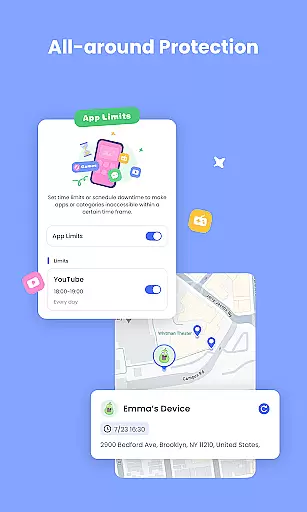
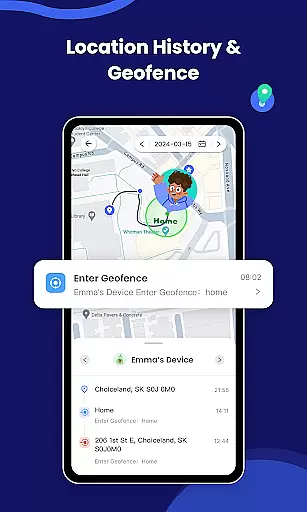
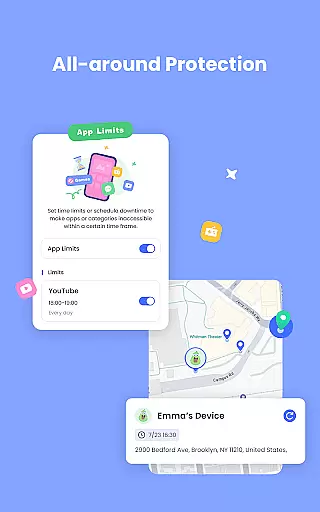
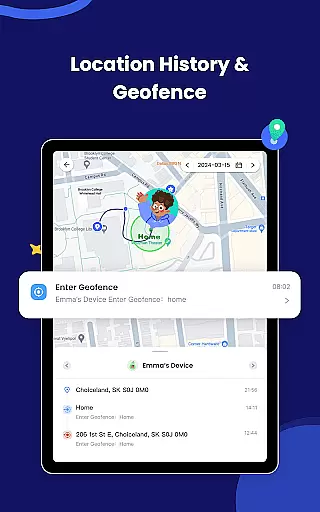
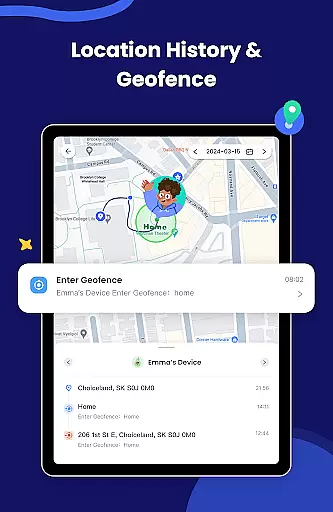
The application also includes GPS location tracking and geofencing capabilities, enabling you to keep tabs on your child’s whereabouts and receive alerts when they enter or leave designated areas. Additionally, tools such as app blockers and battery checks help manage device permissions and maintain communication links. Whether you're concerned about after-school activities or late-night outings, AirDroid Parental Control equips you with the necessary tools to safeguard your child’s well-being both online and offline.
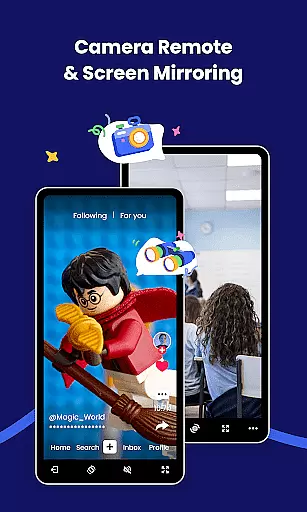
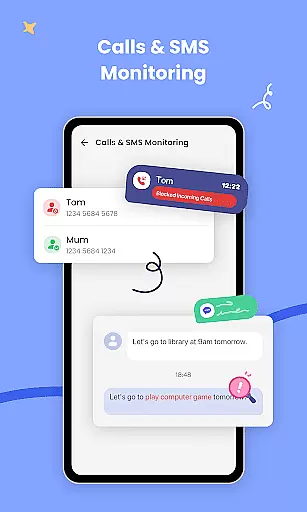
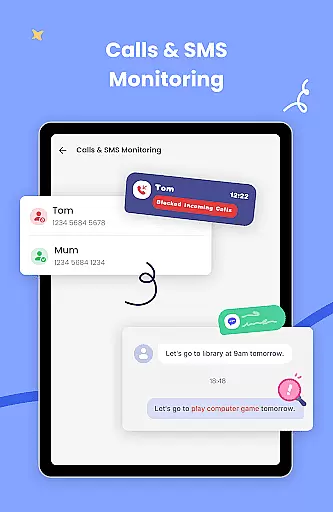
AirDroid Parental Control stands out with its robust set of features tailored for modern parenting challenges. One key aspect is the real-time screen mirroring that lets you observe exactly what your child is doing on their device at any moment, which aids in preventing potential addiction to certain apps or games. The sync app notification feature extends this vigilance by providing updates on social media interactions, thus protecting against cyber threats.
Another significant element is the customizable screen time scheduler, which empowers you to define specific periods during which your child can use their devices, promoting better study habits and sleep routines. Furthermore, the app blocker not only restricts access to inappropriate content but also notifies you of any attempts to modify installed applications. Coupled with precise GPS tracking and proactive location alerts, these functionalities create a secure environment where children can explore technology safely under parental guidance.
In the realm of parenting applications, content credibility is paramount for ensuring that the advice and tools provided are both safe and effective for children. AirDroid Parental Control excels in this area by offering features that are designed and endorsed by child safety experts.
The app provides real-time monitoring and AI-enhanced content filtering, which have been developed using advanced algorithms reviewed by specialists in online safety. This ensures that the digital environment of your child is constantly assessed and protected against harmful content.
Furthermore, the app's approach to cyberbullying and online fraud prevention has been crafted in consultation with psychologists and security professionals. By syncing app notifications from social media platforms, parents can stay informed about their child's online interactions and intervene when necessary.
AirDroid Parental Control stands out by not only focusing on technological solutions but also by incorporating expert knowledge to create a comprehensive protective ecosystem for children. This dedication to expert-validated content offers peace of mind to parents who wish to safeguard their child's digital experience.
Growth tracking accuracy in parenting apps refers to the precision with which an application can monitor and report on various aspects of a child's development and daily activities. AirDroid Parental Control achieves this through its meticulous GPS location tracking and historical route data, providing parents with reliable information about their child's whereabouts.
The app employs high-accuracy location services that allow parents to track their child's location on a map in real time. This feature is crucial for growth tracking as it ensures that children are where they are supposed to be, thus supporting their physical safety and routine adherence.
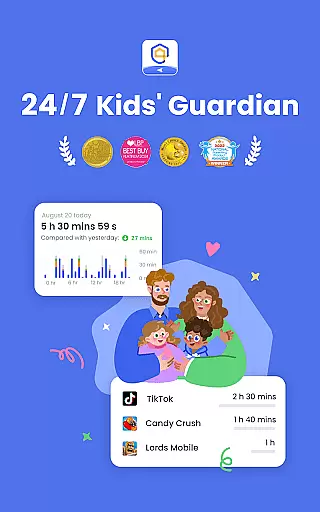
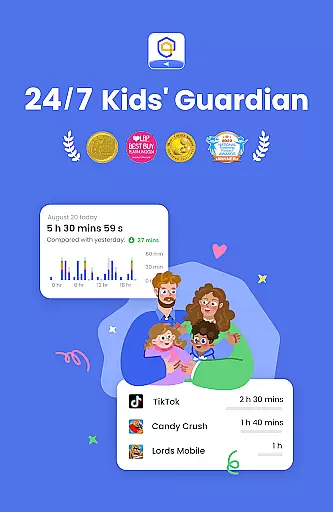
Beyond physical location, AirDroid Parental Control also tracks device usage patterns, giving insight into how much time children spend on their devices and which apps they use most frequently. With screen time management features, parents can set schedules and limits, promoting healthy digital habits that contribute to overall personal growth.
By combining these accurate tracking capabilities with alerts for location-based events and app usage, AirDroid Parental Control empowers parents to actively engage in their child's developmental journey while maintaining a balance between freedom and oversight.
Advanced AI content filtering
Real-time screen mirroring
Comprehensive GPS tracking
Customizable app blocking
Proactive geofencing alerts
Paid subscription model
Limited free trial period
Requires multiple installations
Intrusive permission requests
Potential privacy concerns

Pregnancy and baby formula tips for moms, plus Enfamil coupons & cash back
 4.10
4.10
Play activities, milestones, expert-led classes, baby tracker, and more!
3.00
A simple way to track your baby’s breastfeeding, diaper changes, sleep patterns.
4.90
Kids story books for children. Baby reading books with audio for pre-k toddlers
4.70
Limit screen time, Block Apps & Games, Monitor with Parental control app
4.20
The 10 development leaps of your baby | newborn milestones & leap days tracker
4.10
Join over 1MM parents & professionals who've used OFW to navigate co-parenting
4.40
Introduce real food to baby with First Foods® Database, baby led weaning BLW
4.80
Track pregnancy health and wellness with pregnant tracker from healthcare advice
4.3
3D Baby size, Fruit comparisons, Smart Checklist, Trending Names & Training.
4.90
Track Pregnancy, Baby Feeding, Sleep, Diaper Changes, Postpartum Health & More!
4.80
It is a screen time management tool for games and mobile applications
4.50
Real-time family location with consent, check-ins & SOS—private by default.
4.40
FamilyMode helps you manage your family’s digital lives—at home or on the go.
4.30
Magic chalkboard coloring and drawing!
4.20
Little loved one's monitoring, Sleep tracking and Parenting content.
3.80
Discover fun videos, kids songs, bedtime stories and games
3.60
Screen Time, App and Web Block & Monitoring, Location Tracker
3.60
Lullabies, Night Light & Age-based Routines to help your baby fall asleep
4.2


User Reviews