
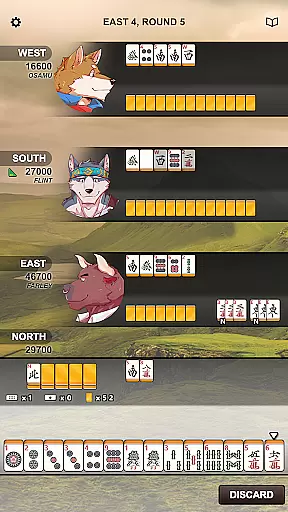
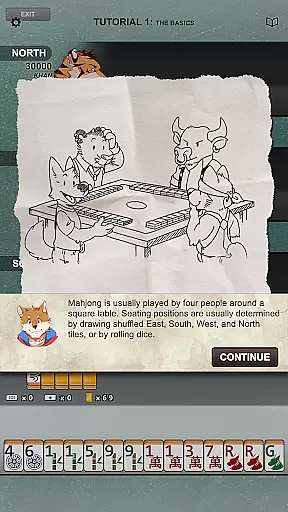
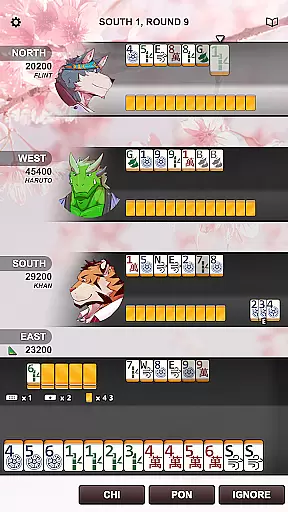
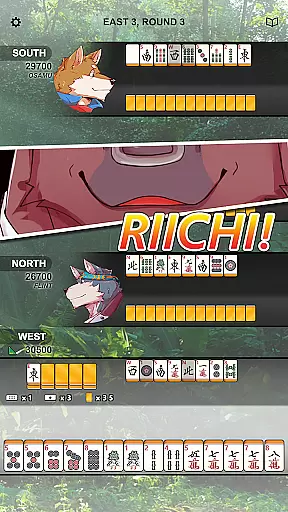
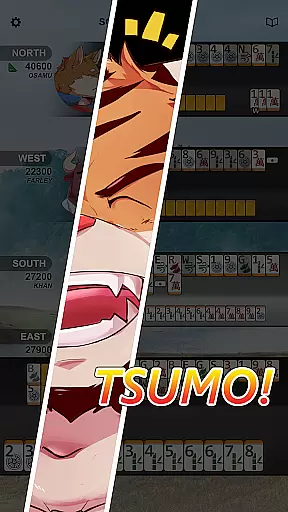


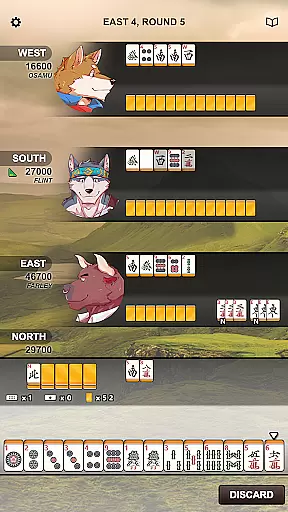
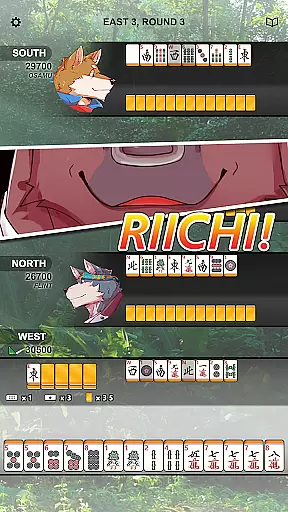
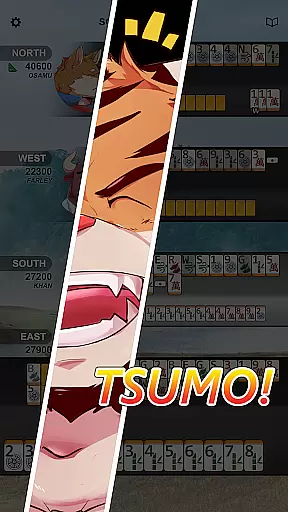


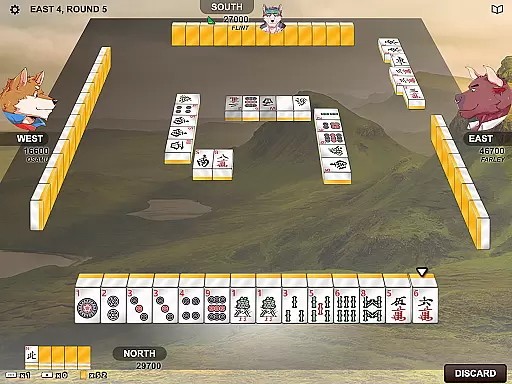
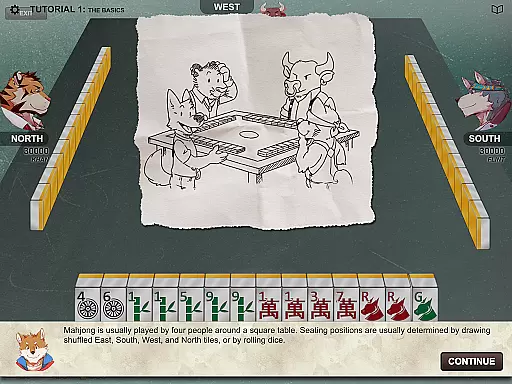
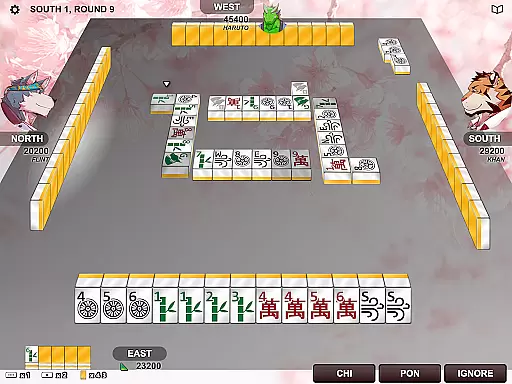
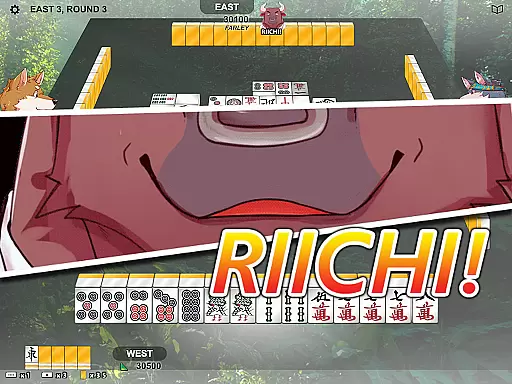

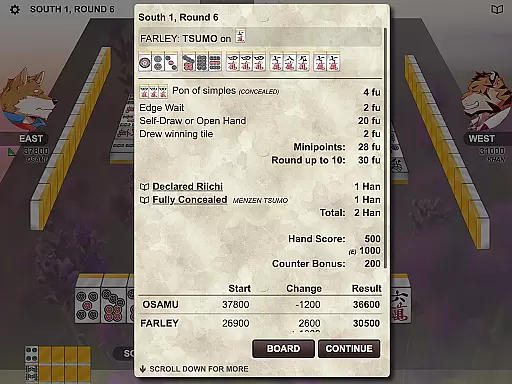

Kemono Mahjong brings the authentic Japanese Riichi Mahjong experience to your mobile device. This is not a simple tile-matching game but a comprehensive implementation of the strategic 4-player Mahjong following European Mahjong Association (EMA) rules.
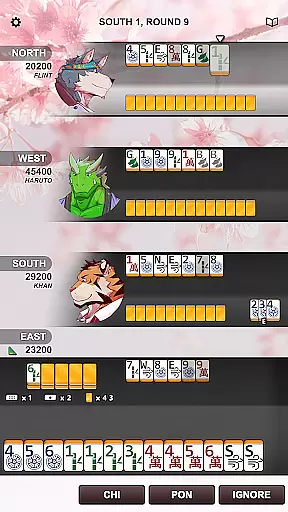
The app features a unique layout optimized for mobile play, beautiful easy-to-read tiles with both traditional and simplified sets, and supports multiple languages including English, Japanese, Chinese, and Korean. Its intuitive design makes it perfect for both beginners and experienced players looking to enjoy high-quality Mahjong anytime, anywhere.
Kemono Mahjong stands out with its full-featured 4-player gameplay where you can compete against three CPU opponents or challenge real players online. The game strictly follows EMA rules while offering an innovative mobile-friendly interface.
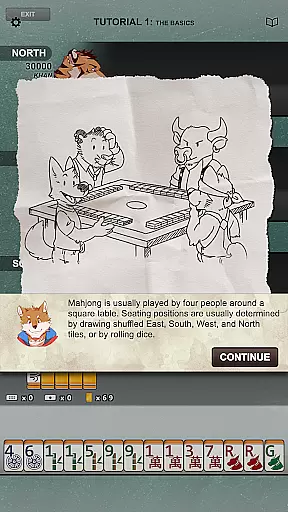
Additional notable features include a colorful cast of characters, soothing background music, comprehensive tutorials for newcomers, and in-game help options. With support for nine languages and beautifully designed tiles, this app delivers an immersive Mahjong experience without any ads to interrupt your gameplay.
Random Number Generation (RNG) fairness is crucial in card games like Kemono Mahjong to ensure an equitable experience for all players. This application employs certified RNG algorithms that adhere to industry standards, providing users with a trustworthy gaming environment.
Kemono Mahjong's dedication to fair play is demonstrated through its compliance with European Mahjong Association (EMA) rules, which demand stringent criteria for randomness and unpredictability in the tile distribution process. Players can engage confidently, knowing each game's outcome is determined fairly without bias or manipulation.
The benefits of this commitment are multifold for the user; it not only guarantees competitive integrity but also enhances the overall enjoyment by removing doubts about game tampering. As a result, whether playing against CPU opponents or online foes, gamers can focus on strategy and fun rather than questioning the legitimacy of their hand's composition.
In any digital adaptation of a traditional game, how controls translate into actions is vital. Kemono Mahjong excels in control fluidity and minimizes input latency, ensuring that every tap and swipe on your mobile device precisely translates to the intended in-game action without delay.
This precision is achieved through meticulous design tailored specifically for mobile devices, allowing seamless interaction with the unique layout crafted for touchscreens. The responsive interface lets you concentrate on your strategy and enjoy the beautiful music and graphics without distraction from sluggish controls.
Players benefit from this smooth operation as it allows them to make quick decisions during tense moments of gameplayu2014a critical aspect when engaging with three CPU opponents or competing online. With such reliable responsiveness at their fingertips, users will find themselves immersed in each match, experiencing authentic Japanese Riichi-style mahjong just as if they were sitting at a real table.
User-friendly interface
Multiple language support
No in-app advertisements
Comprehensive tutorial system
Vibrant character designs
Complex for beginners
Limited social features
Occasional performance issues
Fewer customization options
Online mode connectivity problems

Word-building meets deck-building in the unique game Paperback Vol. 2
 3.30
3.30
Shards of Infinity is the follow up deckbuilder to Ascension.
3.40
The world’s largest Spades game! Enjoy the classic card game with 52 card deck
4.70
Learn how to play BlackJack, when to Hit, Stand, Split, Double or Surrender.
4.60
A unique card-based rogue-like with more than a hundred hours of content!
3.90
World Series of Poker: Texas Hold em, Video Poker & Omaha Poker Card Games!
4.20
Play and Master the Fun Classic Card Games with Friends
4.60
Classic Rummy 500 with large cards, smart AI, and smooth, clean gameplay.
4.80
Classic spider solitaire card game! Play to train your brain & sort the cards
4.80
Classic Solitaire: A smart mix of fun, relaxation, and brain training!
4.90
Classic Solitaire card games - Play Klondike Solitaire to unwind and feel good!
4.90
Play and Master the Fun Classic Card Game Spades. Outsmart Opponents & Enjoy
4.80
Solitaire Games: Play fun card games and boost your IQ!
4.80
Train your brain with the challenging & addictive Solitaire Classic Card Games!
4.70
When Poker Meets Solitaire
4.70
A sleek, addictive Solitaire experience made for the modern player.
4.60
Enjoy Spider Solitaire: a classic card puzzle with relaxing, strategic gameplay!
4.50
Compete against the computer in this classic trick-taking game.
4.20
Become a hero or a villain as you make choice in the fairy Middle Ages!
3.50


User Reviews