
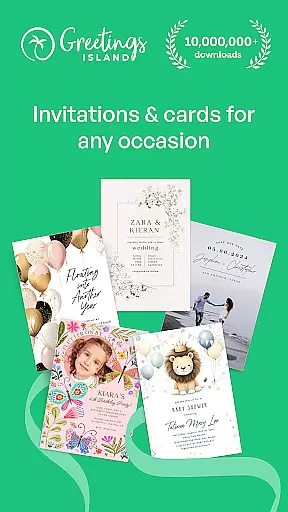



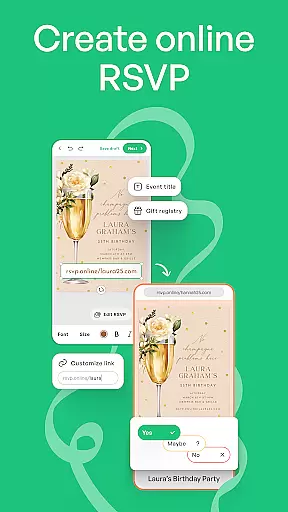
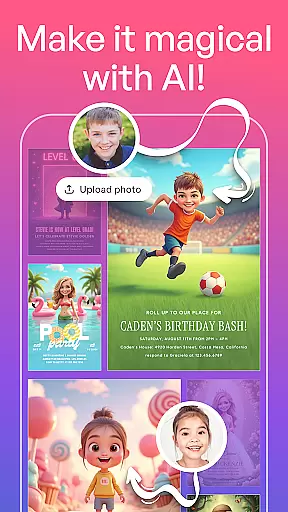
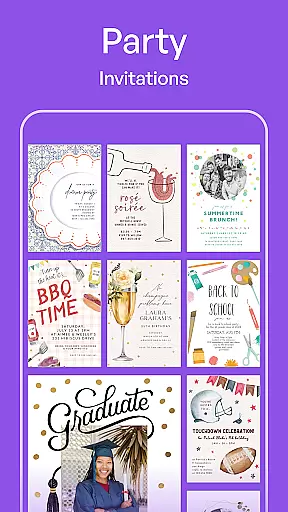
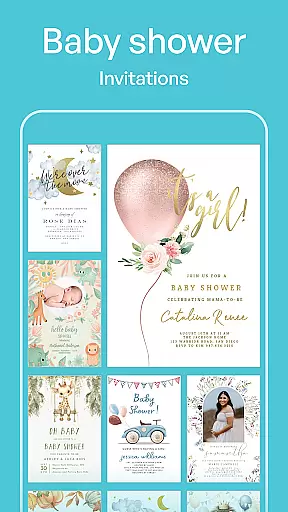
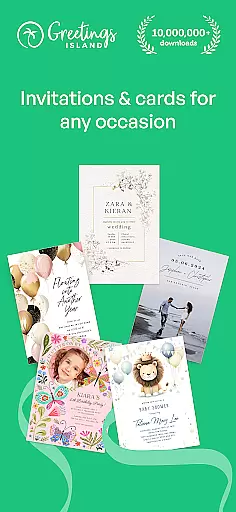
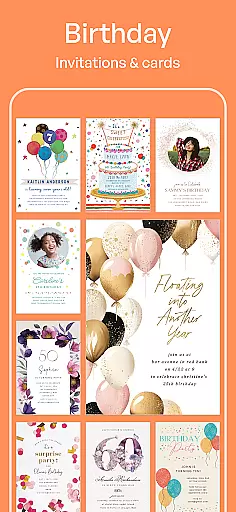

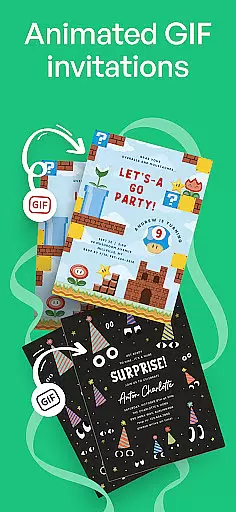
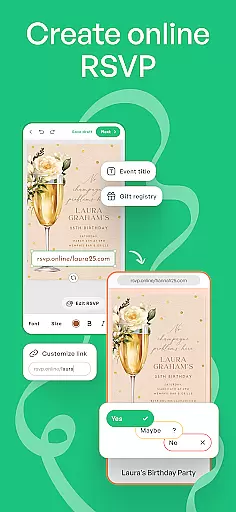


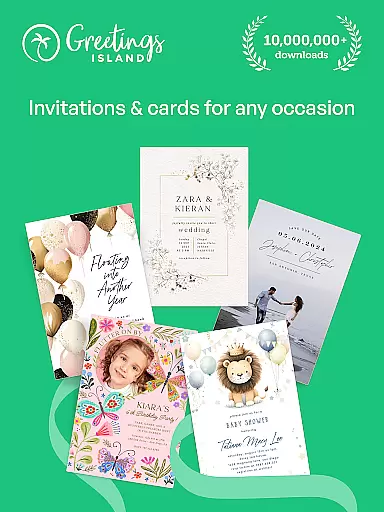
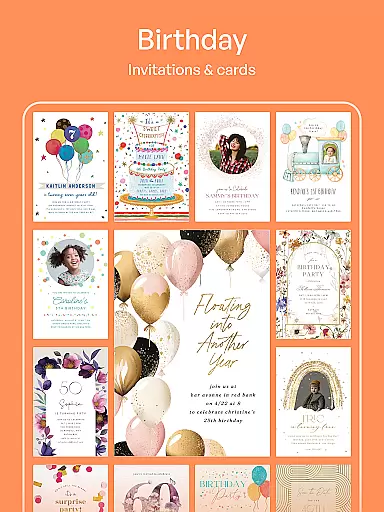
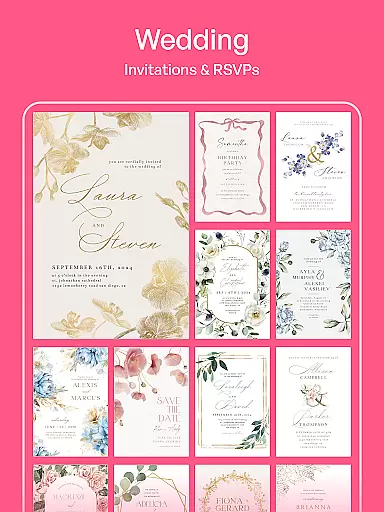
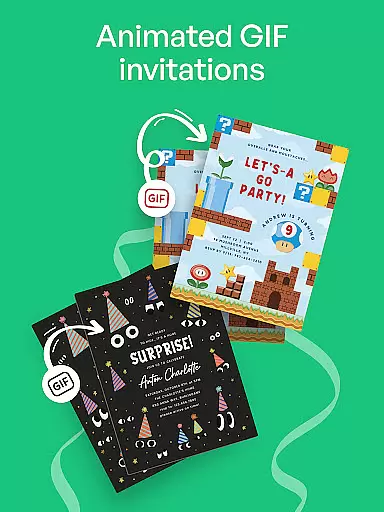
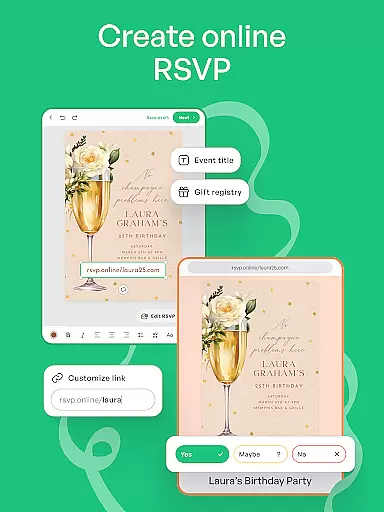
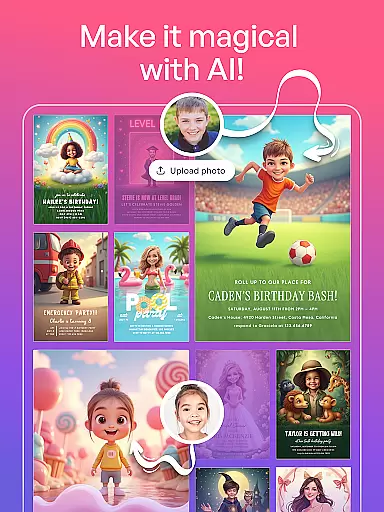
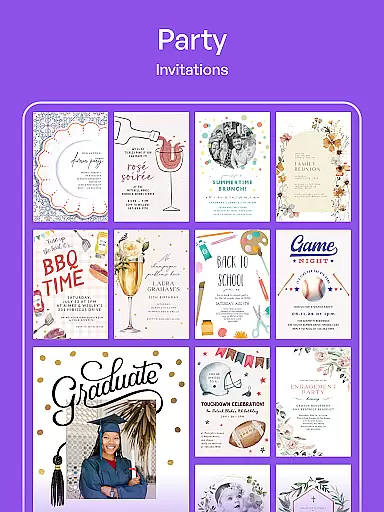
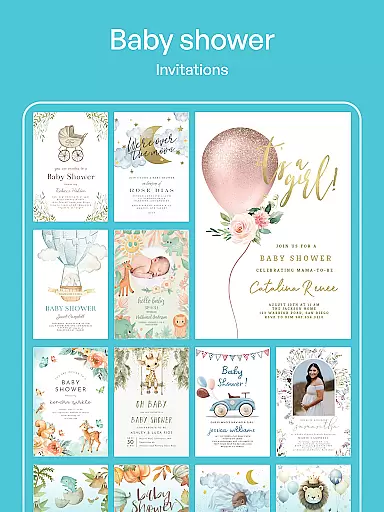
Invitation Maker is a comprehensive design app tailored for creating personalized invitations and greeting cards for all occasions. With an intuitive interface, users can effortlessly craft digital invites, RSVPs, save-the-dates, flyers, and more. The app offers a wide selection of professionally designed templates suitable for events like weddings, birthdays, baby showers, and parties.
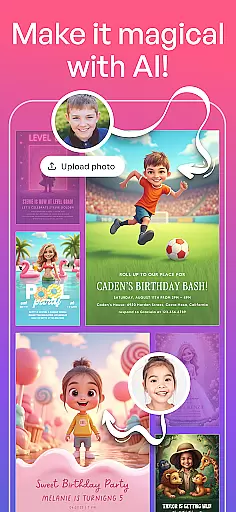
The platform stands out with its full customization capabilities, allowing users to personalize every aspect including text, colors, and photos. Its paperless invite feature enables instant sharing via email or social media, making event planning both convenient and eco-friendly. Whether you're hosting a casual gathering or a formal event, Invitation Maker provides the tools to create memorable and visually stunning invitations.
Invitation Maker distinguishes itself through its robust features that cater to diverse design needs. The app includes an extensive library of over 5,000 premium templates, ensuring there's something for every occasion. Its effortless design process lets users choose from professionally crafted templates and customize them with ease, adjusting elements such as text, colors, and images to suit their preferences.
One standout feature is its all-in-one platform, which supports various types of content creation beyond invitations, including greeting cards and promotional materials. Additionally, the premium version offers an ad-free experience and removes watermarks, enabling users to share polished designs without interruptions or branding. These features collectively ensure a seamless and enjoyable design experience for users planning any type of event.
Creating and customizing tasks within Invitation Maker provides users with the flexibility to design invitations tailored specifically to their event needs. This feature is crucial for ensuring that every invitation or card not only meets the aesthetic preferences of the user but also conveys all necessary information effectively.
The app offers an extensive range of professionally designed templates suitable for any occasion, from weddings to baby showers. Users can effortlessly choose a template that fits their event type and then dive into detailed customization options. These include altering text styles, adjusting color schemes, and incorporating personal photos, making each invitation truly unique.
By leveraging this functionality, users benefit from having complete control over the appearance and content of their digital invitations. Whether it's tweaking the font size for better readability or adding a meaningful photograph, these customization capabilities ensure that every detail aligns perfectly with the useru2019s vision.
This level of personalization enhances the overall experience by allowing creators to infuse their personality into every aspect of the invitation process. As a result, recipients receive beautifully crafted invites that resonate on a more personal level, increasing engagement and anticipation for the upcoming event.
Reminder settings in Invitation Maker play a vital role in keeping both hosts and guests informed about upcoming events. The ability to set reminders ensures timely notifications, which are essential for effective event planning and attendance management.
Users can configure reminder notifications through the app, choosing when and how they wish to be alerted. Options might include setting up reminders days before the event or enabling last-minute alerts as the date approaches. This flexibility allows individuals to manage their schedules efficiently without missing important dates.
For guests receiving digital invitations created via Invitation Maker, integrated reminder features help maintain awareness regarding RSVP deadlines and event timings. By selecting preferred notification methods such as email or social media updates, attendees stay engaged throughout the planning phase.
Ultimately, robust reminder settings contribute significantly to successful event execution by minimizing no-shows and enhancing participant preparedness. With reliable alerts at their disposal, organizers can focus more on enjoying their special occasions rather than worrying about logistical details.
User-friendly interface
Wide template variety
Full customization options
Paperless sharing capability
Premium upgrade benefits
Limited free features
Premium subscription cost
Occasional ads in free version
Advanced tools locked behind paywall
Learning curve for beginners

The Official App
 4.5
4.5
Buy event tickets easily with our user-friendly App. Stay updated on hot events
4.0
Find tickets to upcoming concerts, sports events, festivals, shows, attractions
4.70
Wedding planner app with wedding venues, wedding checklist, countdown & budget.
4.60
TV.Garden is a video player to play your own TV streams from around the world!
3.40
The KRUU app - plan, celebrate, remember
4.80
Soft Proxy for Your Online World
4.0
Plan your wedding for free on the go: vendors, budget, website and checklists!
4.80
Buy and Sell Tickets for Concerts, Sports, and Theater.
4.70
Find EDM shows near you! See your favorite artists live, and discover new music.
4.90
The Ultimate Tournament Hub
4.70
Everything you need for the Best Thursday Ever.
4.40
Meet people over dinner
4.40
Freebie Games for Epic Games, Steam, Amazon, Rockstar etc.
4.40
Manage all your events, leads, ticketing, payments and check-ins.
4.30
Get live football here
4.30
Mobile Event Guide for Greater NY Dental Meeting
4.5
Some connections are better kept private
4.0
The official app of the Carmel Christkindlmarkt!
4.4


User Reviews