
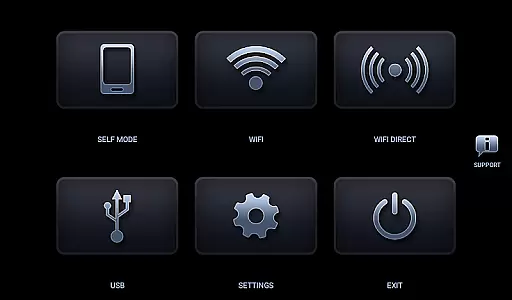
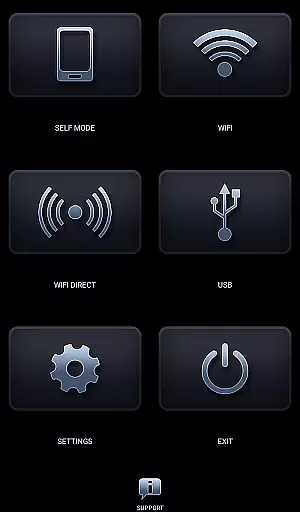
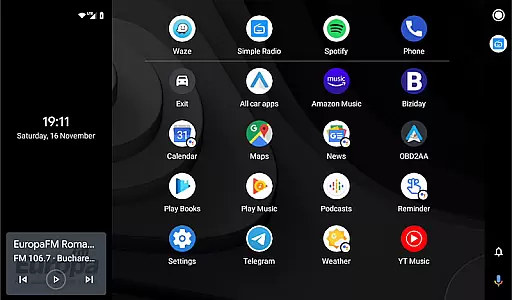
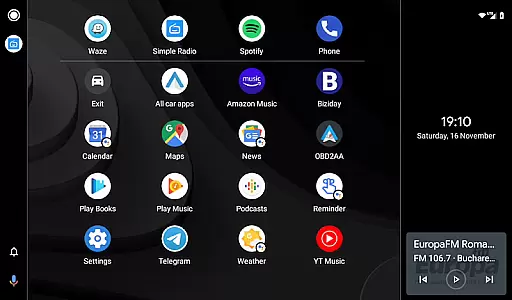
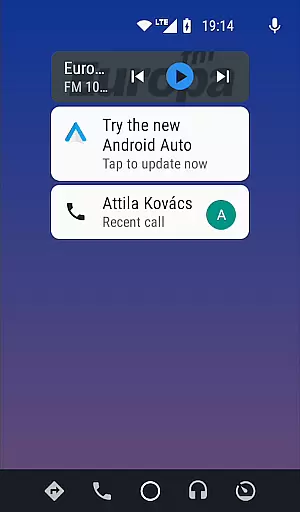
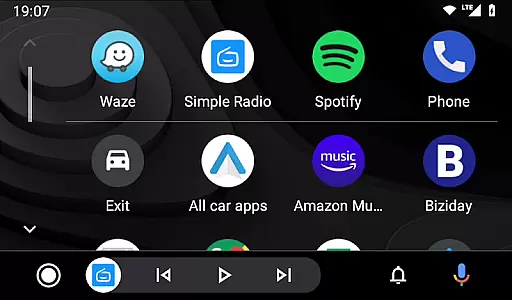

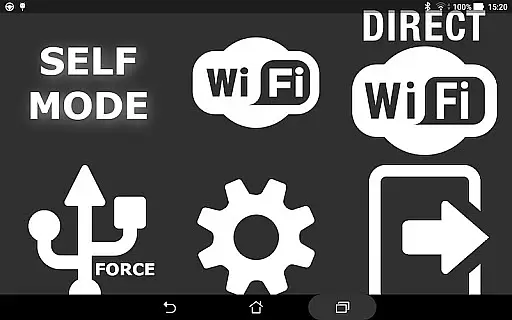
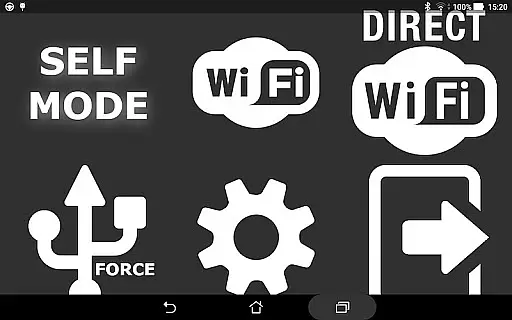
Headunit Reloaded Emulator HUR is a specialized application designed to emulate Android Auto functionality on compatible head units. The app supports multiple connection modes including USB, WiFi, and Self-mode for direct device usage. This makes it an essential tool for users looking to integrate their smartphones with car entertainment systems.
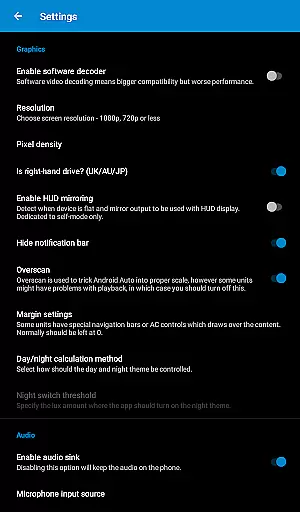
The emulator works seamlessly with various Android-powered headunits from brands like Joying, Eonon, Xtrons, and others. By providing advanced settings such as software decoding and customizable options, the app ensures optimal performance across different devices. Whether you need navigation, music control, or hands-free calling, Headunit Reloaded delivers a comprehensive solution for in-car infotainment.
Headunit Reloaded Emulator HUR offers a versatile set of features tailored for Android Auto users. The app supports three primary connection methods: USB Mode for wired connections, WiFi Mode for wireless setups, and Self Mode for running Android Auto directly on the same device. Each mode comes with specific instructions to ensure smooth operation.
Advanced functionalities include video playback during drives, software decoding options, and compatibility with a wide range of headunits. Users can customize their experience through detailed settings that cater to individual preferences. Additionally, the app provides extensive troubleshooting resources and community support via forums, ensuring users can resolve any issues efficiently.
Map accuracy is a critical feature for any navigation app, and Headunit Reloaded Emulator HUR excels in this area. The application ensures precise location tracking and mapping through advanced GPS technologies integrated into Android Auto systems. This means that whether you are using it with Joying, Xtrons, or other compatible head units, you can expect reliable and accurate map data.
The emulator supports various devices like PX5 and PX3 units, A-Sure, RK3188 units, and more, providing consistent performance across different hardware platforms. By leveraging the native capabilities of Android-powered head units, HUR delivers real-time updates and corrections to keep your maps current and dependable.
For users, this translates to enhanced driving experiences where they can trust the navigation guidance provided by the app. Whether commuting daily or embarking on long road trips, having access to accurate maps ensures safer and more efficient journeys. With Headunit Reloaded Emulator HUR, drivers benefit from detailed and up-to-date mapping information tailored specifically for their vehicle's infotainment system.
Route planning is another standout feature of Headunit Reloaded Emulator HUR, designed to optimize travel efficiency and convenience. The app offers multiple route options based on real-time traffic conditions, ensuring that drivers always take the fastest or most suitable path available. By integrating seamlessly with Android Auto, HUR provides dynamic rerouting capabilities that adapt to changing road situations instantly.
Users have the flexibility to choose between different routing preferences such as avoiding tolls, highways, or ferries according to their personal needs. Additionally, the app supports intent functionalities which allow third-party applications to interact with its routing engine, enhancing overall usability. This level of customization empowers users to tailor their navigation experience precisely how they want it.
Ultimately, effective route planning not only saves time but also reduces stress during drives. Drivers can rely on Headunit Reloaded Emulator HUR to deliver comprehensive route suggestions that consider all possible variables affecting travel time. As a result, every journey becomes smoother and more predictable, making commutes enjoyable rather than daunting tasks.
User-friendly interface
Wide device compatibility
Multiple connection options
Customizable settings
Active community support
Requires compatible hardware
Occasional black screen issues
Limited to Android Auto
Complex setup for beginners
Potential connectivity problems

Compass is an accurate compass and a great tool for any outdoor activities
 4.1
4.1
Offline maps & GPS for hiking, travel, fieldwork & outdoor adventures
4.70
Easy, Moderate and difficult offroad adventures.
4.00
Complete offline 1:50k South Island topo map including DOC Hunting Permit Areas
4.60
Order a cab online. An affordable taxi ride and driver in no time. What a bolt!
4.80
Ride CTA, Metra & Pace: Manage your fares, buy Metra tickets, get arrivals.
3.00
Explore Earth with live GPS, satellite view & street navigation
3.60
Route Planner is travel map to get turn by turn navigation & driving directions
3.90
Off-Roading Navigation App With Trails, Public Lands, & Private Property Info
3.30
This app is military GPS coordinate systems helper. (MGRS, UTM & DMS Maps)
4.80
Navigate confidently with our precise Digital Compass app & Direction Compass!
4.70
The fastest and most convenient way to pay for parking on our lots.
4.40
Use GPS maps or search by property owner, address or parcel to view parcel data
4.30
Route schedules, maps, and real-time tracking of MTA buses in New York City.
4.20
TACNAV-X: Precision MGRS navigation, built specifically for the military.
4.00
GPS Navigation: Get map directions and find the shortest routes to avoid delays!
4.00
MapQuest is your go-to app for maps, GPS, voice navigation & live traffic.
3.80
Start your next adventure confidently using our Accurate Compass App
3.70
All of NHSA's trail information at your fingertips for the 2025-2026 season
4.3


User Reviews