
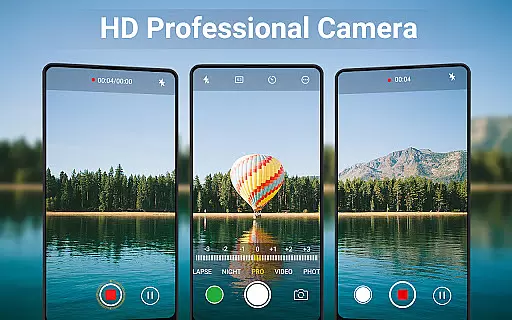
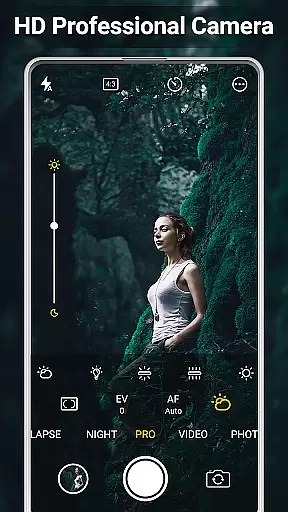
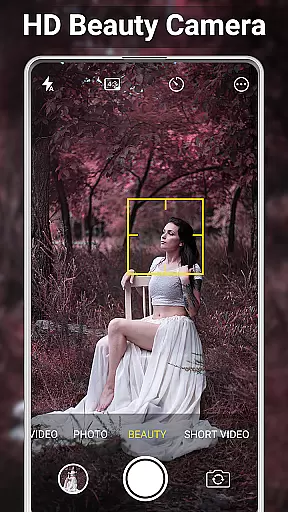
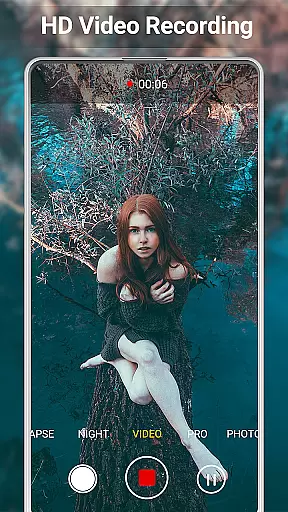
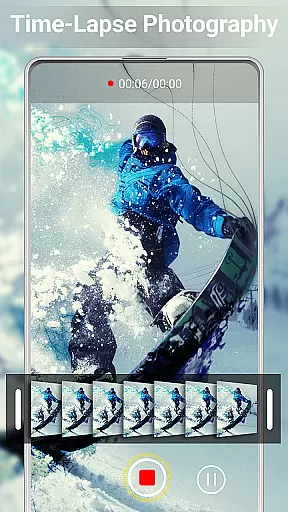
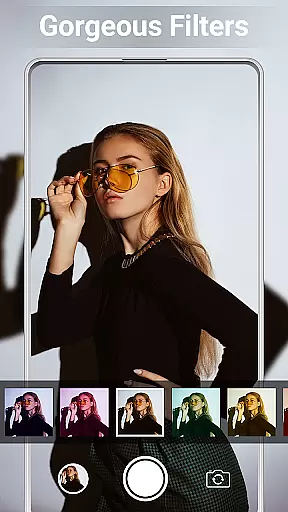
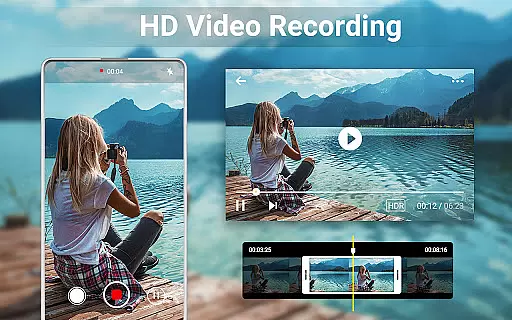
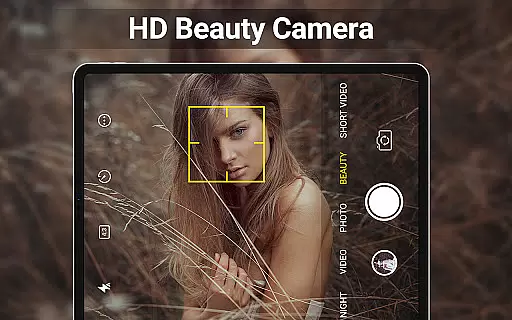
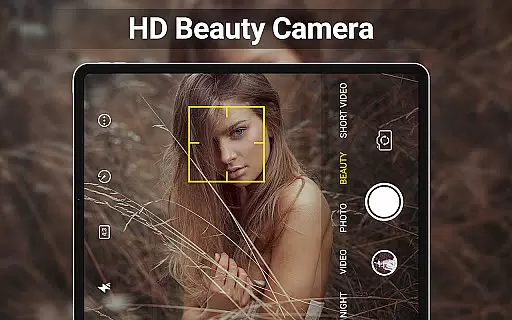
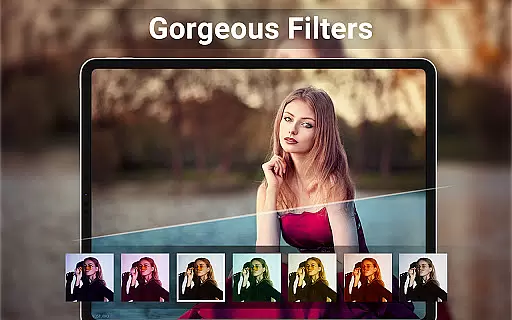
HD Camera for Android is a feature-rich beauty camera app designed to capture stunning 4K photos and videos. The application offers professional-grade tools such as intelligent face detection, auto-stabilization, and real-time filters that allow users to preview effects before capturing their moments. With its advanced camera modes, including HDR support, quick snap, and continuous shooting, the app caters to both amateur photographers and professionals seeking high-quality results on their Android devices.
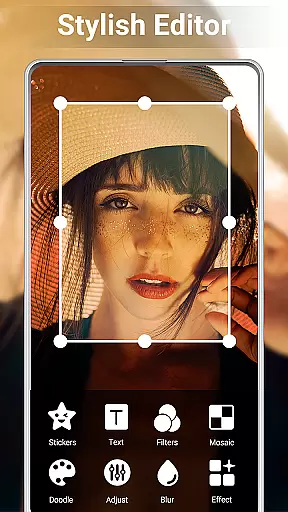
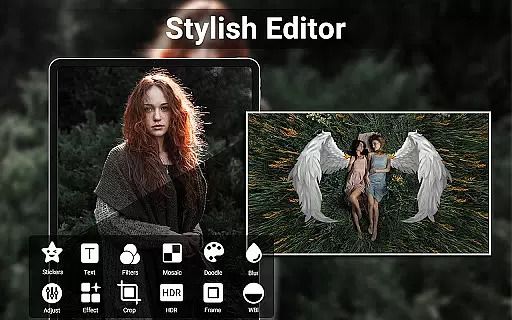
In addition to its powerful capture capabilities, HD Camera includes intuitive photo and video editing features. Users can easily adjust brightness, contrast, and other settings through the built-in editor, create photo collages, or trim videos with precision. The app also supports external SD card storage, geotagging, and timestamping, making it versatile for various photography needs. Whether you're looking to enhance your selfies or produce engaging short videos for social media, this app provides all the necessary tools in one comprehensive package.
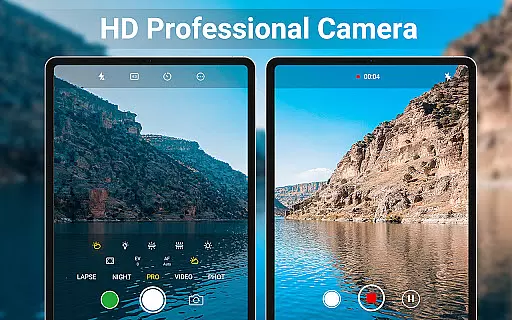
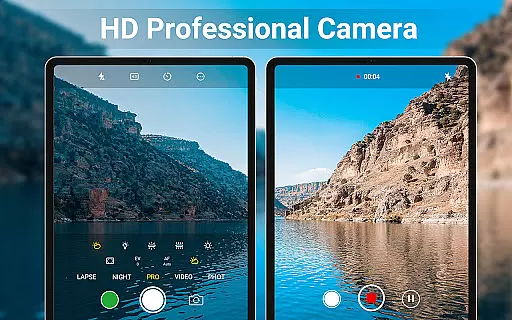
One of the standout features of HD Camera is its professional capture mode, which includes scene modes, color effects, white balance adjustments, ISO settings, and exposure compensation. These options provide users with extensive control over their photography process, ensuring optimal image quality under different lighting conditions. Additionally, the app's intelligent face detection and auto-stabilization technologies help produce clear, balanced shots even in challenging environments.
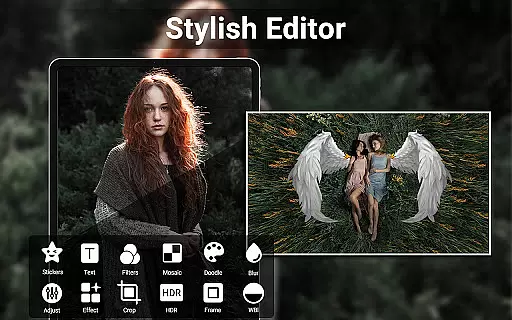
Another key aspect of HD Camera is its robust editing suite. The photo editor allows users to fine-tune their images by adjusting parameters like brightness, contrast, vignette, fade, and temperature. For creative projects, the collage maker lets you combine multiple pictures into visually appealing layouts. Video editing is equally straightforward, enabling quick trimming and cutting without compromising quality. With these comprehensive features, HD Camera empowers users to not only capture but also refine their visual content effortlessly.
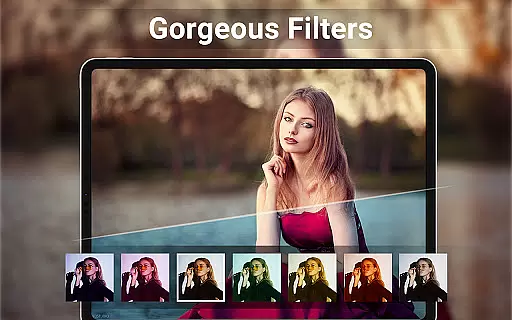
When it comes to beauty and photography applications, having a comprehensive product database is essential for user satisfaction. HD Camera for Android provides an extensive array of features that cater to both amateur and professional photographers. The app includes advanced functionalities such as 4K camera support, professional capture modes, and real-time filters which allow users to preview effects before capturing images or videos.
The application's intelligent face detection and auto-stabilization ensure that every photo taken is clear and well-composed. Additionally, the inclusion of scene modes, color effects, white balance adjustments, ISO settings, and exposure compensation offers users a granular level of control over their photography experience. This depth in the product database ensures that users can fine-tune their shots according to their preferences and environmental conditions.
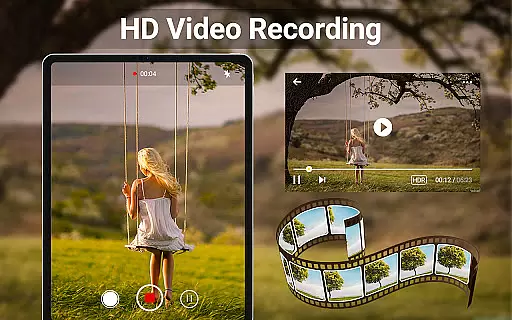
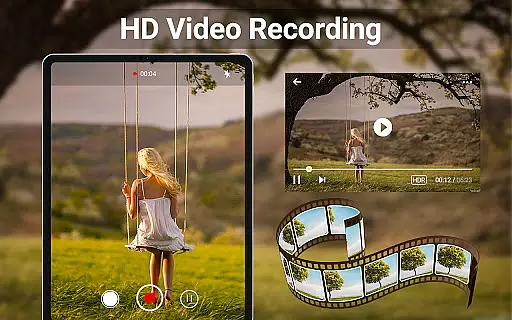
For those interested in videography, HD Camera supports HDR, quick snap, continuous shooting, and high-definition video recording. These features collectively contribute to a robust toolset that empowers users to produce content that meets professional standards without needing additional equipment or software.
Personalization is key in delivering a user-centric experience, especially within beauty and camera apps. HD Camera for Android excels in this area by offering precise personalization options that enhance user engagement and satisfaction. With its professional HD camera capabilities, users can apply real-time filters and utilize various camera pro features like scene modes, color effects, and white balance adjustments tailored specifically to their needs.
Beyond just capturing photos and videos, the app allows users to edit and crop pictures effortlessly. It also includes a photo collage maker and grid feature, enabling creative expression through combining multiple images into one cohesive piece. The ability to trim and cut videos adds another layer of personal touch, allowing users to share only the most relevant parts of their footage.
Additional personalized features include optional GPS location tagging, date and timestamp application, and custom text overlays on photos. Such detailed personalization not only enhances the aesthetic appeal of the content but also provides practical benefits such as organizing media based on time and location. Overall, these customization options make HD Camera a versatile tool for anyone looking to elevate their mobile photography game.
User-friendly interface
High-quality 4K capture
Real-time filter previews
Advanced camera controls
Versatile editing tools
Occasional performance lags
Ads may disrupt experience
Limited free features
Geotagging accuracy varies
Shutter sound cannot be disabled

Professional HD Camera App: Capture Bright HD Selfie & Record Stunning Moments
 4.40
4.40
Enhance Your Look with Face Analysis, Hair Style Changer, Beauty Score, Rating
3.90
Enhance your selfies with face beauty makeup tool and an easy background remover
4.70
Your on-demand aesthetician
4.40
True mirror app with zoom, LED light, for makeup & shaving anywhere!
4.20
Wacky mirror filter, waves effect & wavy effect to make your own funny videos.
4.60
Get Smart About Your Skin with Fully Personalized Beauty Tech!
4.80
The mirror app you were looking for, simple and easy to use. Try Mirror now.
4.60
Seasonal color palette, my personal color, hair color changer, makeup, wardrobe
4.20
Book your appointments
4.90
Use your phone as a makeup mirror, shaving mirror. Magnifying mirror with light!
4.80
Photo enhancer 360, image enhancement, restore old photos, colorize photo ai
4.70
AI Stylist, Try On Millions Of Clothes In Any Brand & Style, AI Clothes Changer
4.70
Beauty Mirror - True mirror app with light, shaving mirror, makeup mirror app
4.50
Winter picture editor: Christmas stickers, frames for photos & Christmas cards.
4.40
Try on different hairstyles and hair colors, glasses and jackets | Cartoon face
4.10
The Official Voting App
3.90
Change your hairstyle and color instantly with AI-powered virtual makeovers.
3.90
Edit Your Photos and Videos with Beauty Filters & Get Makeup Artist Tutorials
3.60


User Reviews