
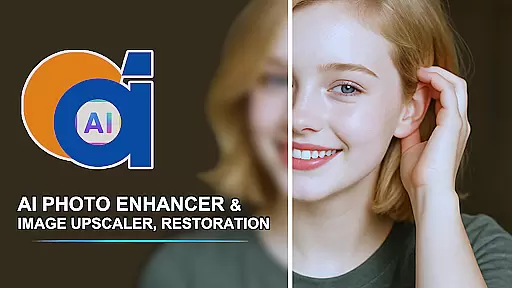
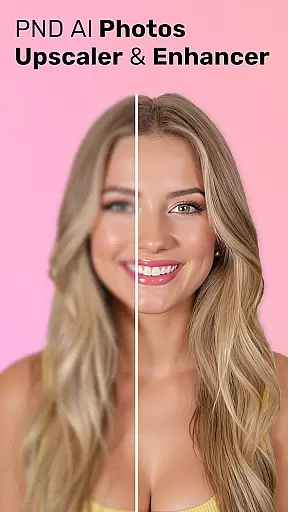
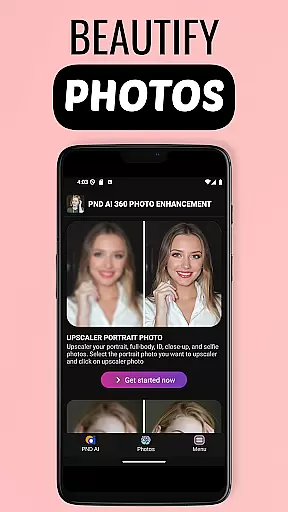
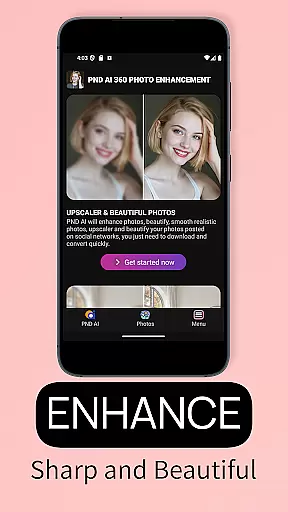

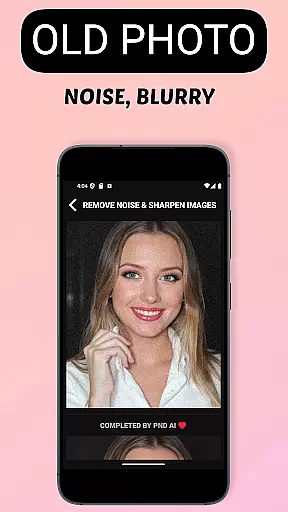
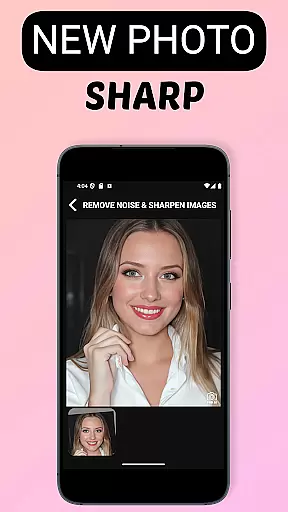
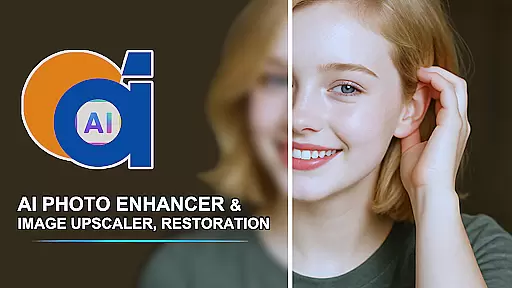
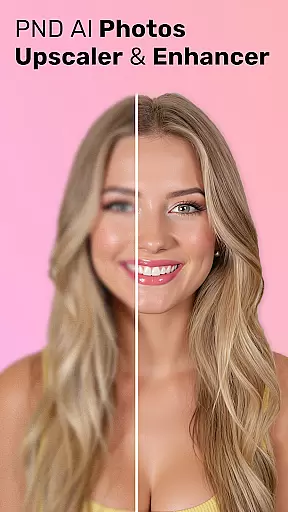
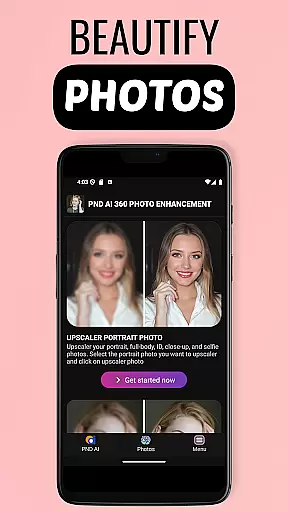
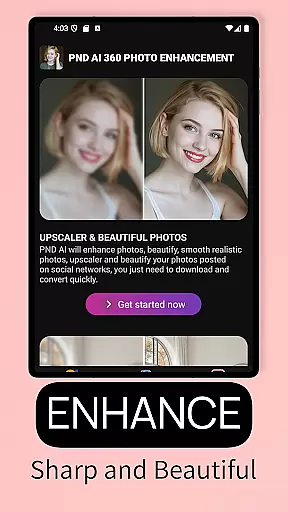
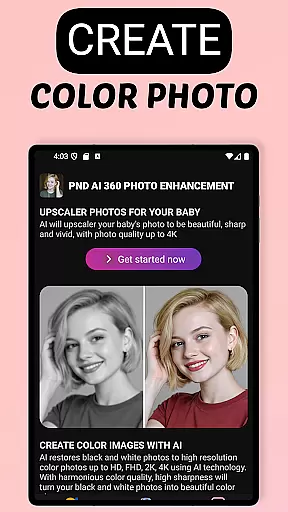
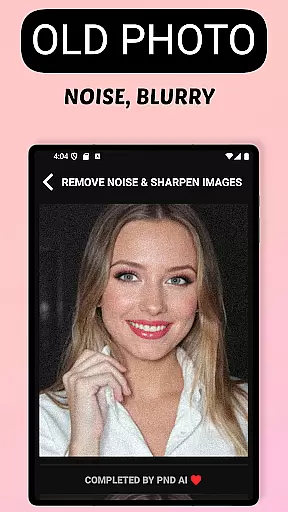
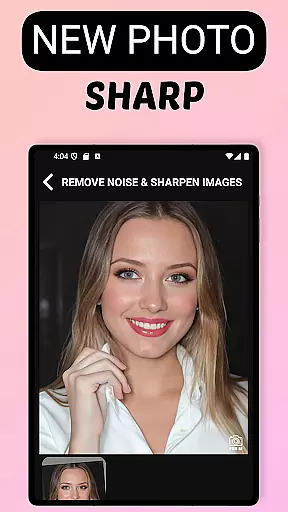
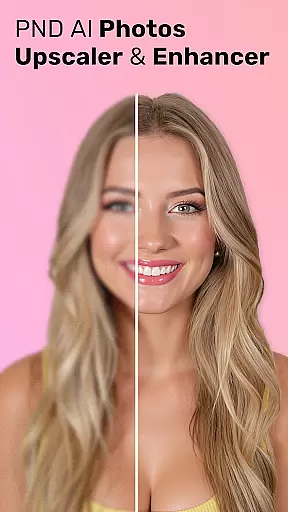
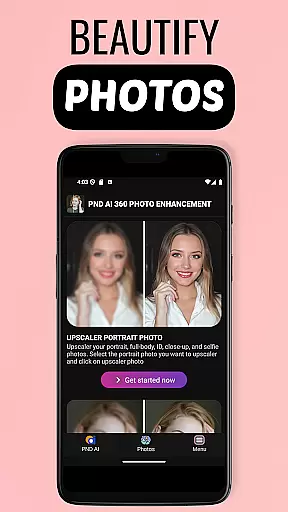
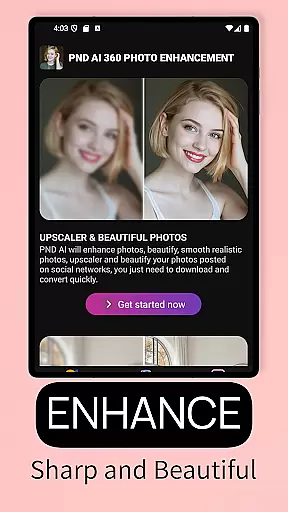
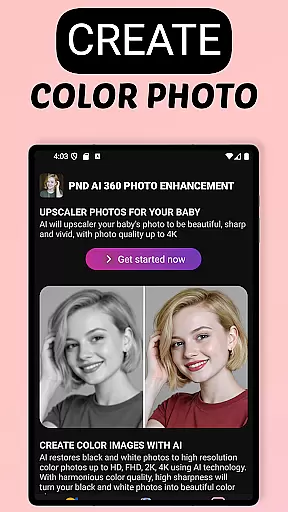
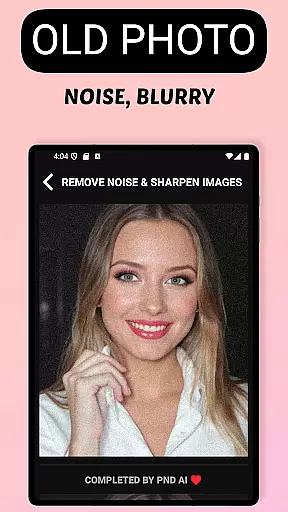
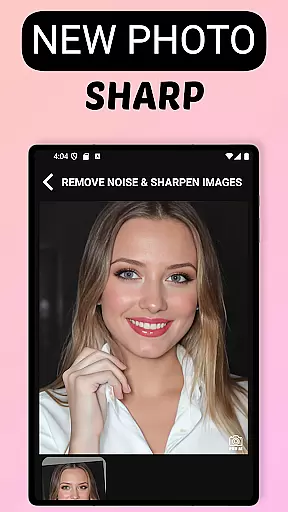
AI Photo Enhancer 360 is a cutting-edge AI-powered application that specializes in photo restoration and enhancement. The app's core functionality lies in its ability to transform old, blurry, or damaged photos into sharp, clear, and vivid images with just a single touch. This makes it an ideal tool for restoring precious memories captured in faded photographs.
In addition to restoration, the app offers advanced features like black-and-white photo colorization, resolution upscaling to 2K, 4K, or even 8K, and intelligent photo beautification. These capabilities allow users to not only preserve but also enhance their photos while maintaining a natural look. Whether you're looking to restore family heirlooms or prepare images for professional use, AI Photo Enhancer 360 provides a fast, efficient, and automatic solution.
AI Photo Enhancer 360 stands out with its comprehensive suite of AI-driven photo editing tools. One of its key features is the ability to automatically detect and repair damaged areas in photos, whether they are blurred, underexposed, or low-resolution. The app intelligently processes these imperfections, restoring the image while preserving its original details and colors.
Beyond restoration, the app includes creative tools such as AI-based colorization for black-and-white photos, skin smoothing, blemish removal, and light adjustment for portraits. It also supports photo upscaling, allowing users to increase image resolution significantly without losing quality. These features make it suitable for both personal use and professional projects, offering versatility that caters to photographers, designers, and everyday users alike.
AI Photo Enhancer 360 offers an extensive product database that caters to a wide array of photo enhancement needs. The application is designed to address issues ranging from image sharpness to colorization, making it a comprehensive tool for both amateur and professional users.
The app's capabilities include AI-driven sharpening, restoration of old and blurry photos, and even the colorization of black and white images. Each feature is supported by advanced algorithms that ensure the natural look of the original is maintained while improving its overall quality.
Users benefit from detailed descriptions and specifications for each tool within the app, allowing them to understand the extent and limitations of the enhancements. This transparency enables users to make informed decisions about which features will best suit their photo editing requirements.
Personalization is at the heart of AI Photo Enhancer 360, with precision being a key aspect of its offering. The app leverages sophisticated AI technology to tailor photo enhancements to the unique characteristics of each image, ensuring personalized results every time.
Through intelligent detection of damaged or underexposed areas, the app provides customized processing that restores and revitalizes photos while preserving their authenticity. This bespoke approach extends to portrait improvements, where skin smoothing and blemish removal are delicately handled to retain the subject's natural appearance.
Furthermore, AI Photo Enhancer 360 empowers users with creative control over their images, allowing for adjustments in lighting and background elements. Such personalization precision not only enhances photo quality but also aligns with individual stylistic preferences, setting this beauty app apart from generic editing tools.
Advanced AI technology
One-touch photo restoration
High-resolution upscaling
Automatic defect detection
User-friendly interface
Limited free features
Subscription required
Internet connection needed
Storage limitations
Processing time varies

Glow up with science: cosmetics, ingredients scanner, tracking & face analysis
 4.10
4.10
Professional HD Camera App: Capture Bright HD Selfie & Record Stunning Moments
4.40
Beauty Camera - Selfie Camera with beauty editing tool, makeup, filter, sticker
4.60
Wacky mirror filter, waves effect & wavy effect to make your own funny videos.
4.60
Use your phone as a makeup mirror, shaving mirror. Magnifying mirror with light!
4.80
Beauty/age defining ai coach guides you through the exercises in daily routine.
3.30
HD Camera, Selfie Camera, Camera filters, is a fully featured 4K camera
4.60
Book beauty salon, hair or health and wellness experiences in an instant
4.90
Beauty Camera & Selfie Camera snap Beauty selfie with filter, makeup, stickers
4.80
Book your appointments
4.90
For businesses, Booksy Biz allows you to manage your schedule & more on the go.
4.60
Beauty for every eye, lip & face. Earn rewards, play games, connect with others.
4.30
Seasonal color palettes for shopping clothes and makeup products with confidence
4.20
True mirror app with zoom, LED light, for makeup & shaving anywhere!
4.20
Make beautiful Hairstyles for girls with your own hands in little bit of time
4.00
Never run out of your go-to beauty & get 5% off with auto-replenish deliveries!
4.00
Design your nails, manicure and pedicure with nail paint art and nail idea app
3.90
Create, design and dress up your own beautiful characters in cute fashion styles
3.50
Your future self face age old or young from camera selfie into beautify videos
4.0


User Reviews