
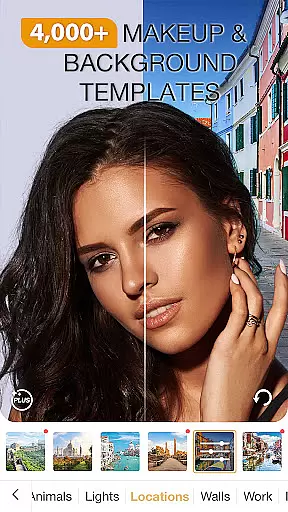
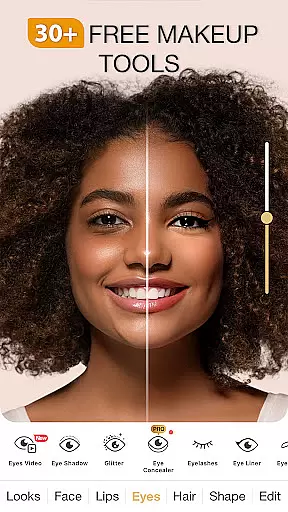
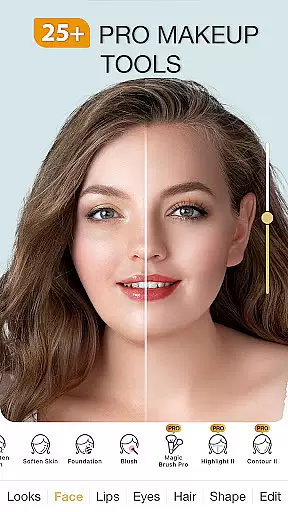
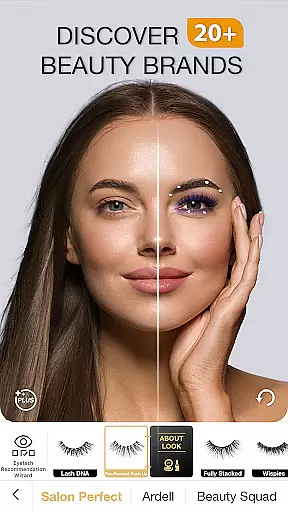
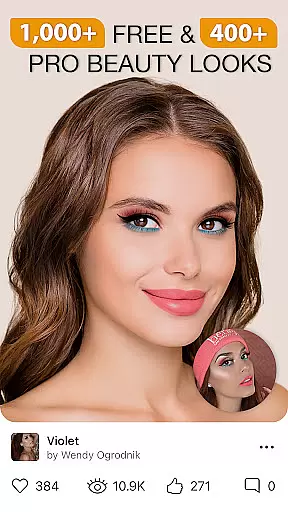
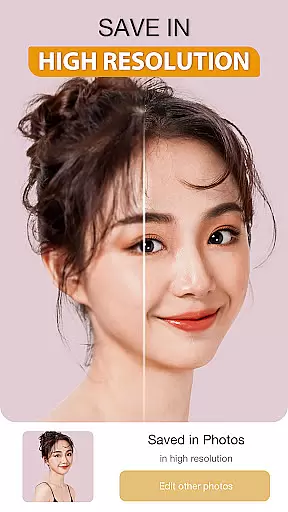
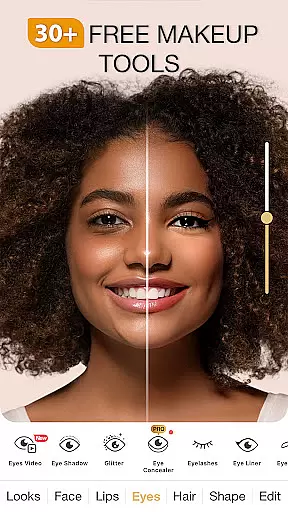
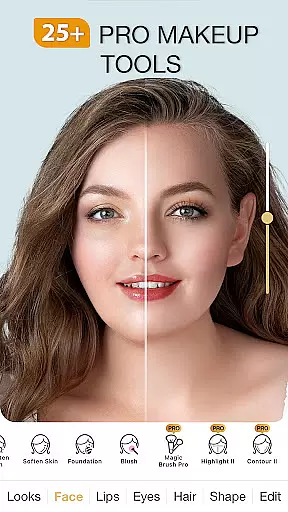
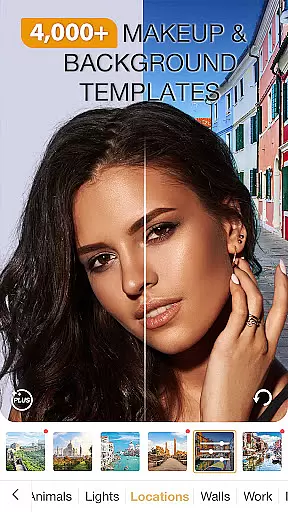
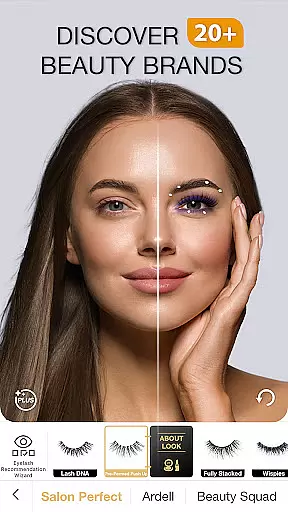
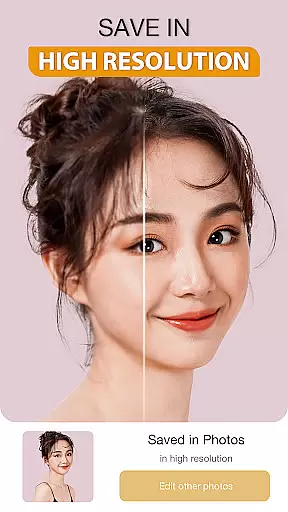
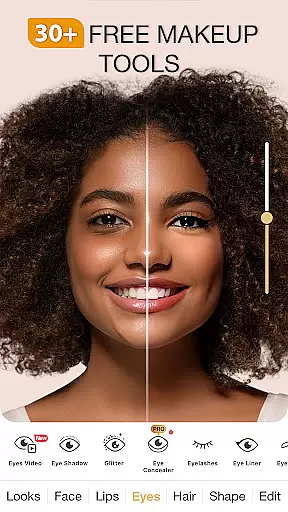
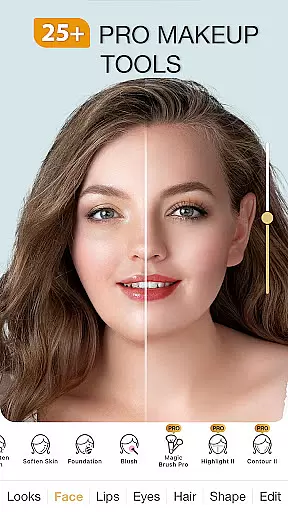
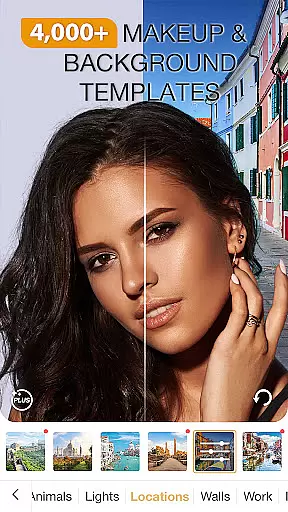
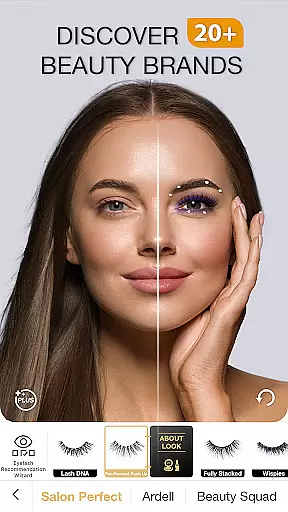
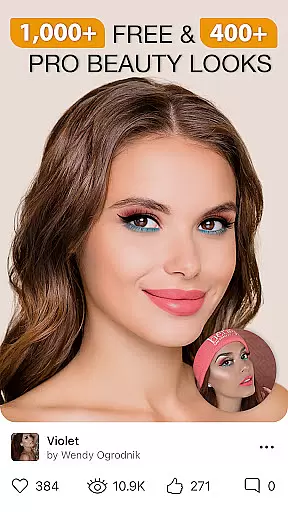
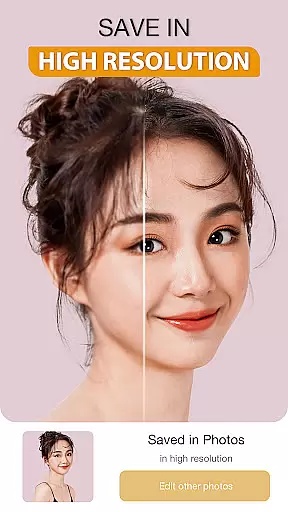
Perfect365 is a leading virtual makeup and beauty editor app designed for beauty enthusiasts who want to experiment with makeup looks effortlessly. This all-in-one photo and video editor allows users to try on various makeup styles, filters, and effects instantly, making it an ideal tool for enhancing selfies and creating stunning social media content. With features like the beauty camera, blemish remover, and professional color palettes, Perfect365 ensures every user achieves flawless results.
The app stands out with its advanced face detection technology, enabling accurate makeup placement for eyes, lips, and more. Whether you're looking to recreate red carpet looks or explore bold new styles curated by expert makeup artists, Perfect365 has something for everyone. Its frequent updates and tutorials keep users engaged while staying on top of the latest beauty trends.
Perfect365 is perfect for anyone wanting to experiment with makeup virtually before committing to a look in real life. From subtle no-makeup filters to bold transformations, this app empowers users to express their unique style confidently.
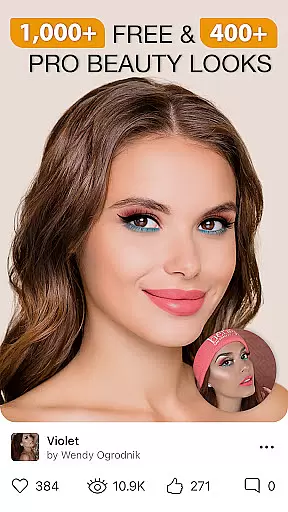
Perfect365 offers a comprehensive suite of features that cater to both casual users and makeup enthusiasts. One standout feature is the beauty camera, which lets users capture high-quality selfies directly within the app while applying virtual makeup in real-time. The app provides thousands of customizable styles, including eye shadows, lipsticks, and hair colors, curated by professional makeup artists to ensure authenticity and creativity.
In addition to its robust makeup tools, Perfect365 includes practical retouching options such as blemish removal, teeth whitening, and skin brightening. These tools allow users to enhance their natural beauty while maintaining a realistic appearance. The Pro Color Palette feature further elevates customization by offering unlimited color combinations, ensuring each look is unique.
Sharing your creations is seamless, thanks to direct integration with social media platforms like Instagram, Facebook, and Twitter. Users can also stay informed about the latest beauty trends through daily news updates, video tutorials, and product recommendations. With over 3000 pre-set 'Hotstyles' available at one tap, Perfect365 makes achieving professional-grade makeovers easier than ever.
When it comes to beauty applications, having a comprehensive product database is essential for delivering value to users. Perfect365 stands out in this aspect by offering an extensive collection of virtual makeup products and tools that cater to a wide range of preferences and styles. The app includes thousands of options curated by professional makeup artists, ensuring that users have access to high-quality, realistic virtual makeup.
The level of detail within the product database allows users to experiment with various looks, from subtle enhancements to bold transformations. Each product in the database is designed with precision, taking into account factors such as texture, color accuracy, and finish. This meticulous attention to detail ensures that the virtual makeup applied through the app mirrors real-life application, providing users with a genuine experience.
Users benefit significantly from this depth as they can explore different cosmetic items without the need for physical purchases. Whether trying on a new lipstick shade or experimenting with hair colors before a salon visit, Perfect365's robust database empowers users to make informed decisions about their beauty choices. This feature not only enhances user engagement but also builds trust in the application's ability to deliver practical and reliable beauty solutions.
In the realm of beauty apps, personalization is key to meeting individual user needs and preferences. Perfect365 excels in delivering precise personalization through its advanced algorithms and customization features. The app leverages cutting-edge face detection technology to ensure accurate makeup placement, allowing users to achieve flawless results tailored specifically to their facial features.
Perfect365 offers a variety of customization options, enabling users to fine-tune every aspect of their virtual makeover. From selecting specific eye shadow shades to adjusting the intensity of blush, the app provides granular control over the final look. Additionally, the Pro Color Palette feature lets users create unique color combinations, further enhancing the personalized experience.
This focus on personalization extends beyond mere aesthetics; it enhances user satisfaction and engagement. By accurately reflecting each user's distinct style and preferences, Perfect365 fosters a deeper connection between the user and the app. As a result, users are more likely to return to the app for future beauty explorations, knowing they can rely on its precision to deliver customized, high-quality outcomes every time.
User-friendly interface
Advanced face detection
Versatile makeup styles
Frequent content updates
Social sharing capabilities
Limited free features
Subscription costs
Occasional ads
High system requirements
Learning curve for beginners

Glow up with science: cosmetics, ingredients scanner, tracking & face analysis
 4.10
4.10
Shop Smarter, Dress Better, and Shine Brighter!
4.10
Design your nails, manicure and pedicure with nail paint art and nail idea app
3.90
The mirror app you were looking for, simple and easy to use. Try Mirror now.
4.60
Change your hairstyle and color instantly with AI-powered virtual makeovers.
3.90
AI Stylist, Try On Millions Of Clothes In Any Brand & Style, AI Clothes Changer
4.70
For businesses, Booksy Biz allows you to manage your schedule & more on the go.
4.60
Mirror app that shows your image with photo editor, zoom and light!
4.70
Never run out of your go-to beauty & get 5% off with auto-replenish deliveries!
4.00
Get Smart About Your Skin with Fully Personalized Beauty Tech!
4.80
Blushify is a beauty camera for makeup, face editing, and glowing selfies!
4.70
Face Makeup Camera: Photo makeup app and perfect Lipstick app, beauty lip filler
4.70
Beauty Camera - Selfie Camera with beauty editing tool, makeup, filter, sticker
4.60
Unleash your (Pro)tential with the hottest hair, nails and beauty brands!
4.60
Beauty Camera - Selfie Camera with sweet selfie, makeup, filter, sticker, editor
4.50
Download Today
4.40
Try On Style with AI: Virtual Dressing Room & Personal Fashion Stylist App
4.00
The Official Voting App
3.90
This barber game allows you to create and design hair styles on diverse people
3.80


User Reviews