
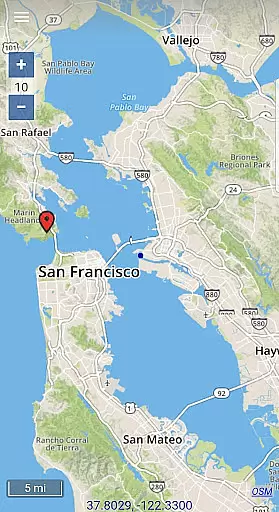
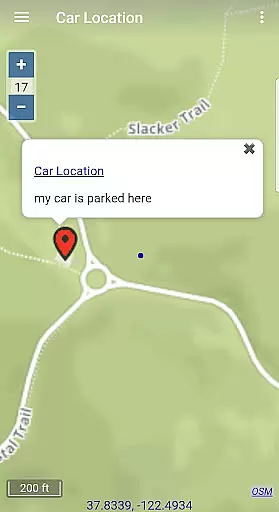
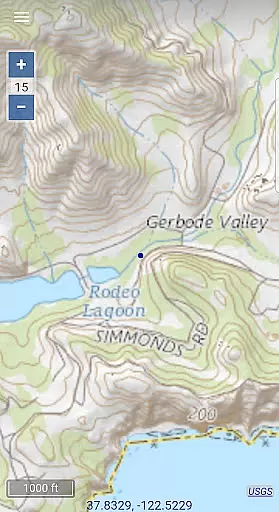
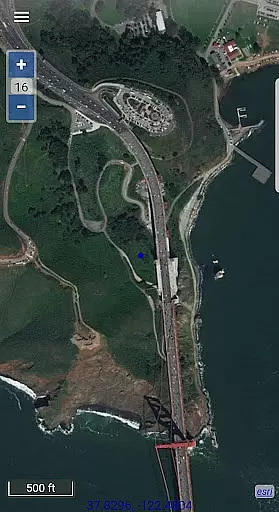
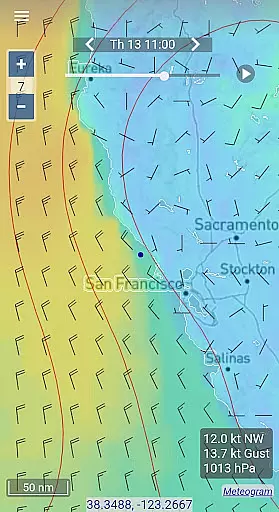
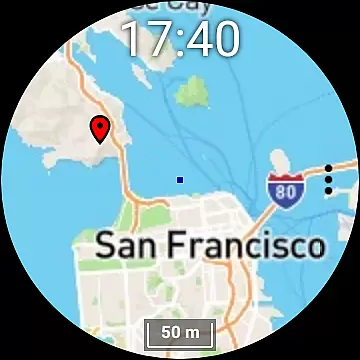
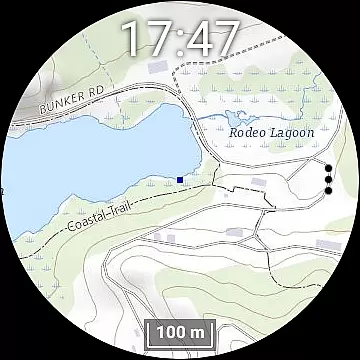
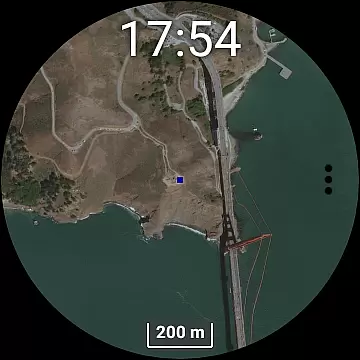
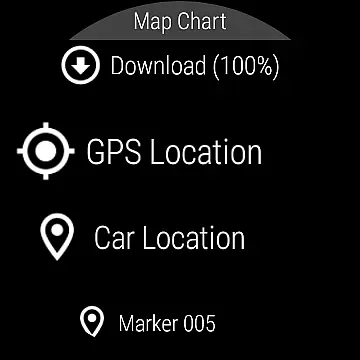
Map Chart Mosaic is a comprehensive offline mapping application designed for both smartphones and smartwatches. The app provides users with access to topographic maps, satellite images, GRIB weather forecasts, and road maps that include cycling and hiking trails. A key feature of the app is its ability to store map views in an offline cache, enabling users to view these maps without an internet connection. Additionally, users can download maps directly to their Wear OS smartwatches, allowing for independent use from their phones.
Beyond basic map viewing, Map Chart Mosaic offers advanced functionalities such as adding map markers, creating travel routes, recording GPS tracks, and sharing data in GPX file format. These features make it especially useful for outdoor enthusiasts who require detailed location information and reliable navigation tools while on the go. Whether planning a hiking trip or exploring cycling paths, this app equips users with essential mapping resources.
The true value of Map Chart Mosaic lies in its seamless integration across devices and its focus on offline usability. By bridging the gap between phone and smartwatch functionality, it ensures users have continuous access to critical mapping data regardless of connectivity. This makes it an invaluable tool for travelers, adventurers, and professionals working in remote areas where internet access may be limited or nonexistent.
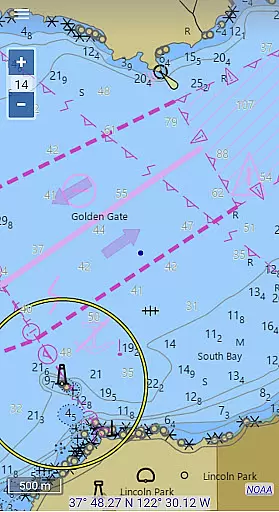
One of the standout features of Map Chart Mosaic is its support for multiple map sources, including topographic maps, satellite imagery, and nautical charts (currently available only in the USA and Canada). Users can switch between these sources effortlessly to gain detailed insights into specific locations. Another notable capability is the automatic storage of map views in an offline cache, which allows users to access maps later without needing an internet connection.
In addition to offline map viewing, the app enables users to add custom markers and notes to their maps, making it easy to mark points of interest like parking spots or trailheads. It also supports route creation and GPS tracking, empowering users to record their journeys and share them as GPX files. For those interested in weather conditions, the app facilitates downloading GRIB weather forecast maps via the internet, email, or even Iridium Go satellite connections.
Map Chart Mosaic further enhances user experience by extending its functionality to Wear OS smartwatches. While the smartwatch version operates independently of the phone, new map downloads and updates must be managed through the phone app. This dual-device compatibility ensures maximum flexibility and convenience, catering to users who demand portability and reliability in their mapping solutions.
Map Chart Mosaic offers a diverse range of map types, including topographic maps, satellite images, and road maps with specific trails for cycling and hiking. This variety ensures that users can access highly accurate and detailed maps tailored to their specific needs.
The app seamlessly integrates maps from multiple sources, providing comprehensive location data. Its ability to automatically store map views in an offline cache means users can rely on the information even without an internet connection, making it invaluable for outdoor activities.
Users benefit from the precision of geographic details, whether they are planning a hiking trip or exploring remote areas. The availability of nautical charts for the USA and Canada further extends its utility for maritime navigation.
One of the standout features of Map Chart Mosaic is its robust route planning capability. Users can create travel routes, record GPS tracks, and even share this data as GPX files, facilitating efficient and organized travel planning.
In addition to creating routes, the app provides essential GPS travel information such as speed, course, odometer readings, and estimated time of arrival (ETA). These features ensure that users have all the necessary information at their fingertips for a smooth journey.
For those venturing into areas with limited connectivity, the ability to download offline maps to a smartwatch is particularly beneficial. This functionality allows users to navigate confidently without needing a constant phone connection, enhancing both convenience and reliability during their travels.
Offline map access
Multi-device support
Custom map markers
GPS tracking
Weather forecasts
Limited nautical charts
No standalone smartwatch downloads
Potential learning curve
Regional restrictions
Device compatibility issues

The fastest and most convenient way to pay for parking on our lots.
 4.40
4.40
Explore a light pollution map to find suitable dark sky locations for observing.
4.30
Complete offline 1:50k South Island topo map including DOC Hunting Permit Areas
4.60
Number locator, real connection map
4.10
Order a cab online. An affordable taxi ride and driver in no time. What a bolt!
4.80
LIRR and Metro-North tickets and trips
4.80
Explore Earth with live GPS, satellite view & street navigation
3.60
Explore offline maps with radar, satellite view, and real-time alerts.
3.60
Navigate seamlessly with Real-Time Traffic, Offline Maps, and Voice Navigation.
4.10
Park in Chicago, NYC, Boston, SF, Houston & more!
4.70
Ride or drive at YOUR price
4.70
Maps, Driving Directions & GPS navigation using directions app & GPS App
4.30
GPS navigation offers route finder, compass, translator, currency converter, etc
4.30
Find radar, speed camera, flight tracker. Use hud, location tracker, speedometer
4.20
Navigation, weather, offline maps & tools for smarter, safer travel planning.
4.00
MapQuest is your go-to app for maps, GPS, voice navigation & live traffic.
3.80
Start your next adventure confidently using our Accurate Compass App
3.70
Your guide to the recreational opportunities of the Bureau of Land Management!
3.40
Explore the world with Live Satellite View, 3D Maps, GPS Navigation & Earth Map.
2.90


User Reviews