
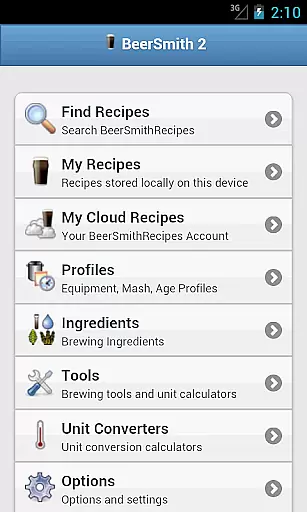
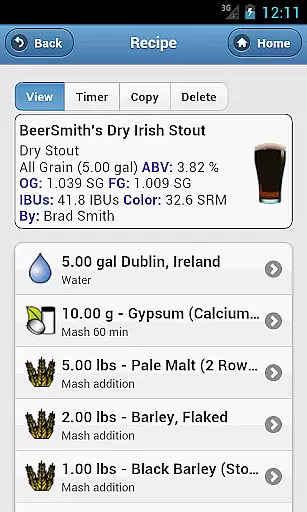
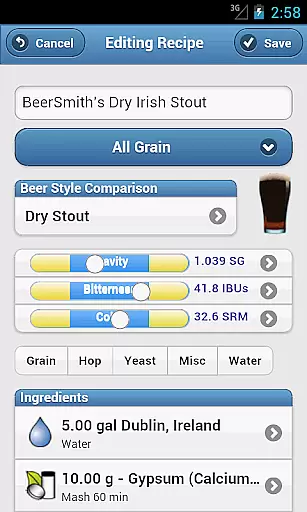
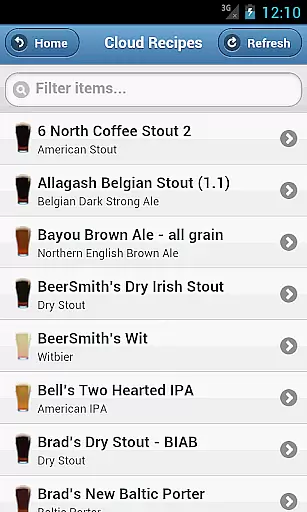
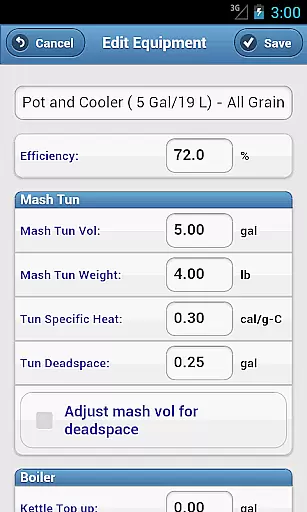
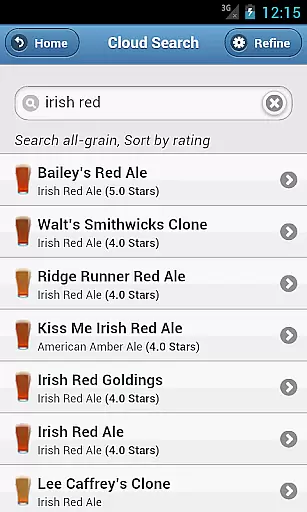
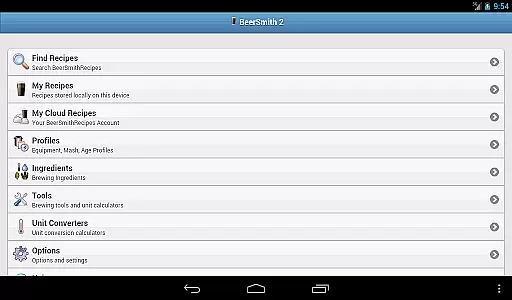
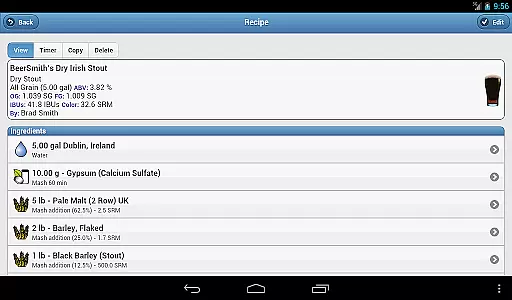
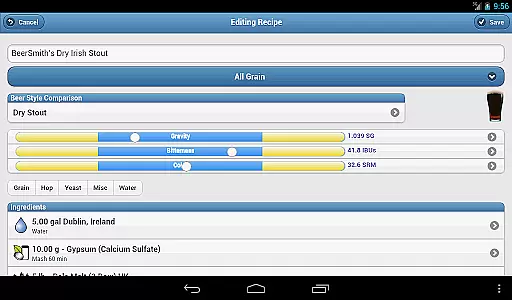
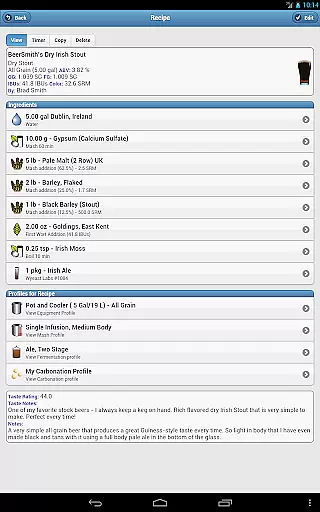
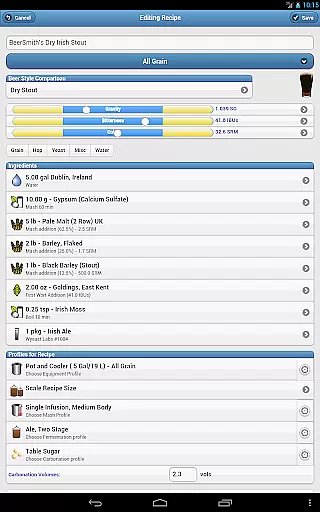
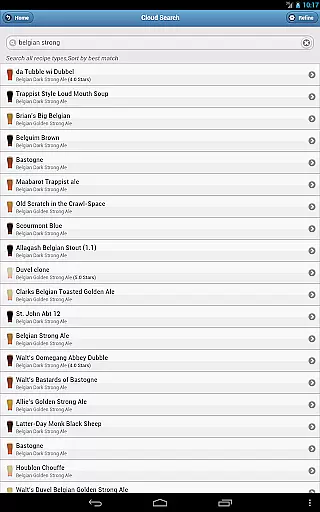
BeerSmith 3 Mobile Homebrewing is a comprehensive brewing application designed for homebrew enthusiasts who want to create and edit beer, mead, wine, and cider recipes on the go. The app offers an extensive suite of tools including water adjustment, mash pH estimation, ingredient databases, and full recipe editing capabilities. Its seamless integration with the desktop version through a cloud folder allows users to start a recipe at their desktop and continue editing it on their mobile device.
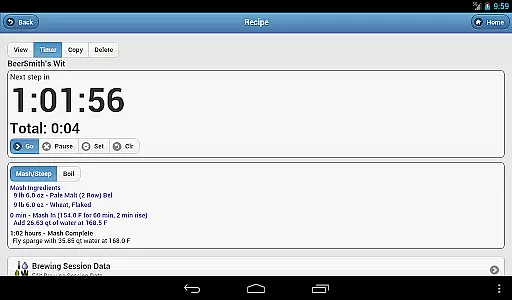
The app also features a brew day timer with step-by-step instructions, calculators for various brewing parameters, and unit conversion tools. Whether you're refining your latest IPA or experimenting with a new mead recipe, BeerSmith Mobile provides all the necessary resources to design and brew your creations efficiently. This makes it an invaluable tool for both novice brewers and seasoned homebrewers looking to perfect their craft.
BeerSmith 3 Mobile Homebrewing stands out with its robust feature set tailored specifically for homebrewing aficionados. One of its key highlights is the support for multiple types of beverages including beer, mead, wine, and cider, allowing users to explore diverse brewing possibilities. The app's recipe builder includes advanced functionalities such as water adjustment and mash pH estimation, ensuring precise control over the brewing process.
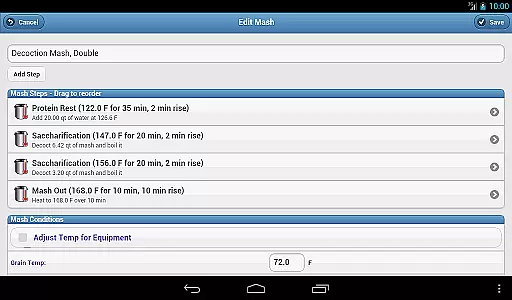
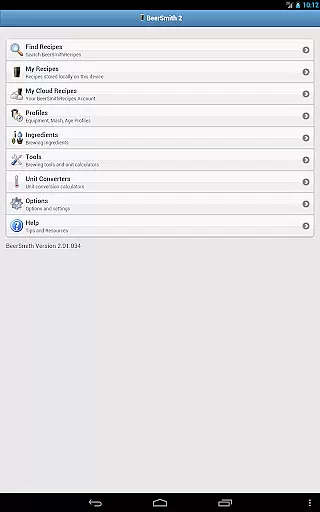
Additionally, BeerSmith Mobile offers extensive customization options with editable profiles for equipment, mash processes, aging, and carbonation. It also boasts seven specialized calculators and five unit converters that assist in accurate measurements and adjustments. With full integration into the BeerSmithRecipes.com database, users can access thousands of recipes and save their favorites locally or to their cloud account. This combination of powerful tools and seamless connectivity makes BeerSmith 3 Mobile Homebrewing an essential companion for any brewing project.
BeerSmith 3 Mobile Homebrewing offers extensive coverage of the homebrewing lifestyle category, providing users with a comprehensive toolset for creating beer, mead, wine, and cider recipes.
The app includes features such as water adjustment, mash pH estimation, and updated ingredient databases, which cater to both novice and experienced brewers.
With full editing capabilities for recipes and brew session data, users can customize their brewing process down to the finest detail, ensuring that their creations match their personal taste and style preferences.
This level of customization and the inclusion of a beer style guide within the app make it an invaluable resource for anyone looking to explore or expand their homebrewing hobby.
The content within BeerSmith 3 Mobile Homebrewing is crafted to ensure authenticity and uphold the highest standards of brewing expertise.
By integrating with the desktop version of BeerSmith and offering access to thousands of recipes through BeerSmithRecipes.com, the app provides a credible library of recipes vetted by the brewing community.
Included calculators and unit converters are designed based on proven brewing science, allowing users to adjust variables like hydrometer readings, infusions, and carbonation with confidence.
This commitment to accuracy and expert-reviewed content ensures that brewers can rely on BeerSmith 3 for authentic, high-quality recipe formulation and brewing guidance.
User-friendly interface
Comprehensive recipe editor
Integrated cloud service
Extensive ingredient database
Advanced brewing calculators
Subscription required for full access
Occasional syncing issues
Limited free features
Steep learning curve
High cost for premium version

Healthy eating timer app to track meal pace, improve habits, and eat slowly.
 4.1
4.1
Fly your Solo like a boss.
4.10
Discover how to help puppies stay calm around noise with this helpful app.
4.2
Duo Watch Face (animated)
4.1
A uniquely designed isometric digital watch face made for Wear OS
4.1
Subwoofer school’s in session! You’ve now enrolled into KICKER U.
3.80
Vehicle ownership simplified. Get the myChevrolet® app today.
4.60
Redecor your home with Home AI interior design, room planner and home designer.
4.50
DailyGift can help you record your habits and get rewards along the way!
4.60
Discover the "To Be a Christian" App: Your Guide to Deepening Faith!
5.00
Your store’s deals, where you are.
4.80
Tap to the beat with interactive videos — warm up your reflexes & have fun
4.70
Kasa Smart is your portal to your TP-LINK Smart Home.
4.70
Share opinions, get paid cash
4.30
SmartHQ: Your Connected Home Command Center
4.10
Connect to your Shark ROBOT™ from anywhere using the SharkClean™ App.
3.60
Easily manage your child's playtime, spending messaging and more.
3.50
An Eerie Musical Trigger Toy for Spirits to Play with!
3.50
A daily quote for success
4.0


User Reviews