
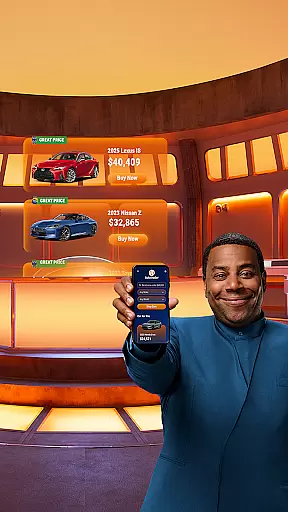
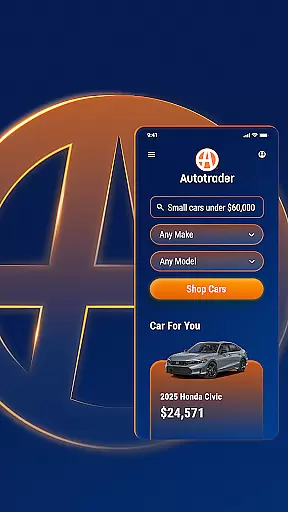


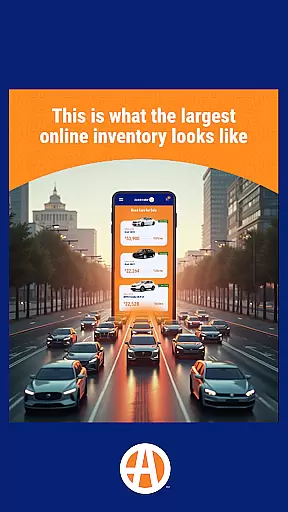
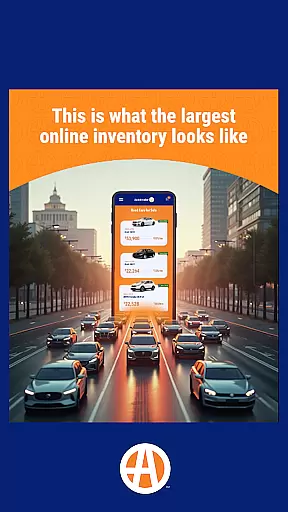
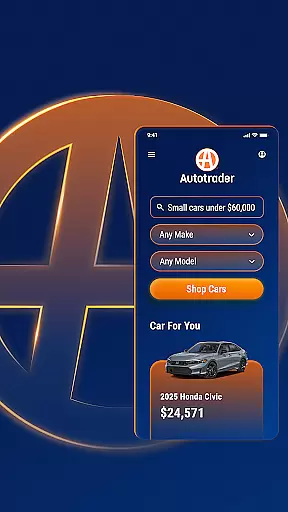


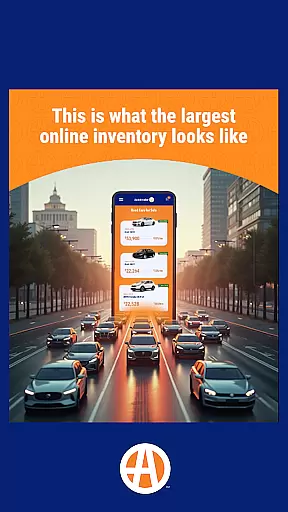
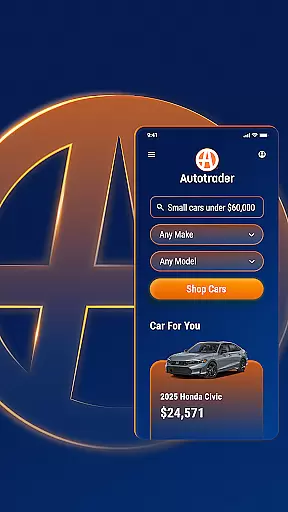


Autotrader is a premier automotive marketplace application designed to simplify the car buying process. With over 6 million listings from 20,000 sellers, it offers an extensive inventory of new, certified, and used cars, trucks, and SUVs. The app provides users with Kelley Blue Book® Price Advisor for fair pricing on every listing, ensuring transparency in transactions.
The app's personalization features allow users to receive tailored recommendations based on their preferences and alerts for price drops or new listings matching their criteria. Unique filters enable shopping by specific attributes like interior color, technology features, and even home delivery options. Autotrader stands out as a comprehensive tool for finding the right vehicle at the right price, accessible anytime and anywhere.
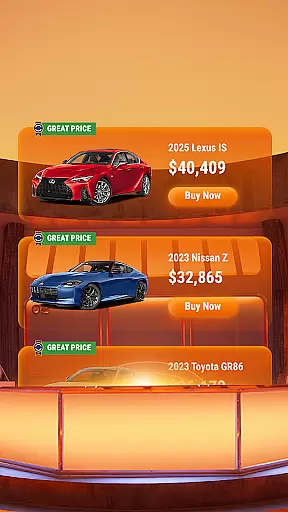
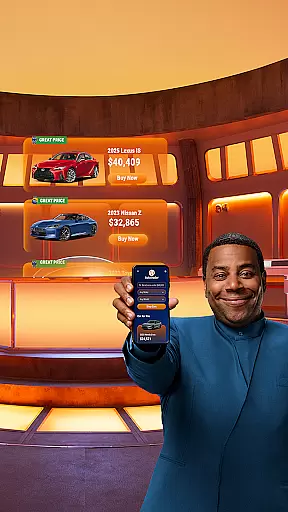
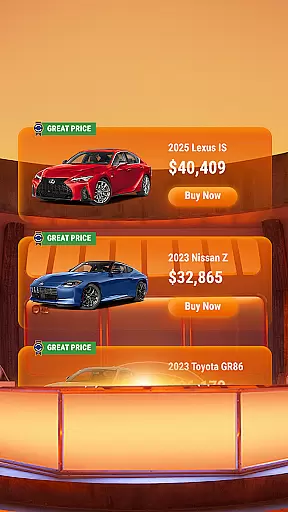
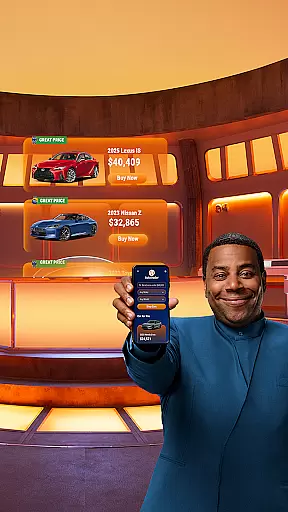
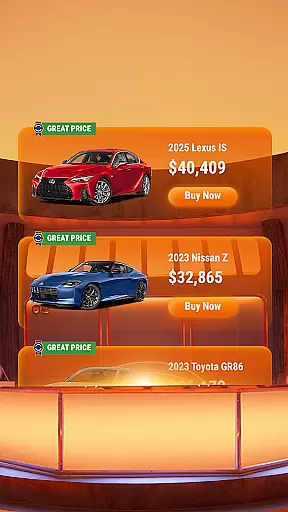
Autotrader boasts a suite of powerful features that enhance the car shopping experience. Its expansive network includes millions of listings with detailed condition reports and price indicators like Good Price or Great Price badges. Users can filter searches precisely, whether looking for specific safety features, exterior add-ons like roof racks, or vehicles available for home delivery.
Additional functionalities include sharing listings via email or text, contacting sellers directly through the app, and creating a personalized watchlist by signing up for a free My Autotrader account. This account syncs across devices, allowing seamless access to saved searches and favorite cars from any mobile device or computer. These features collectively make Autotrader an indispensable tool for modern car buyers.
When searching for a used car, having access to comprehensive vehicle details is crucial. The Autotrader app provides extensive information on each listing, including key specifications, performance metrics, and maintenance history. This ensures buyers can make informed decisions based on complete data.
The app's integration with Kelley Blue Booku00ae Price Advisor offers users fair pricing estimates for every vehicle listed. This feature allows shoppers to assess whether a listed price represents a good deal or not. Additionally, condition reports are available for many listings, giving further insight into the vehicle's current state and any potential issues.
Autotrader's filtering system enables users to refine searches based on specific criteria such as technology features, safety equipment, and exterior components like roof racks. This level of detail helps buyers find vehicles that precisely match their requirements without wasting time on unsuitable options.
Price transparency is essential in automotive transactions, and Autotrader addresses this need effectively. Each vehicle listing displays clear pricing information, supported by Kelley Blue Booku00ae Price Advisor recommendations. These indicators show if a vehicle is priced fairly, helping users identify good or great deals at a glance.
The app goes beyond basic pricing by offering price drop alerts. Users can set up notifications for when their favorite vehicles reduce in price, ensuring they never miss an opportunity to save. This proactive approach to price monitoring gives buyers a competitive edge in negotiations.
For those seeking additional savings, Autotrader provides visibility into certified pre-owned programs and special offers from dealerships. The app's network of over 20,000 sellers ensures competitive pricing across millions of listings, while green badges highlight particularly attractive deals, making price comparison straightforward and efficient.
User-friendly interface
Extensive vehicle listings
Personalized recommendations
Price transparency tools
Cross-device synchronization
Occasional listing inaccuracies
Limited classic car options
Requires account creation
Some features dealer-specific
Ads can be intrusive

OBD diagnostics, Live Data, DPF regeneration for BMW
 4.00
4.00
Ferrari inspired analog & digital watch face with quick access and premium style
4.5
Better fuel to help keep you on the road
3.20
Buy and sell your boat
4.70
Discover new and used cars in Syria easily! Browse ads and connect with sellers.
3.70
Simplify your drive
3.90
View your car’s service records and find out when maintenance is due.
4.70
Take state-specific DMV permit tests and ace the exam.
3.90
Browse millions of cars, track vehicle listings or sell your car today
4.70
Play what you want through Android Auto
4.90
7-Day Returns on All Cars
4.80
Marathon ARCO Rewards members earn rewards & apply the rewards for fuel savings!
4.80
Find Your Local Store or Shop Online for the Car, Truck, or SUV Parts You Need
4.70
A smarter way to park and reserve your spot ahead of time.
4.40
Available in select states.
4.00
Wonder how much horsepower and torque your car/truck makes? Look no further.
3.40
Easily notify car owners in urgent situations, safe, fast, multilingual.
4.3
Theme for Car Launcher
4.2
Theme for Car Launcher
4.1


User Reviews