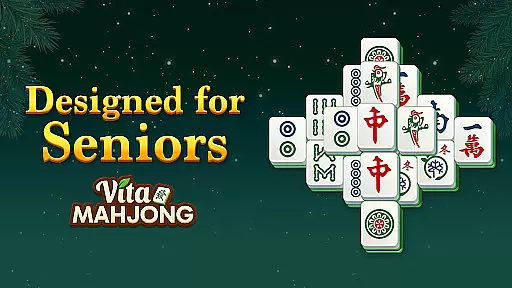
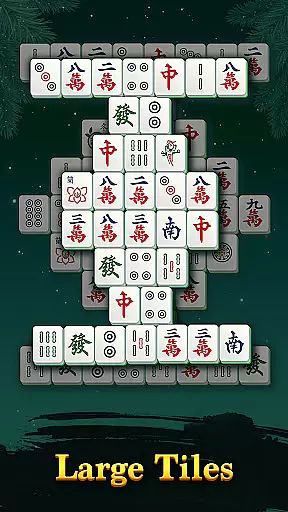
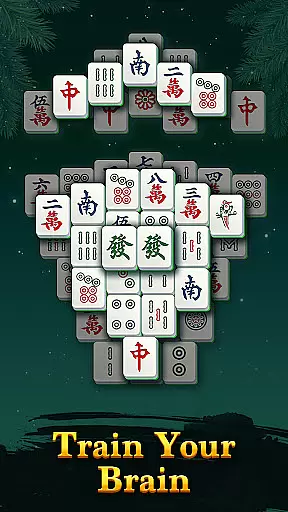
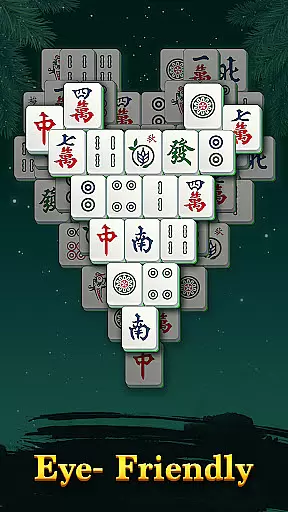
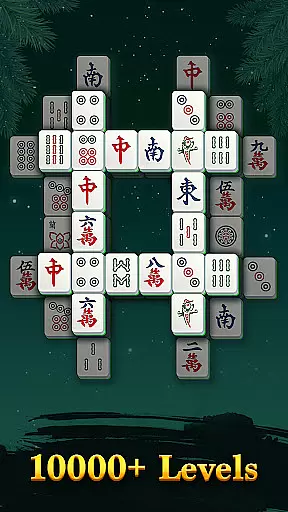
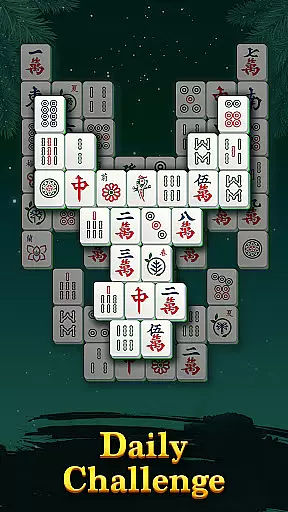
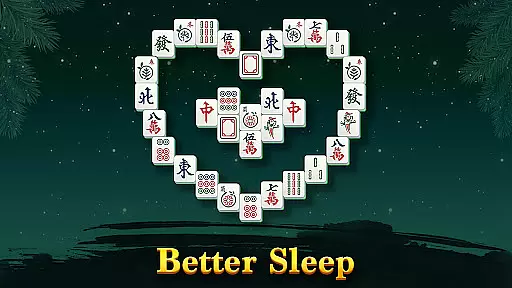
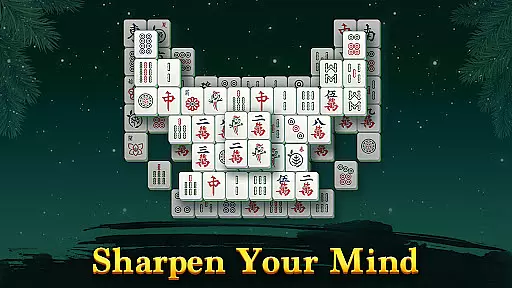
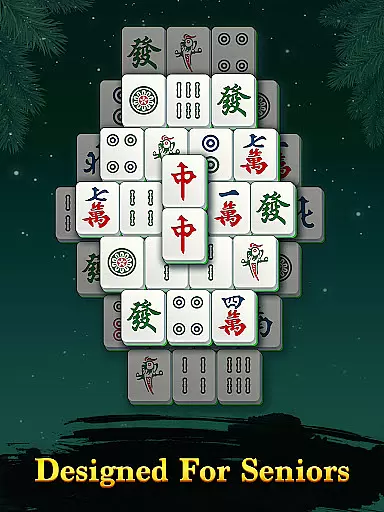
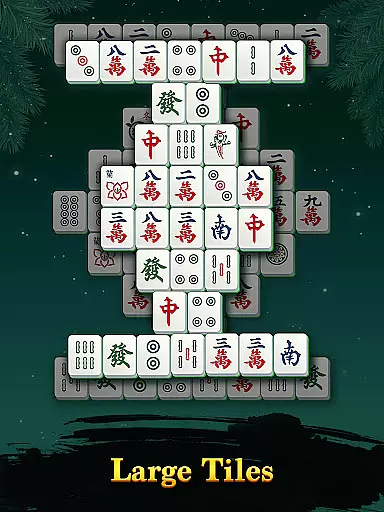
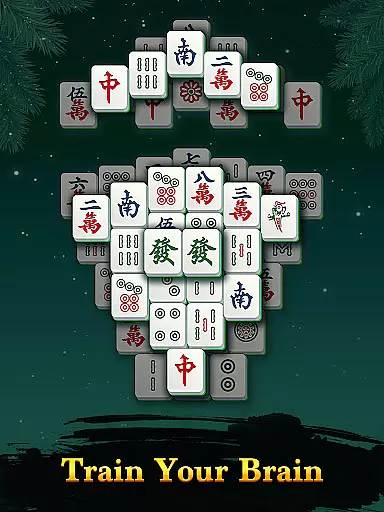
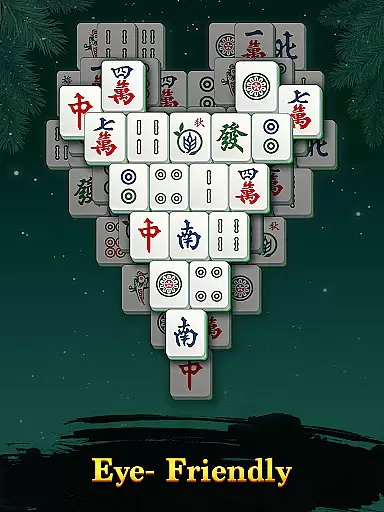
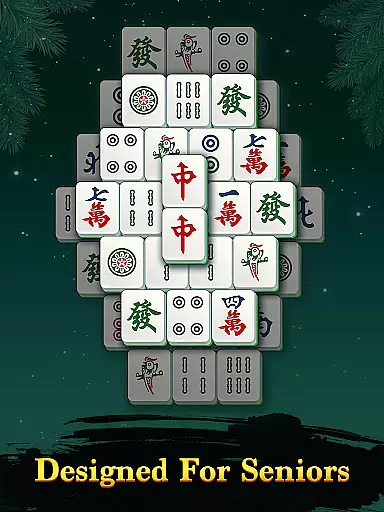
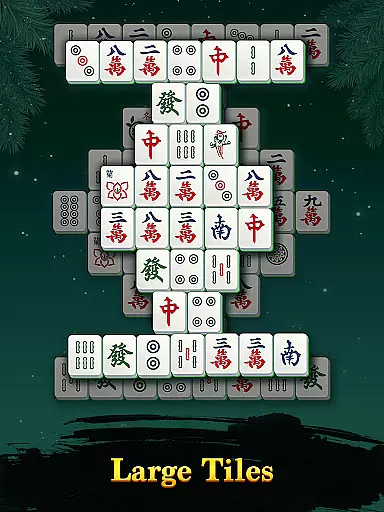
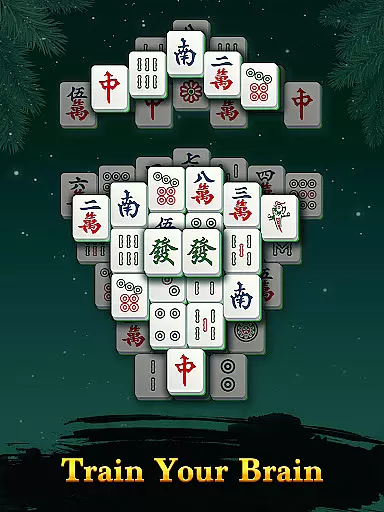
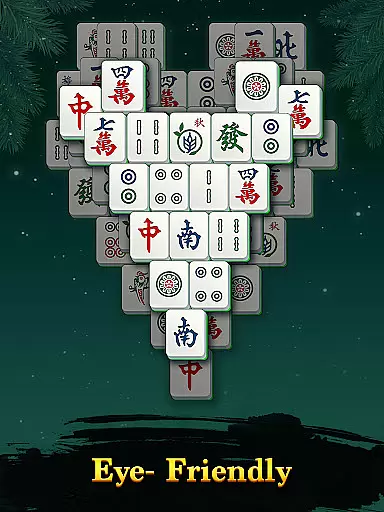
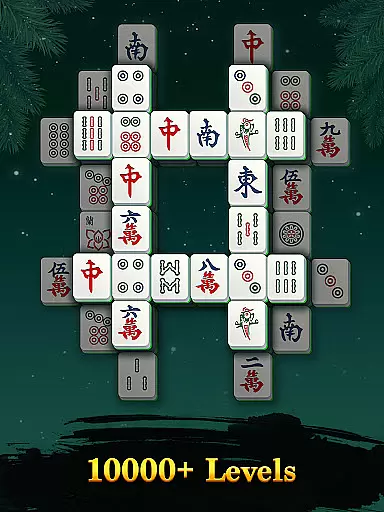
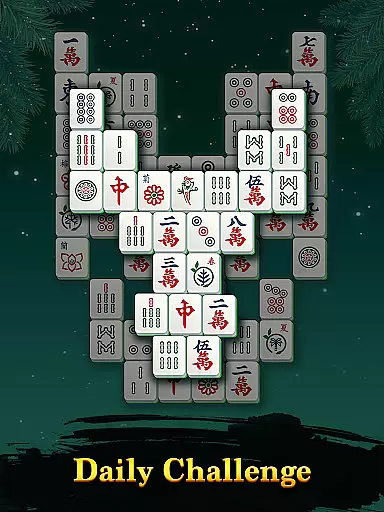
Vita Mahjong is an engaging board game that combines classic mahjong tile-matching with innovative features tailored for modern mobile users. Designed specifically with seniors in mind, the app offers large, easy-to-read tiles and a simplified interface, ensuring accessibility across phones and tablets.
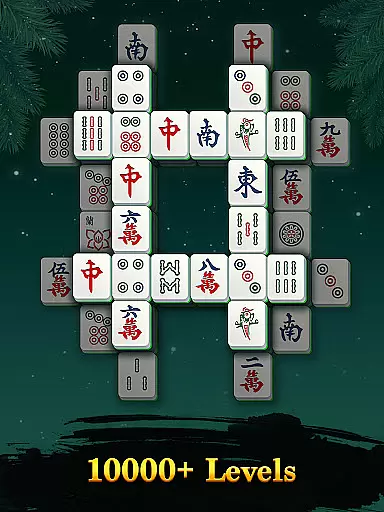
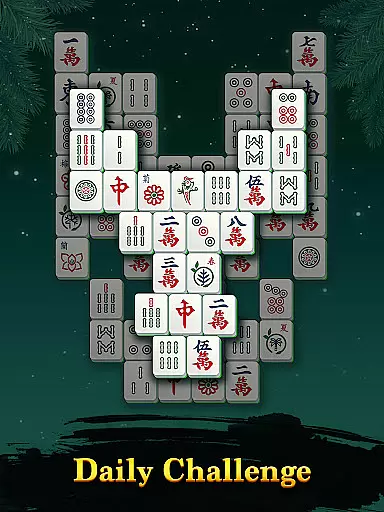
At its core, Vita Mahjong challenges players to clear boards by matching identical tiles. With hundreds of unique boards, special tiles adding fresh twists, and modes like Daily Challenge and Active Mind Levels, it provides both relaxation and mental stimulation. The inclusion of helpful tools such as hints, undo, and shuffle ensures players can enjoy the game without frustration, while offline functionality allows gaming anytime, anywhere.
Vita Mahjong stands out with its blend of traditional gameplay and modern enhancements. The app includes classic mahjong boards alongside innovative features like Super Combo rewards for consecutive matches and customizable scoring options that remove time pressure. These elements cater to both casual players seeking relaxation and those looking for a more engaging challenge.
Additional highlights include Active Mind Levels designed to improve memory, a variety of daily challenges for skill improvement, and full offline support. The multi-device optimization ensures smooth performance on both phones and tablets, while large-scale design reduces eye strain. Players also benefit from helpful props such as hints and shuffles, making it easier to overcome difficult puzzles at any skill level.
In the realm of board games, maintaining rule authenticity while offering flexibility is paramount. Vita Mahjong achieves this balance by staying true to the classic mahjong solitaire rules, ensuring players experience the genuine feel of traditional gameplay.
The game introduces special tiles that add a fresh twist to the classic format, enhancing engagement without compromising the original rules. This innovation caters to both purists and those seeking a modern touch in their gaming experience.
Players can enjoy customizable scoring, free from timers and score pressure, allowing for a personalized pace. This flexibility ensures that users of all skill levels can relish the game at their comfort, making it an inclusive experience for everyone.
Vita Mahjong elevates the solo gaming experience by incorporating AI opponents that challenge players in unique ways. Although primarily a solitary game, the AI's role in features like Daily Challenge and Super Combo modes adds depth and complexity to keep players engaged.
The Helpful Hints feature, including options like undo and shuffle, works alongside the AI to assist players in overcoming challenging puzzles. This creates a balanced ecosystem where the AI provides just enough challenge without overwhelming the player.
With Active Mind Levels designed to sharpen mental abilities, the AI subtly adjusts difficulty to match the player's skill progression. This adaptive mechanism ensures that every session remains stimulating and rewarding, promoting continuous improvement and enjoyment.
User-friendly interface
Accessible offline mode
Engaging brain-training levels
Customizable gameplay options
Supports multiple devices
Limited appeal for advanced players
Occasional repetitive boards
Ads may disrupt experience
No multiplayer functionality
Basic graphics design

Plunder your way to Viking adventure in the award-winning board game!
 4.60
4.60
Hit Play! Roll the dice! Play the classic Dice game you know and love!
4.90
Ludo King is a board game played between friends and family. A fun dice game.
4.20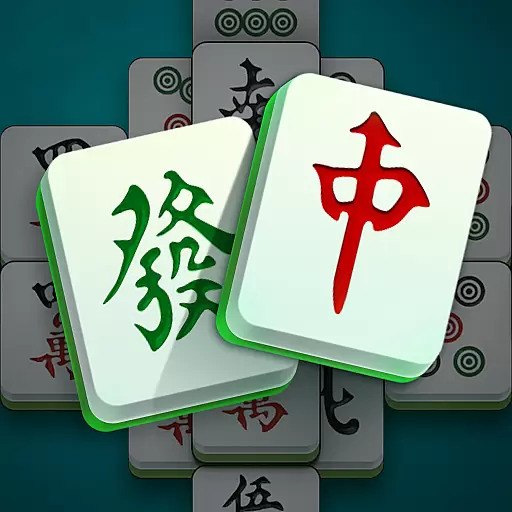
Mahjong Match: Relaxing and Fun Mahjong Tile Puzzle! Designed for seniors!
4.80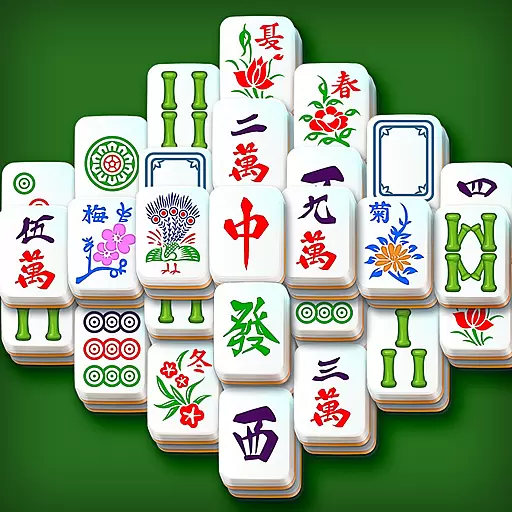
Relaxing Mahjong: Classic Tile Matching & Offline Puzzle Games! Install Now!
4.90
Coloring Book is the #1 paint by number game with tons of free zen coloring.
4.60
The deck-building board game adventure !
4.70
Companion app for Final Girl boardgame
4.50
The ultimate Chess app available. Install now for pure enjoyment!
4.80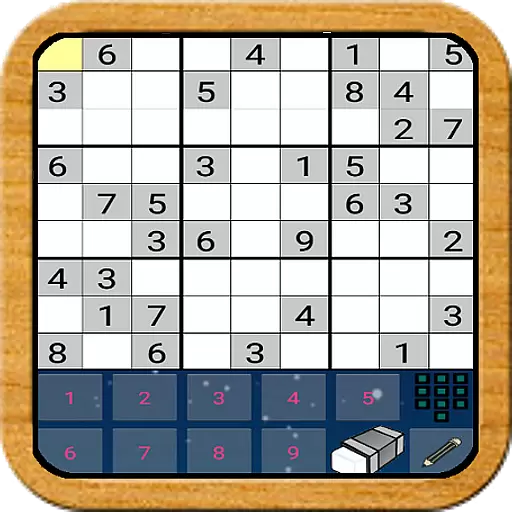
The Offline Version of Sudoku classic puzzle game without advertisements.
4.80
Control a team of heroes battling evil villains across dynamic environments!
4.70
Colorful Twist on Dice
4.70
Become a chess master
4.70
Mahjong Slide: Zen, a Relaxing and Fun Matching Game!
4.70
Experience a fresh take on the classic crime-solving board game.
4.60
Enhance your brain with vibrant visuals, enjoy 20,000+ stunning pics & puzzles!
4.50
Nostalgia Color: Relive Your Fondest Memories
4.40
The famous Ravensburger board game from star designer Stefan Feld.
4.30
Roll the dice, pass go and win! Play Hasbro's official MONOPOLY mobile game.
4.20


User Reviews