
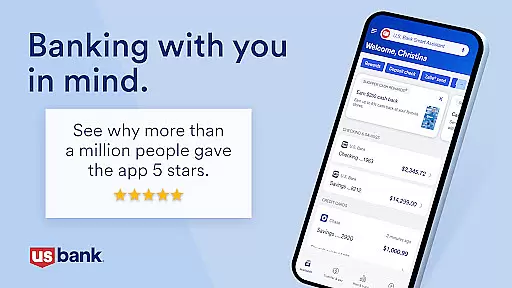
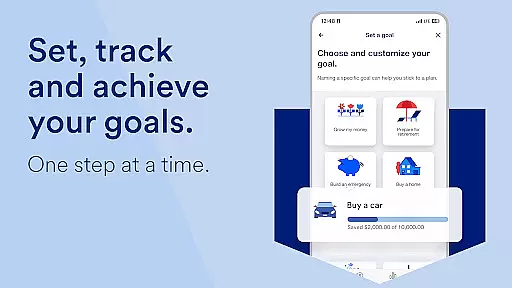
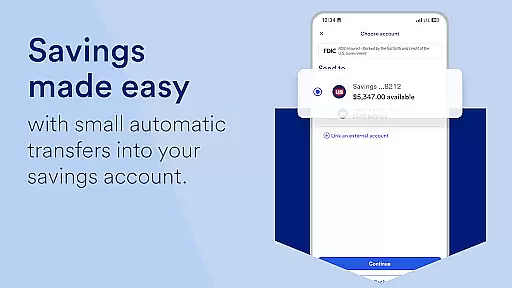
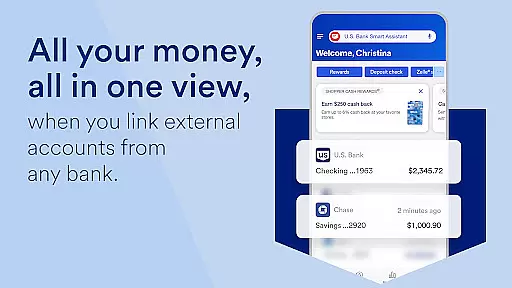
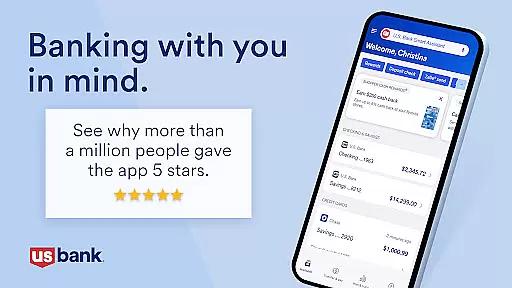
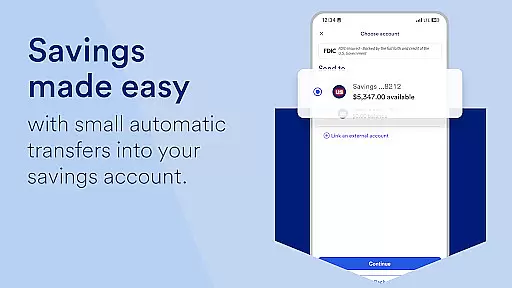
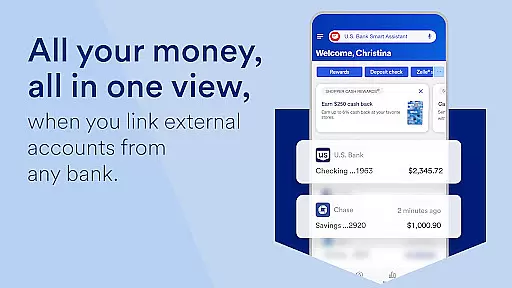
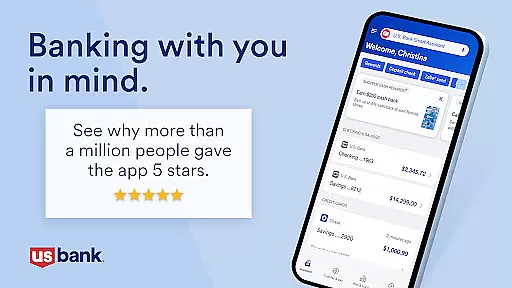
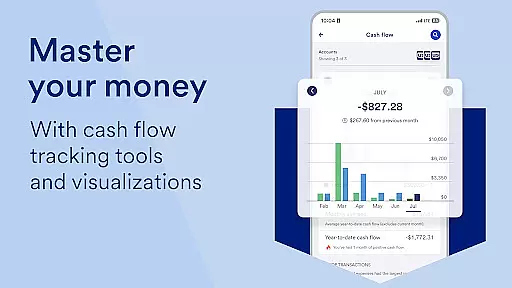
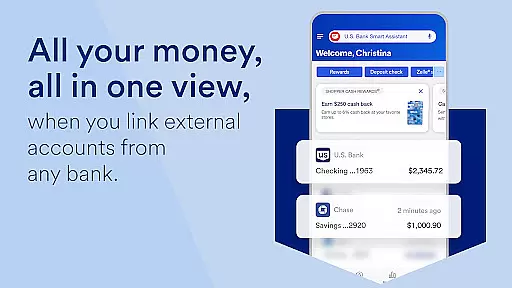
U.S. Bank Mobile Banking is a comprehensive financial management application designed to provide users with secure and convenient access to their banking services on-the-go. The app allows customers to log in using their usbank.com credentials, view account balances, manage credit cards, and receive alerts for suspicious activities or low balances. With features like the U.S. Bank Smart Assistant®, users can easily inquire about account details or transfer funds through simple voice commands.
In addition to basic banking functions, the app offers personalized insights into monthly spending patterns and provides recommendations on saving money based on individual financial behavior. Users can also take advantage of easy money movement options such as Zelle® for peer-to-peer payments, quick check deposits, bill management, and transfers between accounts. The app supports multiple languages including English and Spanish, making it accessible to a wider audience.
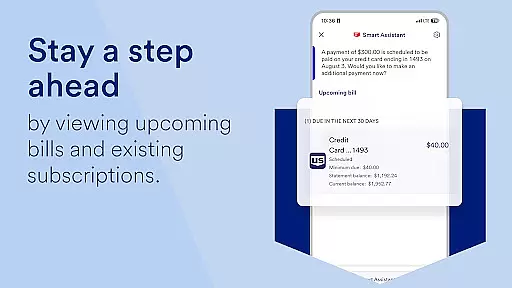
This mobile banking solution is particularly beneficial for frequent travelers who need to set travel notifications or lock/unlock their cards remotely. It also caters to those looking to explore new financial products by offering in-app applications for accounts, credit cards, loans, and more. With 24/7 help available via the Help Center, Digital Explorer demos, real-time support with Cobrowse, and branch/ATM locators, U.S. Bank Mobile Banking ensures that assistance is always at hand when needed.
One of the standout features of U.S. Bank Mobile Banking is its robust security measures combined with user-friendly functionalities. Customers can log in securely using their existing digital service credentials from usbank.com, and even enroll directly through the app if they do not have online access yet. The app provides real-time alerts for duplicate charges, suspicious activity, and low balances, ensuring users are always aware of their financial status.
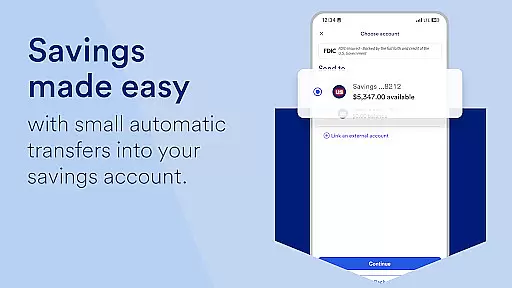
The app's U.S. Bank Smart Assistant® enhances user interaction by allowing them to ask questions and execute transactions using natural language processing. For instance, users can inquire about routing numbers or initiate fund transfers simply by speaking commands. Additionally, the app facilitates easy money movement with tools like Zelle® for sending and requesting money, increased limits for check deposits, centralized bill payment systems, and seamless transfers between various types of accounts.
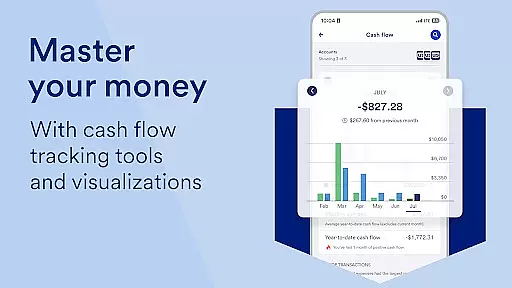
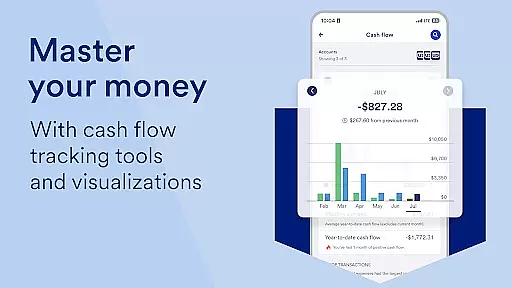
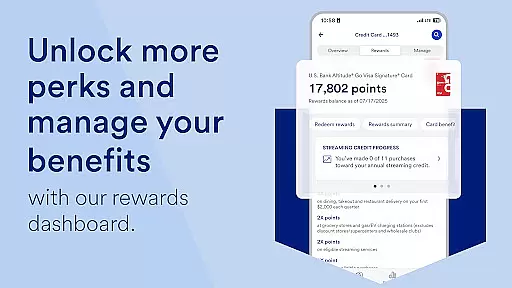
Personalized Insights offer another layer of value by analyzing monthly spending across key categories such as Food & Dining. Based on this analysis, the app delivers tailored recommendations aimed at helping users save and grow their money effectively. Furthermore, customers can manage their credit scores, add cards to mobile wallets, set travel notifications, and customize language preferences—all within a single platform designed to streamline personal finance management.
Account and fund security is a critical feature for any banking application, ensuring that users' financial information remains protected. U.S. Bank Mobile Banking employs advanced security measures such as multi-factor authentication and real-time alerts to notify users of suspicious activities or low balances. These features collectively help in safeguarding user credentials and preventing unauthorized access.
The app allows customers to enroll directly through their mobile devices, providing an additional layer of security by enabling them to set up travel notifications and manage card usage. Users can lock and unlock their cards instantly if they suspect any fraudulent activity, adding another dimension to personal account protection. This proactive approach ensures peace of mind when managing finances on-the-go.
Moreover, the integration with U.S. Bancorp Investments extends this secure environment to investment accounts, allowing seamless transfers between banking and investment portfolios while maintaining high-security standards. With these comprehensive protective measures, U.S. Bank Mobile Banking not only secures funds but also builds trust among its users, making it a reliable choice for digital banking needs.
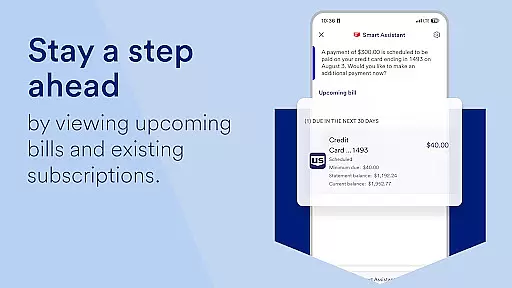
A seamless transaction experience is essential for a mobile banking app, and U.S. Bank Mobile Banking excels in providing efficient money movement options. The app supports various functionalities like sending and requesting money using Zelleu00ae, depositing checks quickly with increased limits, and managing billsu2014all from one convenient location. Such features simplify daily financial tasks, offering users a smooth and hassle-free banking experience.
Additionally, the U.S. Bank Smart Assistantu00ae enhances the transaction process by enabling voice commands for routine actions such as transferring funds between accounts. By asking simple questions or giving verbal instructions, users can execute transactions swiftly without navigating through multiple menus. This intuitive interaction significantly improves the overall usability of the application.
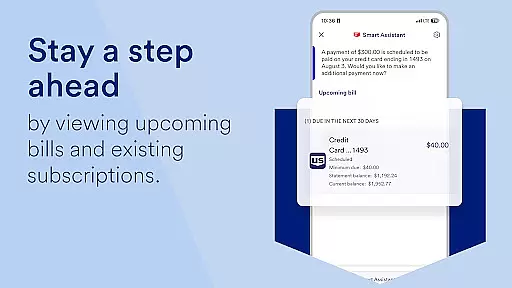
Furthermore, the ability to pay bills and make transfers between different types of accountsu2014including those held at U.S. Bancorp Investmentsu2014ensures that all financial operations are centralized within the app. This consolidation not only saves time but also provides a clear overview of one's financial status, empowering users to manage their finances more effectively and confidently.
User-friendly interface
Comprehensive account management
Advanced security features
Personalized financial insights
Convenient money movement options
Limited investment tools
No budgeting feature
Occasional bugs reported
Dependent on internet connectivity
Some features require enrollment

Secure, simple money transfer app. Send money to Mexico and worldwide fast.
 4.80
4.80
Retirement plan, IRA, retail and HSA customers serviced by Empower.
3.10
Manage and cancel subscriptions, lower bills, track expenses, create budgets.
4.60
Change the way you money with Credit Genie
4.30
Manage your credit card account with the Credit One Bank mobile app.
4.70
Read and extract public data on NFC Contactless banking card (VISA, MasterCard
4.30
Amazing Financial Calculator. Based on HP 10bII, but easier to use!
4.40
Military retirement pay estimation calculator
4.70
Earn money as a tester with Testerup, get cash testing apps and games
4.20
BA Financial Calculator PRO – Perfect for CFA/FRM/CPA and finance professionals
4.90
All expenses at a glance.
4.80
Currency Converter (200+ currencies) with live exchange rates and offline mode.
4.70
Navigate your unique financial path confidently with help from Credit Karma.
4.70
Early payday & cash advances with no-fee mobile banking!
4.60
The all-in-one app to save, earn, travel, and put more money in your pocket
4.50
Earn cash & save money daily. Access instant cash advances* - no credit check!
4.50
Save, spend & get paid faster²
4.50
Venmo is the fun and easy way to pay and get paid.
4.10
Invest, bank & save in one app. Trade stocks, earn high APY & budget smarter.
4.00


User Reviews