
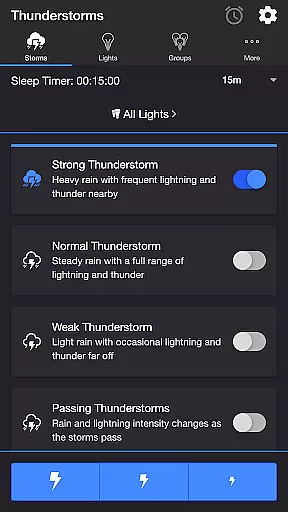
Thunderstorm for Hue is an innovative entertainment app that transforms your Philips Hue lights into a dynamic thunderstorm light show. The app allows users to simulate various types of thunderstorms, from weak to strong, with accompanying sound effects and customizable lighting patterns.
The application's core functionality lies in its ability to synchronize light pulses with realistic storm sounds, creating an immersive atmosphere. Users can choose from different storm intensities and customize multiple parameters including rain patterns, lightning effects, and background sounds. This makes it particularly suitable for home ambiance creation or relaxation purposes.
By offering precise control over lighting transitions, sound volumes, and timing settings, Thunderstorm for Hue provides both entertainment value and potential therapeutic benefits. The app's versatility in creating customized storm experiences demonstrates its practical value for enhancing living spaces or supporting stress relief through simulated natural environments.
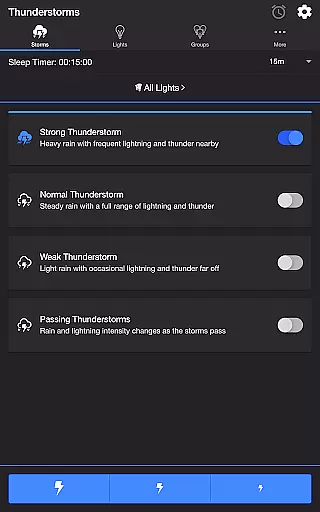
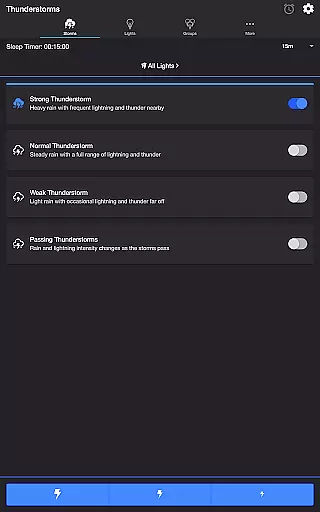
Thunderstorm for Hue stands out with its comprehensive feature set designed for creating realistic storm simulations. The app offers four distinct thunderstorm modes - Strong, Normal, Weak, and Passing - each with unique characteristics affecting light pulse rates and sound intensity.
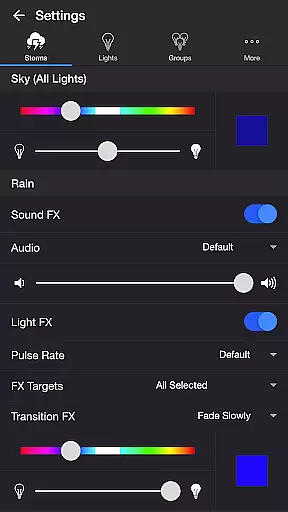
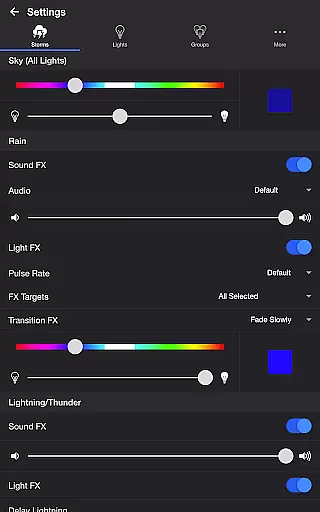
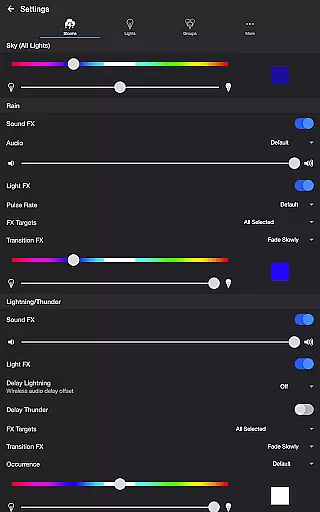
Advanced customization options include separate controls for sky, rain, and lightning elements. Users can adjust base color and brightness, toggle various sound effects, and fine-tune audio-visual synchronization. The app supports wireless audio delay compensation and provides multiple transition effects such as Pulse, Fade, and Flash. These features work together to create highly realistic storm experiences.
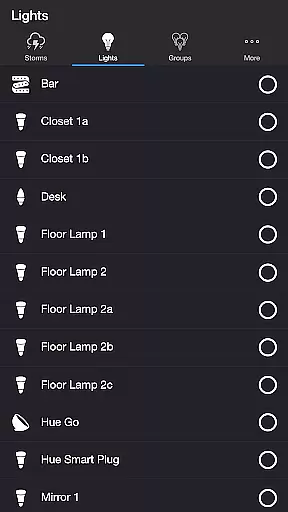
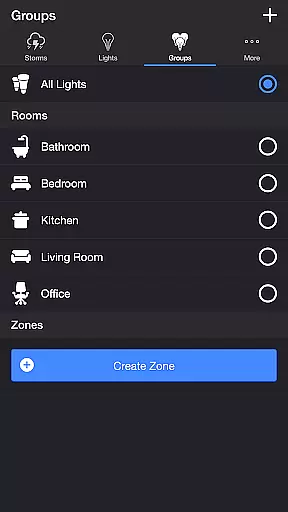
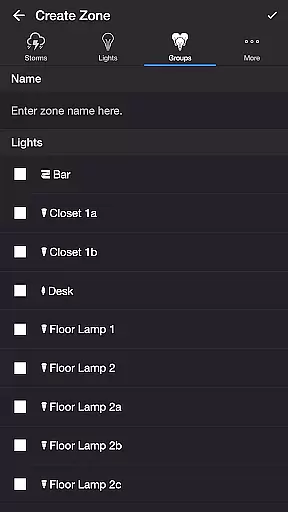
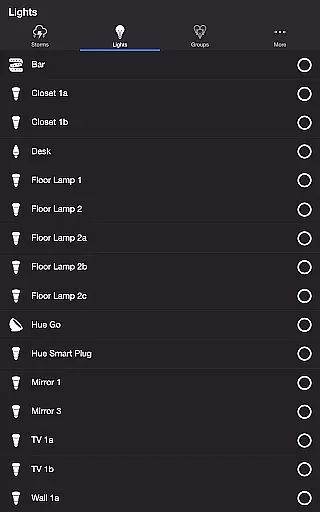
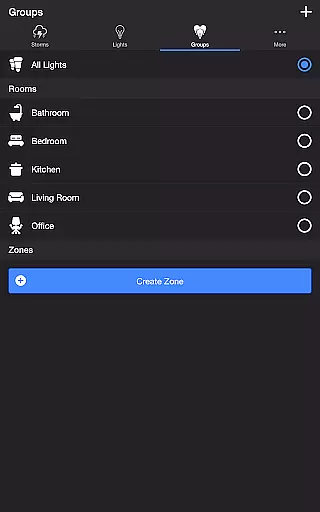
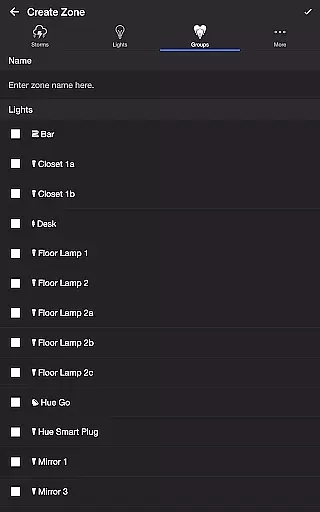
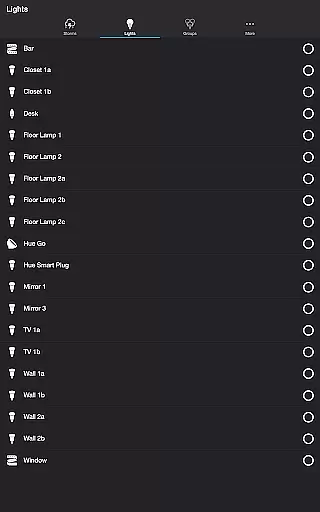
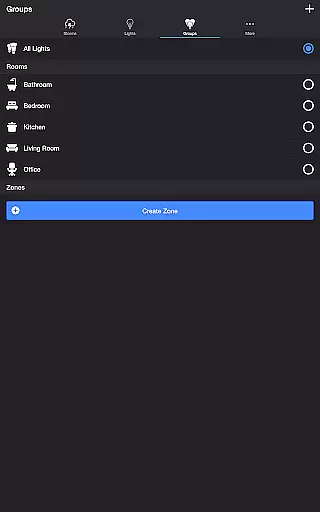
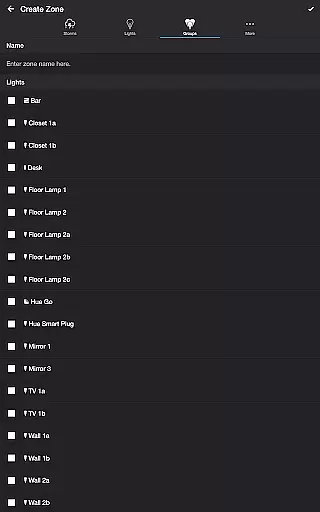
Additional notable capabilities include Lightning on Demand for manual control, Sleep Timer with audio fade-out, and support for Bluetooth speakers and Chromecast devices. The app also enables users to select specific lights or groups for their storm effects, making it adaptable to different room configurations and personal preferences.
Thunderstorm for Hue offers an impressive range of content variety that caters to different moods and preferences. With four distinct thunderstorm intensities, users can choose from Weak, Normal, Strong, or Passing Thunderstorms, each providing a unique light and sound experience.
The app's content is not static; it changes dynamically based on the selected storm type. For instance, Passing Thunderstorms alter their intensity over time, ensuring that the experience remains fresh and engaging. This dynamic content adjustment allows users to enjoy varying light shows that evolve as the storm progresses.
Moreover, the app provides additional features like Lightning on Demand and Sleep Timer, which add to the overall freshness of the user experience. These features ensure that users have continuous control and can tailor the experience according to their immediate preferences.
By offering diverse background sounds such as Birds, Cicadas, Crickets, and Frogs, Thunderstorm for Hue further enhances its content variety. Users can customize these ambient sounds, creating a rich and immersive environment that keeps the experience novel and enjoyable over time.
User engagement duration in Thunderstorm for Hue is significantly enhanced by its interactive features and customizable settings. The ability to manually control lightning effects through dedicated buttons ensures that users remain engaged with the app during their light shows.
The app's detailed settings for Sky, Rain, Lightning/Thunder, and Background Sounds allow users to fine-tune their experience, encouraging longer interaction periods. By adjusting parameters such as rain pulse rate, thunder volume, and lightning occurrence frequency, users are more likely to spend extended periods exploring different combinations.
Retention is further improved by features like Sleep Timer and recurring cycle options. These functionalities enable users to set up automated sessions that restart after a specified duration, promoting regular use without requiring constant manual setup.
Additionally, Bluetooth and Casting Support extend user engagement by integrating with external audio devices. This seamless connectivity ensures that users can maintain high-quality audio experiences, further incentivizing prolonged app usage and enhancing overall retention rates.
Highly customizable storm effects
Realistic audio-visual synchronization
Wide range of configuration options
User-friendly interface design
Supports multiple smart home devices
Requires Philips Hue Bridge
Premium features may cost extra
Setup process can be complex
Limited to Philips Hue ecosystem
May need technical knowledge

Exclusive Short Drama Video! All in HD. Bringe trending reels & enjoy drama time
 3.80
3.80
Play games. Earn real rewards. Cash out in 3hours via PayPal or gift cards.
4.40
Disney Stickers: Zootopia 2
4.2
Classic dynamic pixel art from Mark Ferrari.
4.70
Fun brain twisting challenge with trending Whirlpool Filter.
4.70
Direct access to the most complete Guitar Tab Archive in Spanish: LaCuerda.net
4.60
Browse popular images and videos from Reddit on Android TV!
3.90
Control your AWTRIX 3 easily
4.4
Bold original series & hit movies that don't hold back.
4.40
The OFFICIAL PeeWee Purpdrank Soundboard!
4.80
Time tracking, lap counting and much more for Carrera® Digital 132/124
4.80
Stream Live TV, News & Documentaries. Watch Full Seasons with PBS Passport.
4.80
Live TV, sports & holiday movies — stream on phone, tablet & TV
4.60
Tarot & Oracle Card Readings
4.50
Everything FOX in one place. Watch FOX News, NFL, MLB, TV shows and more.
4.50
Create and play realistic-looking mock Emergency Alert System messages.
4.30
Practice and master your ESP and intuition with five mode trainer.
4.20
Connect. Discover. Control.
3.60
See the frequencies! Watch the magic!
4.3


User Reviews