
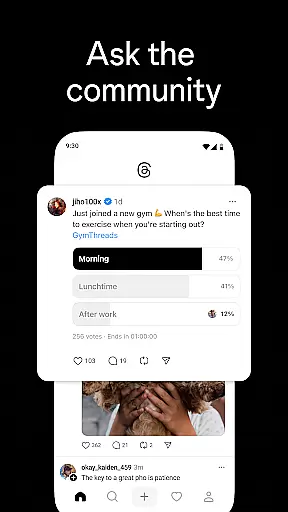
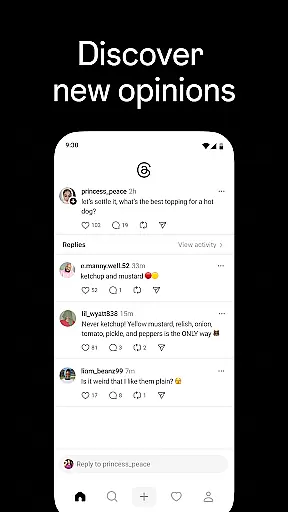
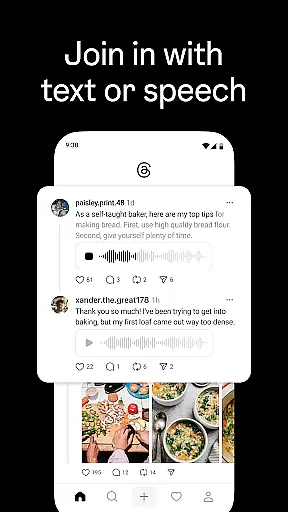
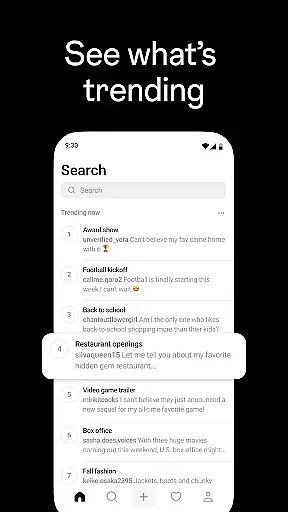
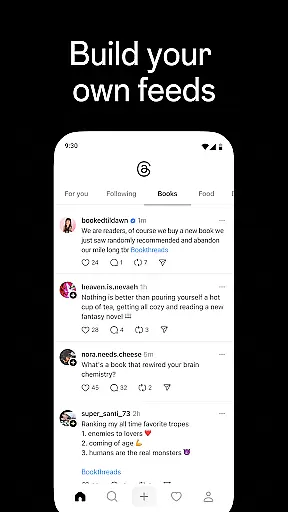
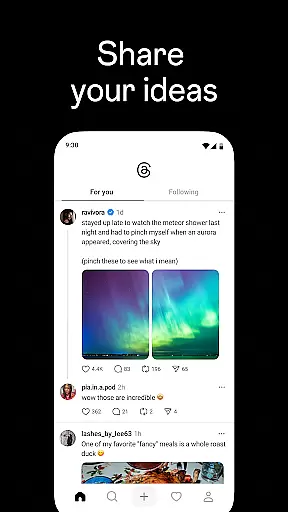
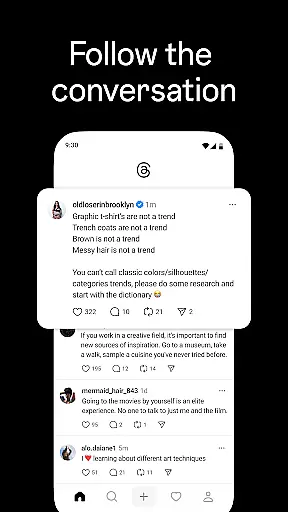
Threads is a text-based conversation app developed by Instagram, designed to foster engaging discussions around trending topics and personal interests. The platform allows users to connect with their existing Instagram followers while also discovering new communities. With intuitive controls for managing interactions and content visibility, Threads ensures a safe and authentic social experience.
A key feature of Threads is its seamless integration with Instagram, enabling automatic syncing of followers and verified profiles. Users can express themselves through threaded conversations, engage with creators and friends, and maintain control over who participates in their discussions. The app also supports discovery of new ideas and trends, making it an ideal space for sharing opinions and gaining inspiration from diverse perspectives.
Threads offers several distinctive features that set it apart in the social networking space. First, the app provides direct access to your Instagram network, allowing you to effortlessly follow the same accounts and discover new ones based on your interests. This continuity creates a familiar environment for expanding your social connections.
The app's thread creation functionality lets users share their thoughts and opinions in a structured format. Each thread can be customized with privacy settings that determine who can reply or interact with the content. Additionally, Threads incorporates advanced moderation tools inherited from Instagram's Community Guidelines, ensuring respectful and meaningful interactions.
Another notable feature is the app's integration into the fediverse, a decentralized network of independent servers. This positions Threads as not just another closed social platform but part of a broader ecosystem where information flows freely between different communities worldwide. Whether discussing entertainment, seeking advice, or staying updated on live events, Threads delivers a dynamic and interactive user experience.
User profile customization is a crucial aspect of any social platform, allowing individuals to express their identity and preferences. Threads offers seamless integration with Instagram, enabling users to carry over their existing username and verification status. This ensures continuity across platforms while maintaining the authenticity of user identities.
The app provides intuitive controls for customizing various profile elements. Users can personalize their profiles by selecting which Instagram followers to connect with, as well as discovering new accounts that align with their interests. This selective following feature helps create a more tailored and relevant social experience.
Authenticity verification is equally important in fostering trust within online communities. Threads inherits Instagram's robust verification system, ensuring that verified badges are consistently applied across both platforms. Additionally, blocked accounts from Instagram are automatically carried over, maintaining consistent safety measures.
These customization and verification features collectively enhance user experience by creating a secure environment where individuals can confidently express themselves. The ability to control who interacts with your content and how you present yourself contributes significantly to building meaningful connections within the Threads community.
Discovering new connections is fundamental to expanding one's social network and engaging with diverse perspectives. Threads facilitates this process through its sophisticated connection discovery mechanisms, which leverage existing Instagram relationships while introducing new possibilities for interaction.
The application automatically suggests accounts based on your Instagram following list, streamlining the process of establishing familiar connections. This feature saves time and effort by eliminating the need to search for friends manually. Moreover, it presents opportunities to discover new accounts that share similar interests or participate in relevant conversations.
Threads employs advanced algorithms to recommend creators and thought leaders in various fields. These suggestions are based on your expressed interests and engagement patterns, ensuring that you encounter content and personalities that genuinely resonate with your preferences. The platform's integration with the fediverse further expands these discovery possibilities.
This comprehensive approach to connection discovery enhances user engagement by facilitating meaningful interactions. Whether you're looking to follow industry experts, join niche communities, or simply stay connected with friends, Threads provides the tools necessary to build a rich and diverse social network that evolves with your interests.
User-friendly interface
Seamless Instagram integration
Robust privacy controls
Vibrant community engagement
Access to trending discussions
Limited standalone functionality
Dependent on Instagram ecosystem
Potential information overload
Privacy concerns with fediverse
Learning curve for new users

Watch 24/7 live stream, and make real friends nearby
 4.30
4.30
Video call, live video chat & talk to strangers. Meet people on Omega!
3.60
Swipe, Meet & Chat Real People
3.80
Live video chat to connect with people around the world. Video chatting on Olive
4.40
Follow the Truth! Join America's leading free-speech social platform.
3.10
Dating & make friend to chat, meet, flirt, and make real connections!
4.60
Find your next obsession.
3.50
Free texting (SMS) to US, Canada & more. Free new number. Call free & Text free.
4.30
Create & share photos, stories, & reels with friends you love
3.90
Get notifications of FREE Stuff for Nextdoor, Letgo, offerup & TrashNothing
4.70
Video call and chat, live stream and making friends around the world!
4.60
Match, chat & date with singles nearby. The dating app to find true love
4.50
Watch 24/7 great live stream, or go live to boost your social followers!
4.50
Global short video platform: epic effects, trending videos & vibrant community!
4.40
Second phone number for phone calls & texts. Text & SMS me now with a 2nd number
4.20
Instant messaging — simple, fast, secure, and synced across all your devices.
4.00
Instant video chat with cool people. Live video call & make friends with Monkey!
3.80
Go Live, Chat & Meet New People! Friends. And more than friends.
3.80
Resonate & Date with New Match
3.70


User Reviews