



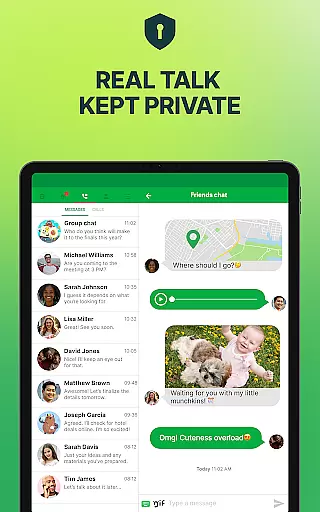
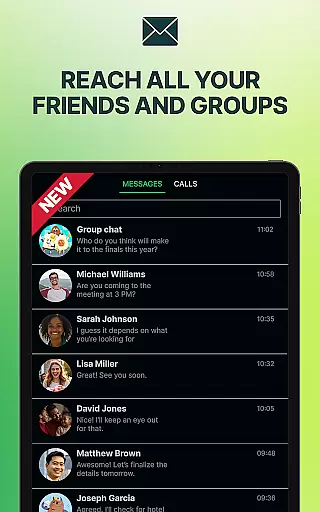

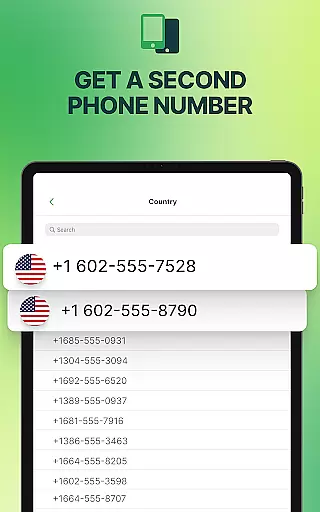
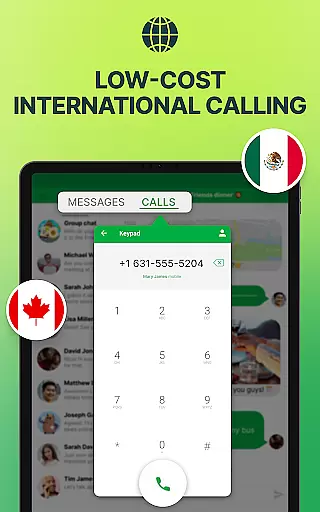


textPlus is a versatile communication app that provides users with a second U.S. phone number for free texting and affordable calling. With over 150 million users, it supports unlimited texting to U.S. numbers, free inbound calling via WiFi, and low-cost international calls. The app operates without requiring a SIM card or traditional mobile plan, making it ideal for work, travel, or maintaining privacy.
The app's core functionality includes a real U.S. second phone number, enabling users to send texts, make calls, and access advanced features like group messaging and MMS. textPlus also offers multi-device sync, allowing seamless access across smartphones and tablets. Whether you're traveling internationally, managing separate work and personal lines, or simply seeking more control over your communications, textPlus delivers flexibility and reliability.
By combining free services such as WiFi calling and unlimited domestic texting with robust privacy protections, textPlus ensures users can stay connected affordably and securely. Its ability to function on any device with internet access makes it an essential tool for modern communication needs.
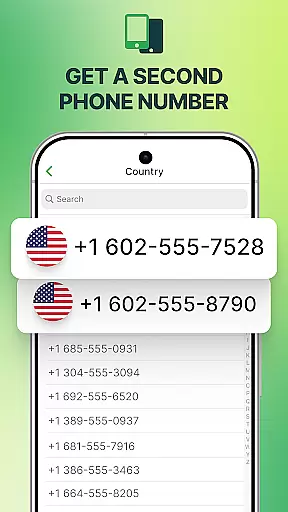
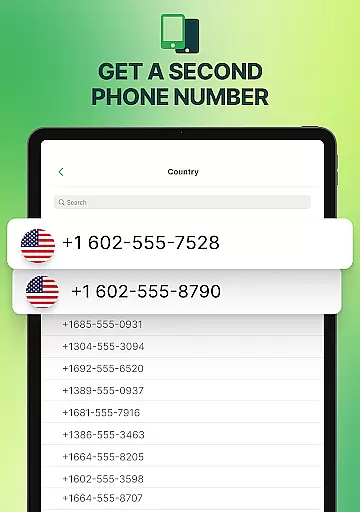
textPlus stands out with its comprehensive feature set tailored for flexible communication. One of its key highlights is the provision of a verified U.S. second phone number, which allows users to choose their preferred area code. This feature is particularly beneficial for professionals who need distinct work and personal lines or travelers wanting a local number abroad.
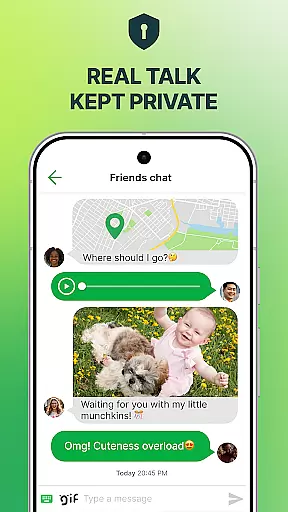
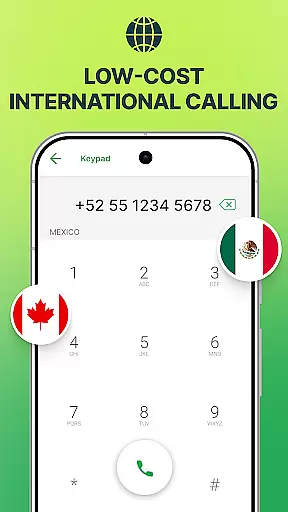
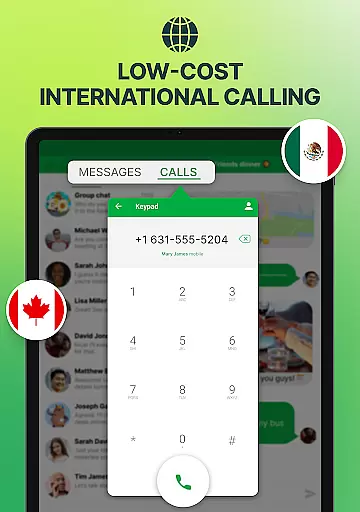
In addition to offering unlimited free texting and multimedia messaging (MMS), textPlus supports group chats and works seamlessly over WiFi or mobile data. The app also facilitates free inbound calling, removing the need for additional SIM cards or costly mobile plans. For international communication, users can purchase affordable credits to make outbound calls globally.
Another standout feature is multi-device synchronization, which lets users access their call and message history from any linked device. This ensures continuity whether you're using a smartphone, tablet, or other gadgets. With no contracts or hidden fees, textPlus combines convenience, cost-effectiveness, and security, making it a top choice for those seeking reliable secondary communication options.
User profile customization and authenticity verification are essential features in social applications like textPlus. These functionalities allow users to create personalized profiles while ensuring the legitimacy of their identities, which is crucial for fostering trust within the community.
textPlus offers a range of customization options for its users. You can choose a U.S. area code and get a free, verified phone number that serves as your identity on the platform. This second phone number not only provides an additional layer of privacy but also enables you to manage both personal and professional communications effectively.
The app ensures authenticity through its verification process. When you sign up, textPlus assigns you a real U.S. number that is recognized by other users, thus promoting genuine interactions. The ability to access your call and message history across multiple devices further enhances this continuity and reliability.
By providing these robust profile customization and verification features, textPlus empowers its users to maintain control over their digital personas. Whether it's for work, travel, or maintaining privacy, having a verified second line adds significant value to your communication experience.
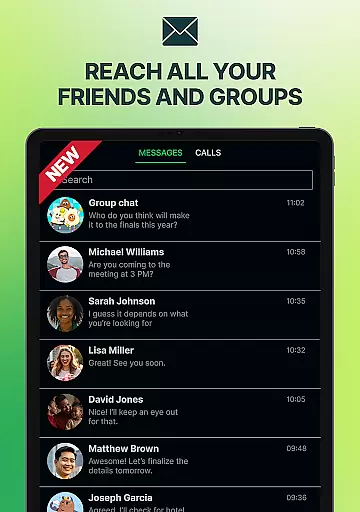
Connection discovery is a pivotal aspect of any social application, enabling users to find and connect with others effortlessly. In textPlus, this feature facilitates seamless interaction by allowing users to reach out to contacts using just their U.S. mobile numbers.
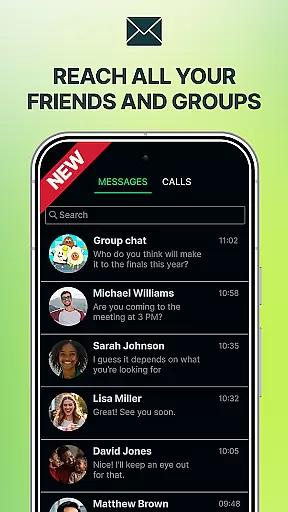
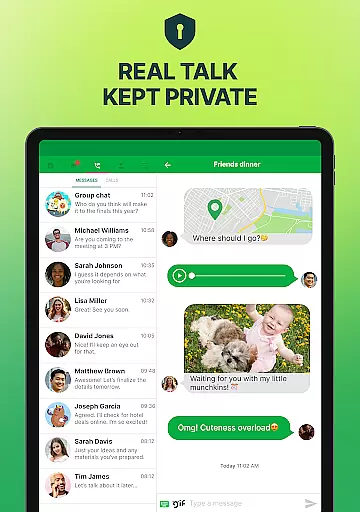
With textPlus, unlimited free texting extends to any U.S. mobile contact, making it easier than ever to stay connected without worrying about costs or limits. The app supports MMS and group messages, enhancing the ways you can communicate with friends, family, or colleagues.
Moreover, textPlus leverages WiFi calling and messaging capabilities to ensure that connection discovery isn't hindered by geographical constraints. Whether traveling abroad or moving between locations domestically, you can place calls and send texts using WiFi or mobile datau2014perfect for staying in touch without incurring roaming charges.
This emphasis on efficient connection discovery makes textPlus particularly appealing for travelers, freelancers, students, and anyone needing flexible communication solutions. By removing barriers to connectivity, textPlus fosters meaningful relationships and keeps users engaged with its versatile messaging options.
Free second phone number
Unlimited U.S. texting
Low-cost international calls
Multi-device sync
No hidden fees
Limited free outbound calls
Occasional ads in free version
Requires internet connection
Area code selection may be limited
Paid credits for some features

Video call and chat, live stream and making friends around the world!
 4.60
4.60
Match, chat & date with singles nearby. The dating app to find true love
4.50
Meet local people, make friends & network: Join a community, group, host events
4.00
Watch super live shows 24/7, chat & meet friends in Plamfy social networking app
4.70
live inside your fandom
4.60
Message and video call your family and friends!
2.60
Watch 24/7 great live stream, or go live to boost your social followers!
4.50
This version of Facebook uses less data and works in all network conditions.
4.60
Connect and share ideas
4.10
The hottest live chat app so far. Video chat and meet great people...
4.60
SuperLive is a super popular video-streaming social network
4.60
A video app from OpenAI - AI video generation by the maker of ChatGPT
4.60
Watch 24/7 live stream, and make real friends nearby
4.30
Online group games like Mafia, Word War, Scattergories, Ludo, Uno, and many more
4.30
Looking for a date or a friend? Swipe to match and meet open-minded singles.
4.20
Dating for singles. Meet lonely people nearby online. Find your match here!
4.20
The official Skool app. Stay connected to your communities on the go.
4.20
Create your personal AI chatbot: talk, roleplay, and connect with characters!
4.10
Follow the Truth! Join America's leading free-speech social platform.
3.10


User Reviews