
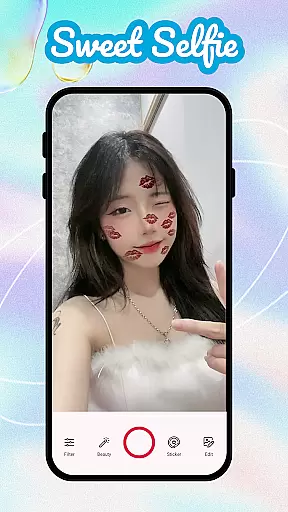
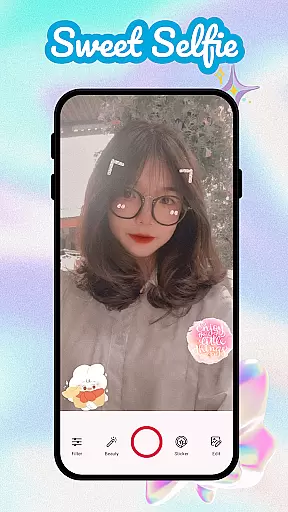
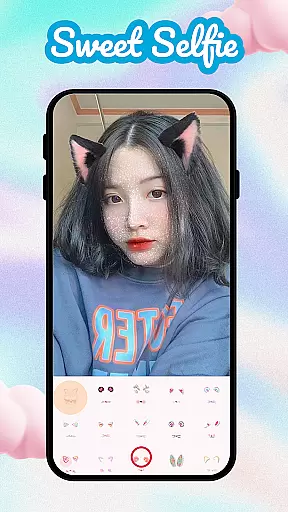
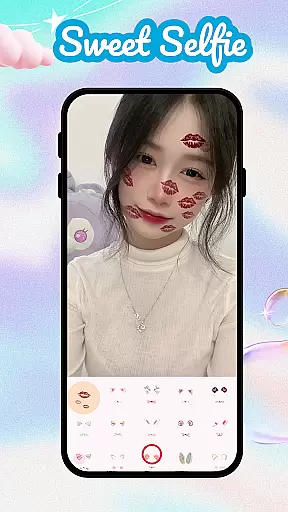
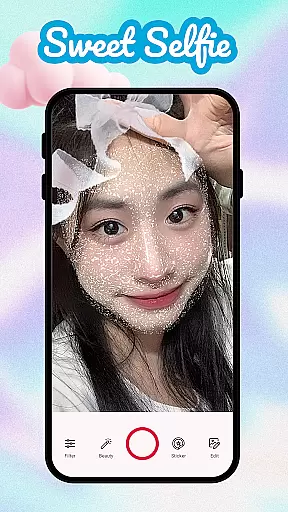
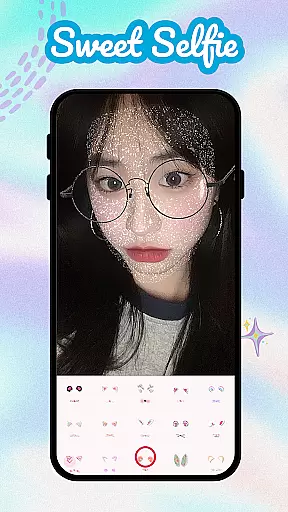
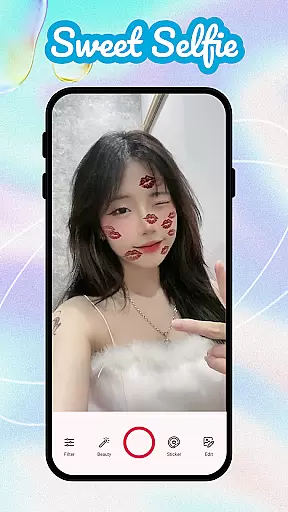
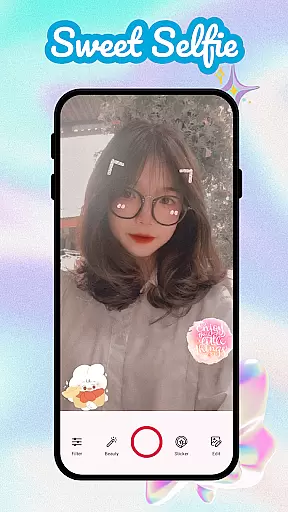
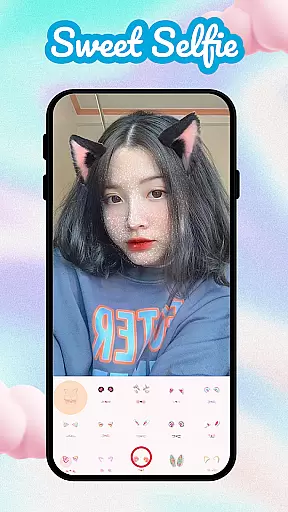
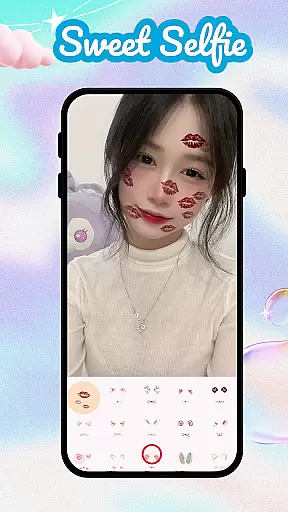
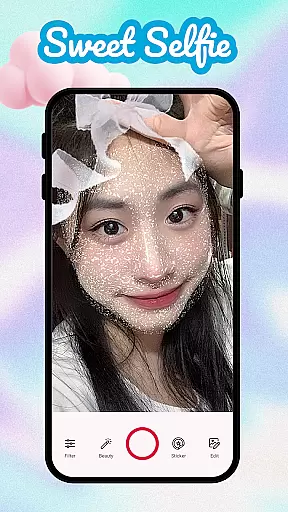
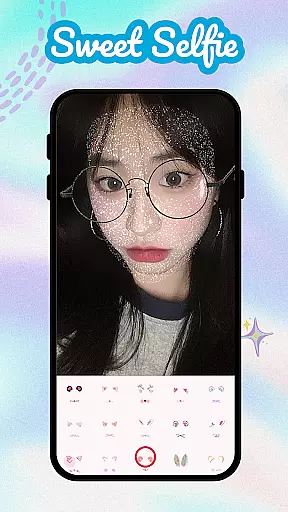
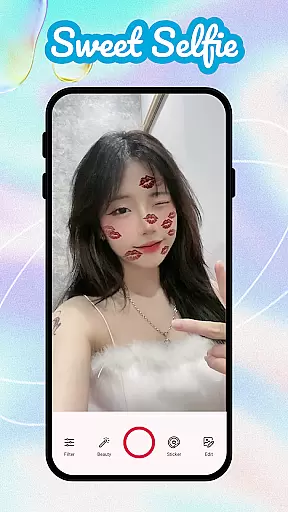
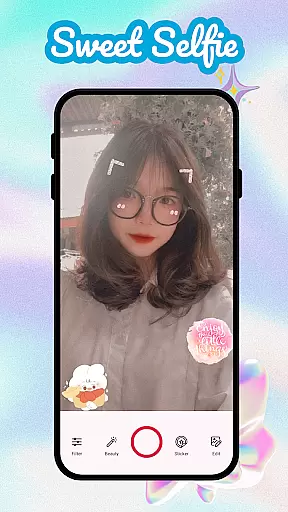
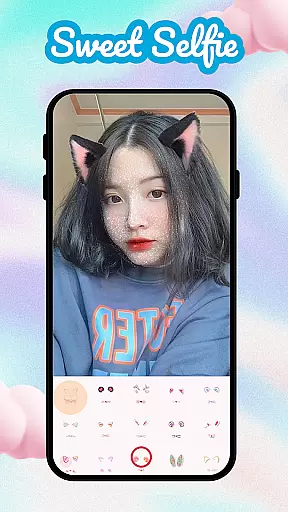
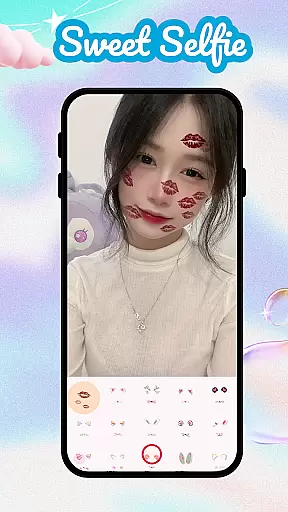
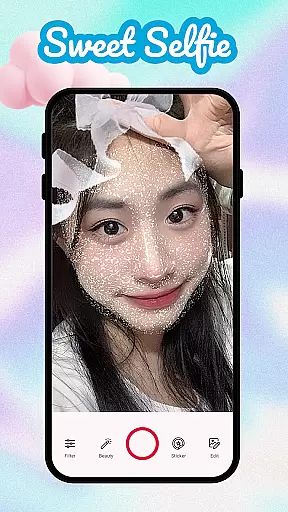
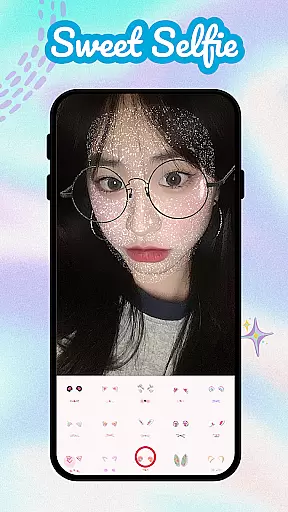
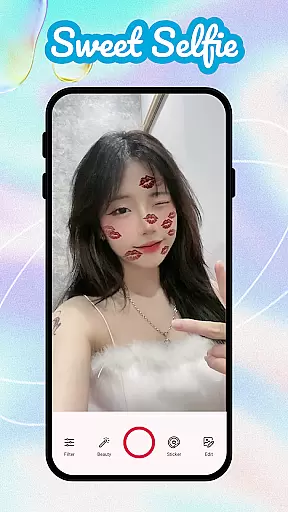
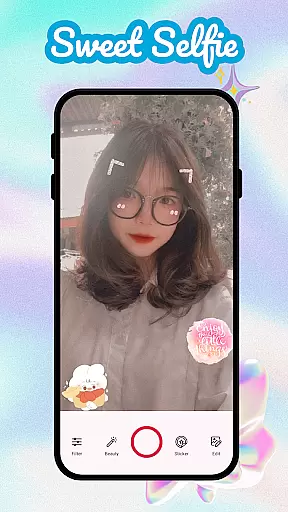
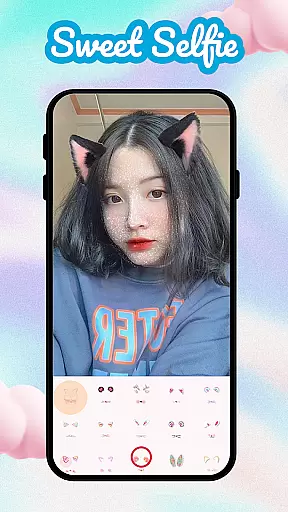
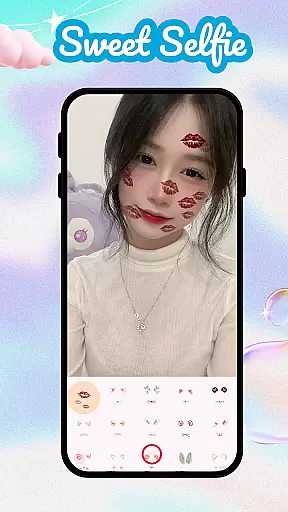
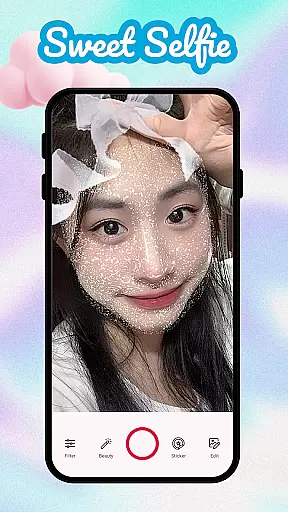
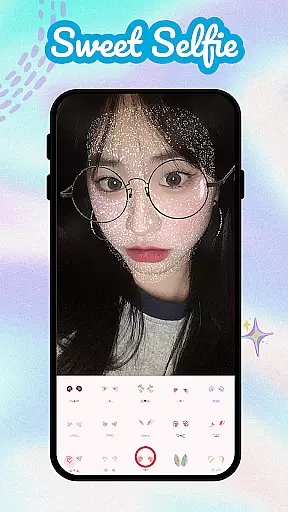
Sweet Camera Selfie is a feature-rich beauty camera app designed to enhance your selfie game with advanced filters, effects, and editing tools. The app offers intelligent face recognition technology that allows users to apply natural makeup, retouch skin imperfections, and add playful stickers such as heart crowns, cat ears, and angel wings.
With its diverse range of features including Beauty Selfie Camera, Face Filter Camera, and Photo Editor, this app ensures every photo stands out. Whether you're looking for flawless skin enhancement or creative animal-themed filters, Sweet Camera Selfie provides everything needed to capture stunning selfies effortlessly.
This app is perfect for social media enthusiasts who want to create picture-perfect moments with minimal effort. Its intuitive interface and powerful customization options make it an ideal choice for anyone seeking professional-quality edits on the go.
Sweet Camera Selfie boasts an impressive array of features tailored for selfie enthusiasts. One standout capability is its intelligent face recognition technology, which automatically detects facial features to apply natural makeup and skin enhancements. This ensures users achieve a polished look without appearing overly edited.
The app also includes a vast library of fun and creative filters. From bunny ears to angel wings, users can personalize their photos with playful stickers and effects. Additionally, the built-in Photo Editor offers advanced tools like resizing, trimming, blurring, and cutout options, allowing for complete creative control over each image.
Another key feature is the Makeup Editor, which lets users experiment with different makeup styles directly on their selfies. Combined with the ability to save favorite filters and effects, Sweet Camera Selfie empowers users to consistently produce high-quality, visually appealing content.
When it comes to beauty applications like Sweet Camera Selfie, the depth of the product database plays a crucial role in delivering an exceptional user experience. A comprehensive product database ensures that users have access to detailed information about various beauty products and filters available within the app.
Sweet Camera Selfie offers an extensive range of beauty filters, stickers, and effects that cater to diverse user preferences. From basic beautification tools such as skin smoothing and makeup options to creative enhancements like cat ears and heart crowns, the app provides a rich selection for personalizing selfies.
The value of a deep product database lies in its ability to offer precise details on each feature's functionality. Users can understand how different filters alter their appearance or how specific stickers can add a playful touch to their photos. This level of detail empowers users to make informed decisions when enhancing their images.
Ultimately, the depth of Sweet Camera Selfieu2019s product database enhances user satisfaction by providing numerous customization options. Whether applying subtle retouches or dramatic effects, users benefit from having a wide array of choices at their fingertips, ensuring every selfie reflects their unique style and personality.
Personalization precision is a key aspect of any beauty application, allowing users to tailor their experience according to individual preferences. For Sweet Camera Selfie, this means offering highly accurate and personalized beauty solutions that adapt seamlessly to each user's unique facial features.
The app employs intelligent recognition technology to apply natural makeup effects and adjust filter intensity based on facial contours. This ensures that enhancements look authentic rather than over-processed. Features like face tune, makeup options, and customizable stickers enable users to create looks that resonate with their personal style.
By leveraging advanced algorithms, Sweet Camera Selfie learns from user interactions to refine its recommendations continuously. As users experiment with different filters and effects, the app becomes more adept at suggesting personalized options that align with their aesthetic preferences.
This focus on personalization precision not only improves the overall user experience but also fosters greater engagement. Users are more likely to return to an app that consistently delivers tailored results, making Sweet Camera Selfie a go-to choice for capturing stunning and uniquely personalized selfies.
User-friendly interface
Wide variety of filters
Advanced face recognition
Powerful editing tools
Fun sticker options
May drain battery quickly
Some features require premium
Occasional ads in free version
Large file size
Learning curve for beginners

Blushify is a beauty camera for makeup, face editing, and glowing selfies!
 4.70
4.70
Crown Heart Emoji Photo Editor has given you the chance to look cute girl
4.40
Beauty Camera - Selfie Camera with beauty editing tool, makeup, filter, sticker
4.60
Wacky mirror filter, waves effect & wavy effect to make your own funny videos.
4.60
The mirror app you were looking for, simple and easy to use. Try Mirror now.
4.60
Beauty/age defining ai coach guides you through the exercises in daily routine.
3.30
The all new Cosmo Prof app offers exclusive pro products, deals, and training.
4.00
Beauty Camera & Selfie Camera snap Beauty selfie with filter, makeup, stickers
4.80
DSLR Hd camera capture high quality 4k hd picture with filters and blur editor
4.50
Enhance your selfies with face beauty makeup tool and an easy background remover
4.70
HD Camera, Selfie Camera, Camera filters, is a fully featured 4K camera
4.60
Top brand haircare & fragrance
4.60
Beauty Mirror - True mirror app with light, shaving mirror, makeup mirror app
4.50
Your on-demand aesthetician
4.40
Seasonal color palettes for shopping clothes and makeup products with confidence
4.20
True mirror app with zoom, LED light, for makeup & shaving anywhere!
4.20
Seasonal color palette, my personal color, hair color changer, makeup, wardrobe
4.20
Glow up with science: cosmetics, ingredients scanner, tracking & face analysis
4.10
Enjoy convenience wherever you are with the Tune Up, The Manly Salon app.
3.20


User Reviews