
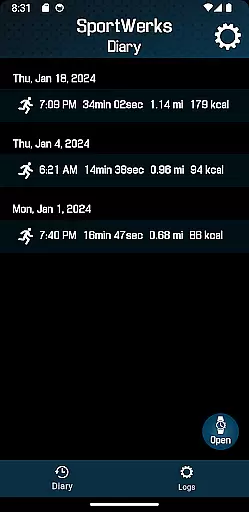
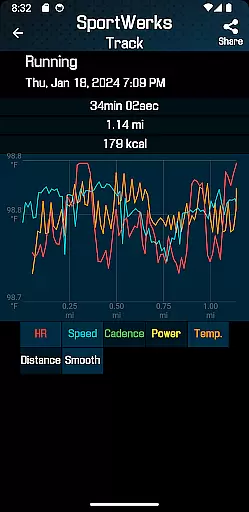
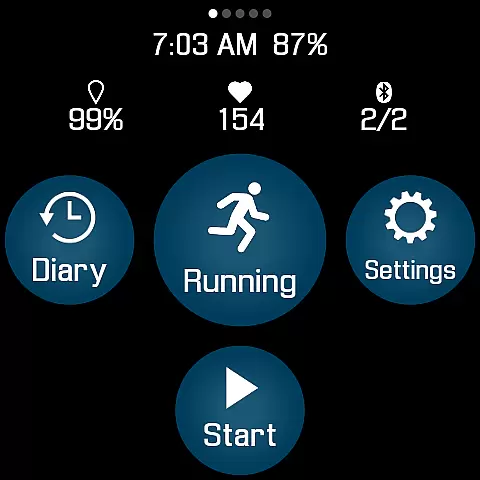
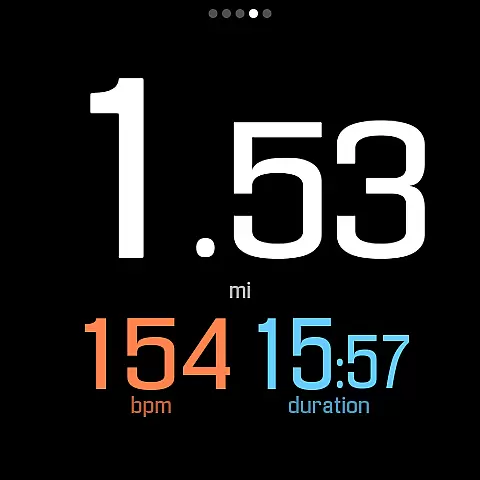
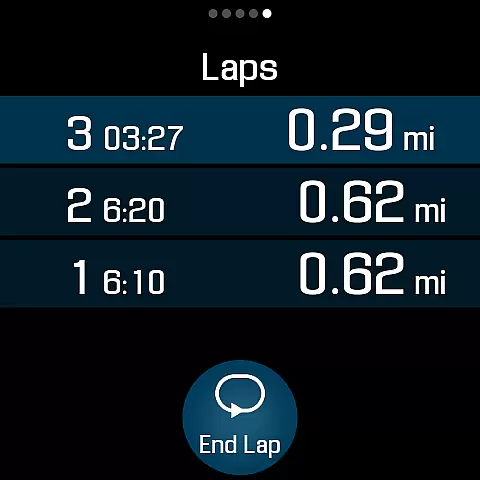
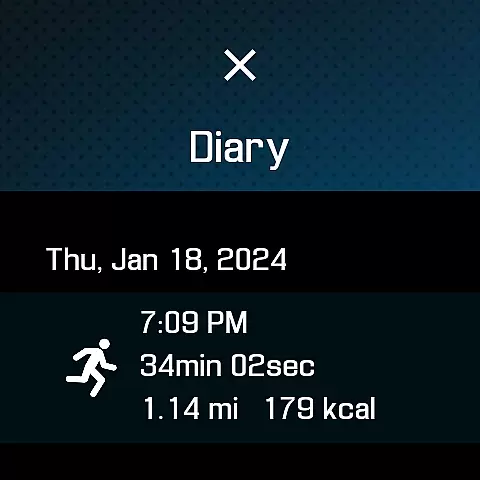
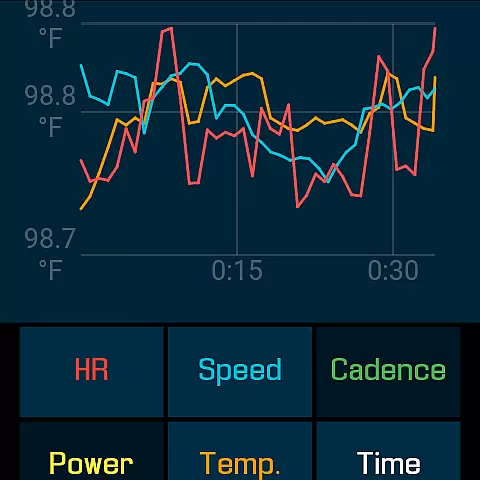
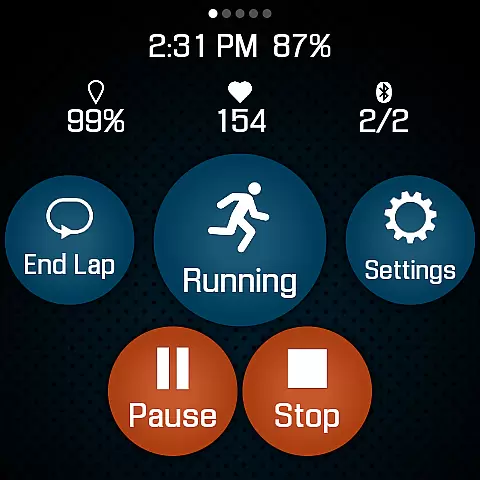
SportWerks is a comprehensive workout tracker designed specifically for Wear OS watches, offering users the ability to customize their workout screens with large, easy-to-read numbers. This Health & Fitness app stands out by providing accurate tracking of various workouts and seamless integration with popular fitness platforms like Strava, FinalSurge, and TrainingPeaks.
The app supports a wide range of activities from the Google Exercise library, including running, cycling, swimming, and more. It tracks essential metrics such as heart rate, location, pace, and power, while also allowing connection to BLE devices from leading fitness brands. With its robust feature set and real-time companion app adjustments, SportWerks delivers a complete fitness tracking solution directly on your wrist.
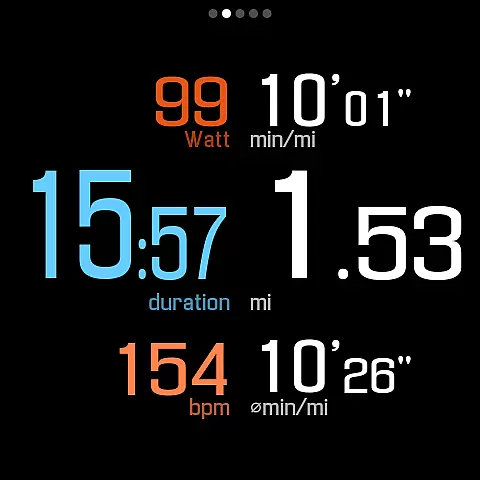
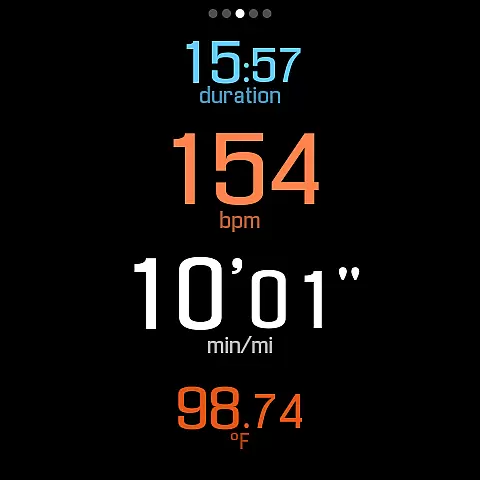
SportWerks boasts an impressive array of features tailored for fitness enthusiasts. The app provides multiple workout screen layouts (6-values, 4-values, 3-values, Laps) that can be toggled on or off with a single tap, ensuring users can view the data most relevant to them during workouts.
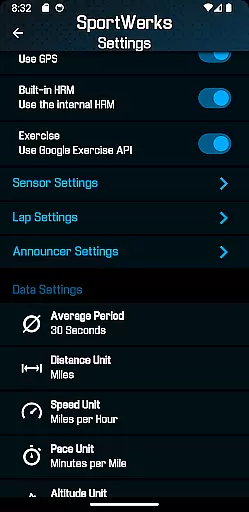
One of the standout capabilities is its compatibility with a variety of BLE devices, including heart rate monitors and cycling power meters from companies like Stryd, CORE, Wahoo, Polar, and Suunto. After workouts, users can automatically send their data to Strava, FinalSurge, or TrainingPeaks, or export .FIT files for use with any fitness management system. Additionally, the companion Android app allows for real-time setting adjustments and .FIT file management, enhancing the overall user experience.
Personalized planning in fitness applications refers to the ability to tailor workouts according to individual preferences and goals. SportWerks - Workout Tracker excels in this area by offering users the flexibility to customize their workout screens, displaying data that aligns with their specific interests during exercise sessions.
The app supports a wide range of workout types from the Google Exercise library, ensuring that whether you're running, cycling, or swimming, your plan can be personalized. With options to connect to various Bluetooth-Low-Energy (BLE) devices, users can further refine their experience by integrating their favorite fitness gadgets.
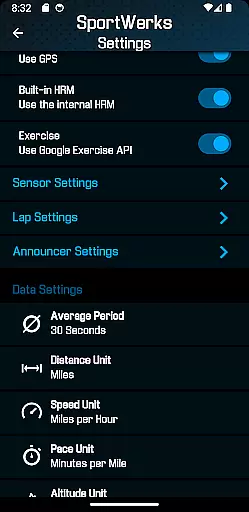
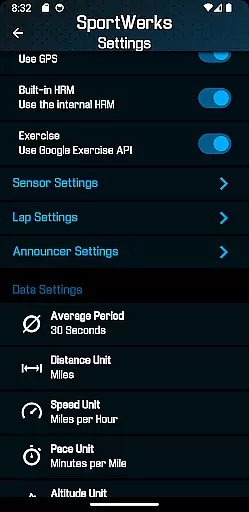
Moreover, SportWerks allows for setting adjustments directly from an Android-based phone through its companion app. This real-time customization empowers users to adapt their workout settings on-the-fly, providing a truly personalized and responsive planning tool that evolves with their fitness journey.
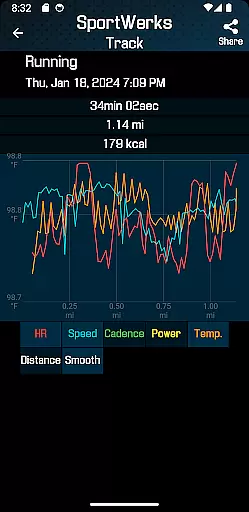
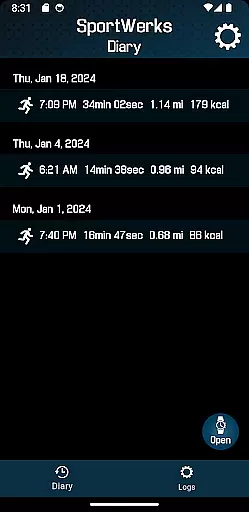
Progress visualization is a critical component of any fitness app, allowing users to see their achievements and stay motivated. SportWerks offers multiple workout screens with large, easy-to-read numbers, making it simple for users to monitor their progress at a glance without interrupting their routine.
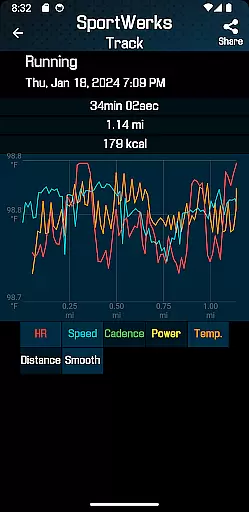
Beyond just showing data, SportWerks tracks all aspects of a workout including heart rate, location, stride rate, pace, power, and elevation. This comprehensive tracking provides users with detailed insights into their performance over time, which is essential for visualizing incremental improvements.
In addition to on-screen metrics, the app also features audio notifications through the watch speaker or paired headset. These announcements deliver timely feedback at set distances or timed intervals, reinforcing the visual data with auditory cues and ensuring that users remain informed and engaged throughout their workouts.
Customizable workout screens
Wide device compatibility
Automatic data syncing
Real-time app adjustments
Comprehensive activity tracking
Limited to Wear OS
No iOS companion app
Premium features may require payment
Occasional connectivity issues
Complex setup for beginners

Live Heart Rate Pro - Real Time Heart & Workout Data For Wear OS & Bluetooth BLE
 3.20
3.20
The Wear OS BeechBand app is designed to alleviate anxiety and other conditions
4.4
Enjoy the Gluten Free living with the best app. SCAN the barcodes & SEARCH.
3.60
Show your support for the development of FitNotes - Gym Workout Log
4.90
Wall Pilates at home & Pilates workout for beginners for core and weight loss.
4.80
Blood Pressure Log, HRV & Heartbeat Tracker. Pulse Checker.
4.40
FitCloudPro takes care of your health every minute.
3.70
This is an application that serves as a companion app for smart watch.
4.20
Manage your and your family's health information.
4.60
Meditation app, head space app provides calm music to help you meditate & sleep
5.00
Power-lifting, weightlifting and Wendler 531 app to track your workout program.
4.90
You deserve easy access to important insurance information. Download for FREE.
4.70
Drink water reminder app. Track water intake. Smart simple hydration tracker.
4.70
Get lasting results with Chair Yoga, Wall Pilates, and Walking workouts!
4.60
Binaural Beats - Fully Customizable Waves - Pure Sound - No Loops
4.50
Chair Workout: Women's Edition for safe, flexible, and personalized fitness.
4.40
50 HD sounds to help you relax during the day and sleep great at night!
4.40
Your personal BP tracking companion, focus on helping you achieve wellness goal.
4.10
Measure real-time wrist & ambient temperature with your Galaxy Watch (Wear OS)
3.20


User Reviews