
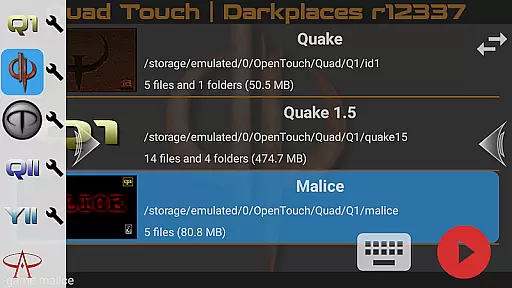
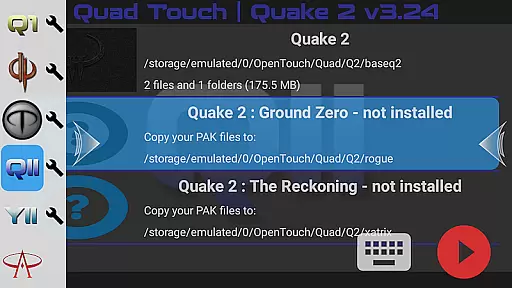
Quad Touch brings the most advanced Quake engines to Android, offering an unparalleled first-person shooter experience. The app supports multiple engine versions including DarkPlaces, QuakeSpasm, FTEQW, and more, each providing unique features and enhanced graphics.
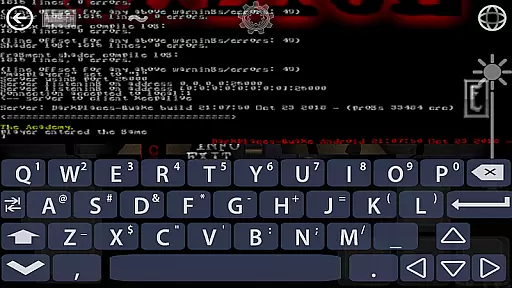
With full gamepad support, built-in keyboard, and customizable touch controls, Quad Touch ensures precise and comfortable gameplay. Players can enjoy official expansion packs for Quake 1 and 2, as well as Hexen 2, on their mobile devices.
Ideal for FPS enthusiasts, this app is perfect for gaming on the go, allowing users to import their own game files and enjoy classic titles with modern enhancements.
Quad Touch stands out with its comprehensive selection of Quake engines, each catering to different preferences. The DarkPlaces engine offers enhanced graphics, while QuakeSpasm stays true to the original experience.
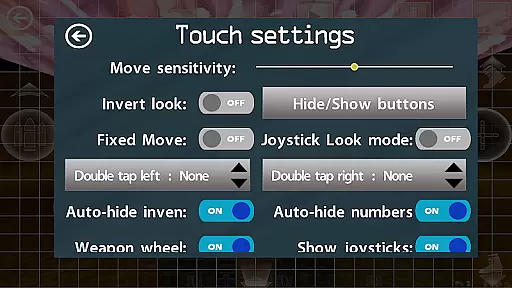
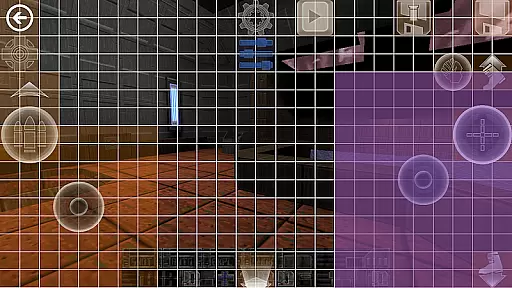
The app's touch controls are among the best available on Android, featuring a weapon wheel, custom buttons, and gyro aim assist. These controls, combined with full gamepad and keyboard support, provide versatile gameplay options.
Additional features include mod support, settings import/export, and scoped storage compatibility. With these capabilities, users can fully customize their gaming experience and enjoy both classic and modern Quake titles on their mobile devices.
Control responsiveness and latency are crucial factors in action games, determining how quickly and accurately a player's input translates into in-game actions. Quad Touch offers some of the most advanced FPS touch screen controls available on Android, ensuring that every tap and swipe is registered with precision.
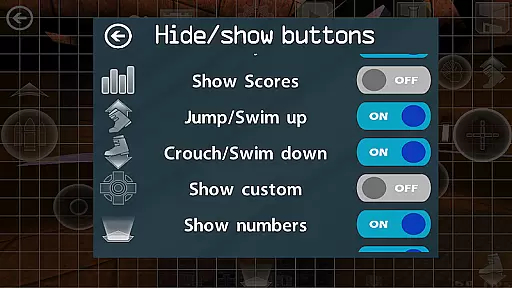
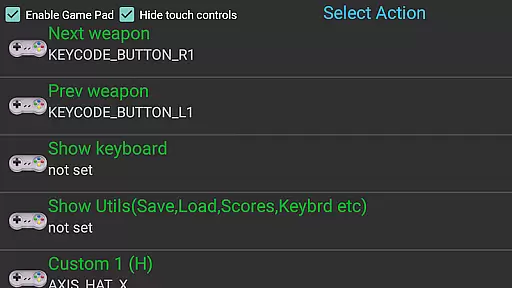
The app supports full gamepad integration, providing an authentic console-like experience. With built-in keyboard functionality and customizable buttons, players can tailor their controls to match their playstyle. This level of customization ensures that users can optimize their setup for maximum responsiveness.
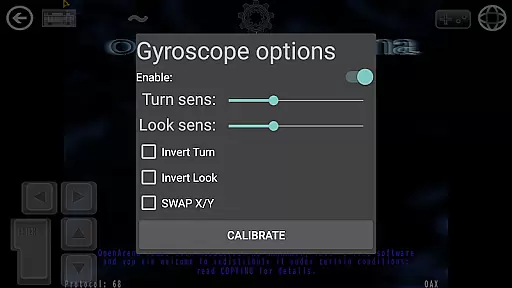
Quad Touch also features gyro aim assist, which leverages your device's gyroscope to enhance aiming accuracy. This feature adds another layer of control, making it easier to hit targets and react swiftly in fast-paced scenarios. The combination of these elements results in a seamless and responsive gaming experience.
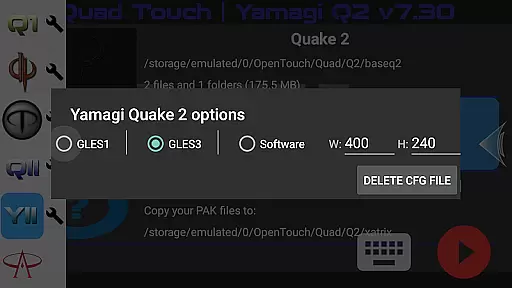
Combat feedback tightness refers to how well a game communicates the impact of combat actions to the player. In Quad Touch, this aspect is meticulously crafted to provide a visceral and engaging experience. The app includes various engines like DarkPlaces, QuakeSpasm, and FTEQW, each offering enhanced graphics and multiplayer capabilities.
These engines deliver striking visual effects and realistic physics, contributing to a more immersive combat environment. Players can see and feel the difference when they fire weapons or take damage, thanks to detailed animations and sound effects. Such attention to detail enhances the overall perception of combat dynamics.
Additionally, Quad Touch provides weapon wheels and six custom buttons that allow players to bind specific commands. This flexibility ensures that combat actions are not only visually satisfying but also intuitively accessible. As a result, players enjoy a tight and responsive combat feedback loop, elevating their gaming sessions to new heights.
Advanced engine options
Excellent touch controls
Full gamepad support
Customizable interface
Regular updates
No included game files
Complex setup required
High-end device needed
Limited user guidance
Large file sizes

Survive the post apocalypse in intense zombie shooting and gun games on doomsday
 4.60
4.60
Defeat the nasty aliens!
5.00
Play through 45 action-packed missions with over 90 iconic Marvel characters!
3.00
NEOGEO's masterpiece game is now available in the app!
4.70
Five years ago, Carl ‘CJ’ Johnson escaped the haze of Los Santos, San Andreas…
3.30
Collect & Survive
4.30
Experience the epic Western adventures that defined a generation
3.90
Break the ragdoll and relieve your stress! This is the ultimate de-stress game.
4.40
Master shooting games as a hitman sniper in this ultimate action FPS
4.50
Plan. Adapt. Assassinate.
4.80
A roguelike hack'n'slash game
4.70
Swing into action as a spider legend in an epic fighting adventure
4.60
Welcome to the ultimate FNaF mashup!
4.60
Carjack the open world like it's 1989!
4.50
The fast-paced FPS that changed gaming forever.
4.40
Epic Fantasy RPG & Arena
4.30
A Naruto game full of 3D competitive action!
4.20
Combine a wide variety of skills and abilities to unleash dazzling combo attacks
4.00
Secret of Mana—the landmark action RPG first released for SNES in 1993!
3.60


User Reviews