
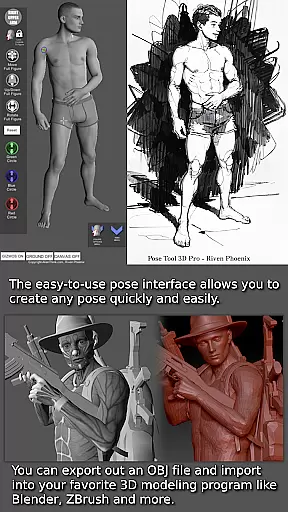
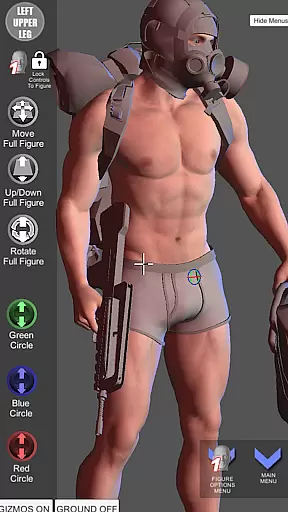
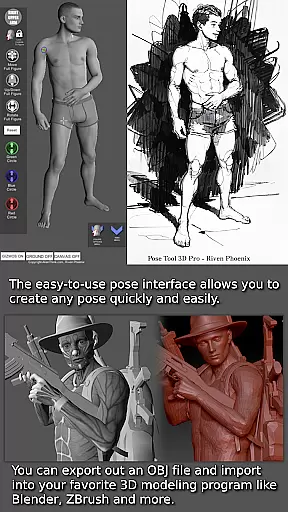
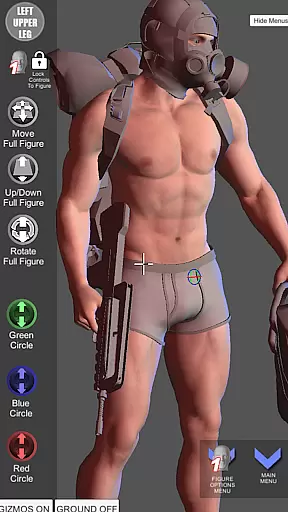

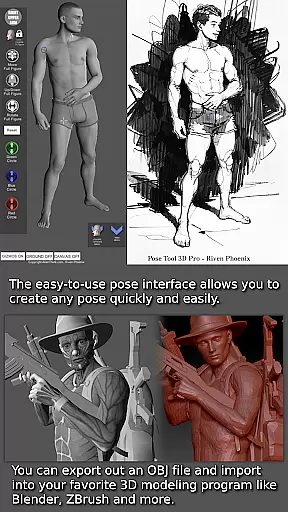
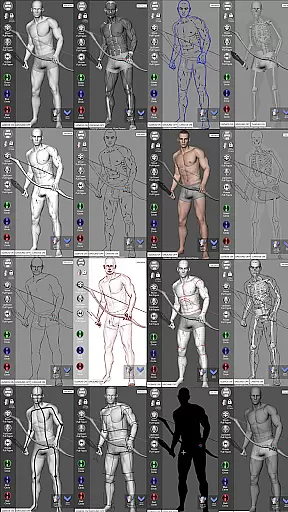
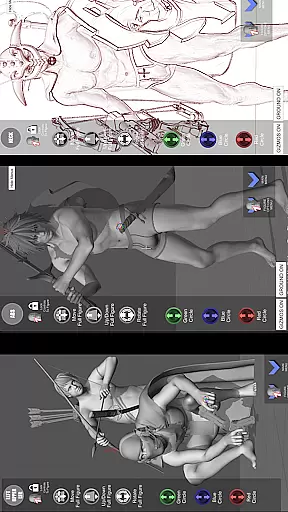
Pose Tool 3D is an essential app for artists, illustrators, and animators seeking a versatile figure posing tool. Declared one of the Top 10 must-have apps by ImagineFX magazine, it offers an easy-to-use interface to create any pose with both male and female figures. The app stands out with its unconstrained posing capabilities, allowing geometry to intersect for realistic or extreme poses. Whether you are working on illustrations, comic books, manga, character design, animation, or storyboarding, Pose Tool 3D provides the tools necessary to bring your ideas to life.
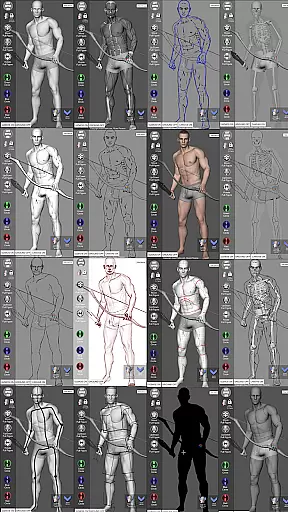
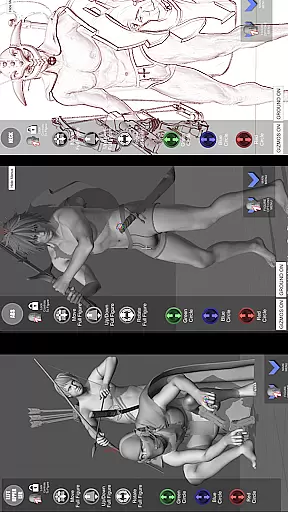
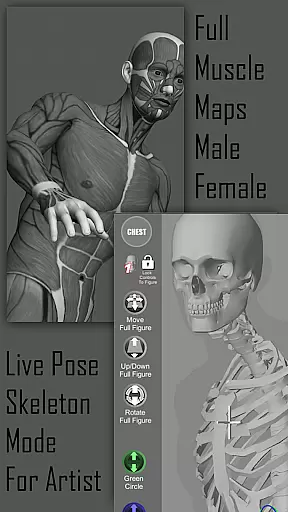
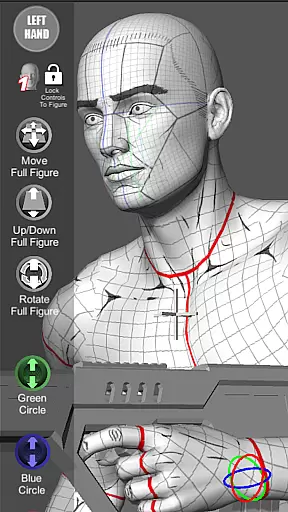
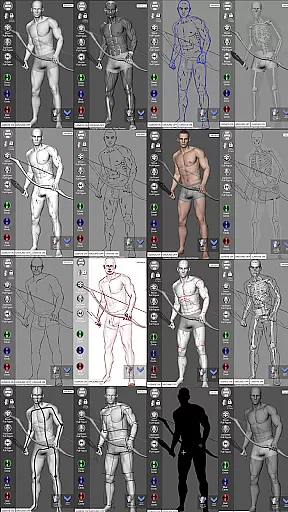
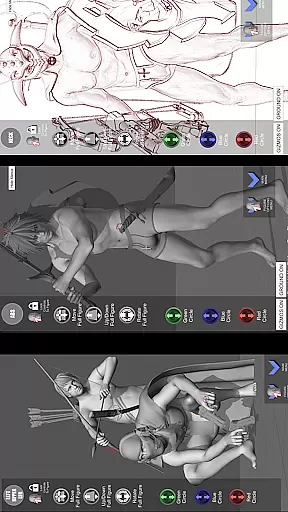
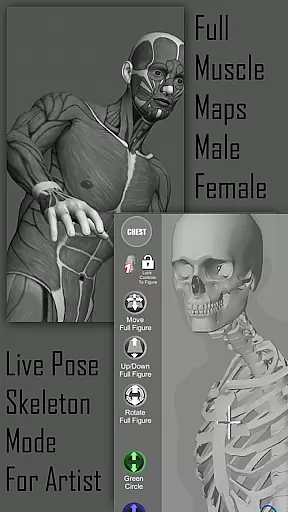
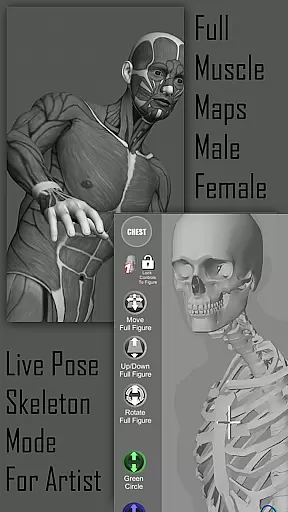
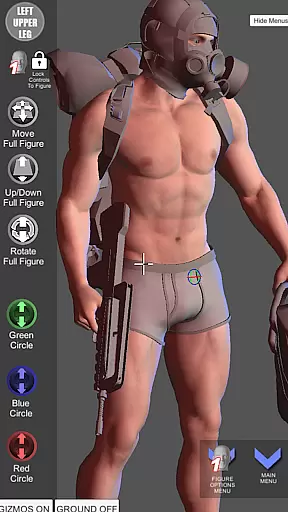
One of the key features of Pose Tool 3D is its ability to visualize the 3D human figure in different drawing modes, catering to both 2D and 3D preferences. With muscle maps included, users can gain a deeper understanding of anatomy, seeing how muscles move and flex as they pose the figure. This makes it an invaluable resource for both beginners learning about anatomy and experienced professionals looking to refine their skills. Additionally, the app includes everyday objects and weapons that can be attached to figures, adding depth and detail to compositions.
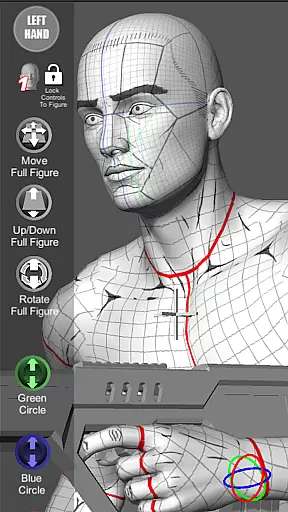
Pose Tool 3D boasts a wide array of powerful features designed to enhance creativity and productivity. The touch controls allow for intuitive manipulation of figures; use one finger to orbit, tap to select body parts, and pinch with two fingers to zoom and pan simultaneously. These controls enable users to set up dramatic shots quickly. For complex angles, users can pose hips and reset them anytime using the pose reset icon.
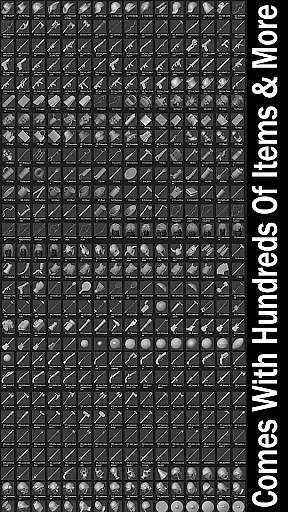
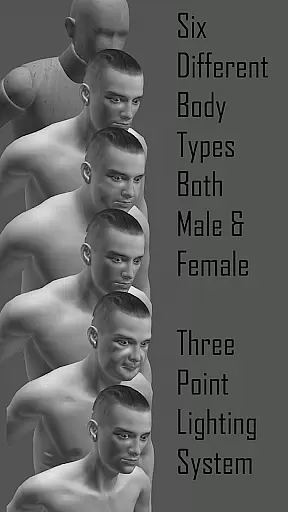
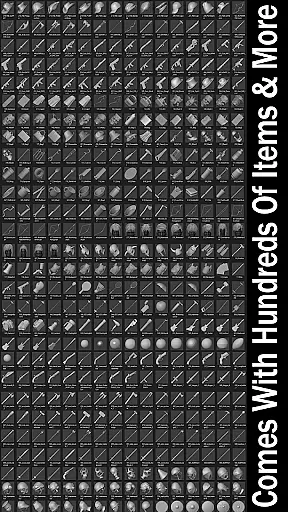
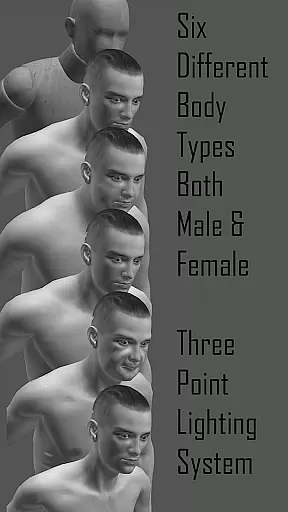
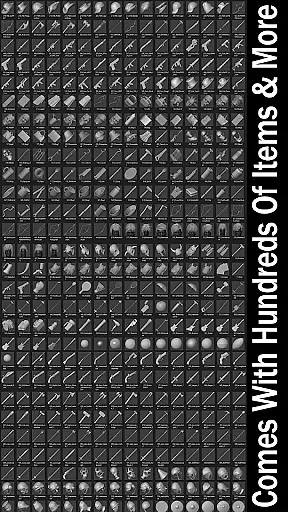
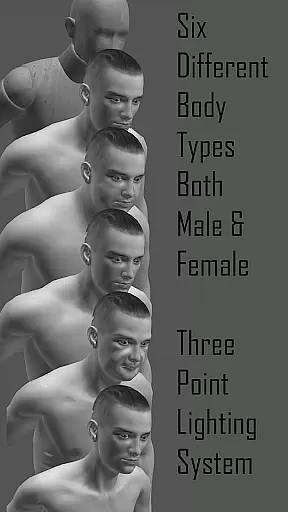
The menu system is rich with functionalities including an inventory system with hundreds of items, easy pose buttons, help menus, save and load pose options, perspective grids, and camera FOV adjustments for perspective. Users can choose from multiple male and female figures and switch between various modes such as mannequin mode, black mode, pencil sketch mode, comic sketch mode, skeleton mode, and more. The inclusion of a 3-point lighting system and gesture system mode further enhances the creative possibilities. With diverse body types ranging from average to muscular, users have extensive customization options at their fingertips.
Pose Tool 3D offers an extensive and diverse library tailored for comic creators. With over a dozen unique male and female figures, the app provides countless posing possibilities. These figures can be customized with various body types including average, heavy, old, skinny, and muscular models.
The app goes beyond just human figures by offering hundreds of inventory items such as everyday objects and weapons. This wide selection allows artists to create detailed and immersive scenes that bring their comic panels to life. The inclusion of multiple drawing modes like Pencil Sketch, Comic Sketch, and Life Drawing further enhances creative options.
Artists benefit from features like Muscle Maps Mode and Skeleton Mode which provide deeper anatomical understanding. These tools help in crafting realistic character movements and expressions essential for compelling comic storytelling. Additionally, specialized modes like Camera Lucida and Gesture System enable precise figure tracing and dynamic posing.
All content within Pose Tool 3D is developed with proper licensing and authenticity in mind. The app has been recognized by industry leaders, being named one of the Top 10 must-have apps by ImagineFX magazine. This endorsement highlights its credibility among professional artists and illustrators.
Each figure and object within the app is crafted to ensure accurate representation without copyright infringement. Users can trust that the muscle maps, skeletal structures, and mannequin modes are designed based on legitimate anatomical references. This commitment to authenticity supports artists in creating believable and professional-quality work.
Furthermore, the app's developers at AlienThink have implemented features like multi-layer verification for pose accuracy. Artists can rely on these verified poses when working on illustrations, storyboarding, or character designs. This dedication to content integrity makes Pose Tool 3D a trusted resource in the creative community.
User-friendly interface
Versatile posing options
Comprehensive muscle maps
Wide range of drawing modes
Extensive inventory system
Steep learning curve
Limited free features
Occasional bugs
High system requirements
Subscription fees

Create your personalized cartoon comic strips & comic books.
 3.20
3.20
Find free mangas in Spanish
4.70
The ultimate app for comic lovers
4.50
The pure application on the Manga SWAT website
4.80
AsuraScans read manga, manhua, manhwa, and webtoon
3.90
Manga reader for manga, manhua, manhwa & webtoon, online & offline, update daily
4.50
See the newest comic book releases and manage your comic collection or pull list
4.70
This application will enable donated users only function in Perfect Viewer.
4.90
The largest manga, comics, and manhwa community with millions of fans!
4.50
Artists wanting to use decent hand reference on the go, this app is for you!
4.70
TMOLector is an app to read all kinds of manga and stories!
4.50
Crunchyroll Manga—unlimited, uninterrupted reading with offline access & more!
4.50
The most popular comic book reader.
4.40
Read latest manga with this minimal reader with NO ADS.
4.30
Browse and read all your comics and mangas from YACReaderLibrary
4.20
Arabic manga reader
4.00
More fun from BOM! Hurry up and do the following self-test, if you meet more than one item, come and experience the brand new world of comics!
3.40
The best app for digital comics - Welcome to Lezhin!
3.10
A free paradise specially built for comic lovers. When you step into this comic universe full of surprises, it is like opening a door to endless joy. You are immediately immersed in the wonderful world brought by reading and enjoy the infinite charm of reading.
4.0


User Reviews