
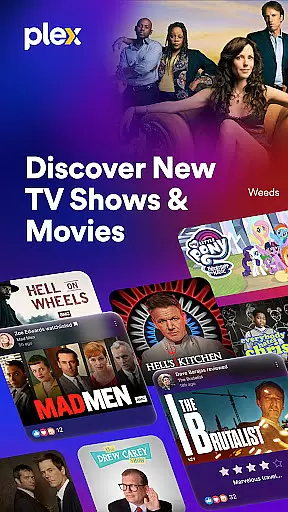
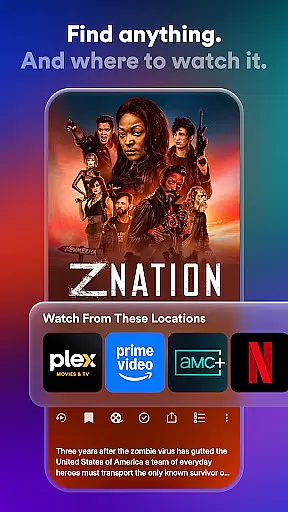
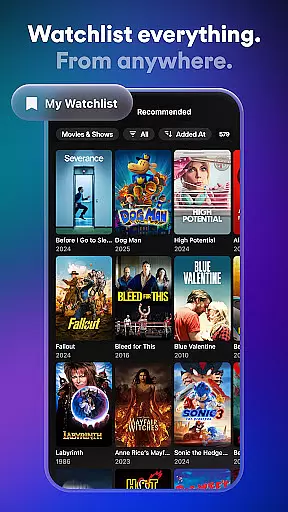
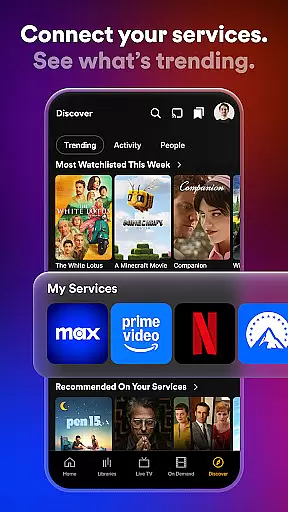
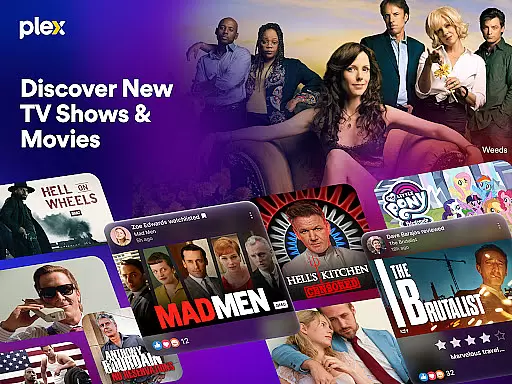
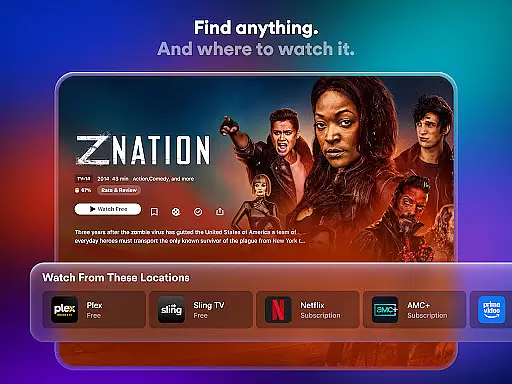
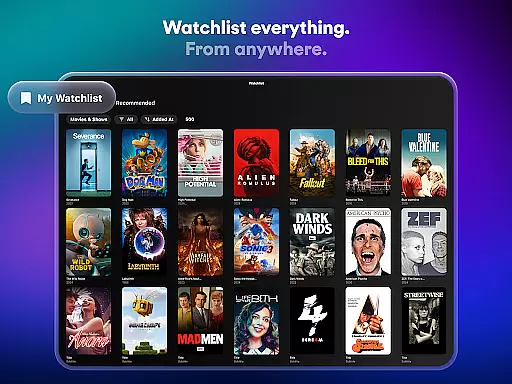
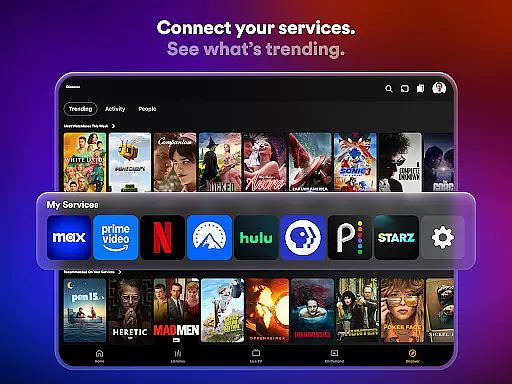
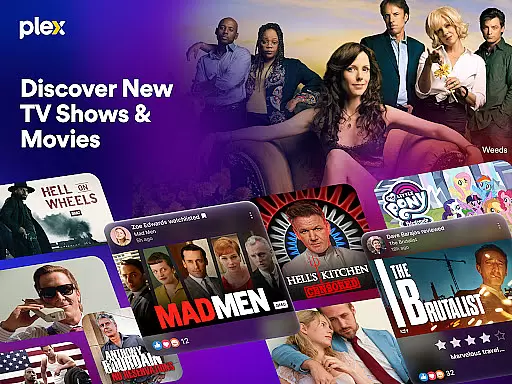
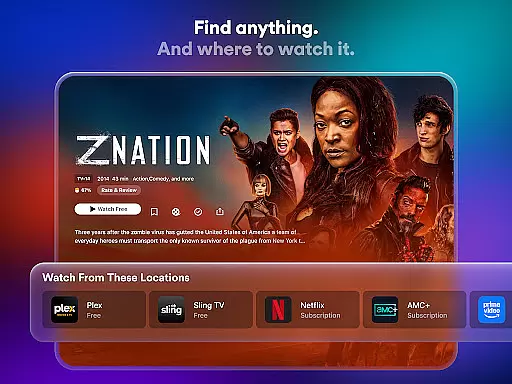
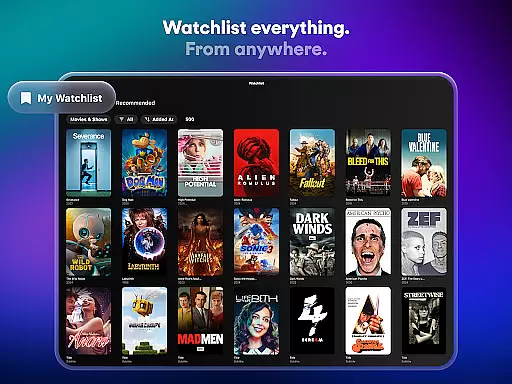
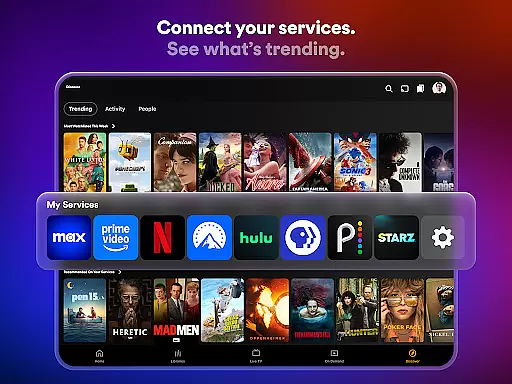
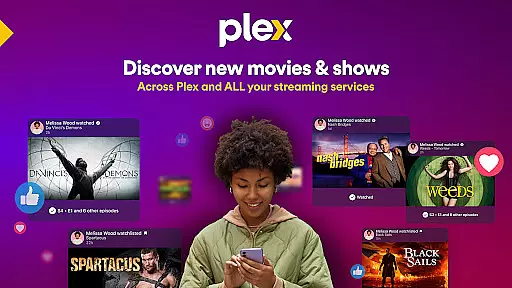
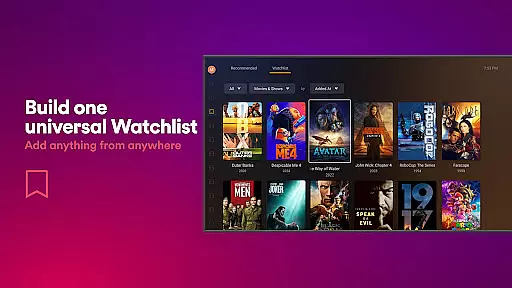
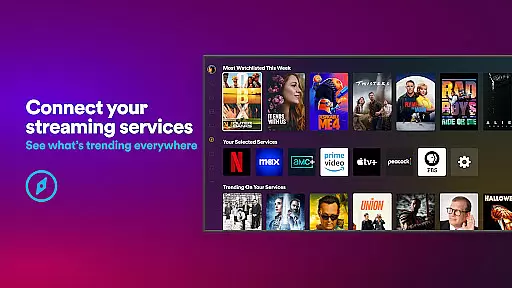
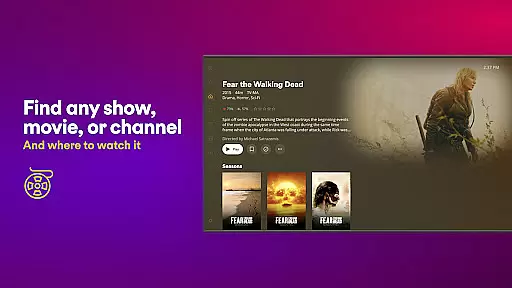
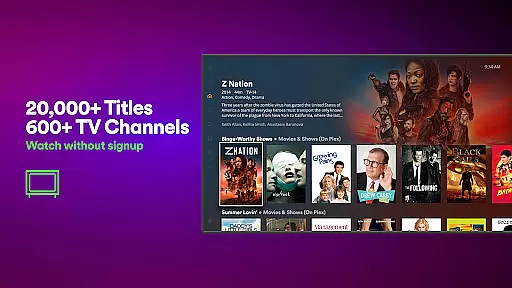
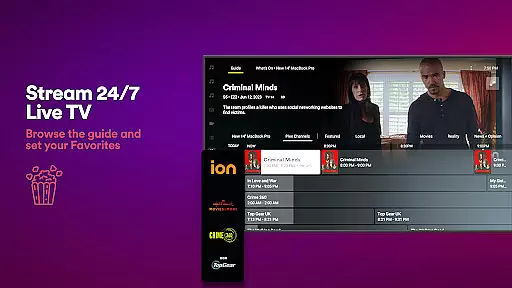
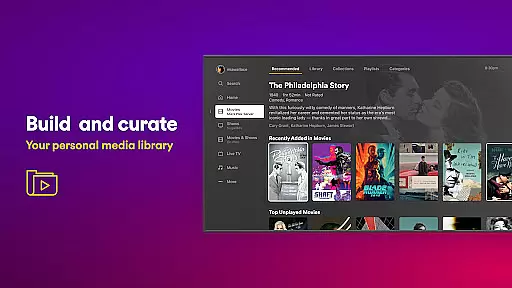
Plex is an all-in-one entertainment app that simplifies media streaming, organization, and sharing. It allows users to discover what to watch next by providing a universal Watchlist for easy access across multiple streaming platforms. With over 600 free TV channels and thousands of movies, Plex offers a subscription-free experience while supporting personal media management through its server.
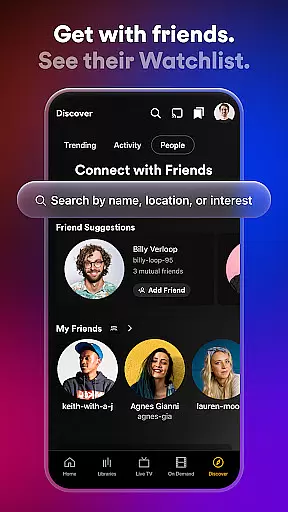
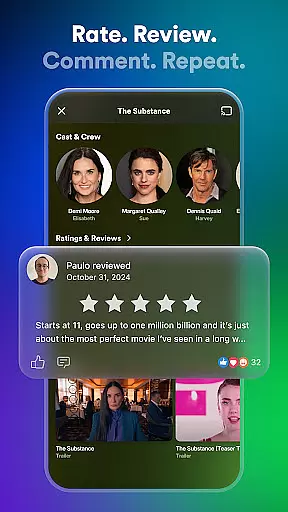
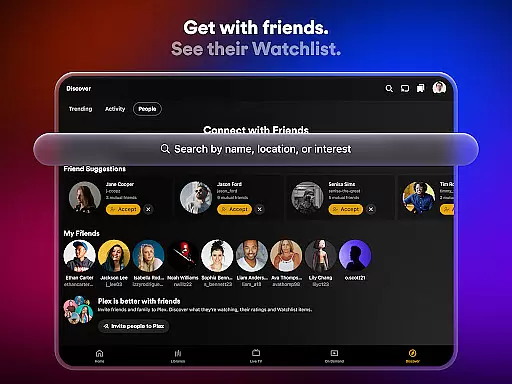
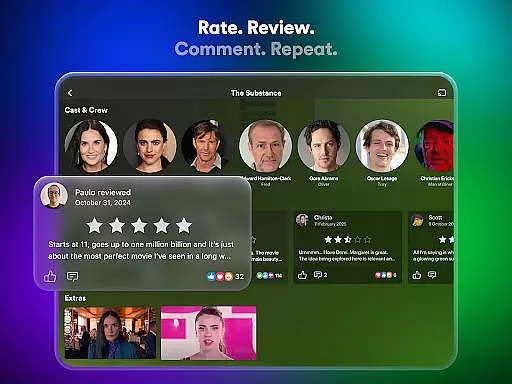
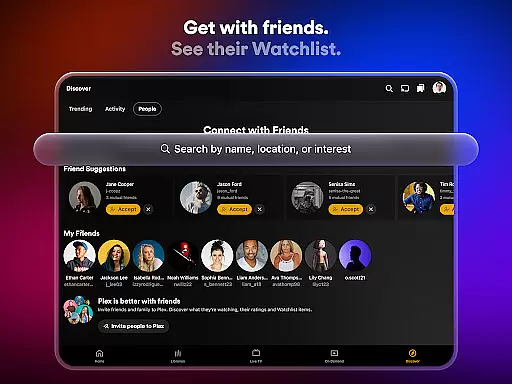
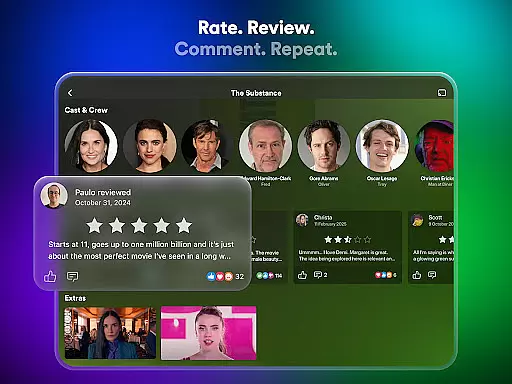
The app connects users with friends and fellow fans, enabling them to leave reviews and share content. Whether it's live TV, sports, news, or kids' shows, Plex aggregates content from popular providers like A24, Paramount, and Lionsgate. Additionally, the new Plex Rentals feature lets users rent recent releases and classic films directly within the app.
Plex stands out with its comprehensive set of features designed to enhance media discovery and consumption. The universal Watchlist allows users to save shows and movies from any platform, creating a centralized list for future viewing. By integrating various streaming services, Plex provides a unified search function to find desired content quickly.
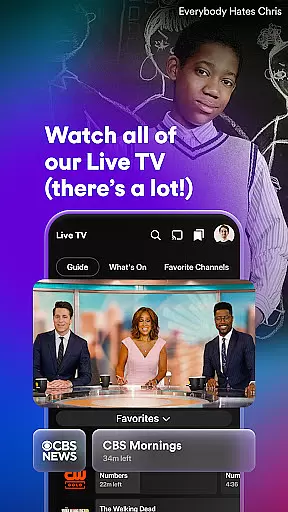
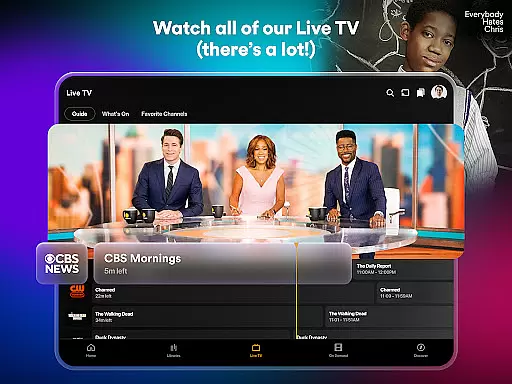
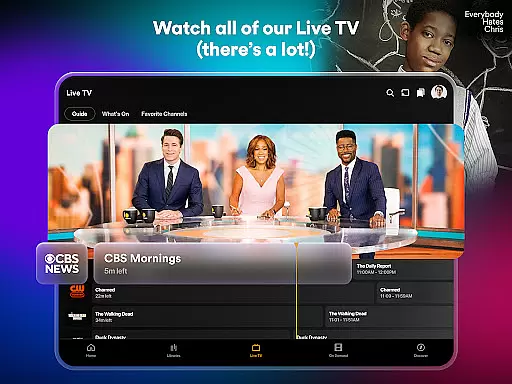
For those who enjoy live TV, Plex offers over 600 free channels, including sports, game shows, and international options. The Plex Personal Media Server automatically organizes personal media collections, making them accessible on any device. Users can also download content for offline viewing. With Plex Rentals, users can access newly released films starting at just $3.99, ensuring they never miss the latest cinema offerings.
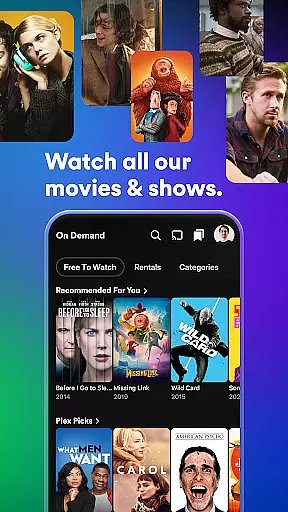
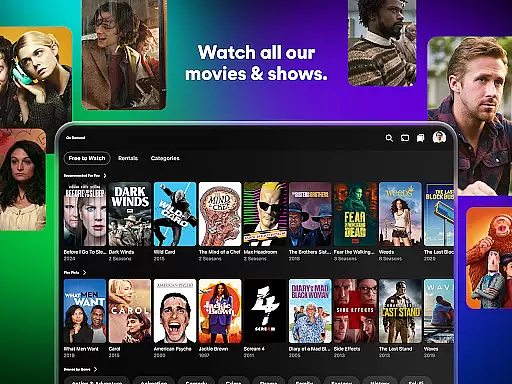
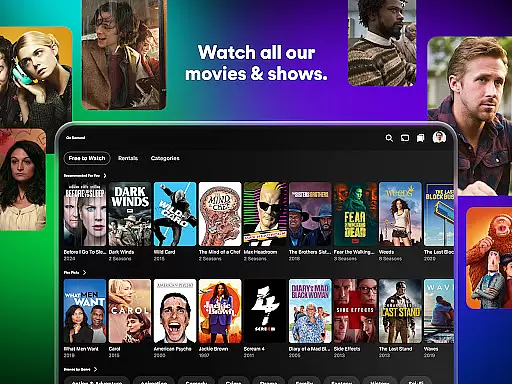
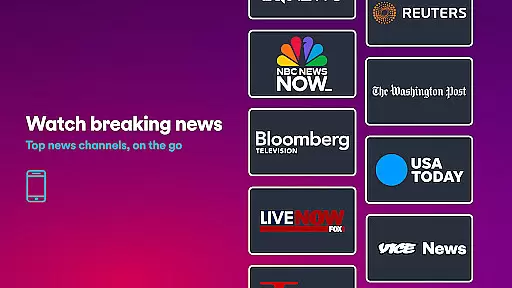
Plex stands out in the Entertainment category by offering an extensive range of content that caters to diverse tastes and preferences. With over 600 channels and thousands of free movies and TV shows, users can explore a vast library of options ranging from sports and news to kids' shows and critically acclaimed series.
The platform ensures content freshness by providing access to newly released movies through Plex Rentals, allowing users to enjoy recent hits like Dune 2 and Civil War shortly after their theatrical runs. This commitment to up-to-date offerings keeps the platform dynamic and engaging for its audience.
Additionally, Plex's universal Watchlist feature enables users to save any show or movie they come across, creating a personalized queue of upcoming releases and trending titles. This functionality not only enhances user convenience but also encourages continuous discovery of new content.
User engagement is a critical metric for entertainment platforms, and Plex excels in this area by providing features that encourage extended viewing sessions and consistent return visits. The platform's ability to connect all major streaming services into one interface creates a seamless experience that naturally leads to longer usage periods.
Plex's social features, including friend connections and activity sharing, foster a sense of community among users. By allowing viewers to react to friends' activities, leave reviews, and share recommendations, the platform builds meaningful interactions that increase emotional investment and time spent within the application.
The combination of live TV options, personal media server capabilities, and offline viewing features creates multiple touchpoints that keep users engaged throughout their day. Whether watching live sports, organizing personal media collections, or catching up on downloaded episodes during commutes, these varied engagement opportunities contribute to strong user retention rates.
User-friendly interface
Wide content selection
Free live TV channels
Personal media management
Offline viewing capability
Limited sports coverage
No ISO disc image support
Some features require premium
Occasional buffering issues
Ads in free version

Watch short films, dramas, reels, series and movies anytime on Micro Drama.
 4.60
4.60
Time tracking, lap counting and much more for Carrera® Digital 132/124
4.80
Real ghost box scanner with echo, reverb, EMF, & multi-stream channels.
3.80
Catalog & tracker of your DVD, Blu-ray & Digital Movie and TV Collection Library
4.80
Stories that spark in seconds.
4.80
Build and Share AI
4.20
Watch Reels, Drama Shorts & TV Series Anytime. Download DramaWave Now!
4.70
Connect. Discover. Control.
3.60
Earn Real Rewards Playing Fun Mobile Games & Easy Cash Out - PayPal & Gift Cards
4.40
SpiritWave is paranormal ITC application.
5.00
Wodfix Air aggregates popular online content for you.
4.80
Classic dynamic pixel art from Mark Ferrari.
4.70
Direct access to the most complete Guitar Tab Archive in Spanish: LaCuerda.net
4.60
The Xbox app keeps you connected to your gaming community.
4.50
Himnario LLDM - Fast and Easy to read , updated Hymnal 2019 Edition Official
4.20
Catch the latest episodes of The Voice or live stream NFL games with The NBC App
4.20
Create your Songs. Cover Maker with any Voice, Song Generator
3.30
Ultimate VR movie player for android mobile videos
4.3
Stream over 80 hours of exclusive mashups and remixes by DJ Rehab.
4.2


User Reviews