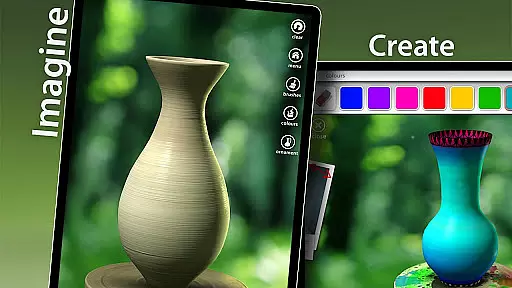
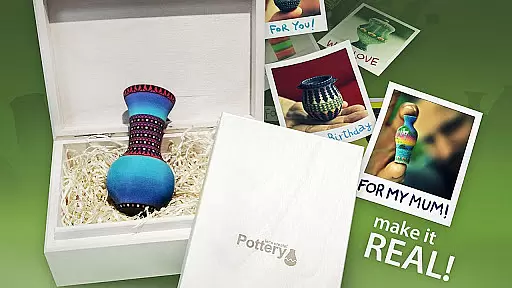

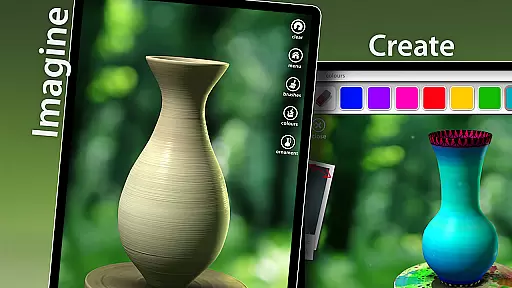
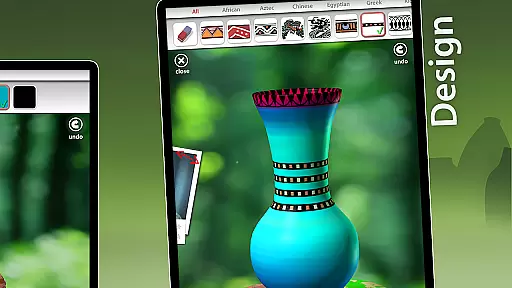


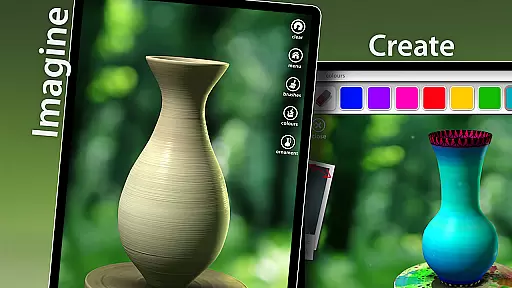

Let's Create! Pottery is a casual game that allows players to unleash their creativity by crafting unique pottery pieces. The app provides an engaging and therapeutic experience, perfect for relieving stress while offering a fun tool for artistic expression. Users can throw clay on the wheel, experiment with various designs, and share their creations with friends.
The game stands out with its simple yet captivating mechanics, making it accessible to players of all ages. Whether you're looking to kill time or find your inner peace, Let's Create! Pottery offers an uplifting experience that can be enjoyed solo or with family and friends. Its combination of creative freedom and relaxing gameplay makes it a brilliant choice for those seeking both entertainment and tranquility.
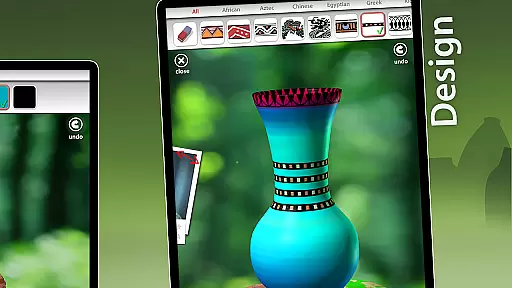
Let's Create! Pottery shines with its rich set of features designed to enhance creativity and relaxation. Players can access dozens of materials to craft one-of-a-kind pottery items, experimenting with shapes, colors, and textures. The intuitive controls simulate the real pottery-making process, allowing users to throw clay on the wheel and glaze their creations with ease.
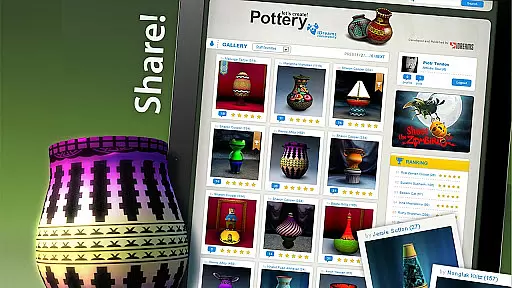
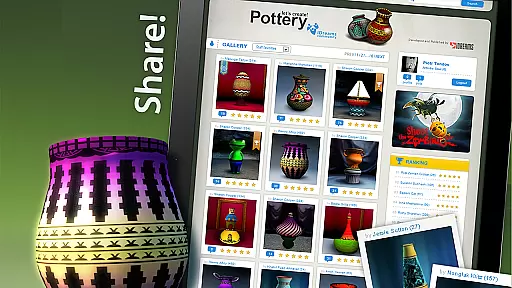
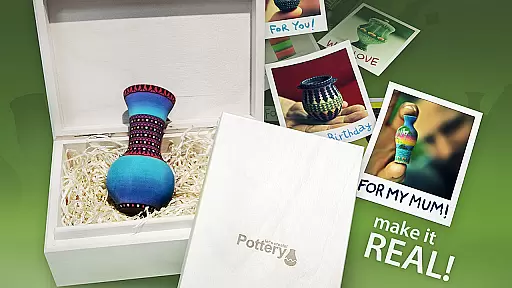
Beyond crafting, the game offers a social aspect where players can share their finished pottery with friends or explore designs made by others. This feature fosters a sense of community among users who appreciate art and creativity. Additionally, the app's therapeutic nature makes it ideal for unwinding after a long day, providing both entertainment and a calming experience in one package.
Let's Create! Pottery offers a straightforward and intuitive gameplay experience that is easy to grasp yet deeply engaging. The game simplifies the intricate art of pottery making into an accessible format for players of all ages.
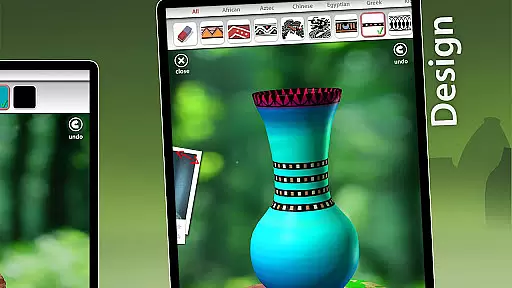
By focusing on the essential aspects of creating pottery, the game removes complex barriers, allowing users to concentrate on expressing their creativity. Players can shape, design, and decorate pottery pieces using a variety of tools and materials provided within the app.
This streamlined approach not only makes the game enjoyable but also educational, as it introduces users to pottery techniques without overwhelming them. The result is a relaxing and therapeutic experience that helps relieve stress while fostering artistic expression.
One of the standout features of Let's Create! Pottery is its adaptable session length, which caters to both short bursts of play and longer creative sessions. Whether you have a few minutes or several hours, the game adjusts seamlessly to your available time.
Players can quickly craft simple pottery pieces during brief intervals, making it perfect for commutes or breaks. Alternatively, those seeking more in-depth engagement can delve into complex designs and detailed decorations at their own pace.
This flexibility enhances the overall user experience by accommodating various play styles and schedules. As a result, Let's Create! Pottery becomes a versatile companion for creative expression, fitting effortlessly into any part of your day.
Easy-to-use interface
Highly creative options
Relaxing and therapeutic
Social sharing capabilities
Family-friendly gameplay
Limited advanced tools
Few customization options
In-app purchases required
Occasional bugs
Ads may disrupt gameplay

Funny Italian Brainrot games for antistress. Unwind with Italian Meme games.
 4.70
4.70
Unmissable Black Friday Discounts! Come and unlock your 3D screw puzzles offers!
4.80
1V1 Hunting Game
4.40
Unfurl tent flaps, cut through bushes, slam doors, and poke some crocodiles!!!
4.70
A minimalist game about digging a hole in the garden of a newly purchased house
3.00
A cozy idle farming game, watch tiny guys do tasks around the terrace.
4.20
Take passengers to their destinations! Become a great taxi driver in the city!
4.40
Match & sort coins in addicting puzzle games—be the master of color matching fun
4.40
Get ready to mix, match, and conquer the fashion world, one battle at a time.
3.70
Help Austin renovate his home and solve exciting match-3 puzzles along the way!
4.70
Tricky Puzzle Fun Brain Story is a fresh brain game with everyday scenarios
4.50
Style your hair with Hair salon, Spa Beauty salon - Make up doll game
4.50
Sam is ready to face his fear of the dark!
4.40
Control Global Flights, Test Your ATC Skills!
4.30
Adds up the dots on a group of dominoes with your phone's camera and keeps score
4.30
Merge numbers on the balls and run to aim for 2048!
4.20
Aim-Shoot-Blast: Perfect Shot
4.0
Catch a fish.
4.3
Join LeeFoxie in a fun tower defense! Cute towers, tricky enemies, endless fun.
4.4


User Reviews